



| Main centres: | 1-3 business days |
| Regional areas: | 3-4 business days |
| Remote areas: | 3-5 business days |
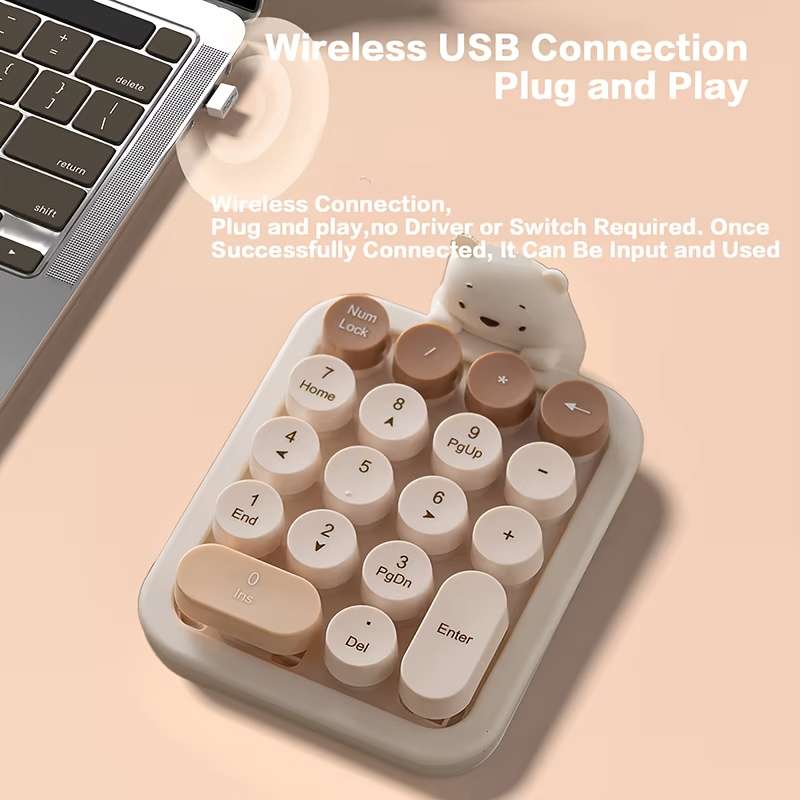
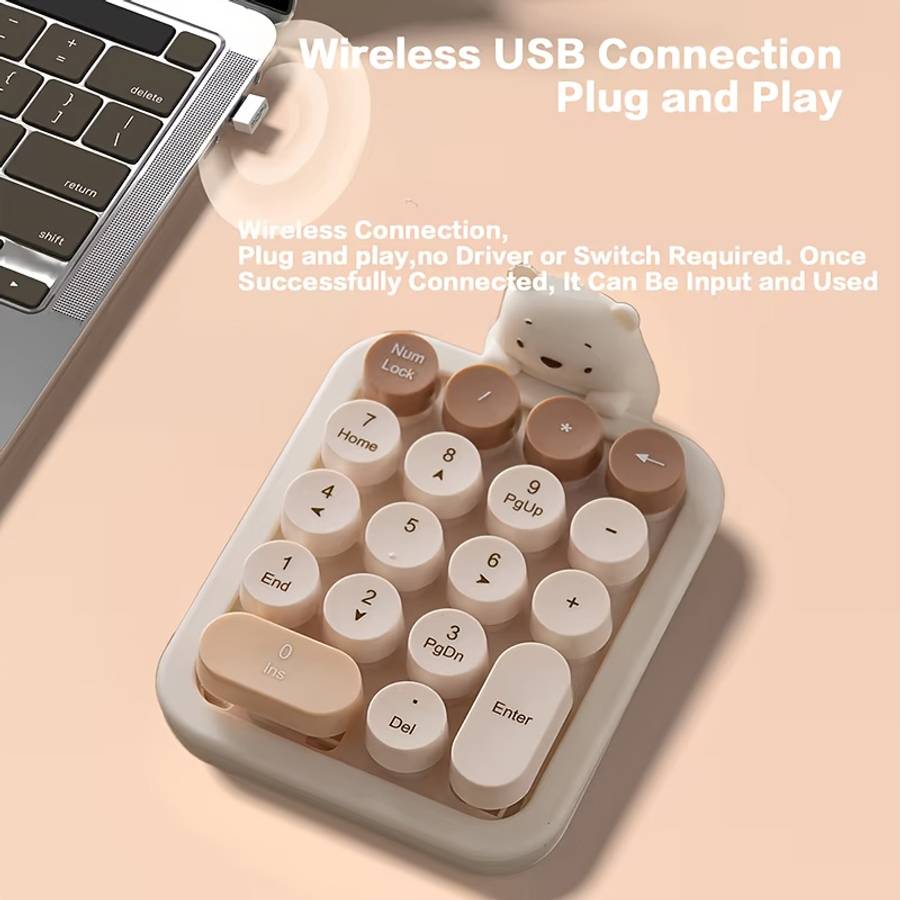
1.Connect the USB plug to USB port of your computerRestoring Factory Default SettingsWhen you find this wireless keyboard doesn't work.you can make the keyboard in working condition by restoring back to factory default settings.
1:Check the battery volume is normal; if the batteries used out, please replace new batteries.2.Insert the USB receiver onto the USB port the PC or notebook.3.At the same time the battery into the keyboard,the keyboard LED lights flash quickly said, restore factory Settings successfully.
Other Considerations1.Power-saving design:When the keyboard does not take any action about 2 seconds into hibernation, press any KEY.2.1 AAA dry batteries: The whole boost to 1.5V.The whole system is 1.5V system.
Installing the BatteryThis RF2.4GHz keyboard use one AAA alkaline batteryInstall the battery in the keyboardStep 1: Remove the battery compartmentcover on the bottom of the keyboardby squeezing the cover in form thetab to release it.Step 2: Insert the battery as shown insidethe battery compartment.Step 3: Replace the cover.