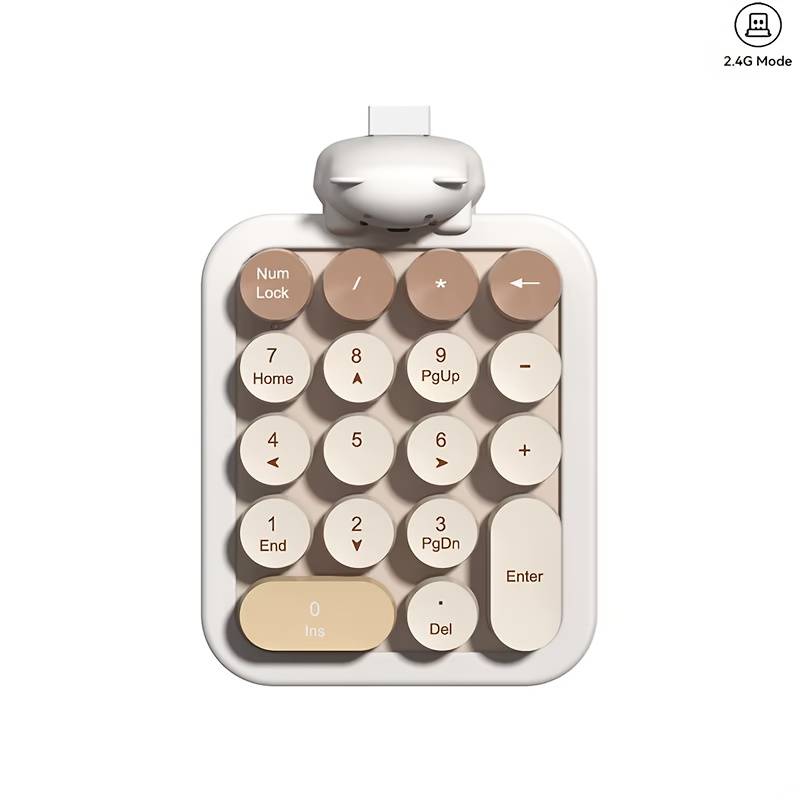

2.4G Portable Numeric Keypad Brown 2.4G Portable Numeric Keypad Brown 2.4G Portable Numeric Keypad Brown 2.4G Portable Numeric Keypad Brown 2.4G Portable Numeric Keypad Brown 2.4G Portable Numeric Keypad Brown 2.4G Portable Numeric Keypad Brown
2.4G Portable Numeric Keypad Brown 2.4G Portable Numeric Keypad Brown 2.4G Portable Numeric Keypad Brown 2.4G Portable Numeric Keypad Brown
2.4G Portable Numeric Keypad Brown
+3

2.4G Portable Numeric Keypad Brown

New 20 available
Indicative market price: R2,473.00
R95.00 minimum increment
R952.00
Shipping
R35.00 Standard shipping using one of our trusted couriers applies to most areas in South Africa. Some areas may attract a R30.00 surcharge. This will be calculated at checkout if applicable.
Check my rate
The seller has indicated that they will usually have this item ready to ship within 15 business days. Shipping time depends on your delivery address. The most accurate delivery time will be calculated at checkout, but in general, the following shipping times apply:
 
Standard Delivery
Main centres:  1-3 business days
Regional areas: 3-4 business days
Remote areas: 3-5 business days
Seller

Product details

Condition
New
Location
International
Product code
OT-JP246
Bob Shop ID
685210558
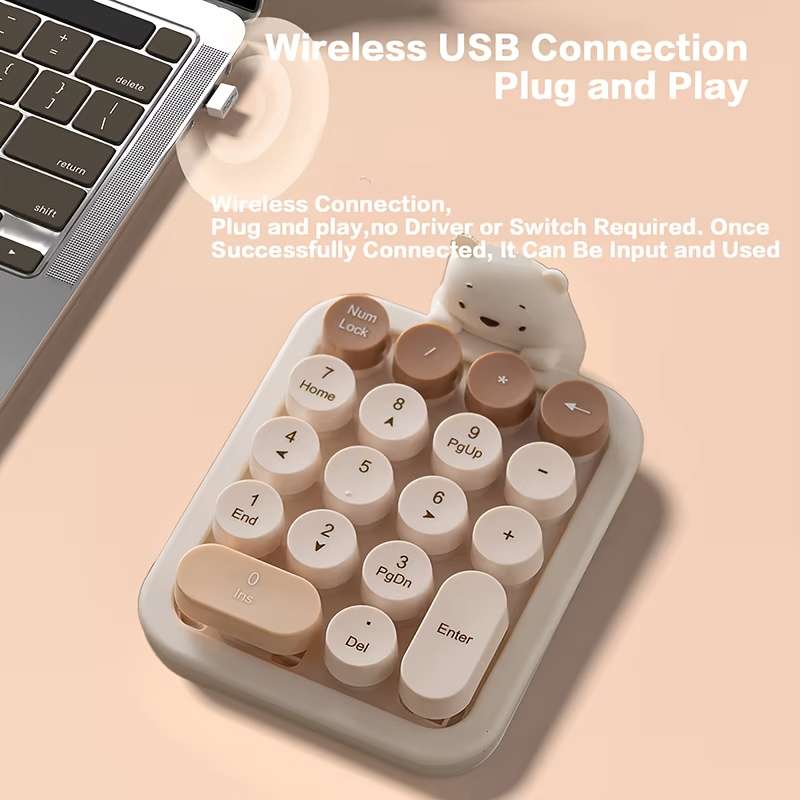
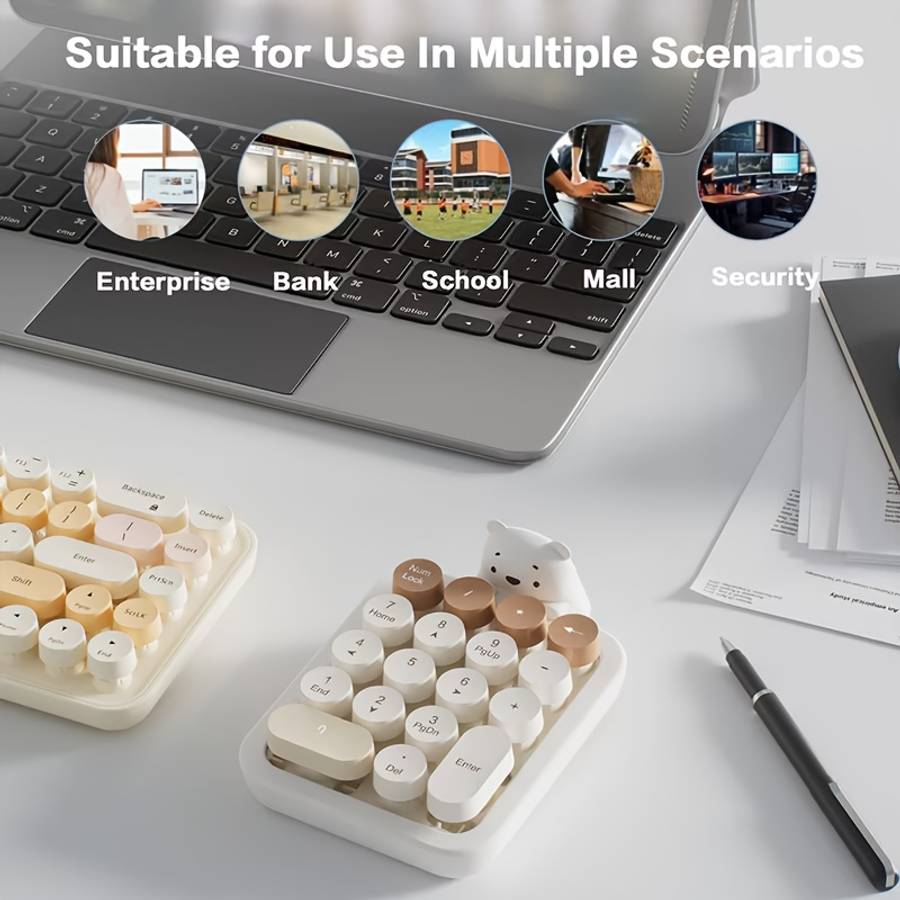
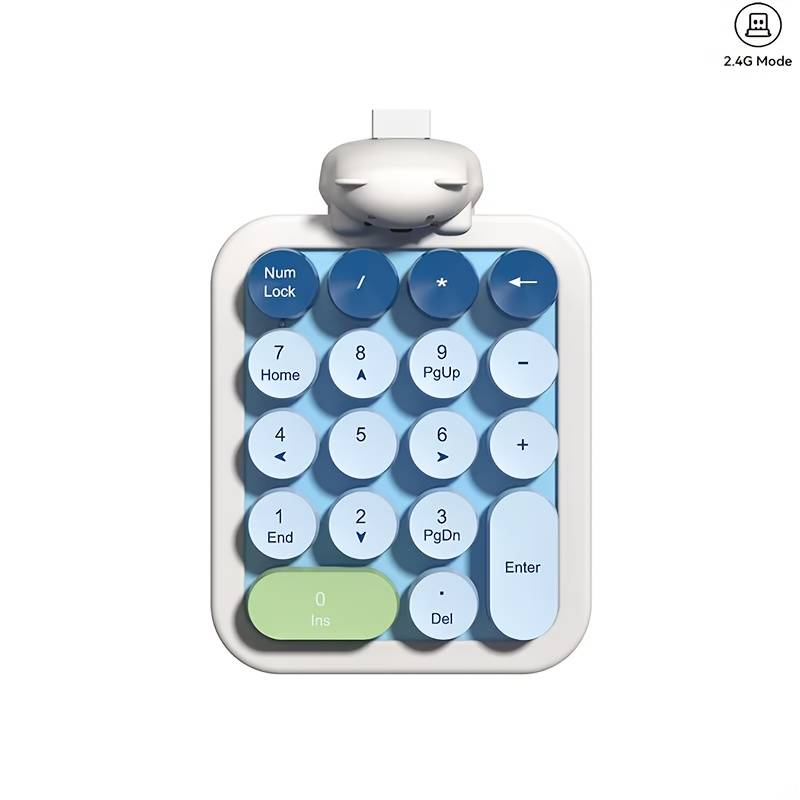
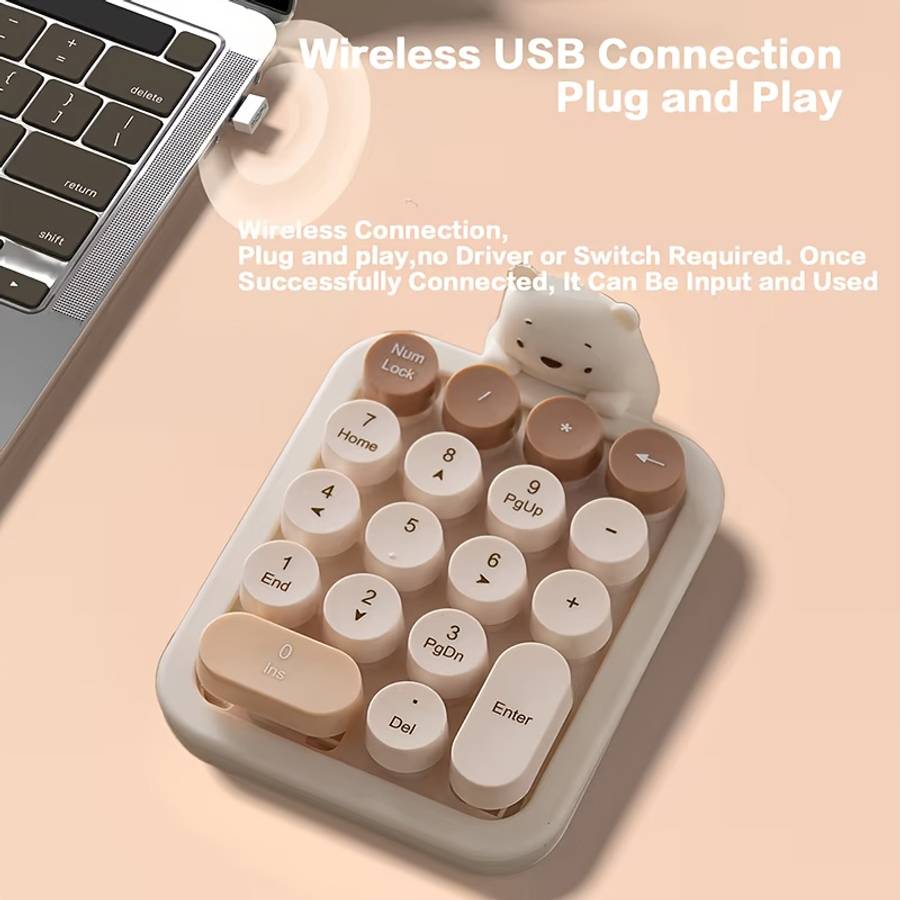
2.4G Plug and Play Wireless Keypad Ergonomic Portable Numeric Keyboard Micro Arc Shaped Detachable Keycaps Mini Number Keyboard for Home Office, Portable Keyboard, Keyboard For Computer, Mechanical Gaming Keyboard, Keyboard Gaming, Keyboard With Touchpad,
color Mulch Tea Wireless Property:2.4ghz wireless ᆪᄄnon-Bluetoothᆪᄅ
Battery Properties:Without Battery
Special Features:Ergonomic,Round Key
Accessory:no components
Product Charging Port:No Charging Function
Power Mode:Battery Powered
Operating Voltage:기36V

1.Connect the USB plug to USB port of your computerRestoring Factory Default SettingsWhen you find this wireless keyboard doesn't work.you can make the keyboard in working condition by restoring back to factory default settings.


1:Check the battery volume is normal; if the batteries used out, please replace new batteries.2.Insert the USB receiver onto the USB port the PC or notebook.3.At the same time the battery into the keyboard,the keyboard LED lights flash quickly said, restore factory Settings successfully.


Other Considerations1.Power-saving design:When the keyboard does not take any action about 2 seconds into hibernation, press any KEY.2.1 AAA dry batteries: The whole boost to 1.5V.The whole system is 1.5V system.


Installing the BatteryThis RF2.4GHz keyboard use one AAA alkaline batteryInstall the battery in the keyboardStep 1: Remove the battery compartmentcover on the bottom of the keyboardby squeezing the cover in form thetab to release it.Step 2: Insert the battery as shown insidethe battery compartment.Step 3: Replace the cover.


Add to cart

Similar products

Don't miss out on the latest deals!