| Main centres: | 1-3 business days |
| Regional areas: | 3-4 business days |
| Remote areas: | 3-5 business days |
Features
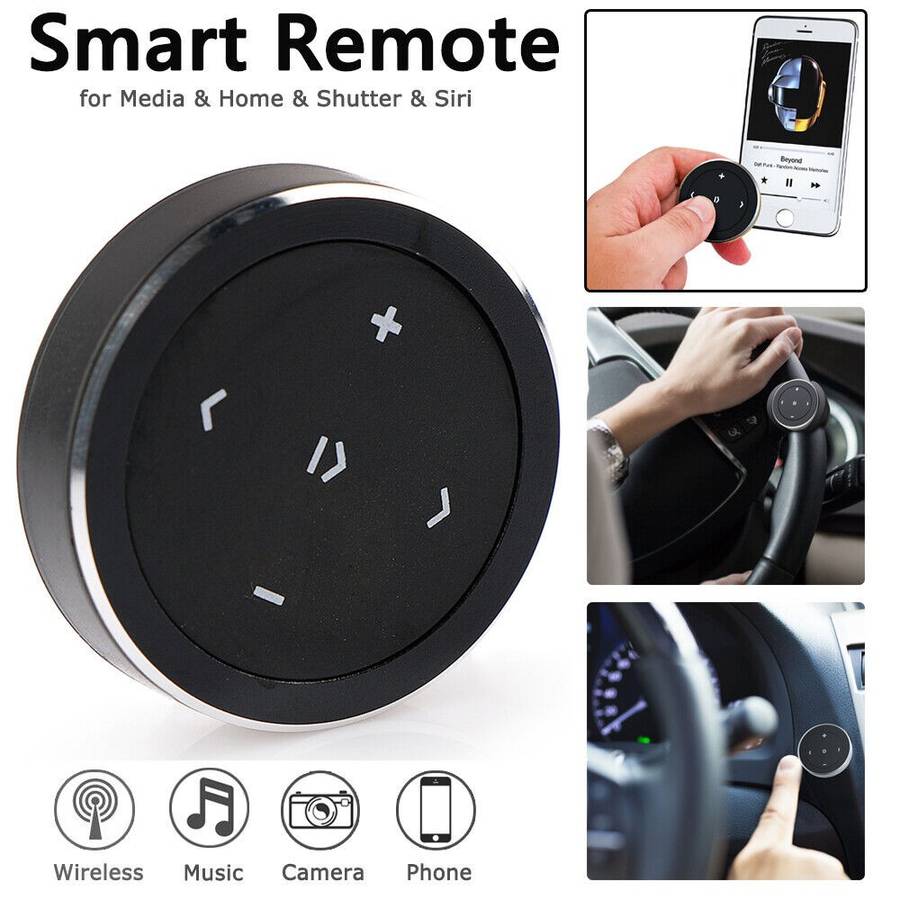
Control music wirelessly with a single press, even when your smart device is out of reach.
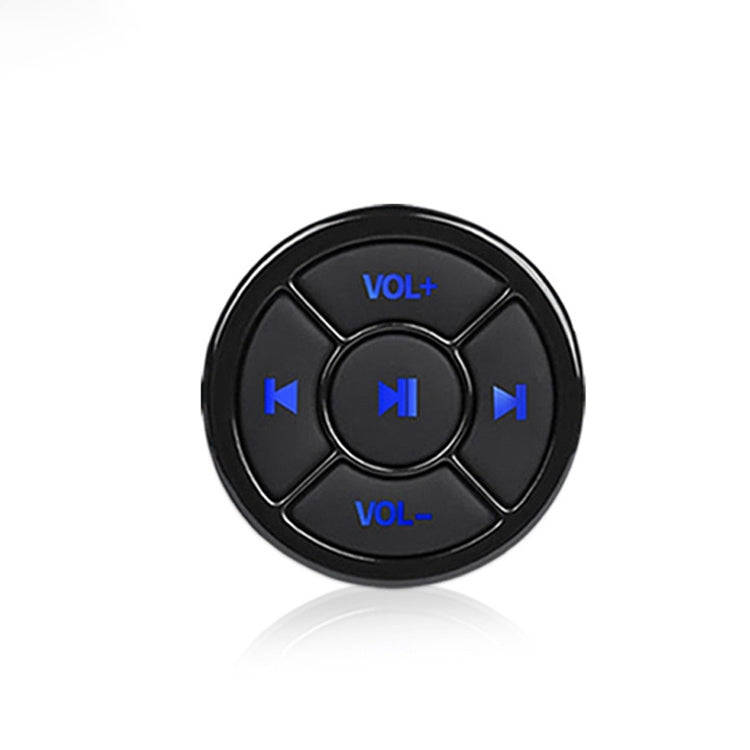
Play or pause music, skip tracks, and adjust the volume with ease.
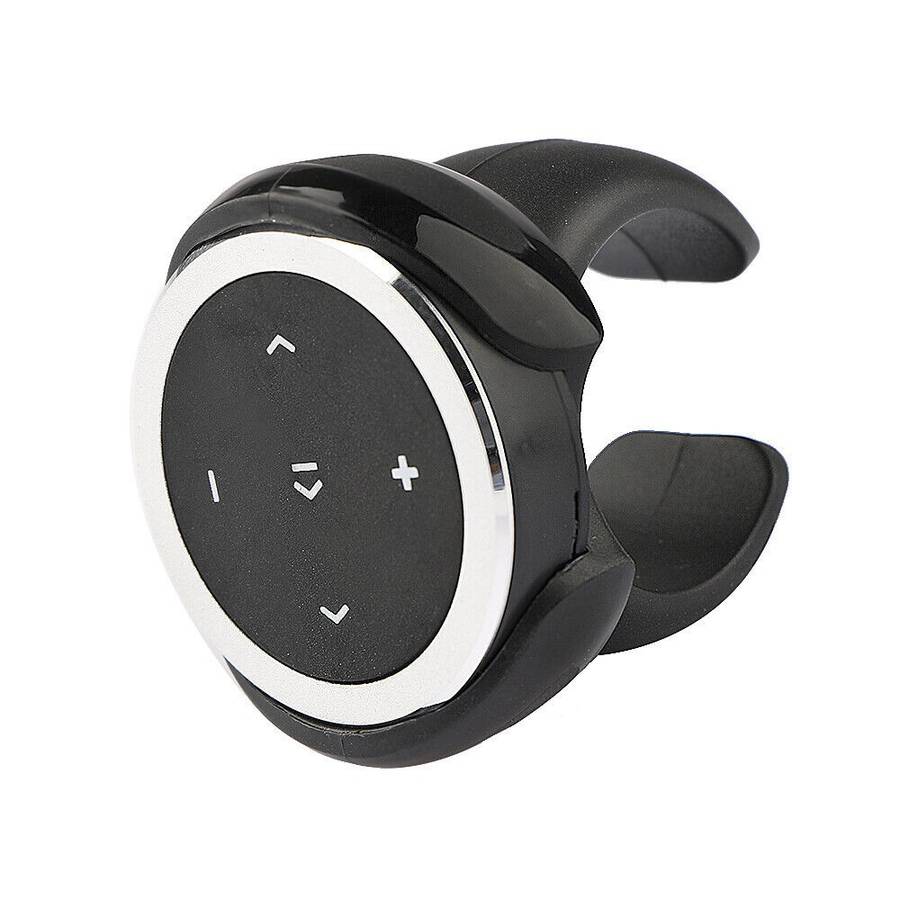
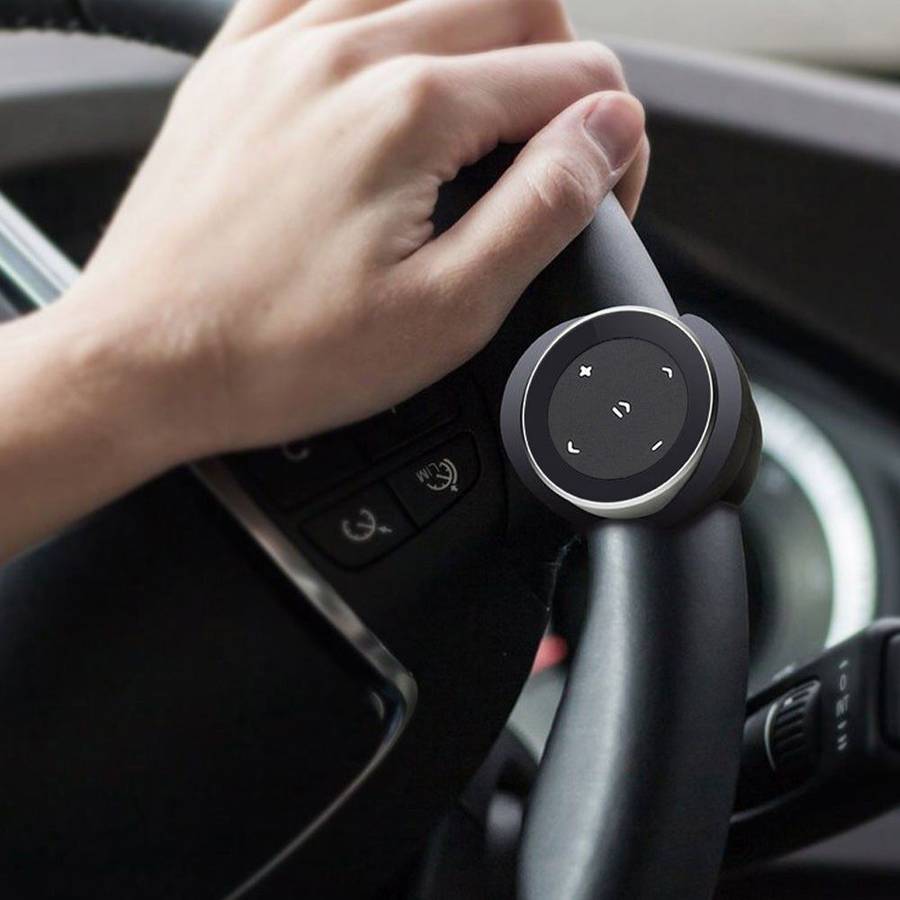
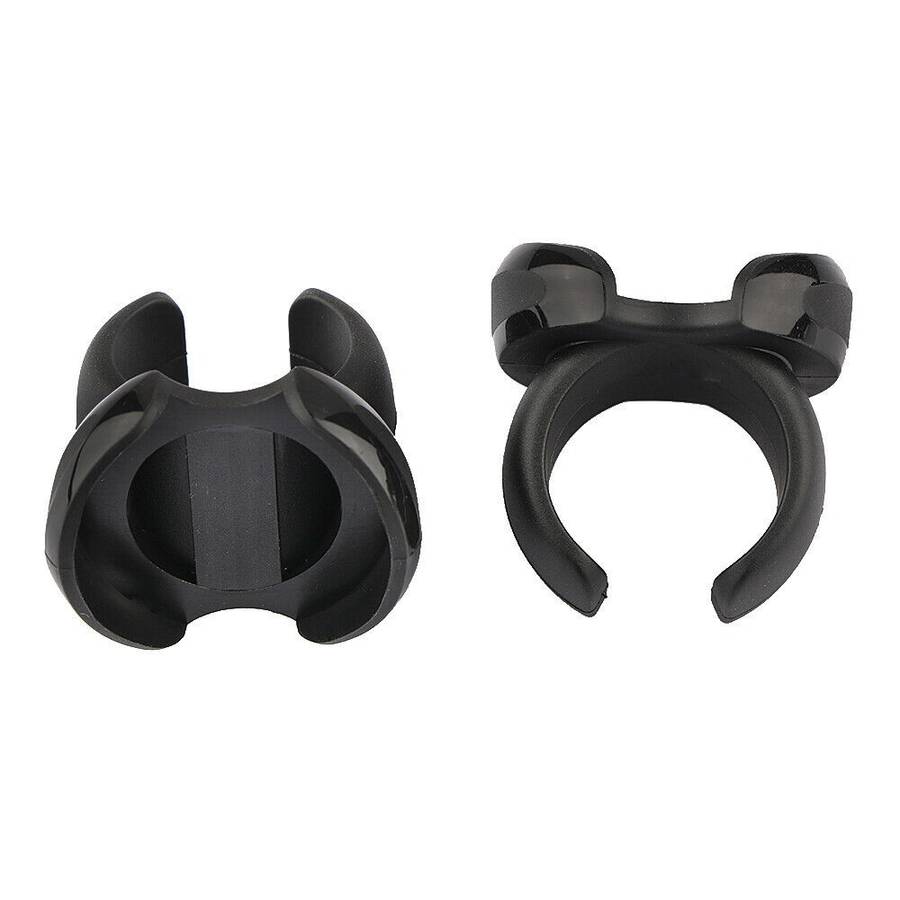
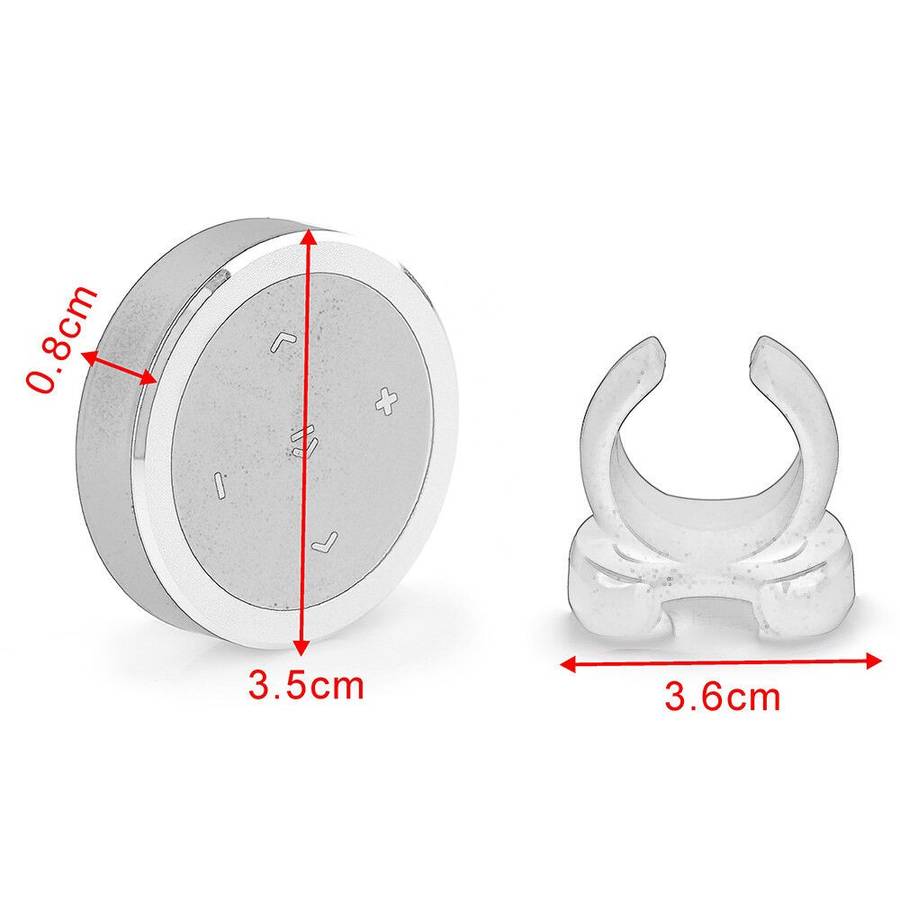
Easily attach the Media Button to your steering wheel or bicycle handlebars using the included mount.
Power-saving mode: Automatically turns off after 30 seconds of inactivity.
Compact and user-friendly design.
Compatible with iOS devices (Bluetooth 4.0 and later) and Android OS 4.0 or later.
Specifications
Compatibility: iOS (Bluetooth 4.0 and later), Android OS 4.0 or later.
Control Functions: Play/Pause, Skip Tracks, Volume Adjustment.
Mounting Options: Steering Wheel or Bicycle Handlebars.
Power-saving: Auto-off after 30 seconds of inactivity.
Pairing Instructions:
Enable Bluetooth: Ensure Bluetooth is turned on in your phone's settings.
Enter Pairing Mode: Press and hold the pairing or central button for a few seconds until an indicator light (usually blue) begins to flash.
Connect: On your phone's Bluetooth device list, select the device name, which might appear as "Bluetooth Media Button" or similar.
Confirm: Click the "pair" button on the pop-up menu if prompted.
Usage Instructions:
The button allows control of media playback and calls without needing to reach for your phone.
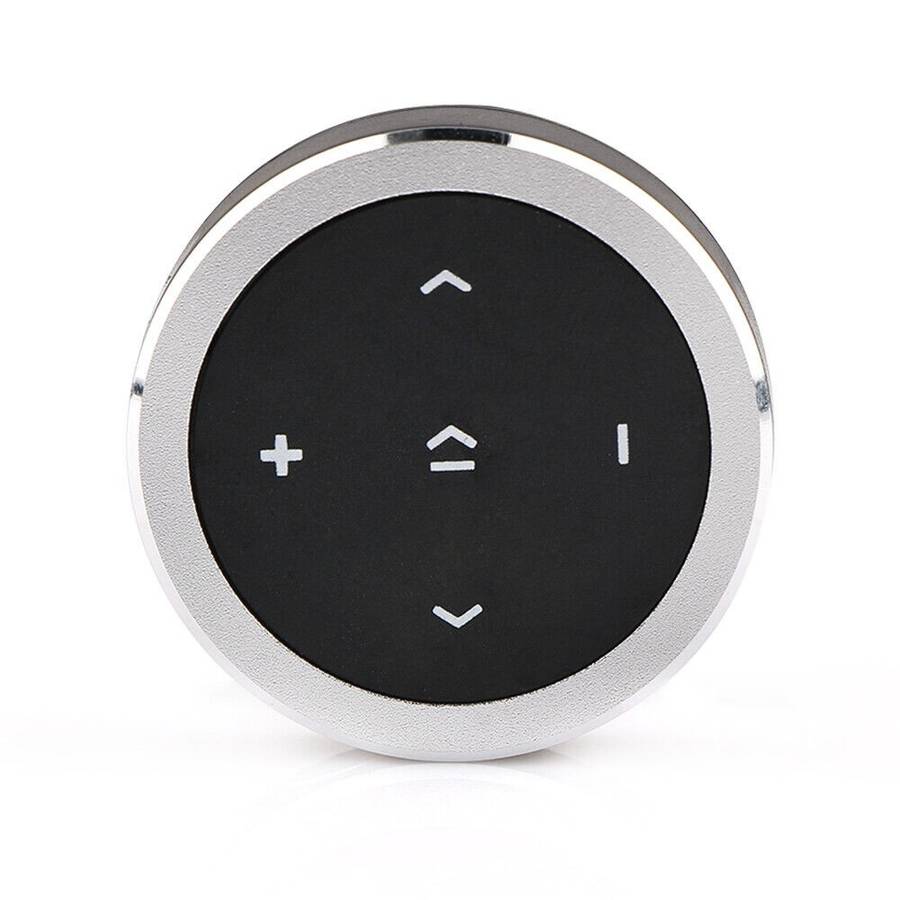
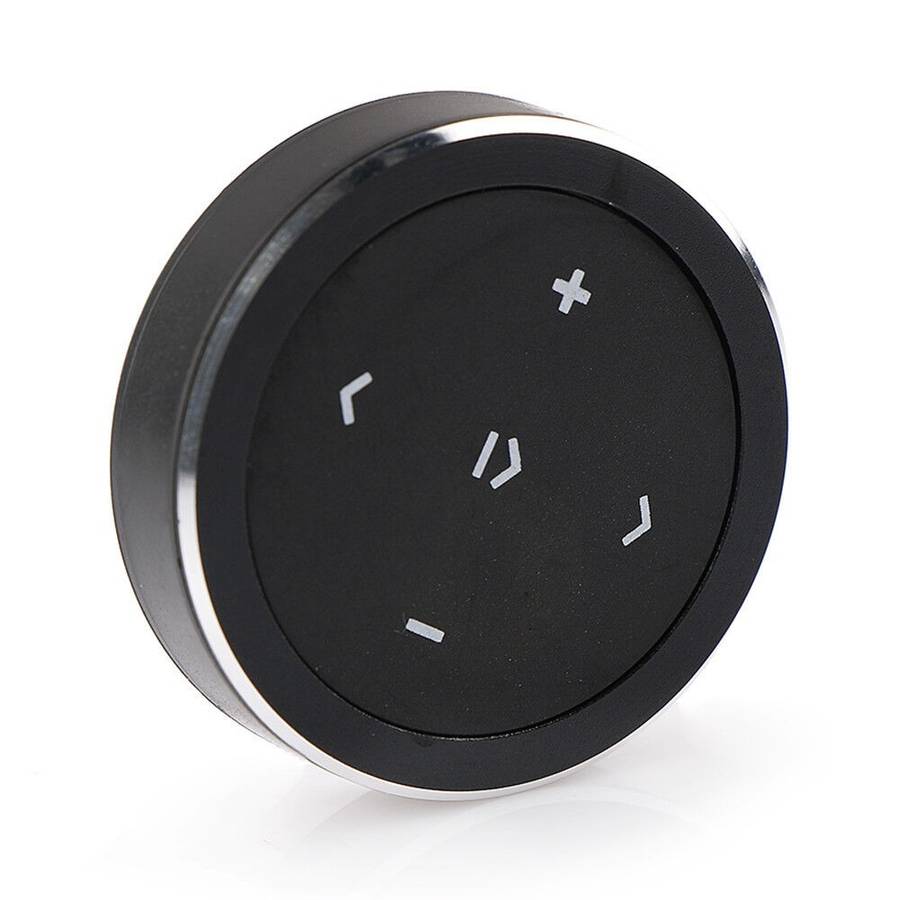
Play/Pause Media: Press the central (|> ) button.
Next/Previous Track: Use the left (<) and right (>) arrow buttons to navigate tracks.
Volume Control: Use the plus (+) and minus (-) buttons to adjust the volume.
Answer/Hang Up Call: Press the central button once during an incoming or active call.
Reject Call: Long-press the central button during an incoming call.
Redial Last Number: Double-press the central button when no call is active.