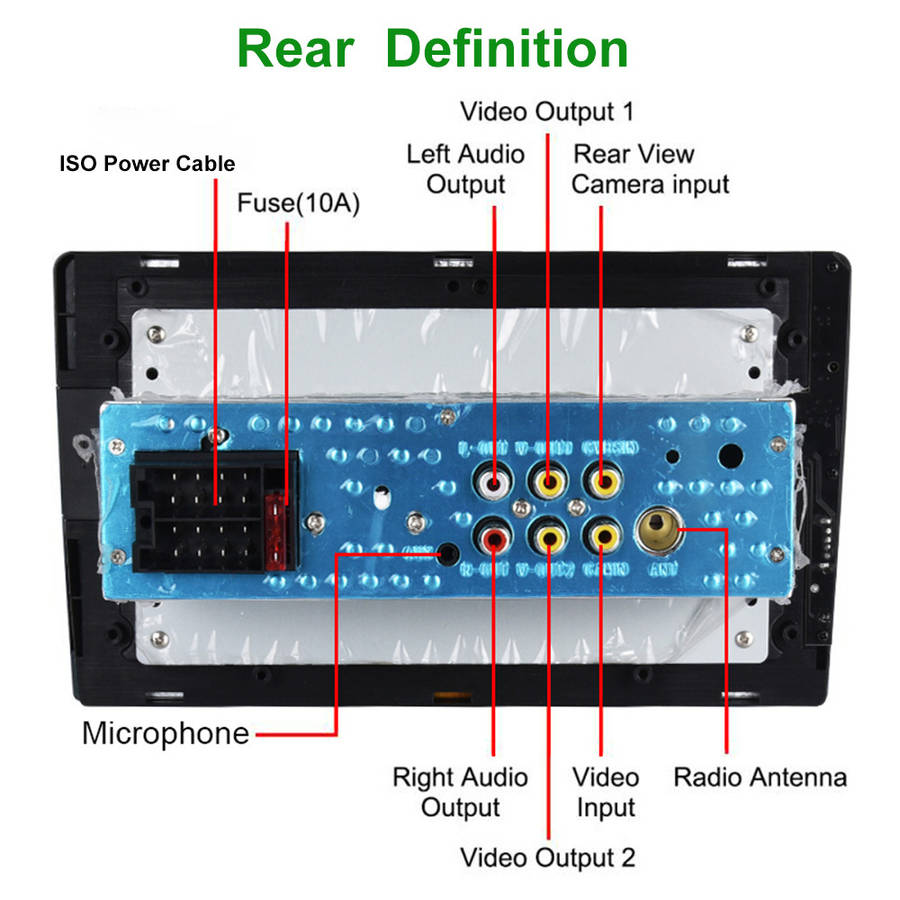
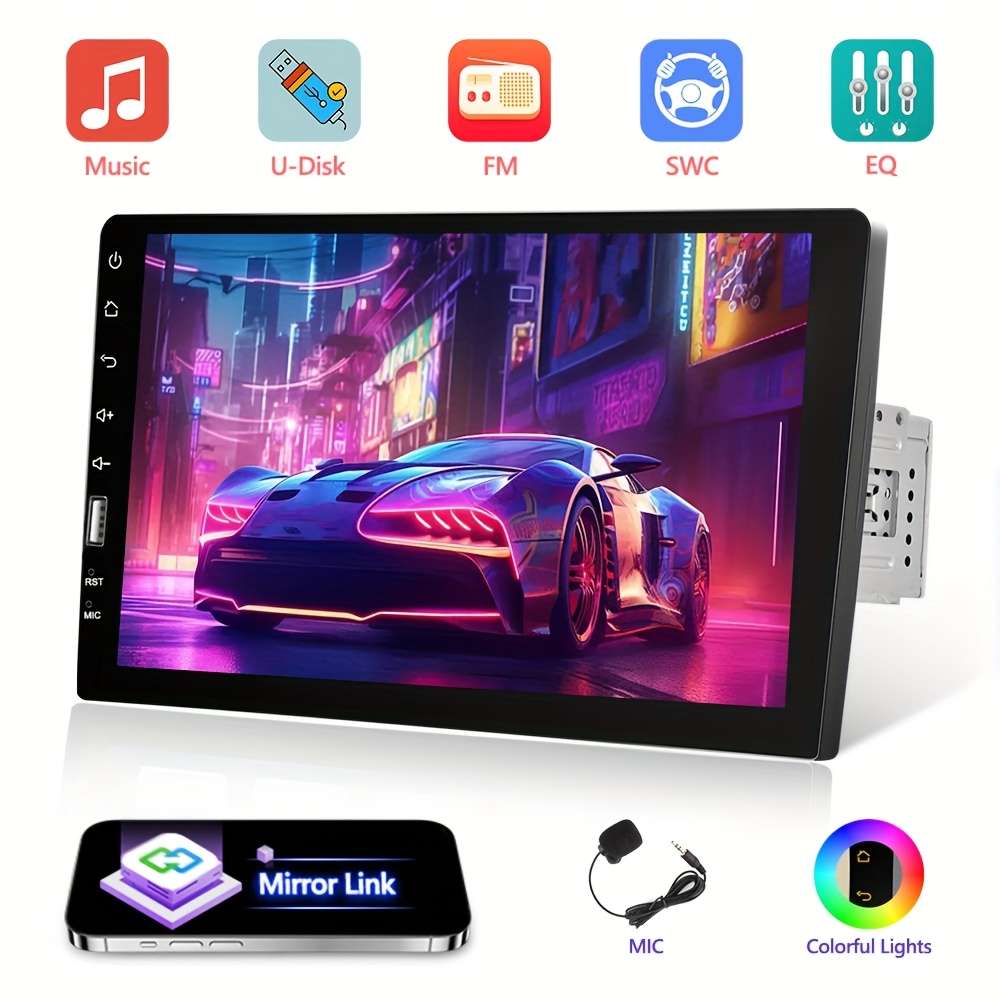
Car Audio Entertainment System Items With Microphone Car Audio Entertainment System Items With Microphone Single Din 22.86cm MP5 Player 2.5D HD Screen Stereo Radio Support Mirror Link FM AUX Function SWC with Seven color backlight +Rear View OptionalPower Mode:Room electrical/hard wiring
Operating Voltage:기36V
Battery Properties:Without Battery
Wireless Property:wireless
Brand:PODOFO
Does It Include A Screen?:Yes
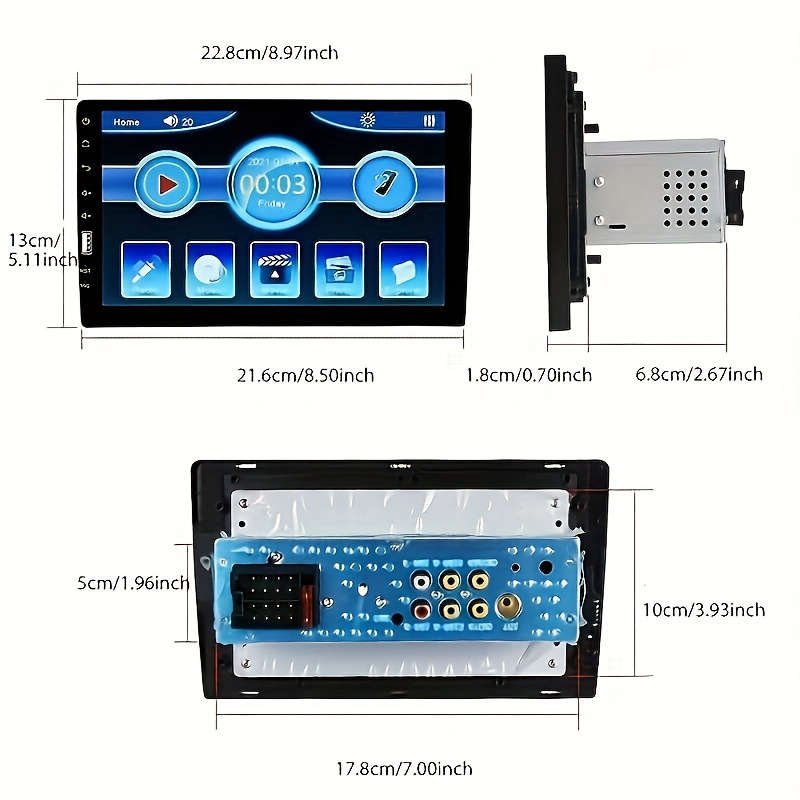
Screen Size:9Inch
ID:NH696123
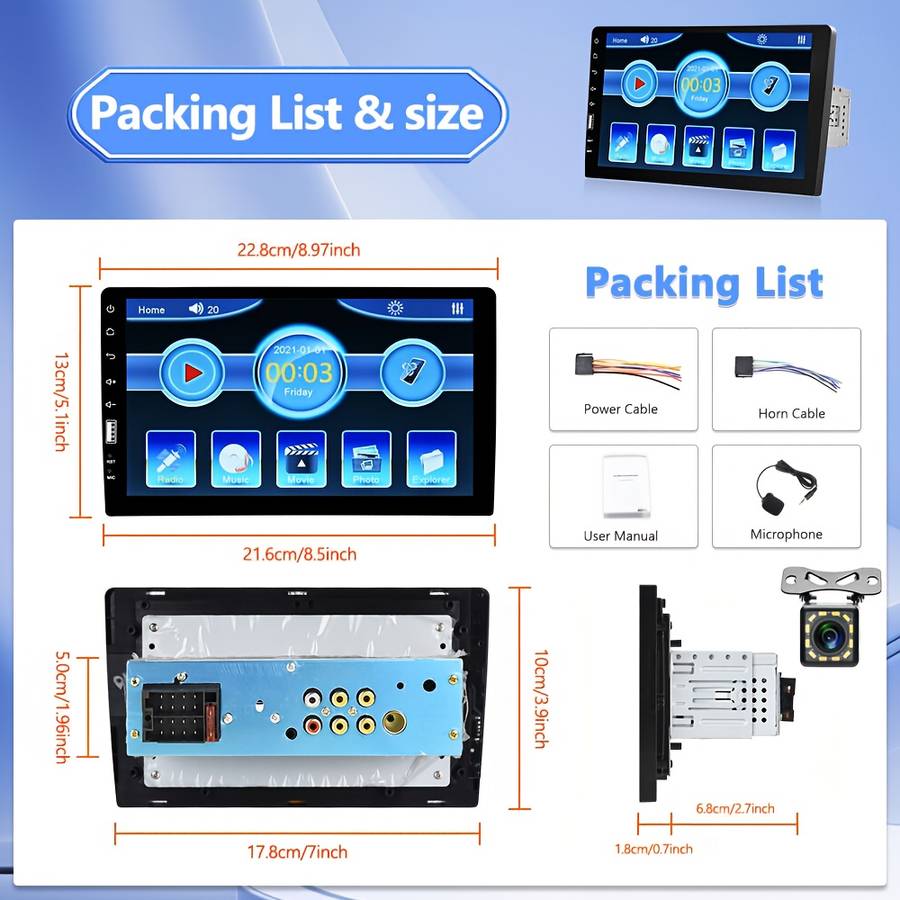
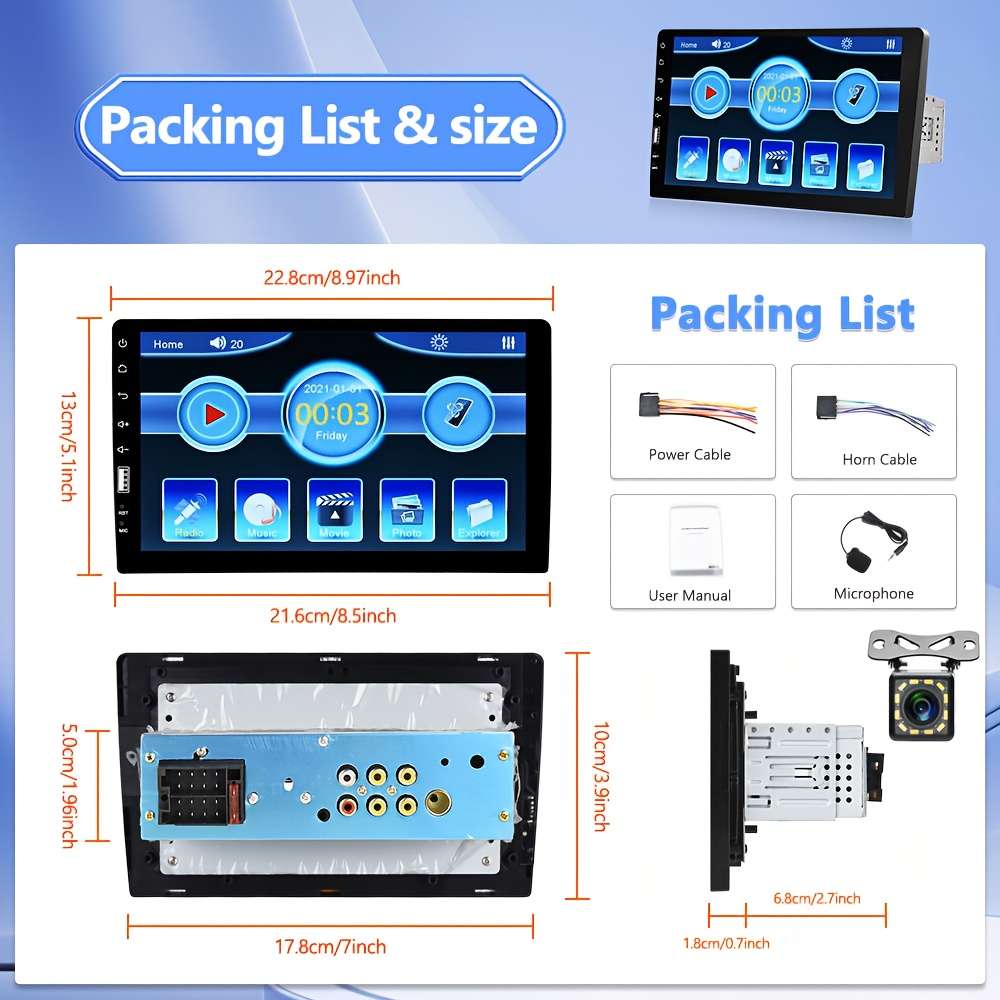
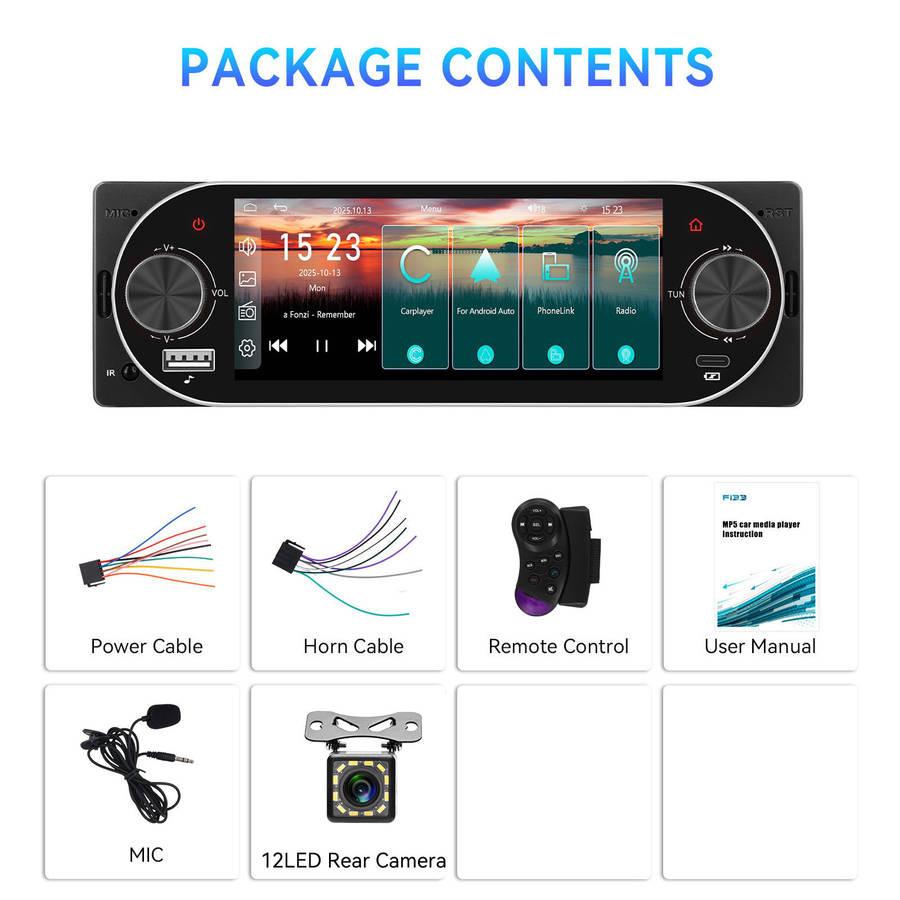
Package Included:
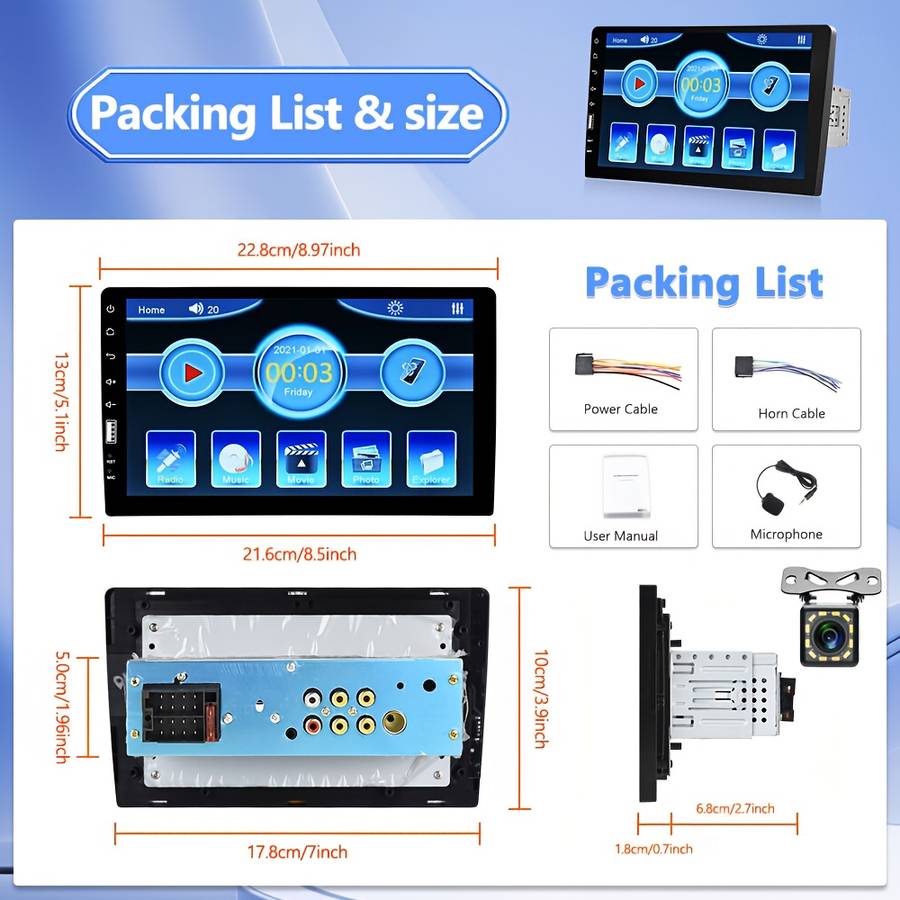
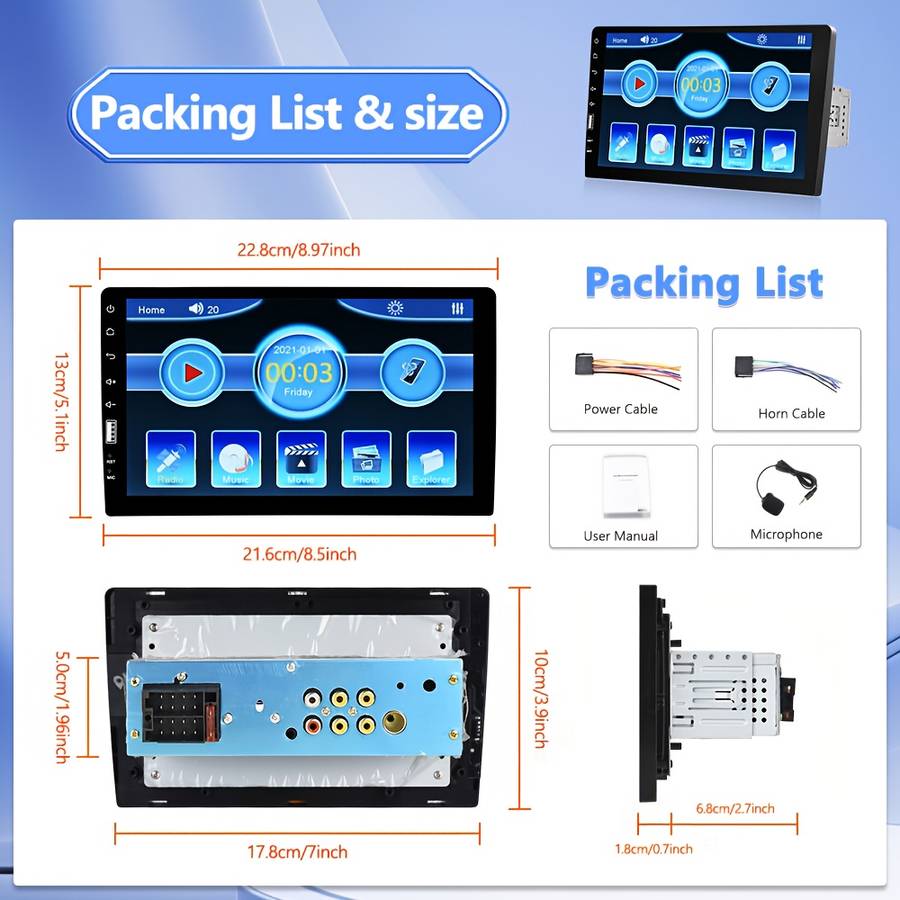
1 x Car MP5 Player1 x Power Cable1 x Speaker Cable1 x External Microphone1 x Instruction manua1 x Rear View Camera (Optional)
Feature
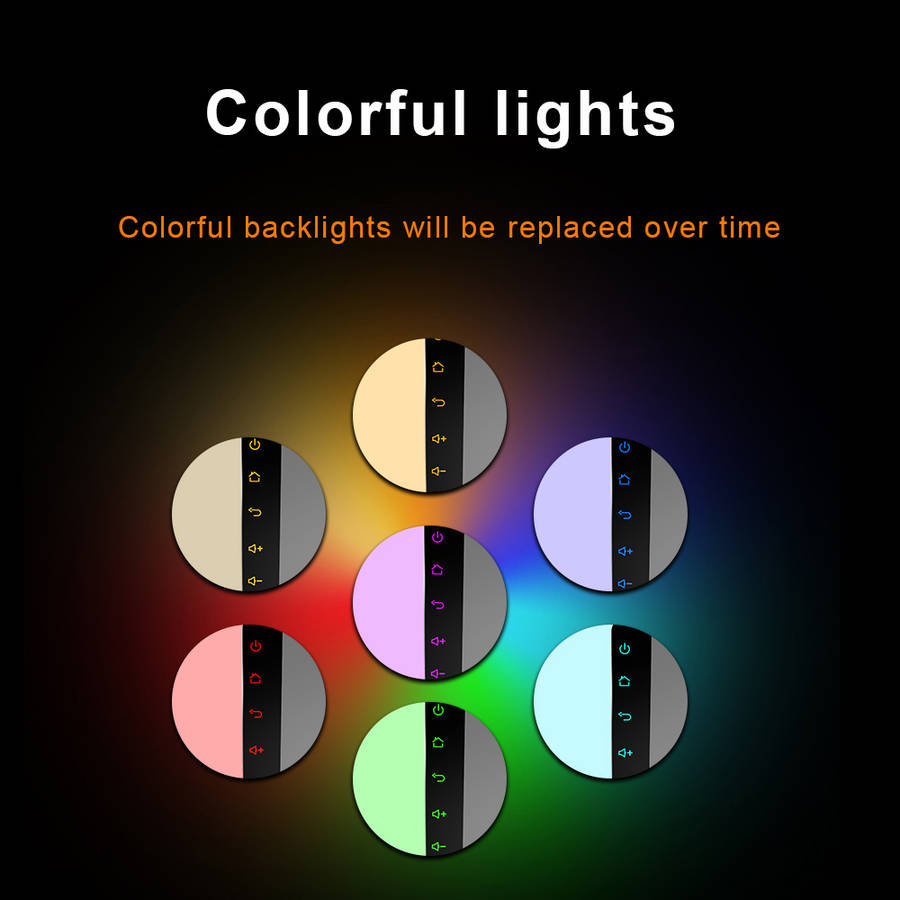
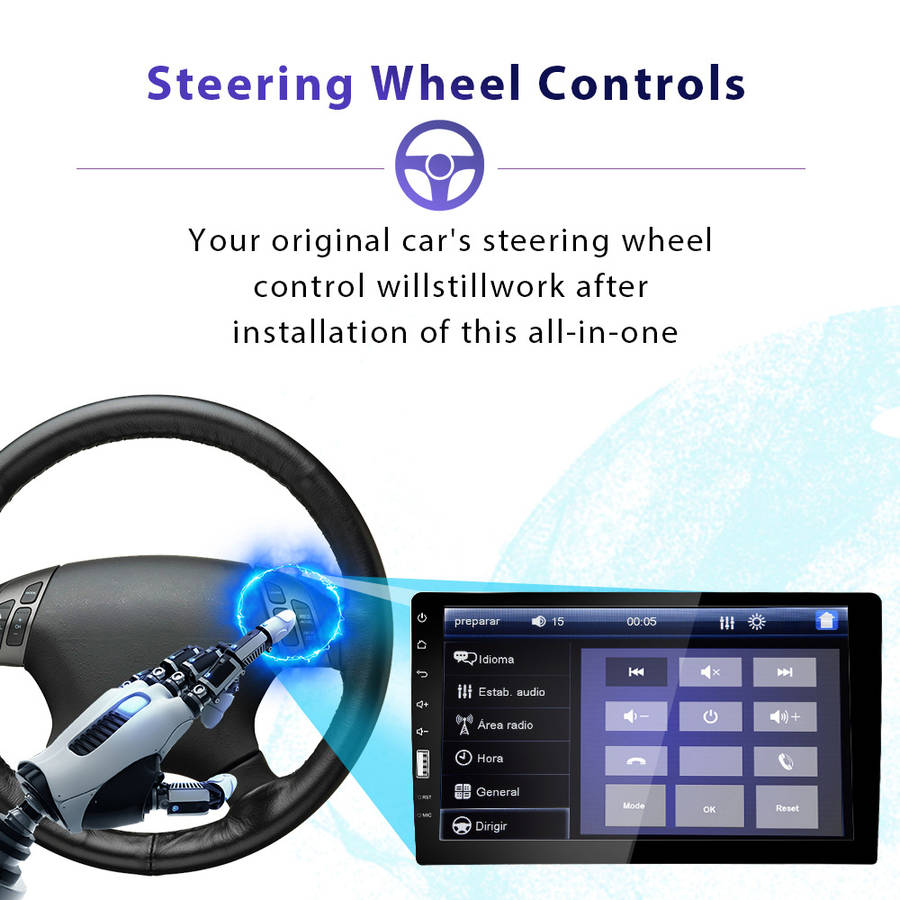
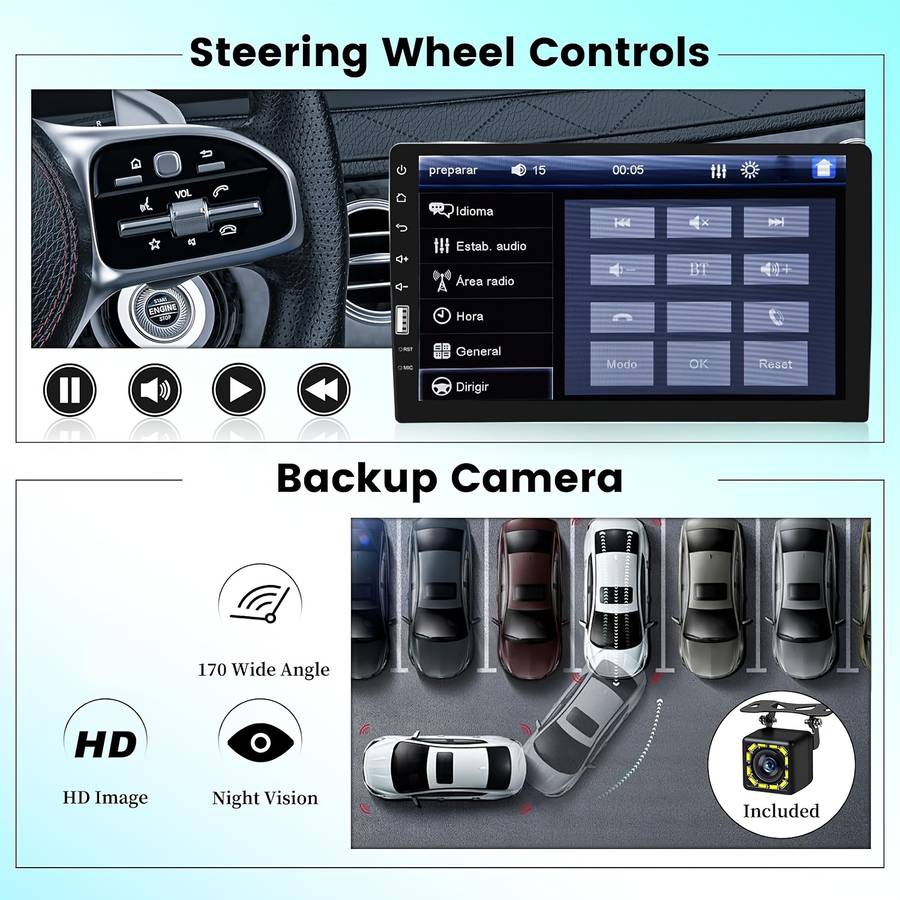
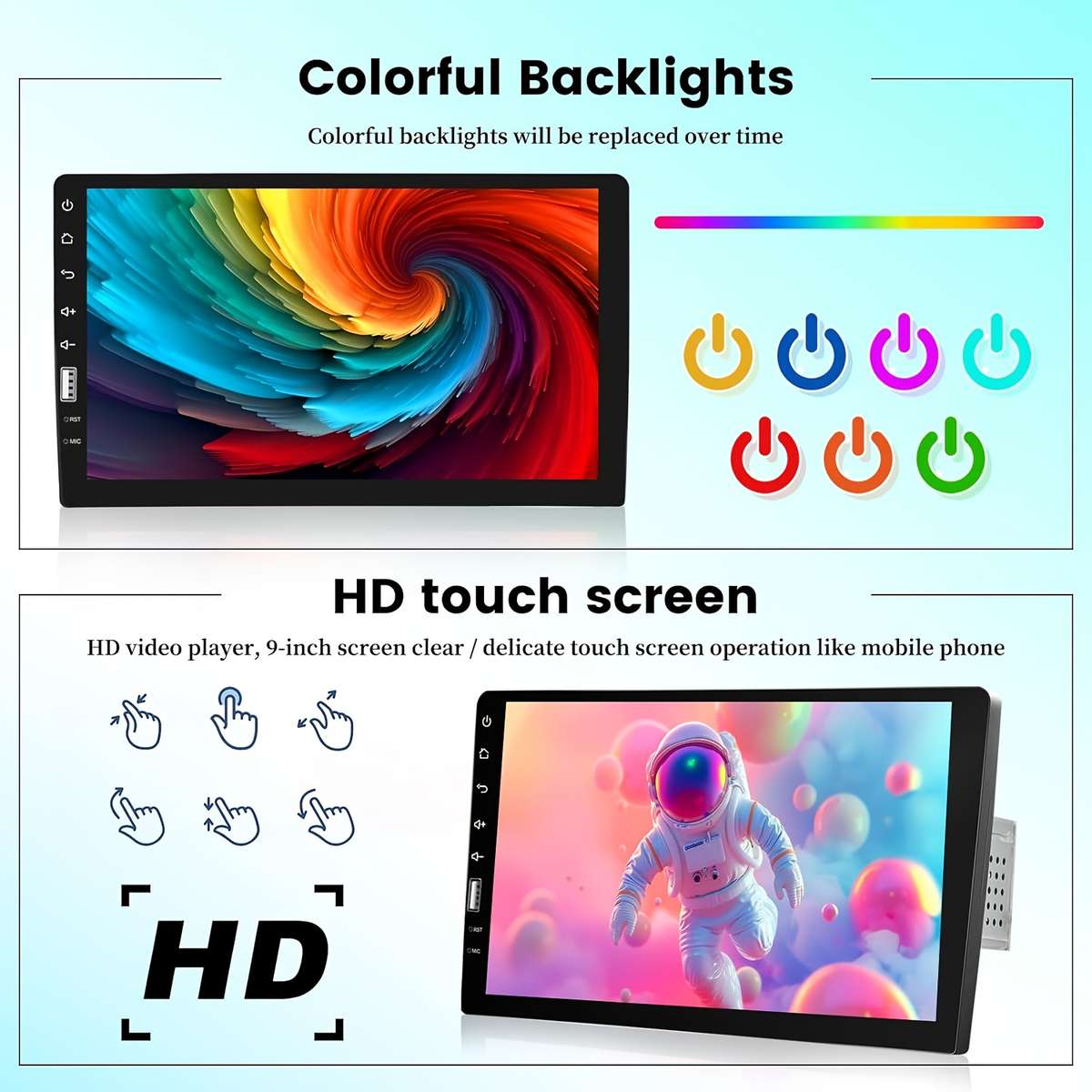
1.Upgraded Dual system mirror For Android mirror link2.Seven color backlight: Support seven color backlight, you can choose seven color as a backlight4.Steering wheel control: Quickly For Switch functions which you want with your car's steering wheel
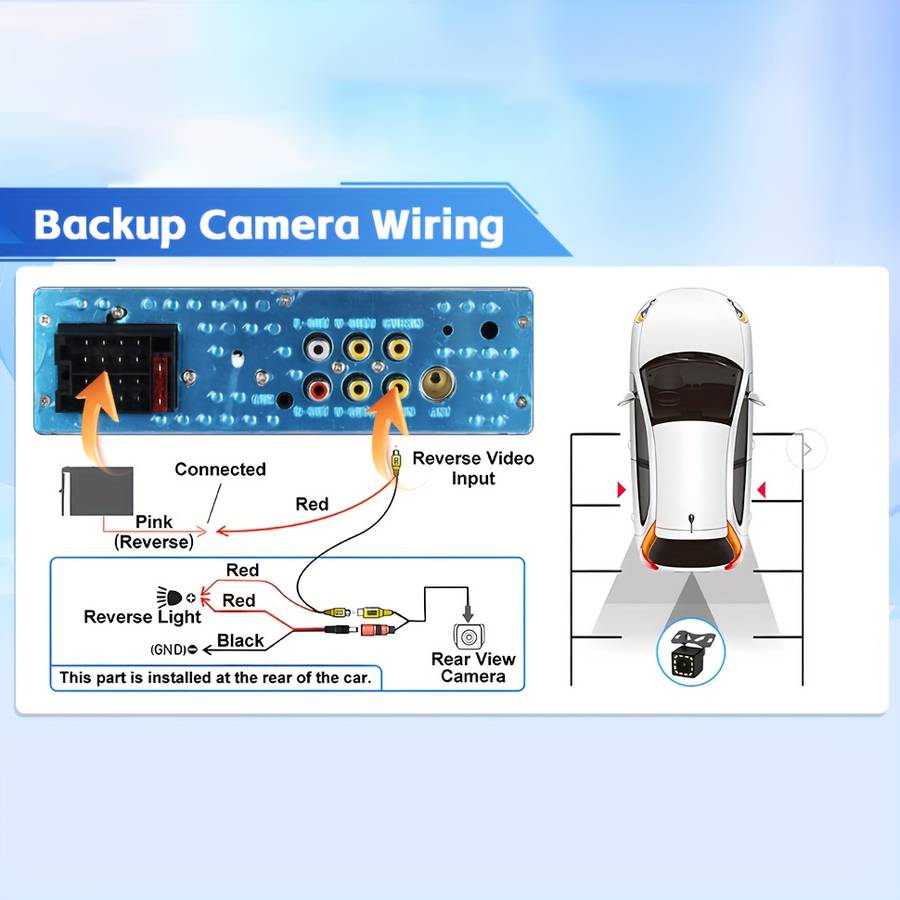
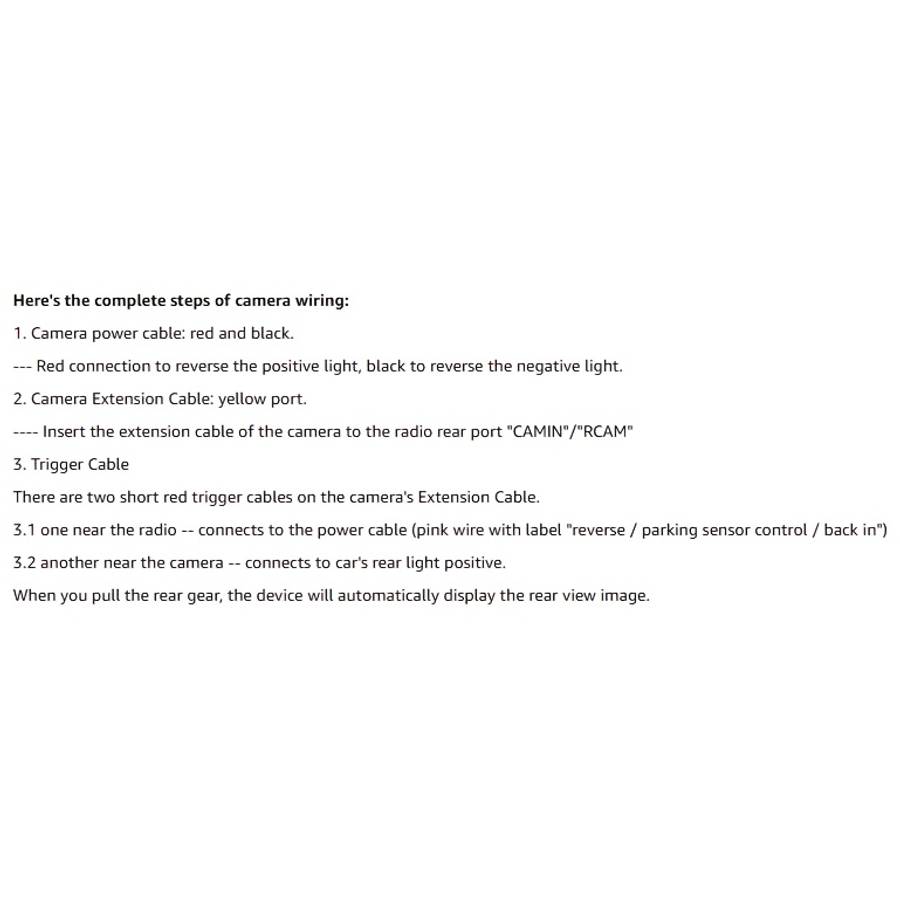
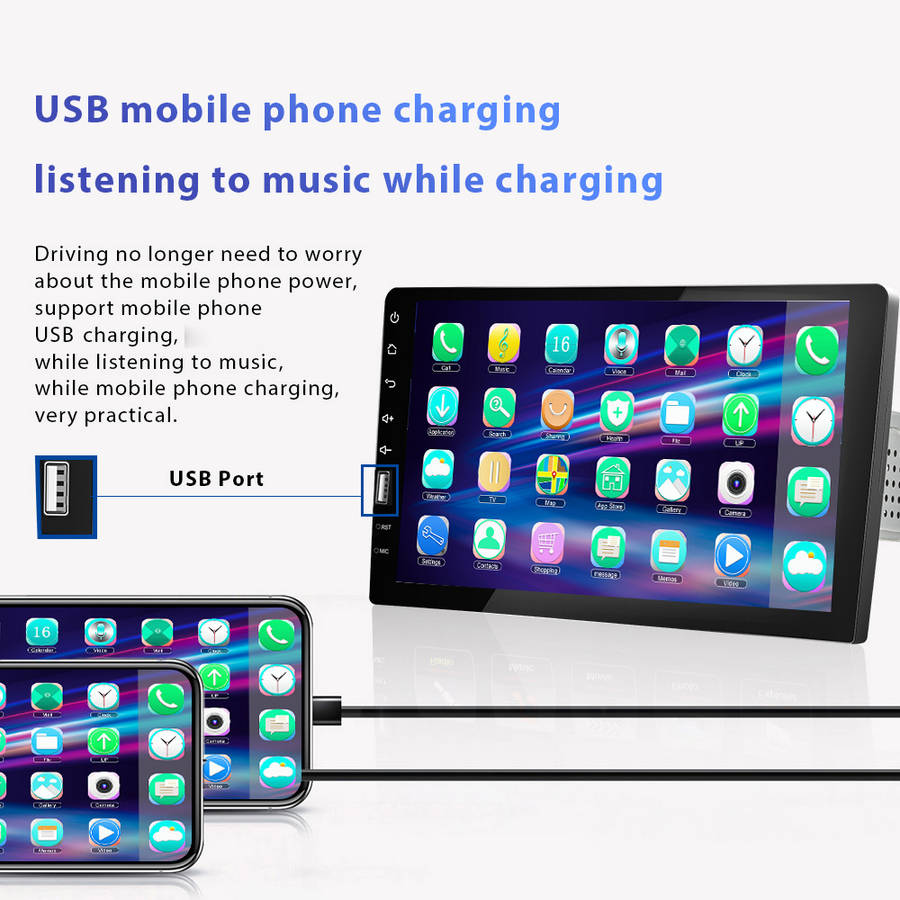
5.USB function: Support USB(U disk)and USB charging, you can download the music or movies, which your favour, play on this unit6.FM Radio: Online music you can transfer the music to the car stereo by FM to enjoy the car's stereo sound,with 18 preset stations7.This input automatically powers the rear camera when the vehicle shifts into reverse and displays the image on the unit's screen. Rear camera sold separately8.Support Rear Microphone Input
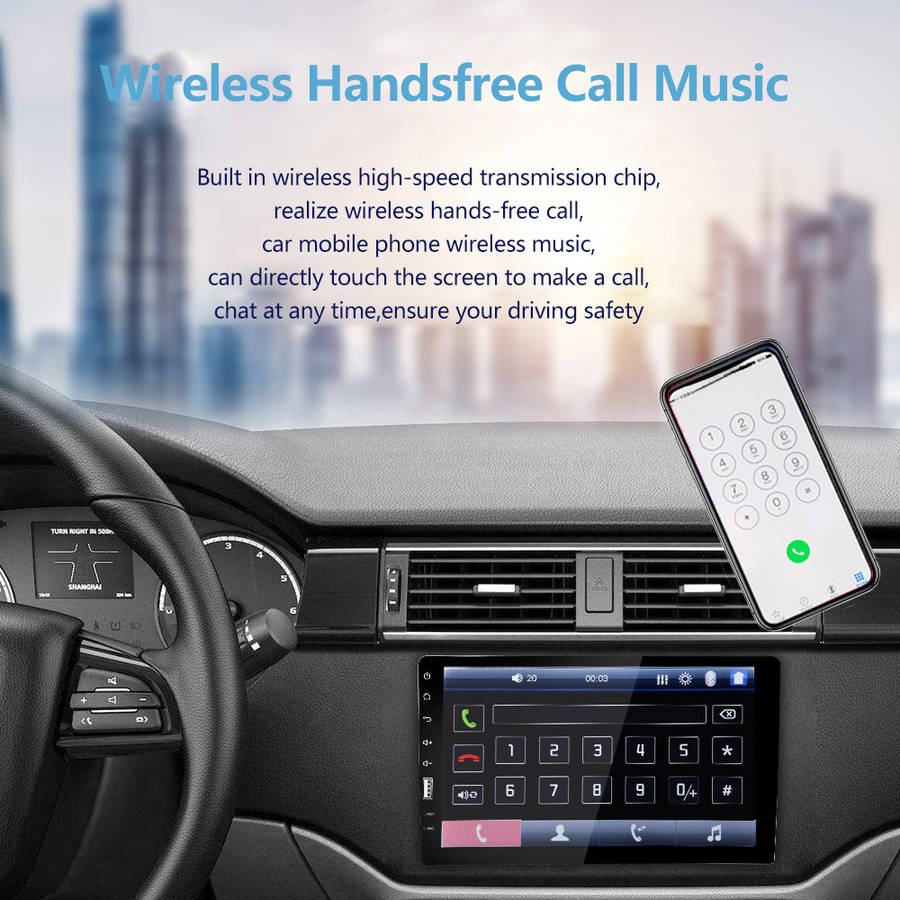
Note:Please use your phone original USB data cable to operate mirror link function, does not support Sam---sung model.For Android phone mirror link needs to scan code and download app.This 9 inch single din car stereo supports B-T calls, wired mirror link and backup camera, SWC/USB/EQ, 7 color backlight.
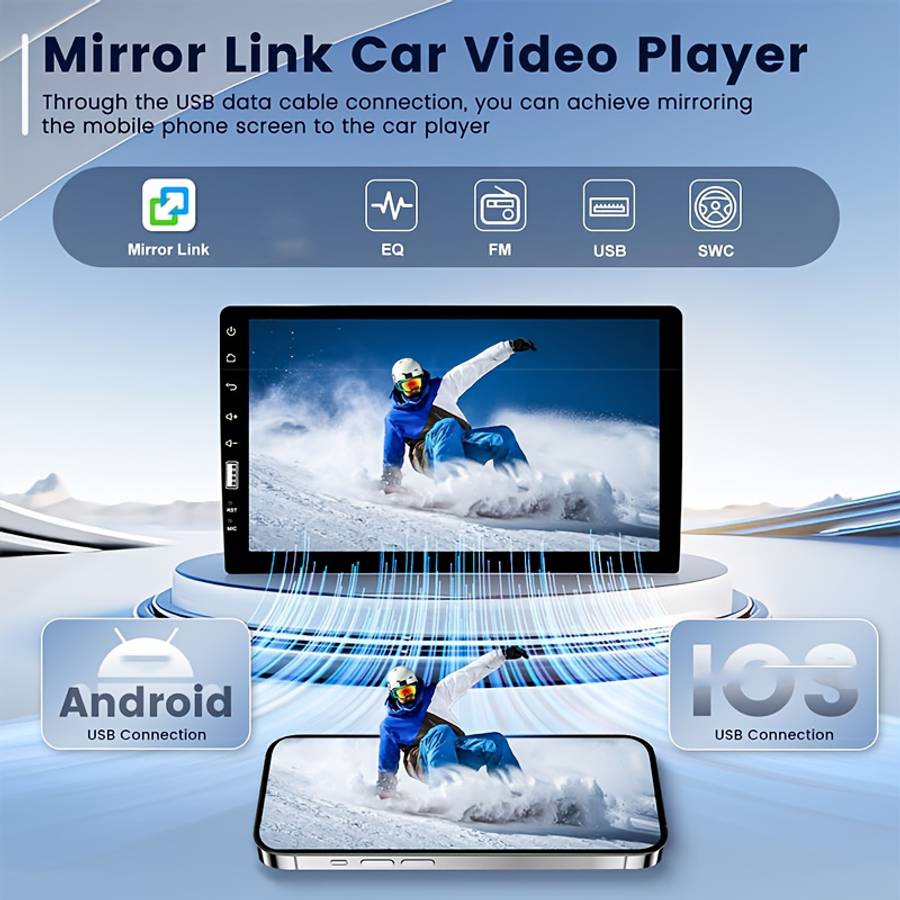
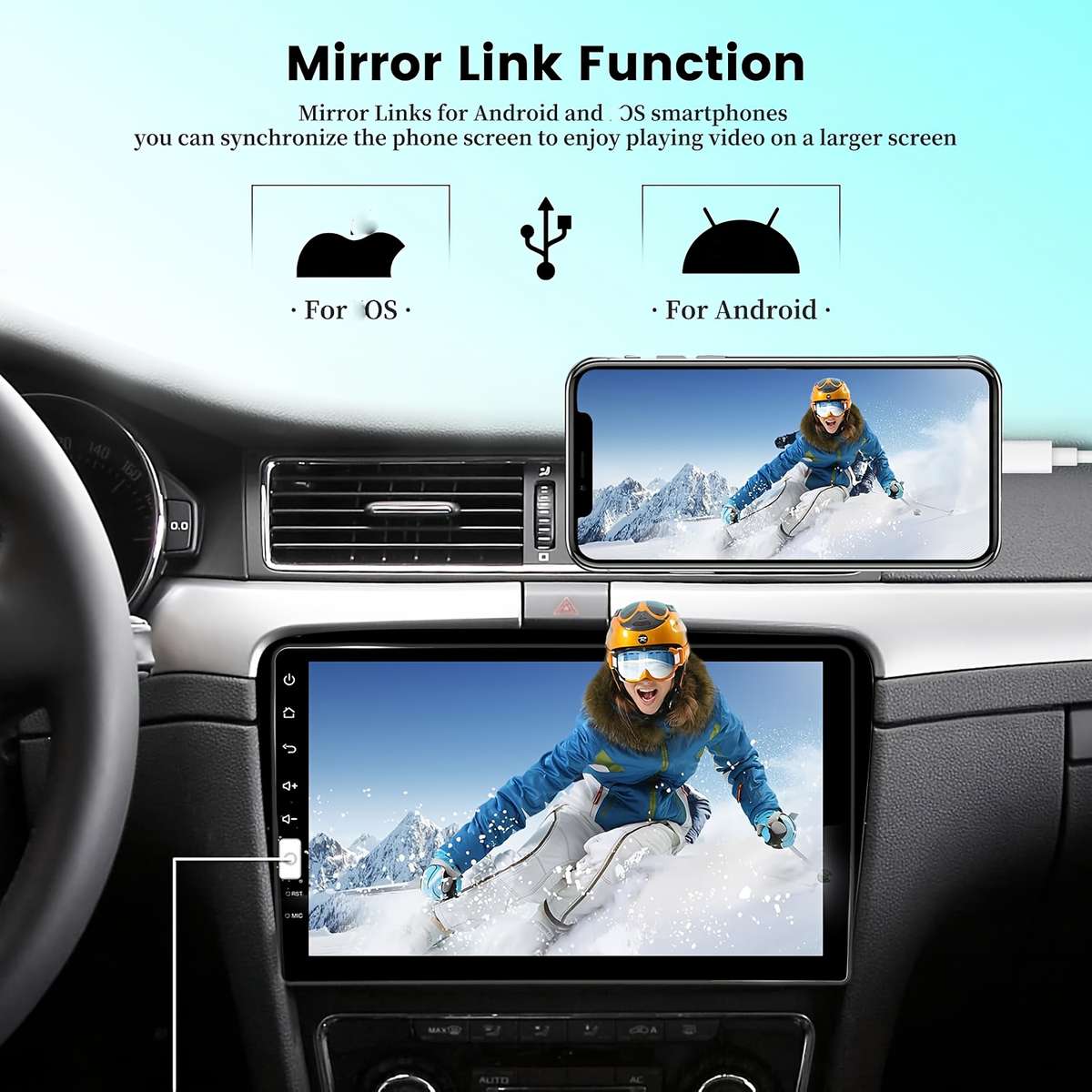
Mirror Link for Android/OS Phone
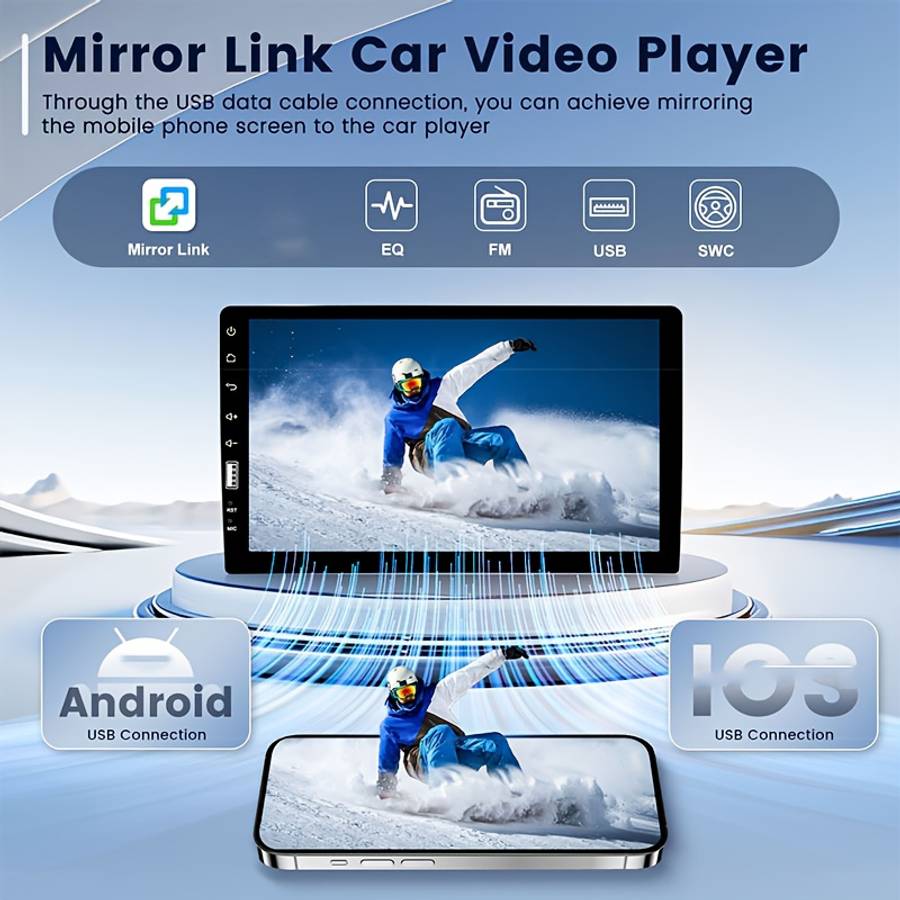
Mirror-Link function will directly project your phone screen to the car stereo. Any content on the phone will be synchronized in real time on the 7-inch stereo screen. In the Mirror-Link state, you can share movies, games, maps, etc. from your mobile phone.
How to Connect
1. Click Phonelink - Select Phone Type you need2. Insert your phone to USB port of car stereo with original USB line3. For Android Phones: Find your phone developer options and open ᄀᄚ USB debuggingᄀᄆ, and set the USB configuration as data transmission.4. For OS phones: allow visit on your phone, enter phone's password.
Steering Wheel Control
Control the car stereo through the vehicle's existing steering wheel control buttons that make your drive more convenient.
1. SW1(key1) or SW2 (key2) need to connect your car SWC wires2. Enter Car settings - Steering3. Before studying, press the ''reset '' to clear the memory first.4. Long press the steering wheel function icon on the radio, at the same time press the relevant button on the car steering wheel.5. After successfully studying, induction comes. You can test the function of the button and study again if it fails.
FM Radio Receiver
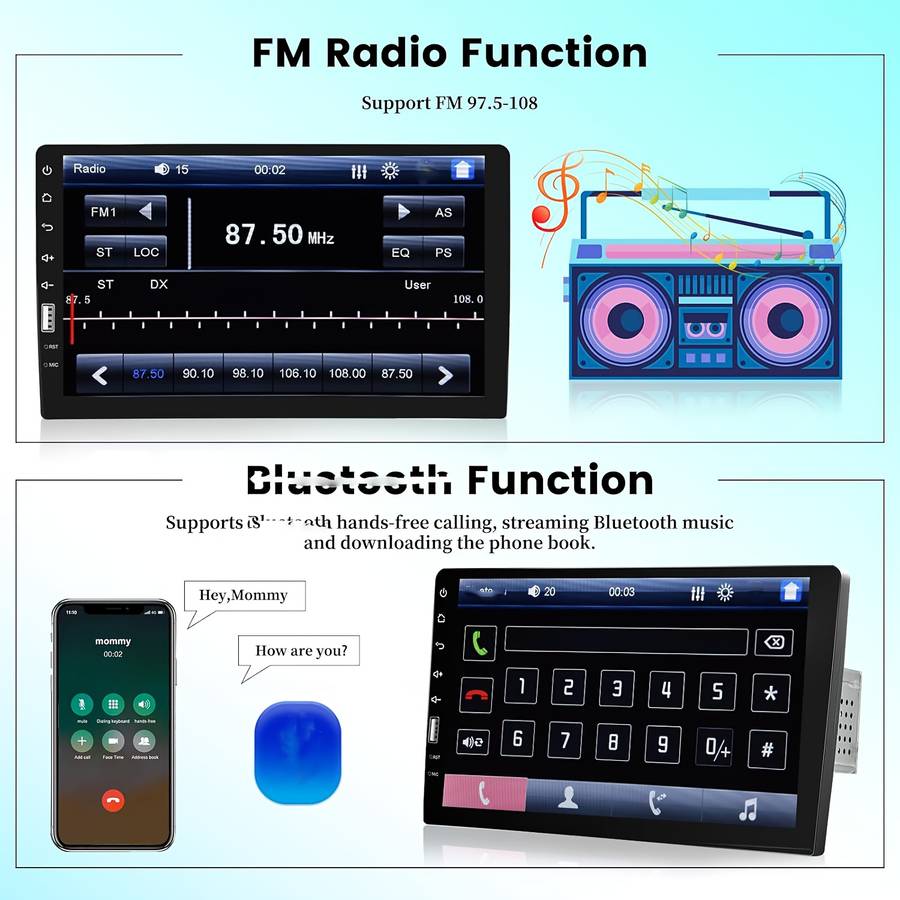
Tune into the FM radio stations for up to date music, news, sports and more, support automatic search mode, semi-automatic mode, fine-tuning mode.
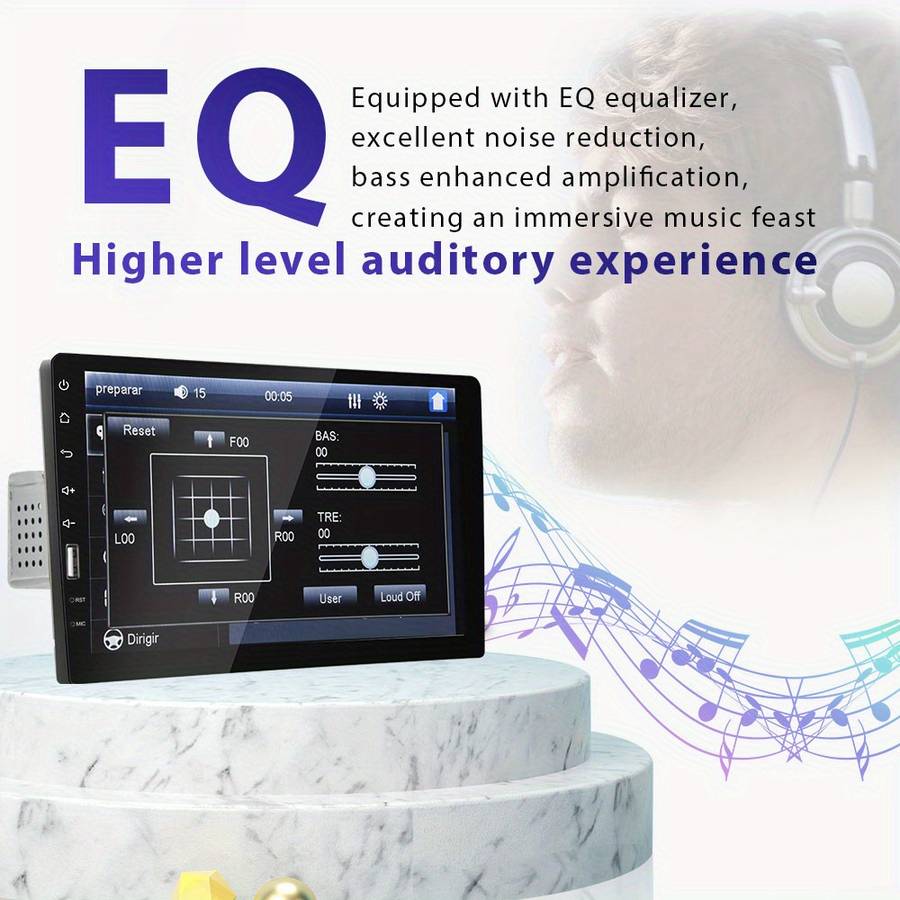
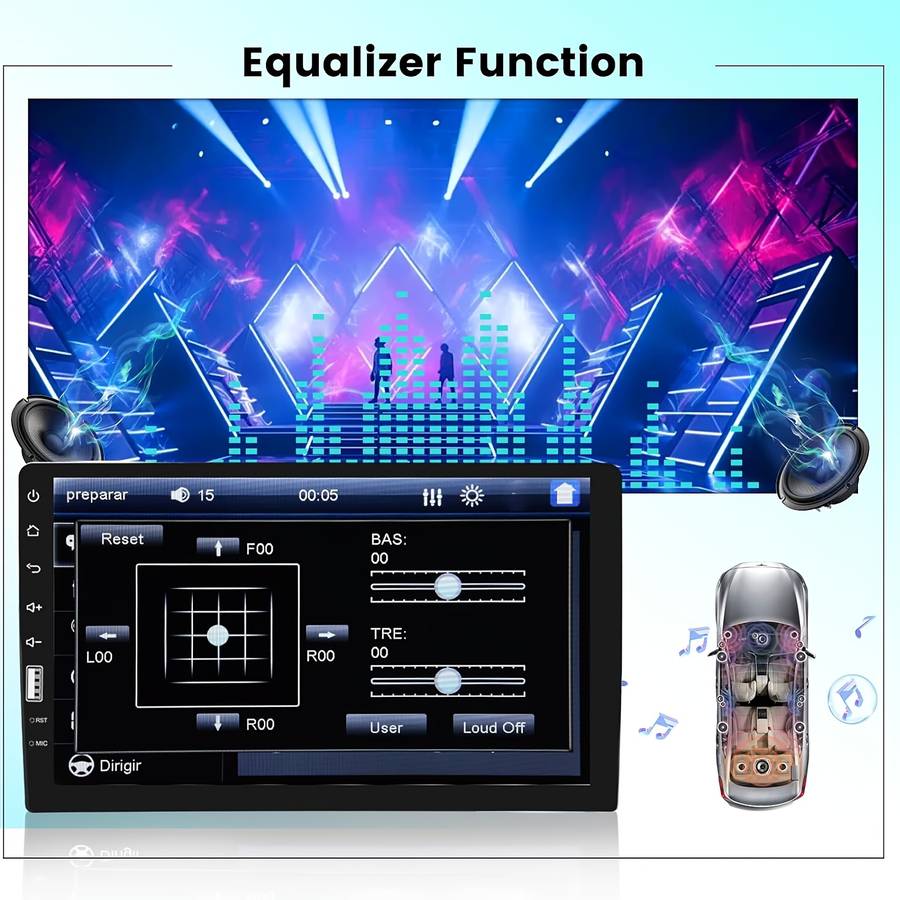
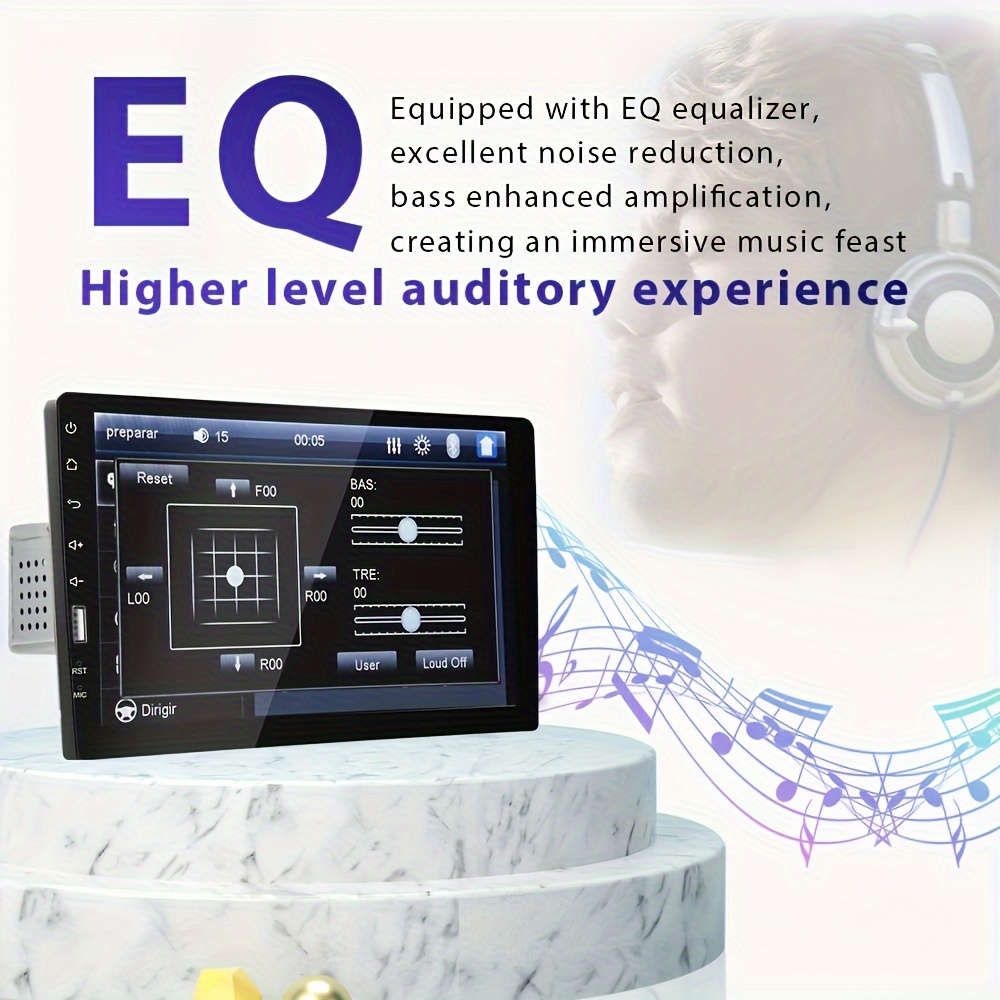
Quality sounding18-Station presetsFM tuning range: 87.5 ~ 108.0 MHzBuilt-in Preset EQThe built-in Preset EQ allows you to choose from preset EQ curves for a variety of music styles such as Rock or Pop.7-Band EQ adjustingAdjust for better sound effectBass Treble Pop Jazz Rock Flat and Customized to choose
Tipsᆪᄎ
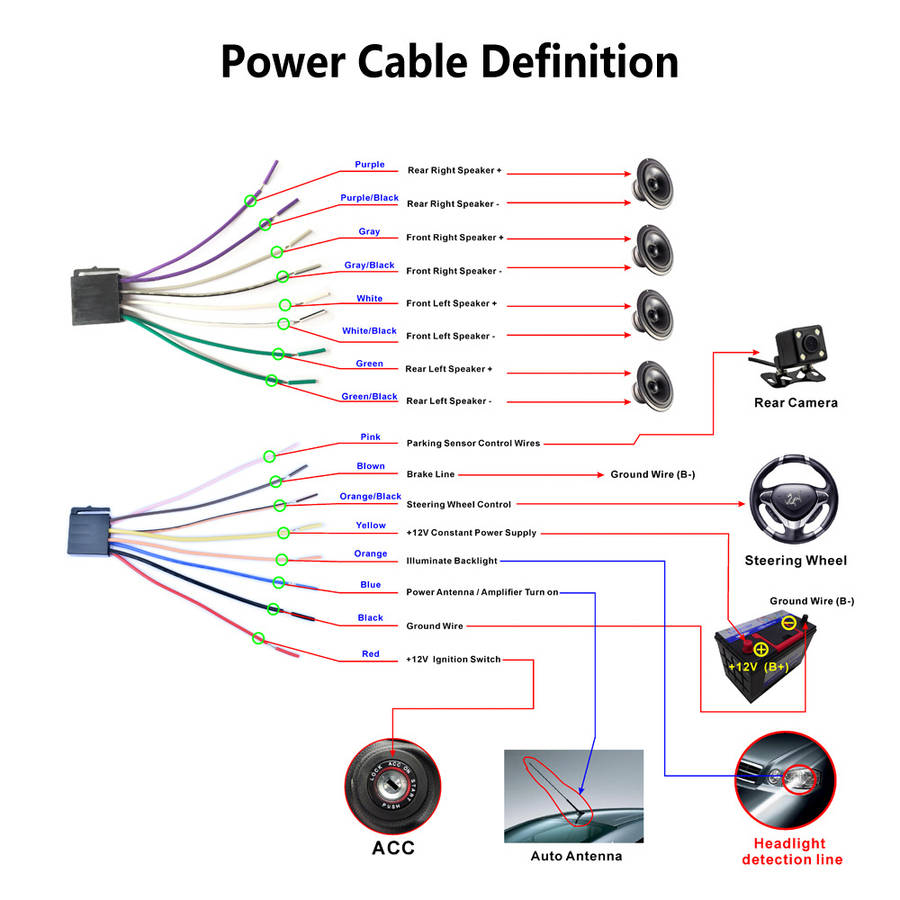
1. Please check the Voltage of car radio: 12V. Short circuit may happen if applied to different car voltage.2. Please connect 3 lines correctly before turning on the monitor: Please check wiring: the black wire is connected to the negative pole, yellow wire is connected to the positive pole( 12V B+), and the red wire is connected to the ignition For Switch positive(ACC). If this is not turned on, the red and yellow wires can be combined and connected to the positive pole.3. Please must use our pow