This auction has been won.
Leading
JacBra25413 1 × R156.00
1 Apr 12:24

Similar products

Chromecast, Anycast M4 Plus Wi-Fi Display Receiver Chromecast, Anycast M4 Plus Wi-Fi Display Receiver Chromecast, Anycast M4 Plus Wi-Fi Display Receiver Chromecast, Anycast M4 Plus Wi-Fi Display Receiver Chromecast, Anycast M4 Plus Wi-Fi Display Receiver Chromecast, Anycast M4 Plus Wi-Fi Display Receiver Chromecast, Anycast M4 Plus Wi-Fi Display Receiver Chromecast, Anycast M4 Plus Wi-Fi Display Receiver Chromecast, Anycast M4 Plus Wi-Fi Display Receiver Chromecast, Anycast M4 Plus Wi-Fi Display Receiver
Chromecast, Anycast M4 Plus Wi-Fi Display Receiver Chromecast, Anycast M4 Plus Wi-Fi Display Receiver Chromecast, Anycast M4 Plus Wi-Fi Display Receiver Chromecast, Anycast M4 Plus Wi-Fi Display Receiver
Chromecast, Anycast M4 Plus Wi-Fi Display Receiver
+6
Sold

Chromecast, Anycast M4 Plus Wi-Fi Display Receiver

New 2 were available
R29.00 minimum increment
R156.00
Shipping
R35.00 Standard shipping using one of our trusted couriers applies to most areas in South Africa. Some areas may attract a R30.00 surcharge. This will be calculated at checkout if applicable.
Check my rate
The seller has indicated that they will usually have this item ready to ship within 3 business days. Shipping time depends on your delivery address. The most accurate delivery time will be calculated at checkout, but in general, the following shipping times apply:
 
Standard Delivery
Main centres:  1-3 business days
Regional areas: 3-4 business days
Remote areas: 3-5 business days
Buyer protection

Product details

Condition
New
Location
South Africa
Product code
Chromecast, Anycast M4 Plus Wi-Fi Display Receiver
Bob Shop ID
509274038


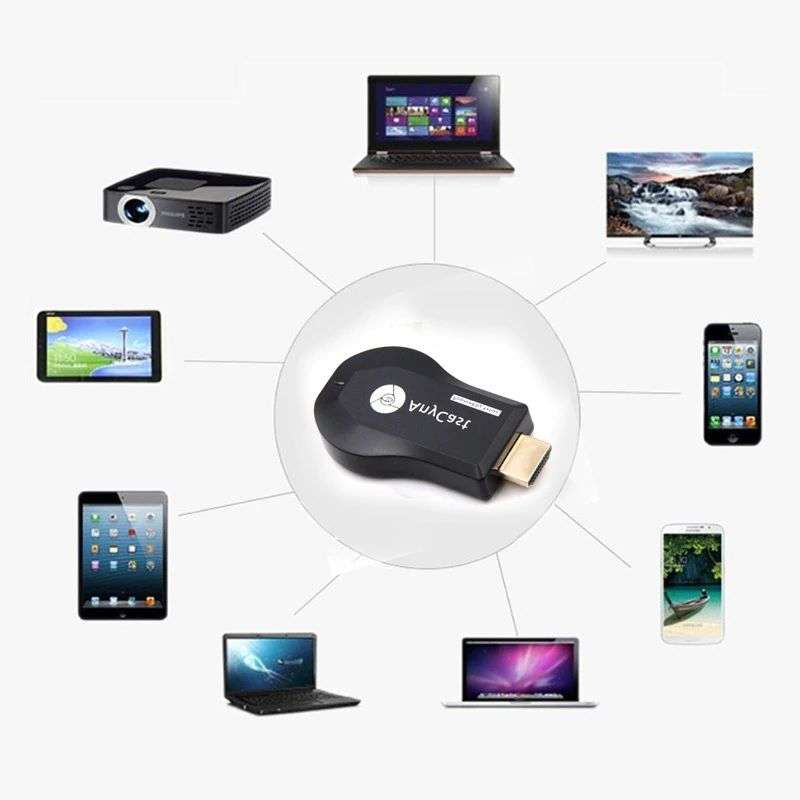
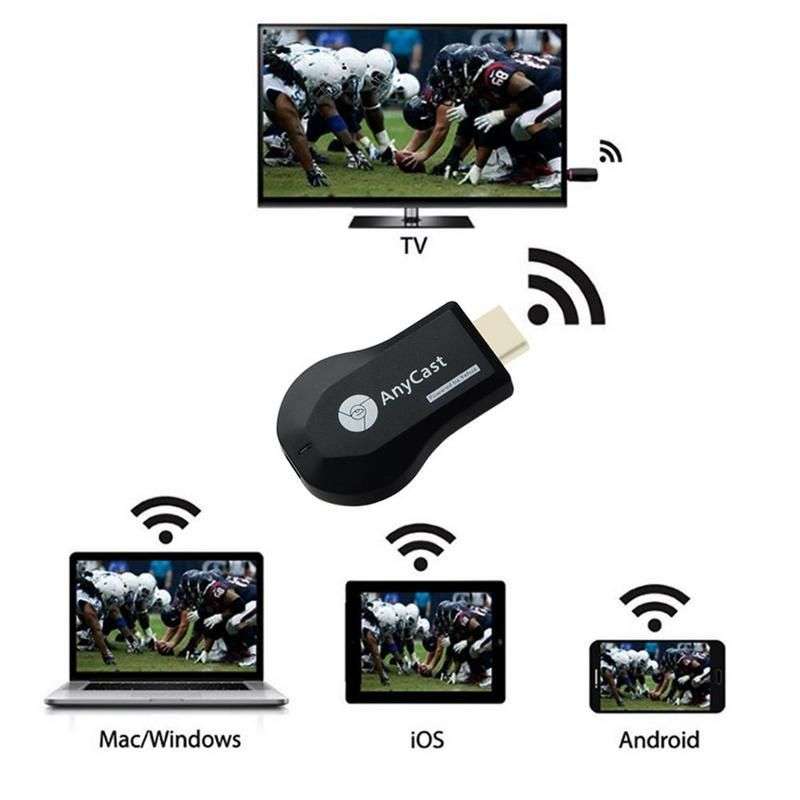
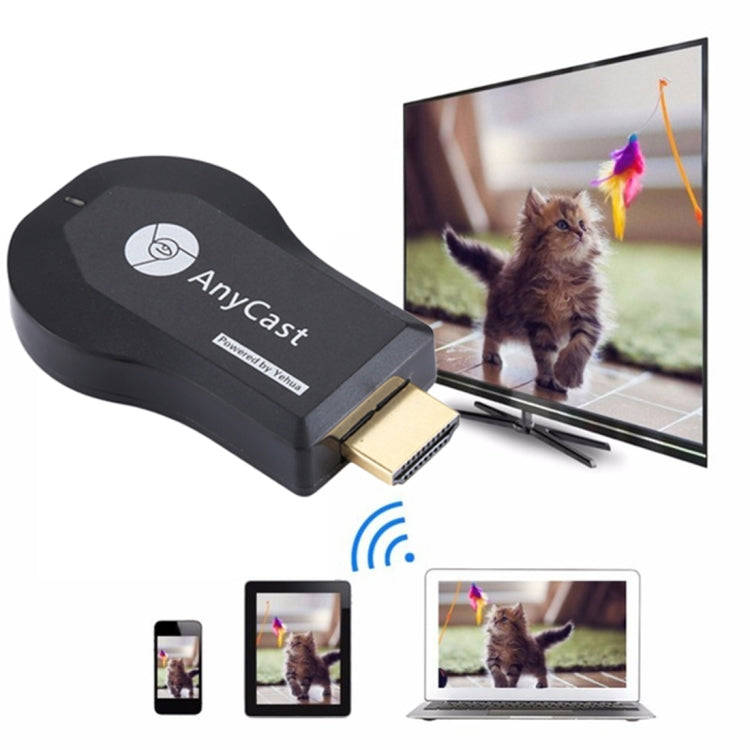
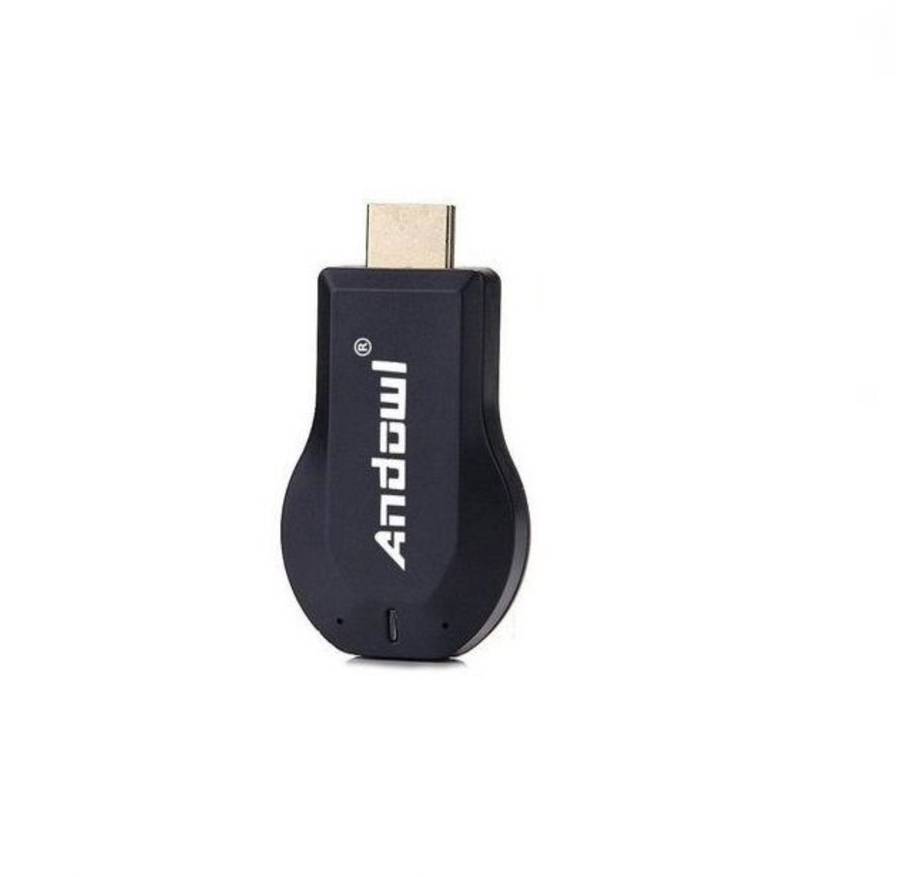
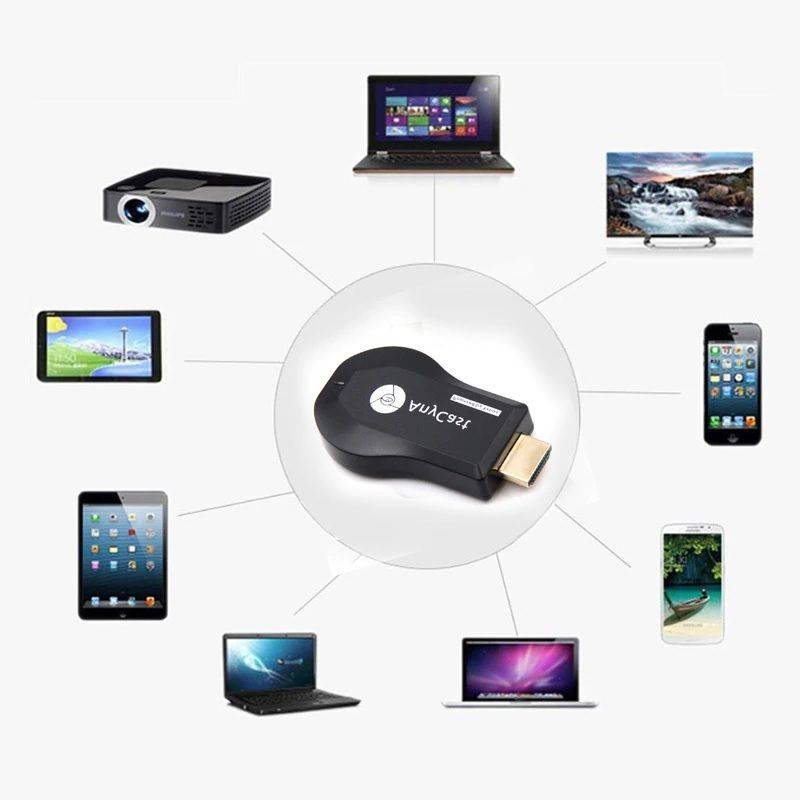
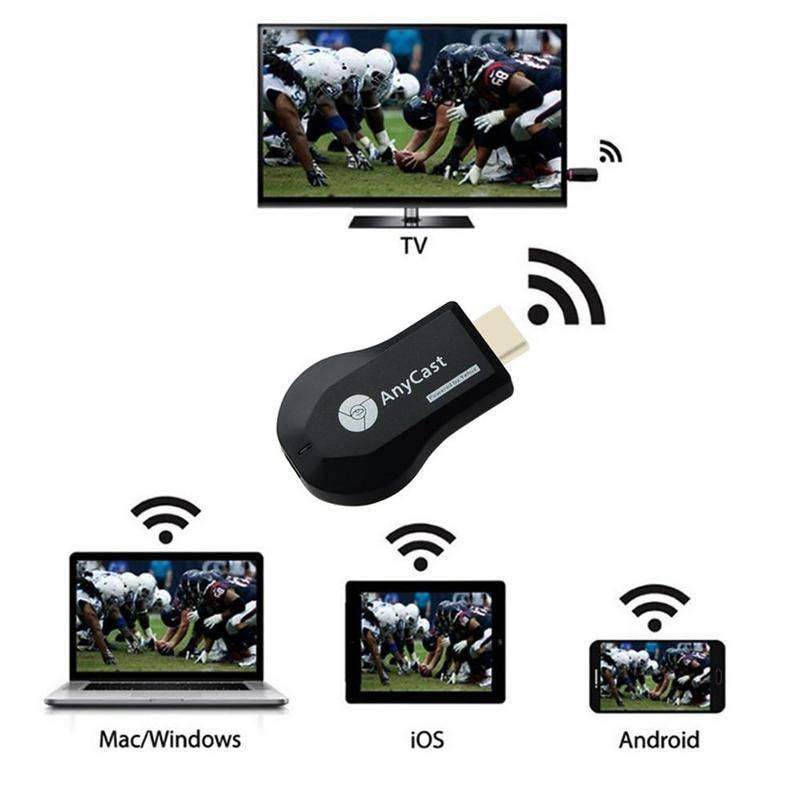
The Any cast M2 Plus is a simple wireless way to connect your Smartphone or tablet to any HDMI screen or TV. Using the Wireless display function provided by Miracast, DLNA and Airplay protocols this thumb size dongle will let you can stream videos, surf the web, view picture or conduct a video chat on your phone and mirror the display to a big screen for all to see. 

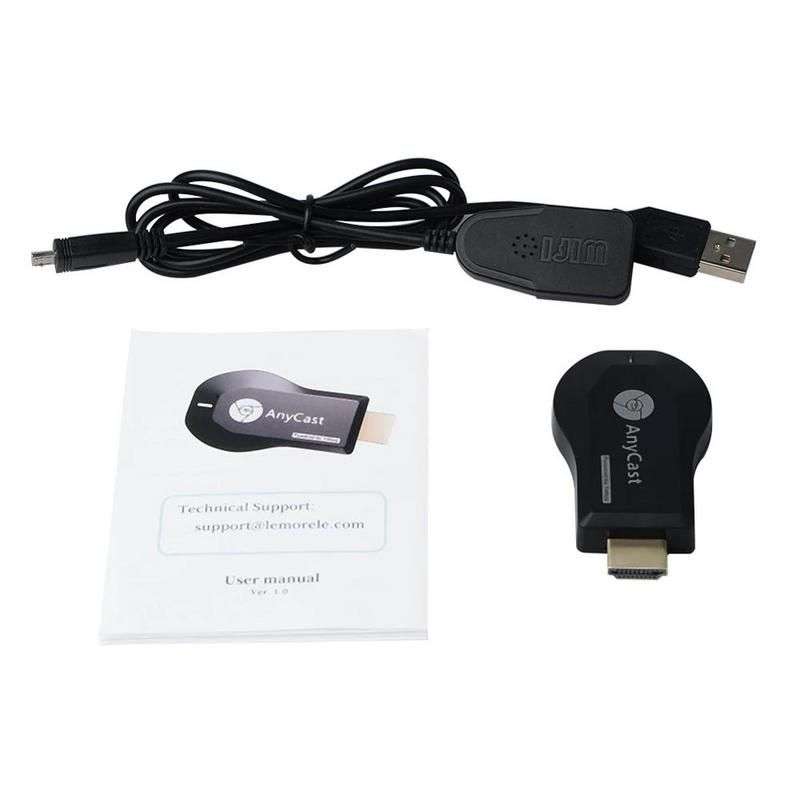
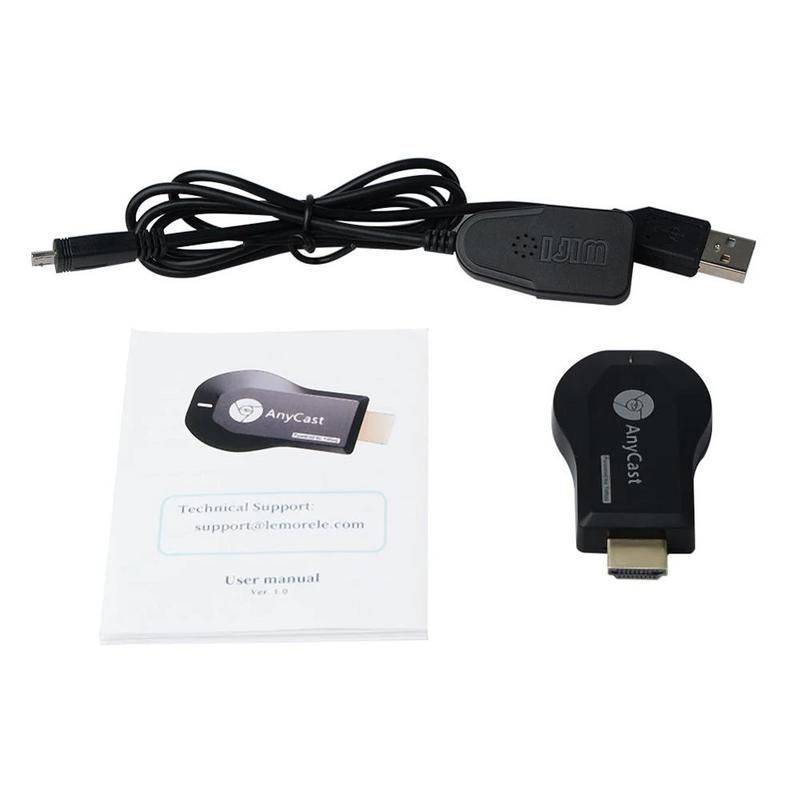
Its quick and easy to us, plug the AnyCast dongle into your monitor or TV's HDMI port, after which you need to take the supplied USB and Wi-Fi cable and connect it to the micro USB slot on the Anycast dongle then plug this lead into a USB port to a power supply. You will then see the AnyCast main screen displayed on the monitor and you can connect your portable device using wither Miracast, Airplay or DLNA. With 1080P support it's like having an invisible HDMI cable t connect your mobile devices to your TV.

Note: Anycast device does not work with Dstv Now app