

| Main centres: | 1-3 business days |
| Regional areas: | 3-4 business days |
| Remote areas: | 3-5 business days |
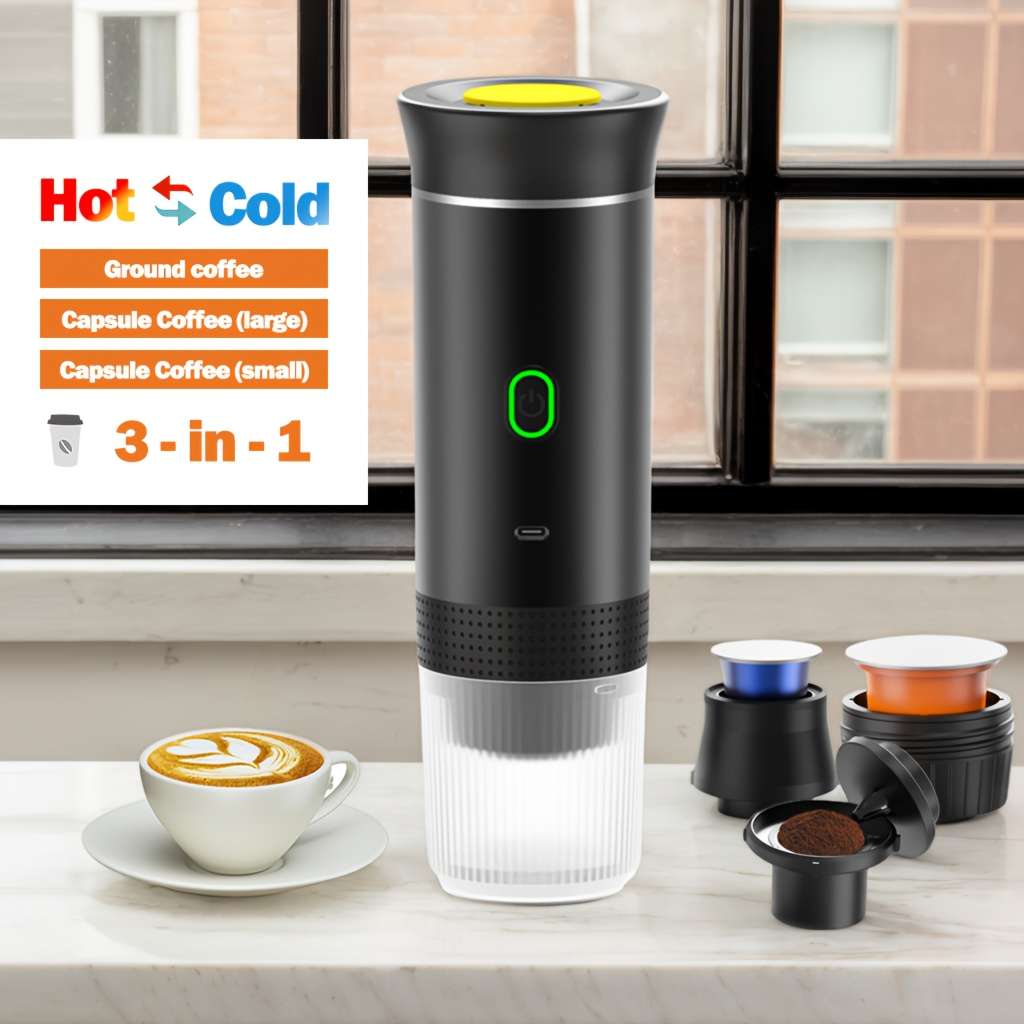
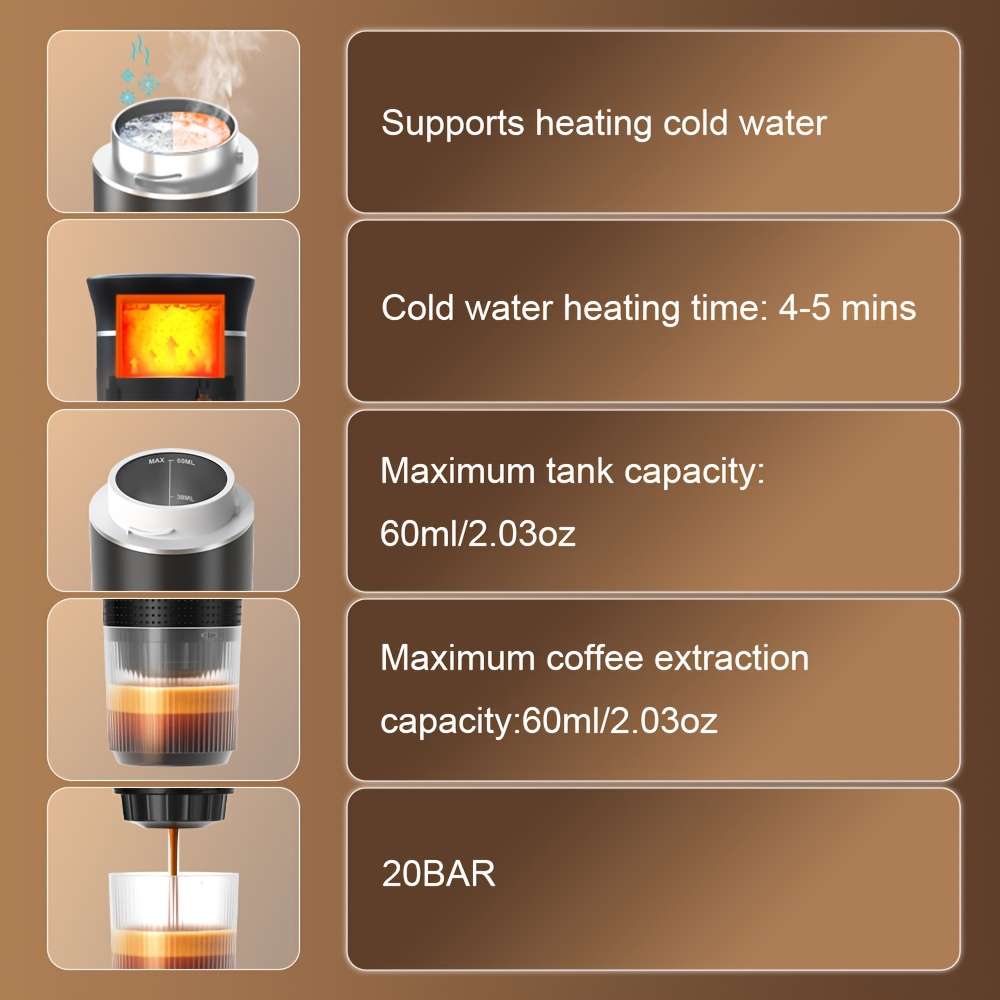
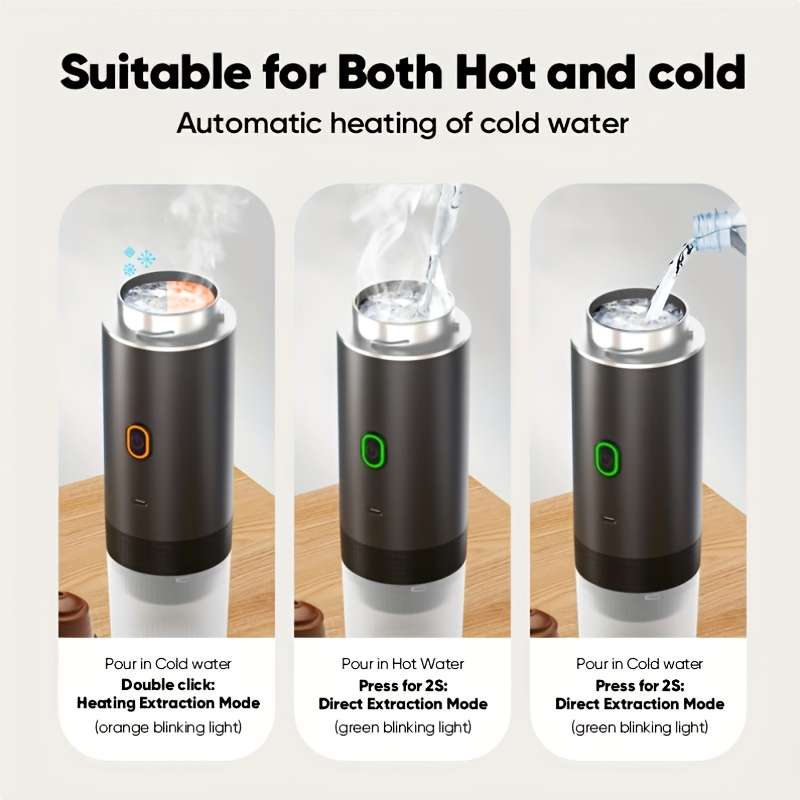
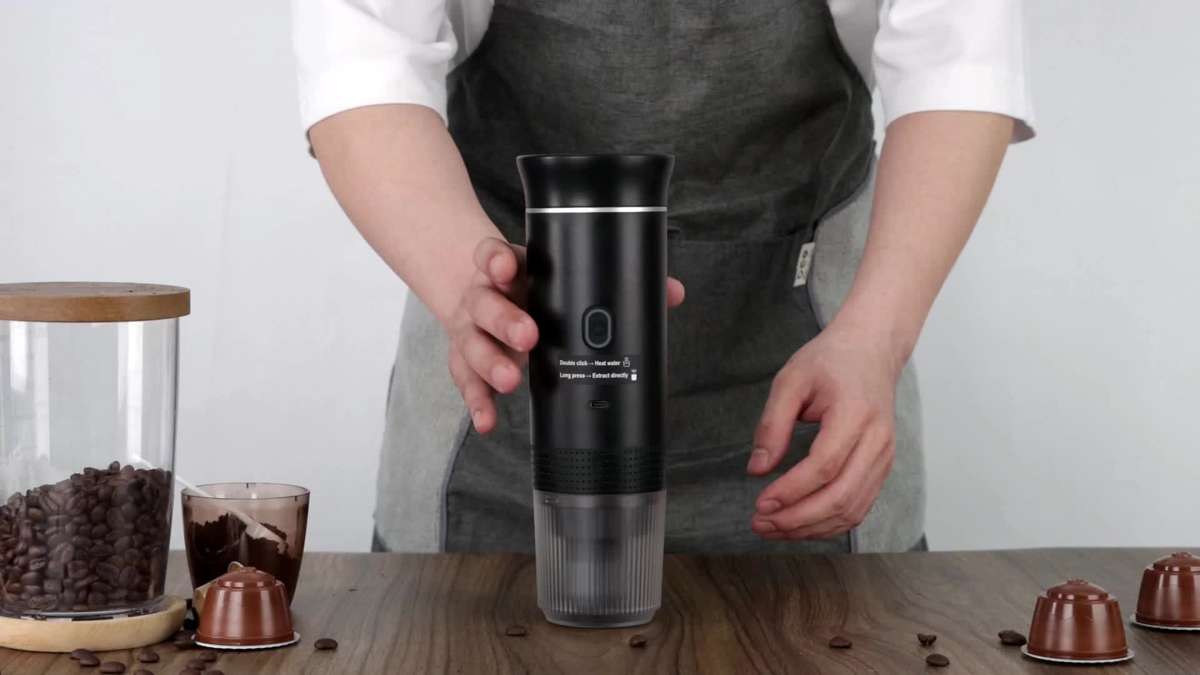
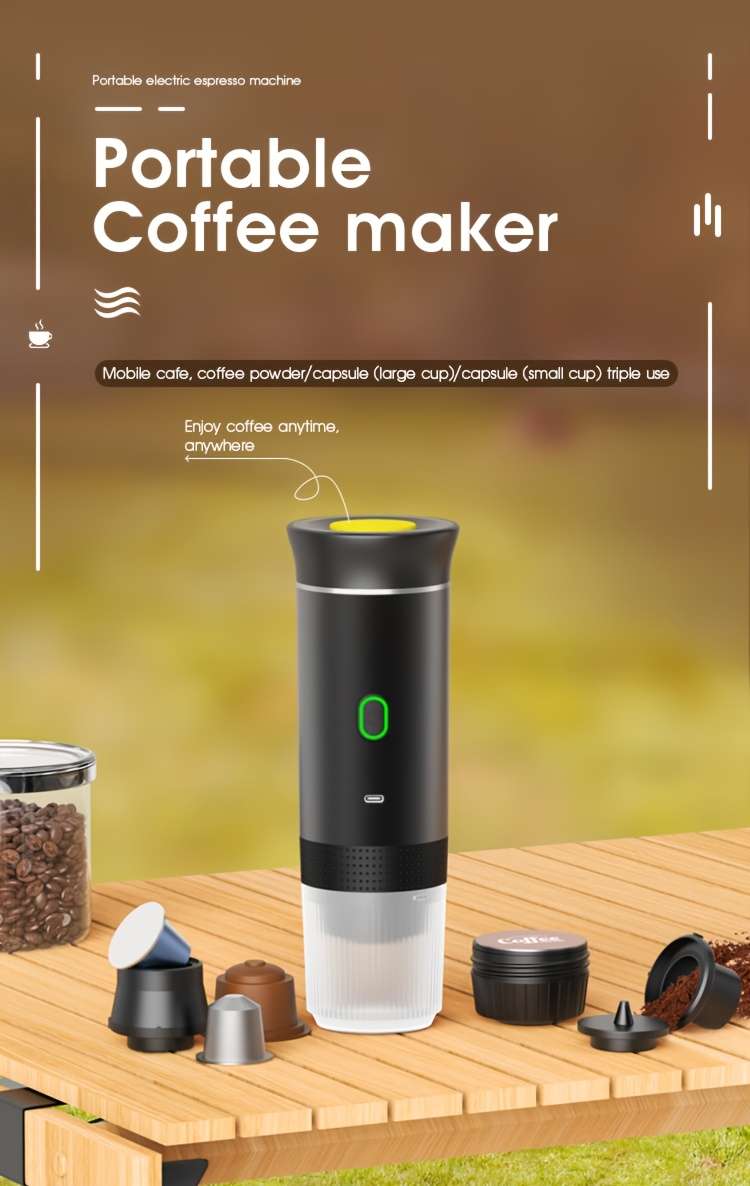
You have the option to select either cold or hot water for extraction. If you opt for cold water, please follow the steps outlined below:1. Remove the cap, fill the water container with cold water, and then replace the cap. 2. Press the power button once to check the battery status (green LED on), then press and hold the power button to brew cold coffee (green LED active).
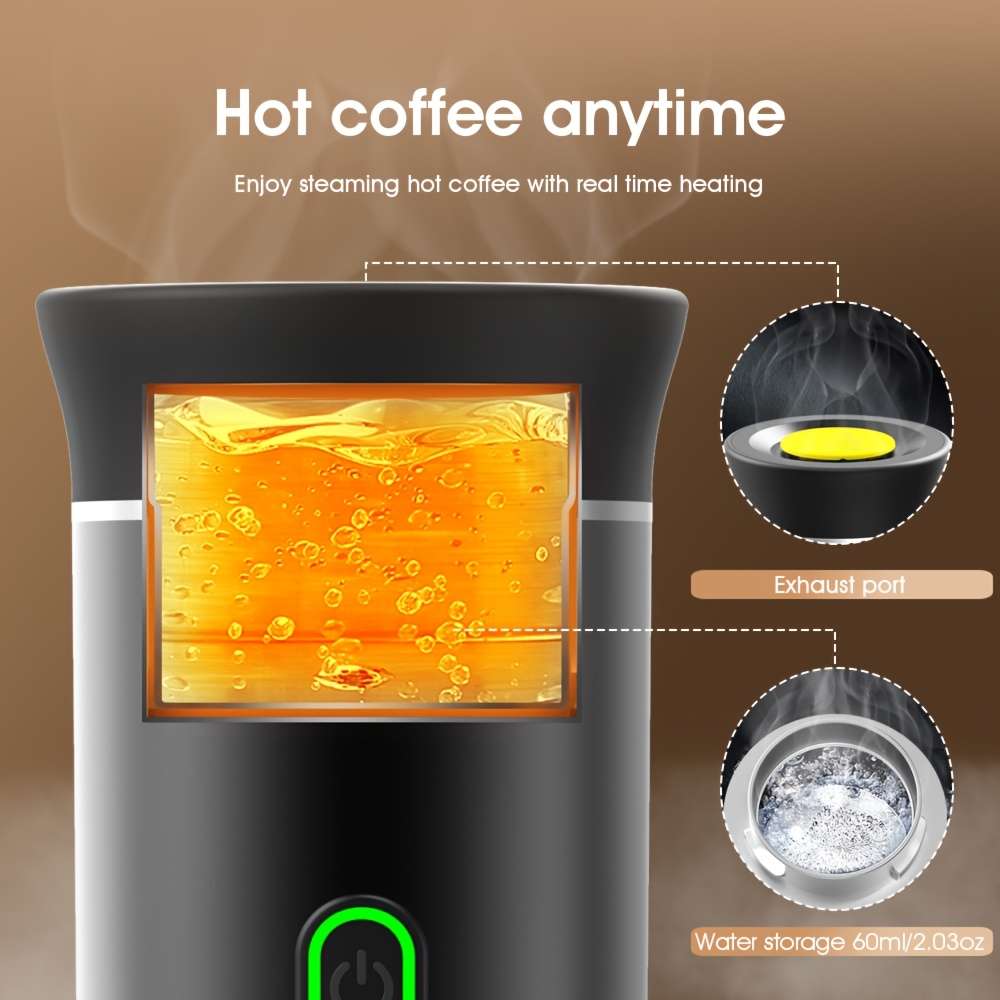
The red LED will light up when the battery is below 25%. 3. If you want to heat the cold water, press the button twice to warm the water to 86ᄀ ̄C in 5 minutes (orange LED pulsing), it will beep 4 times and automatically brew hot coffee for 60 seconds (green LED active).
To use hot water, follow these steps: 1. Remove the cap, fill the water container with hot water, and replace the cap. 2. Press the power button once to see the battery status (green LED lights up), then press and hold the power button to brew hot coffee for 60 seconds (green LED blinks).
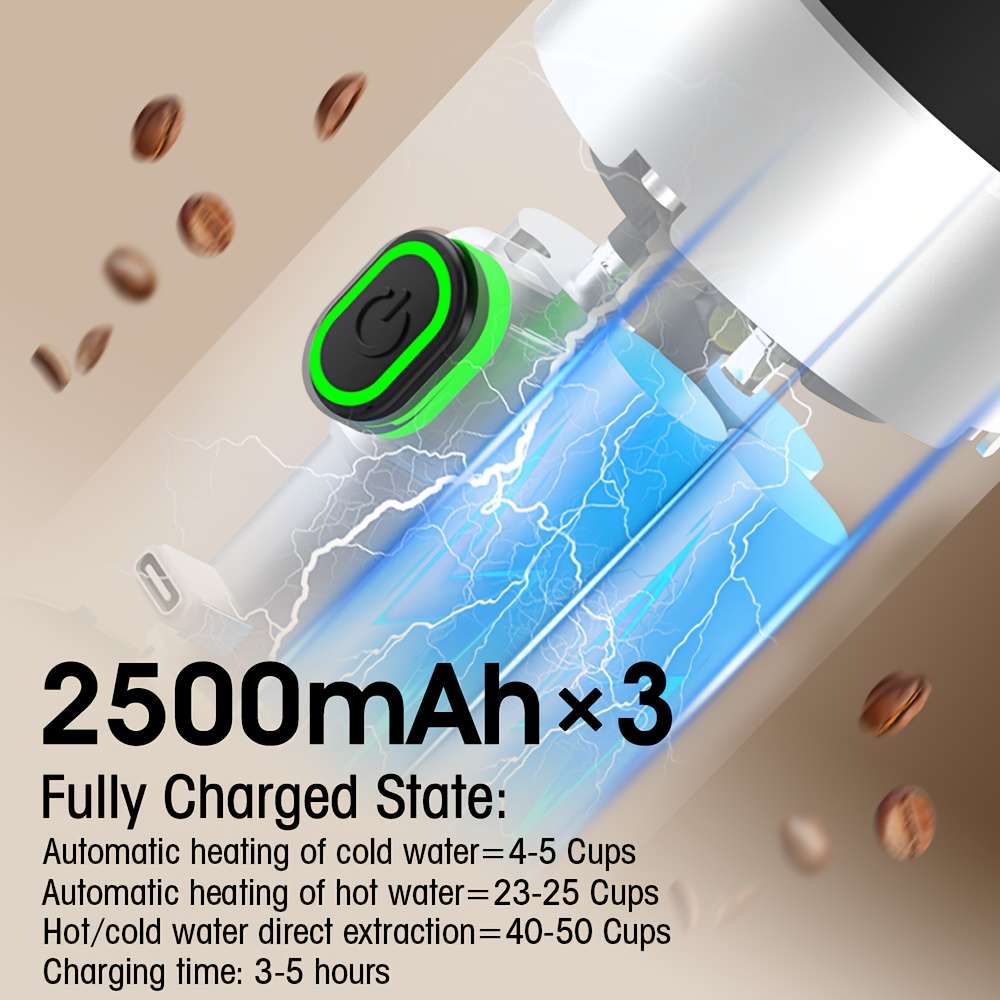
Charging Instructions: 1. Ensure to charge the device promptly when the red LED is illuminated. The red LED indicates that charging is in progress, and the green LED will light up once the device is fully charged. 2. When using a USB cable for charging, the device will not function until it has completed the charging process.
Warnings: 1. Avoid touching the red pad on the lid during heating. Ensure that children are kept away from the device while it is in use. 2. Do not operate the device without water inside, even with the anti-dry heat protection set at 145ᄀ ̄C. When the anti-dry heat protection is activated, the LED will blink for 5 seconds and emit a sound for 5 seconds. 3. After use, clean the device and ensure it is dry.