MASTERHUB
THE MODULAR REVOLUTION
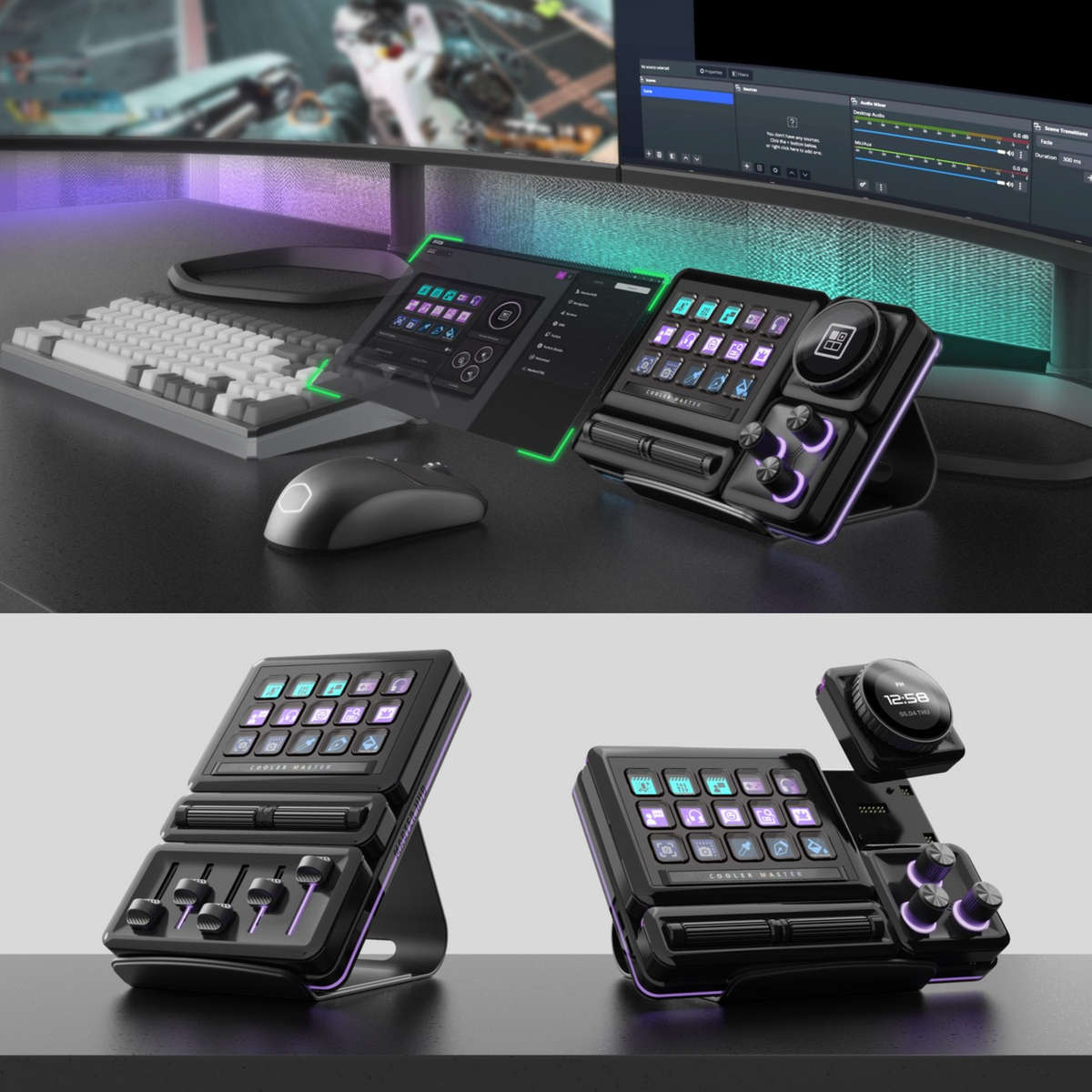
Empower your creativity with MasterHUB, the modular control system for streamers, creators and innovators. Achieve high-fidelity streaming and creation, refine your setup, and embrace versatility with MasterHUB's innovative attachable components. Step into a pro-level ecosystem that grows with you.
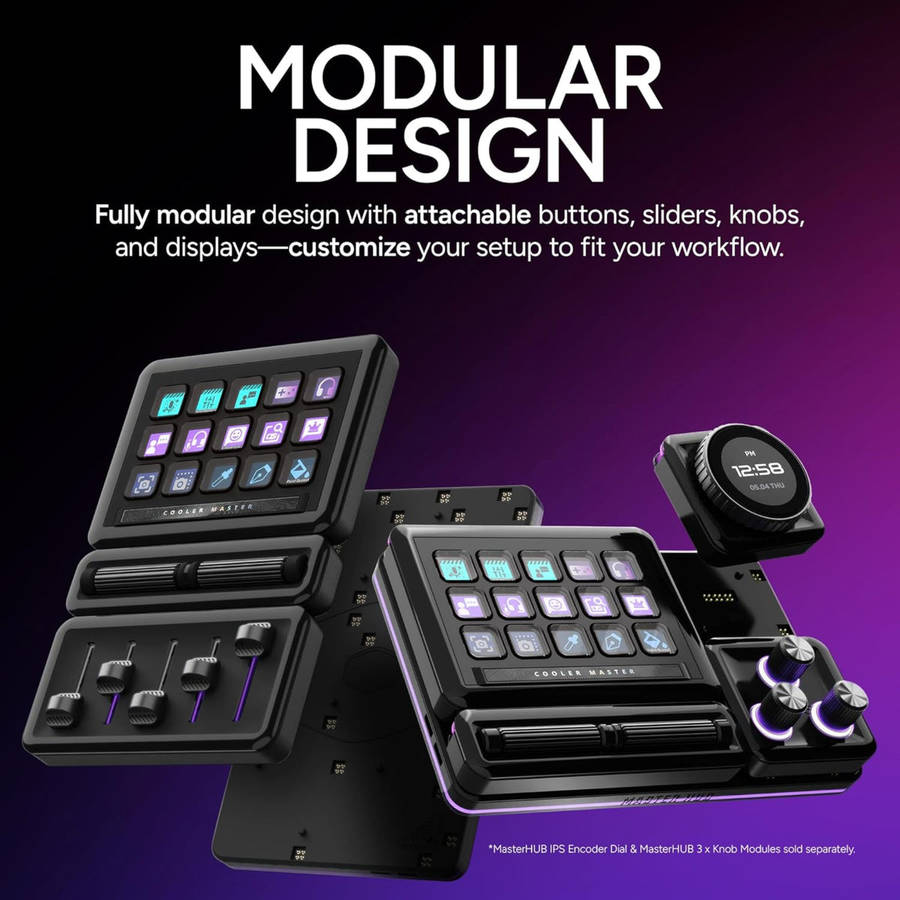
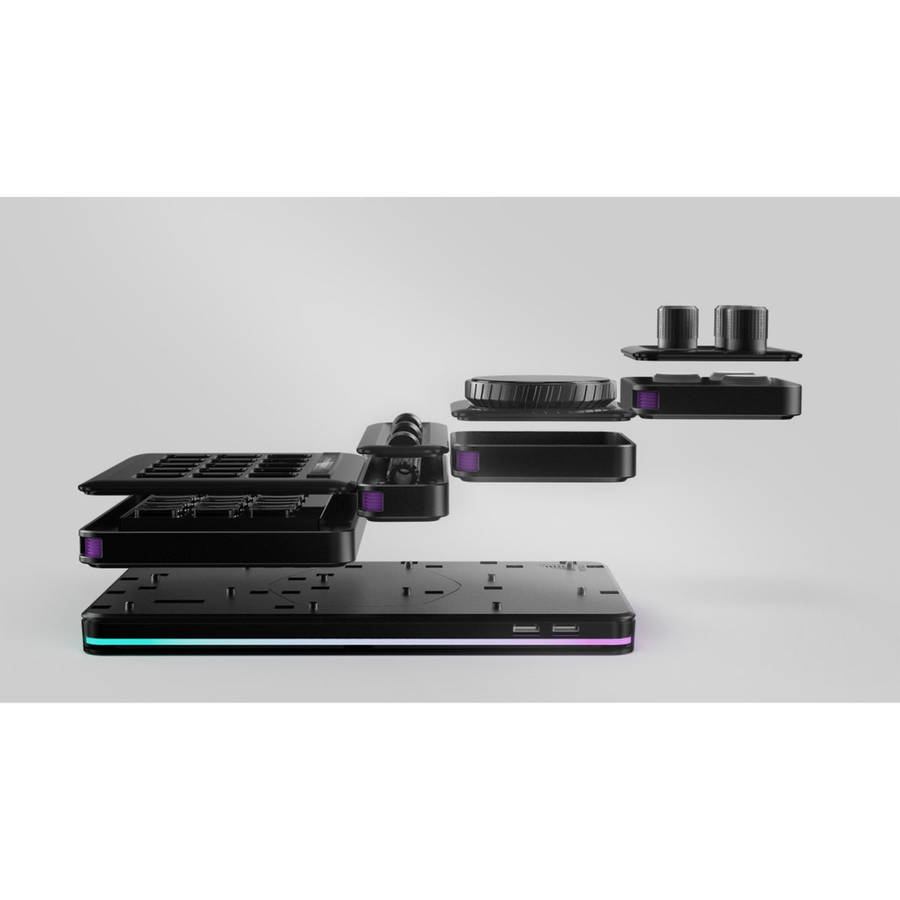
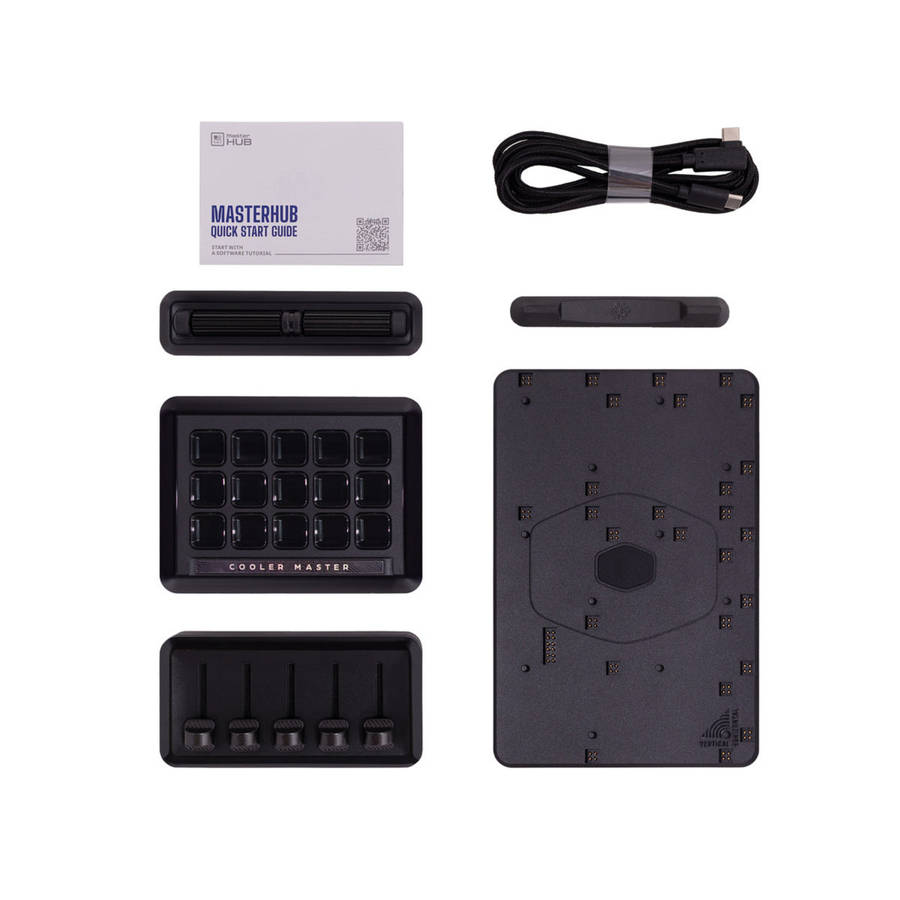
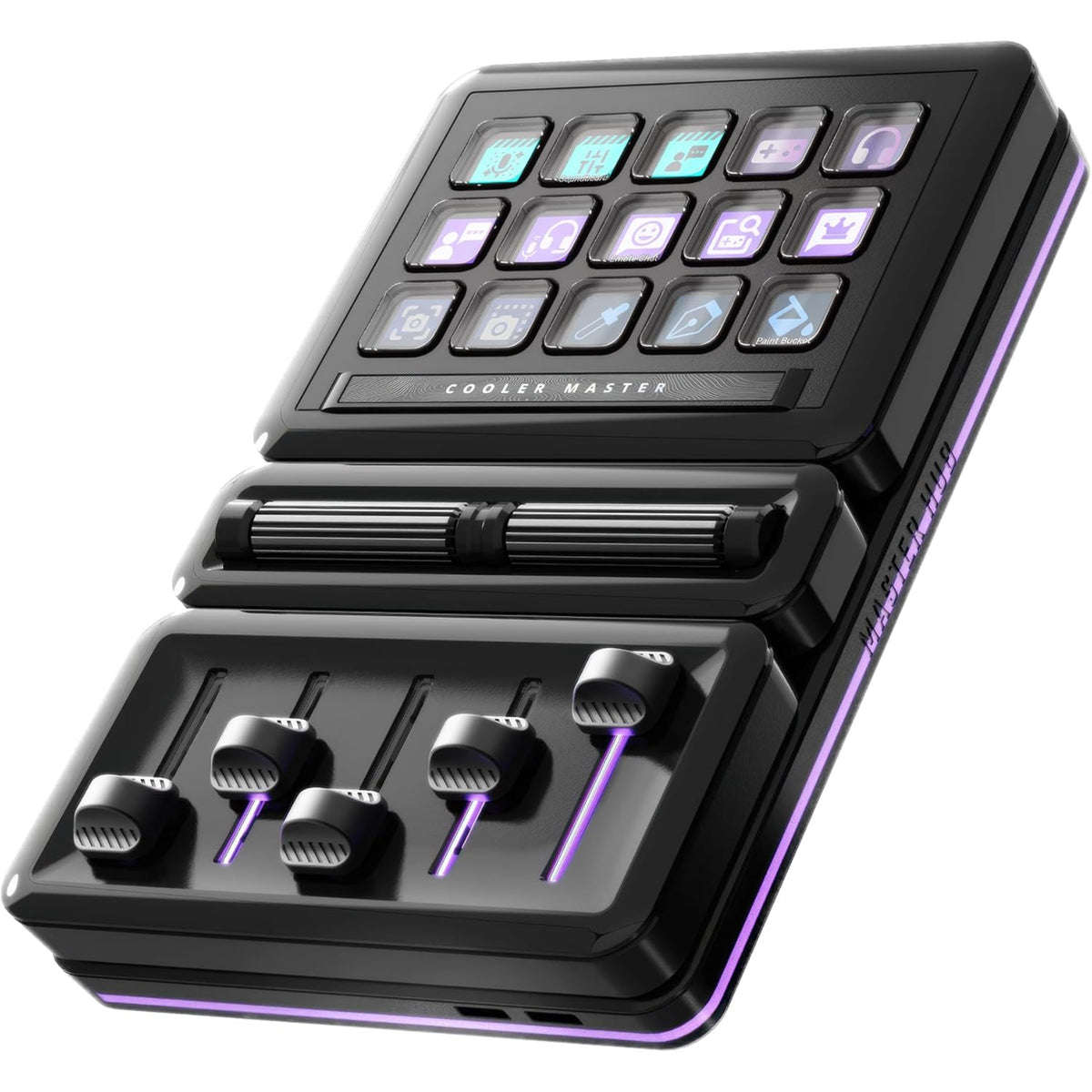
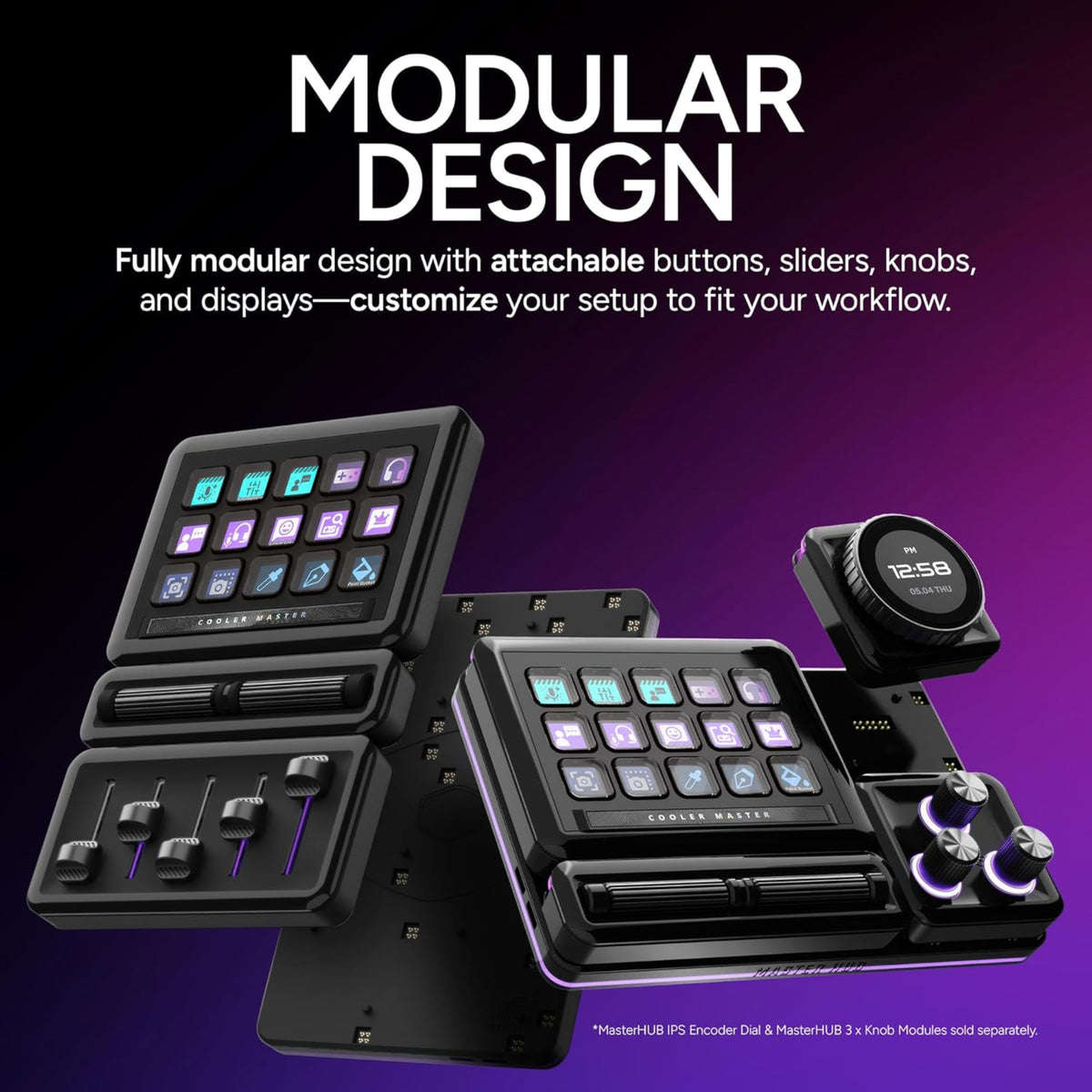
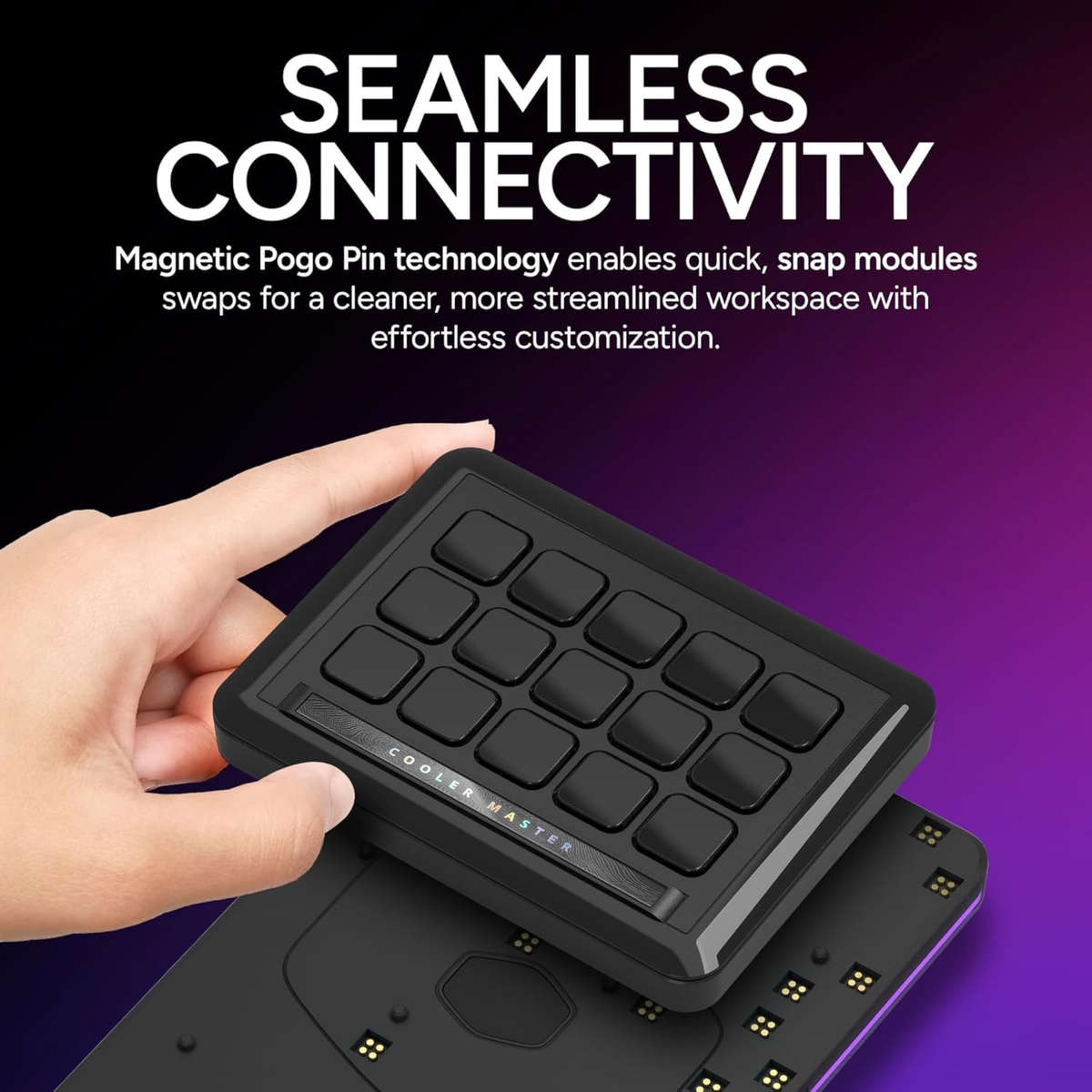
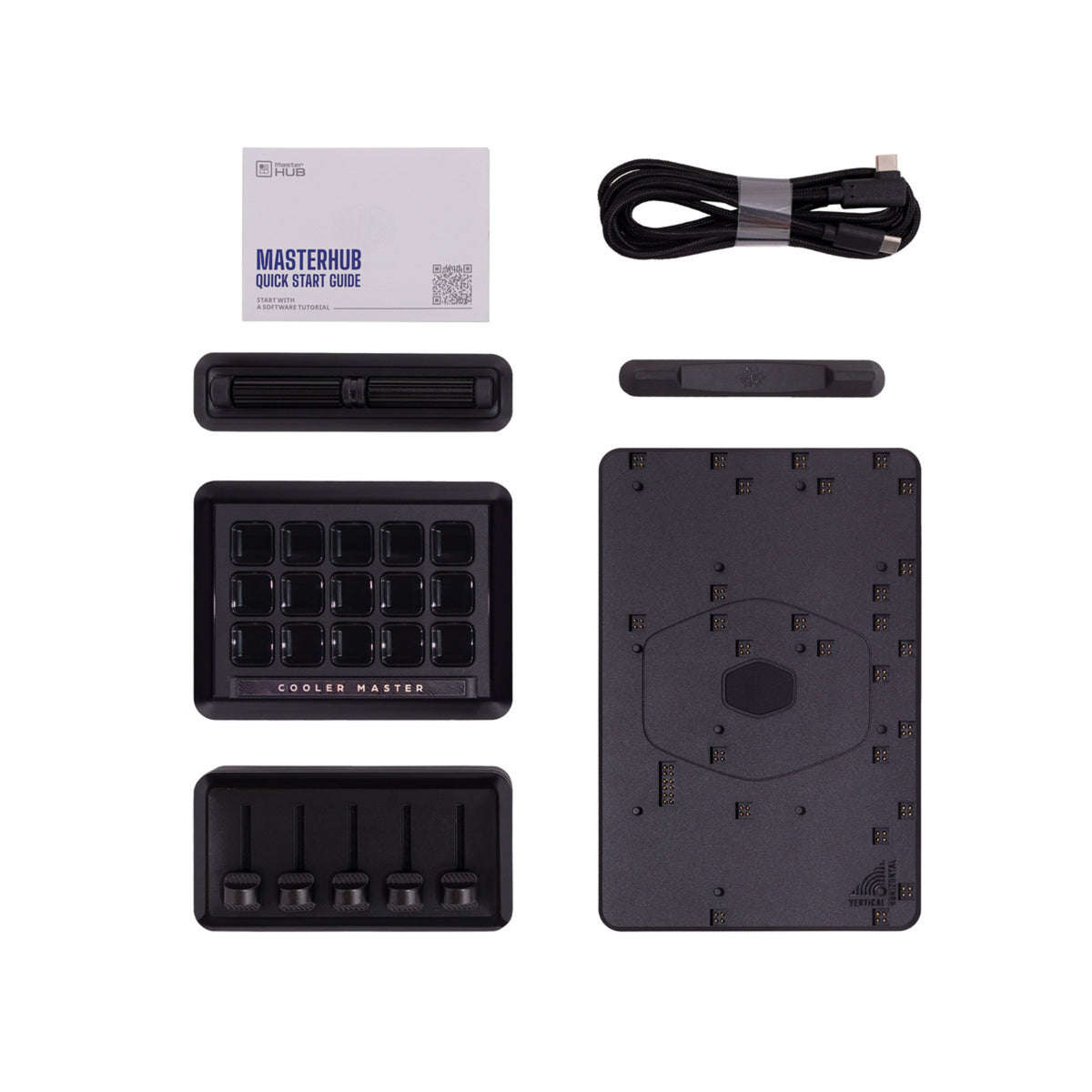
MasterHUB sets a new standard in creative control with its breakthrough modular design, allowing users to seamlessly customize their setup with a variety of interchangeable modules. This capability transforms MasterHUB into an adaptive control center tailored to the specific needs of content creators, streamers, and PC enthusiasts. The key innovation lies in its Pogo Pin technology and built-in magnets, which ensure effortless attachment and removal of modules, making configuration changes swift and simple.
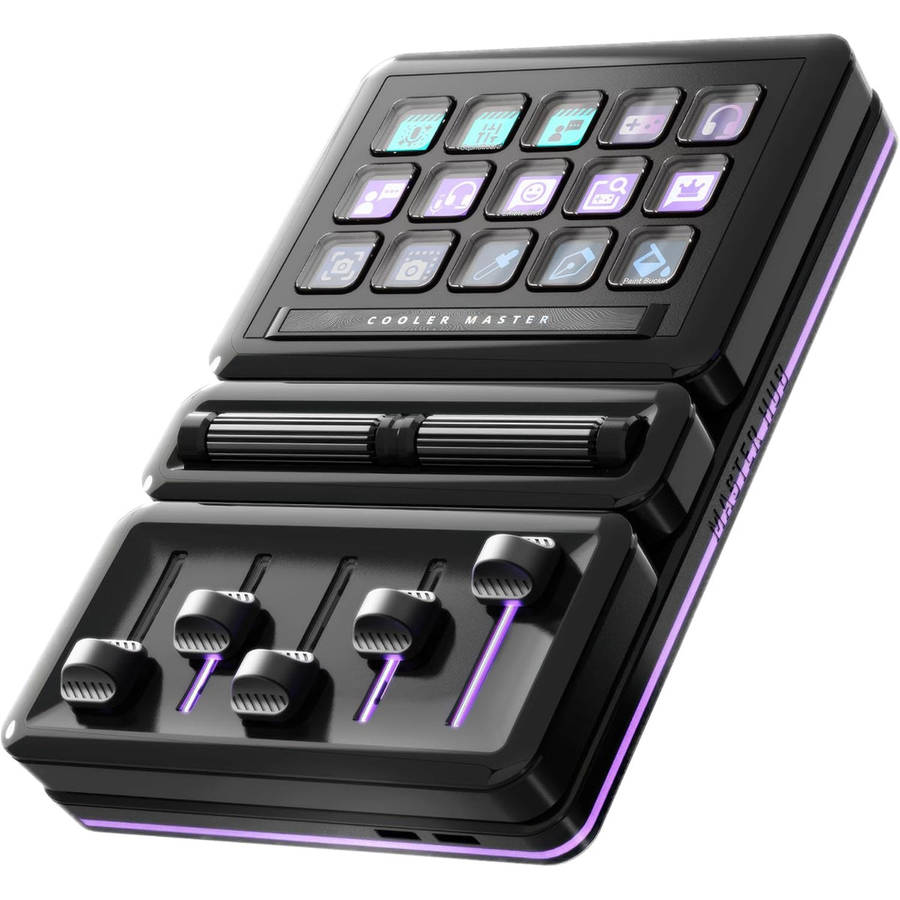
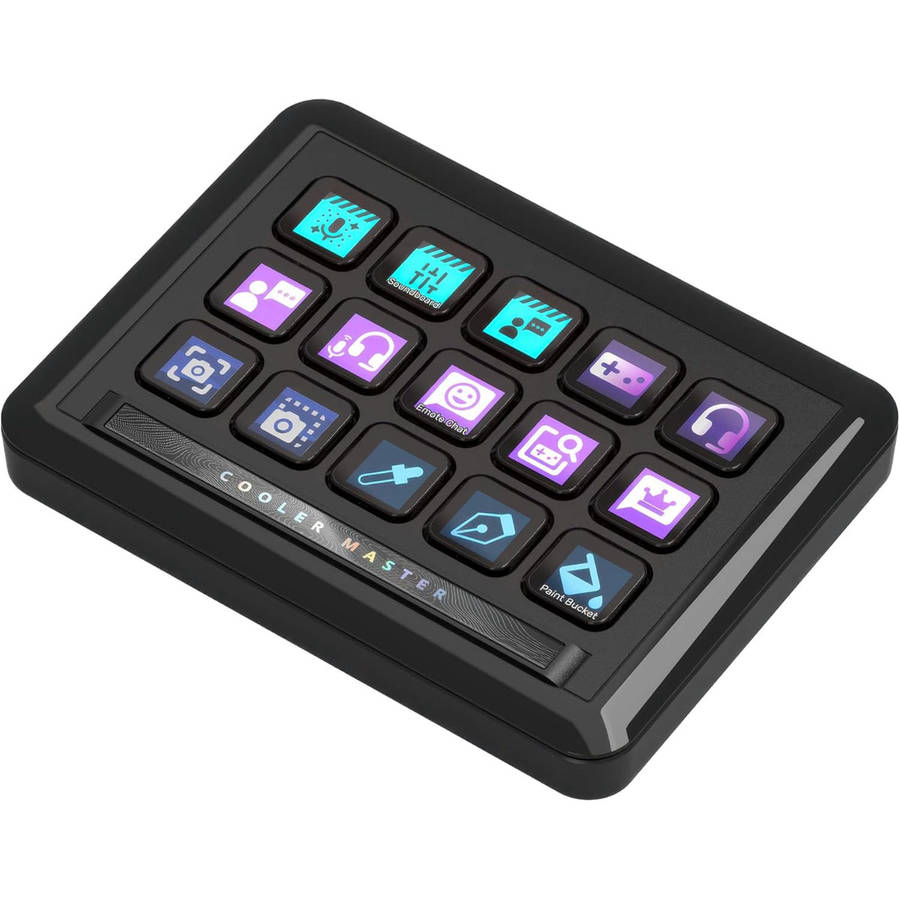
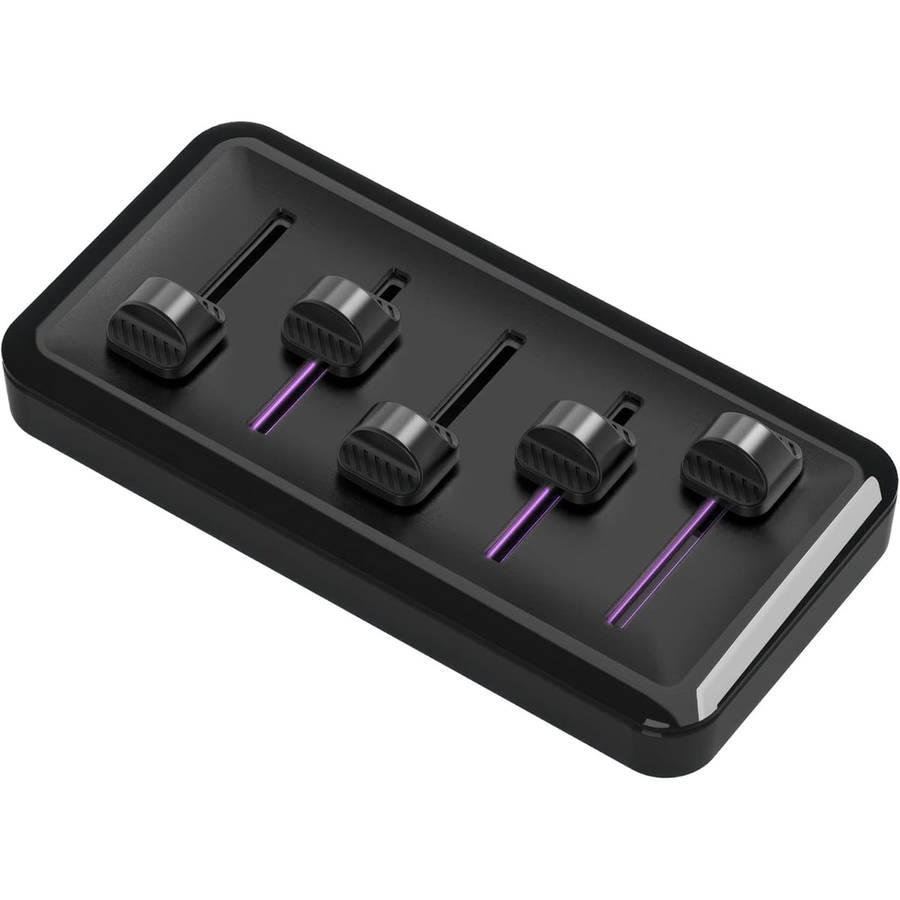
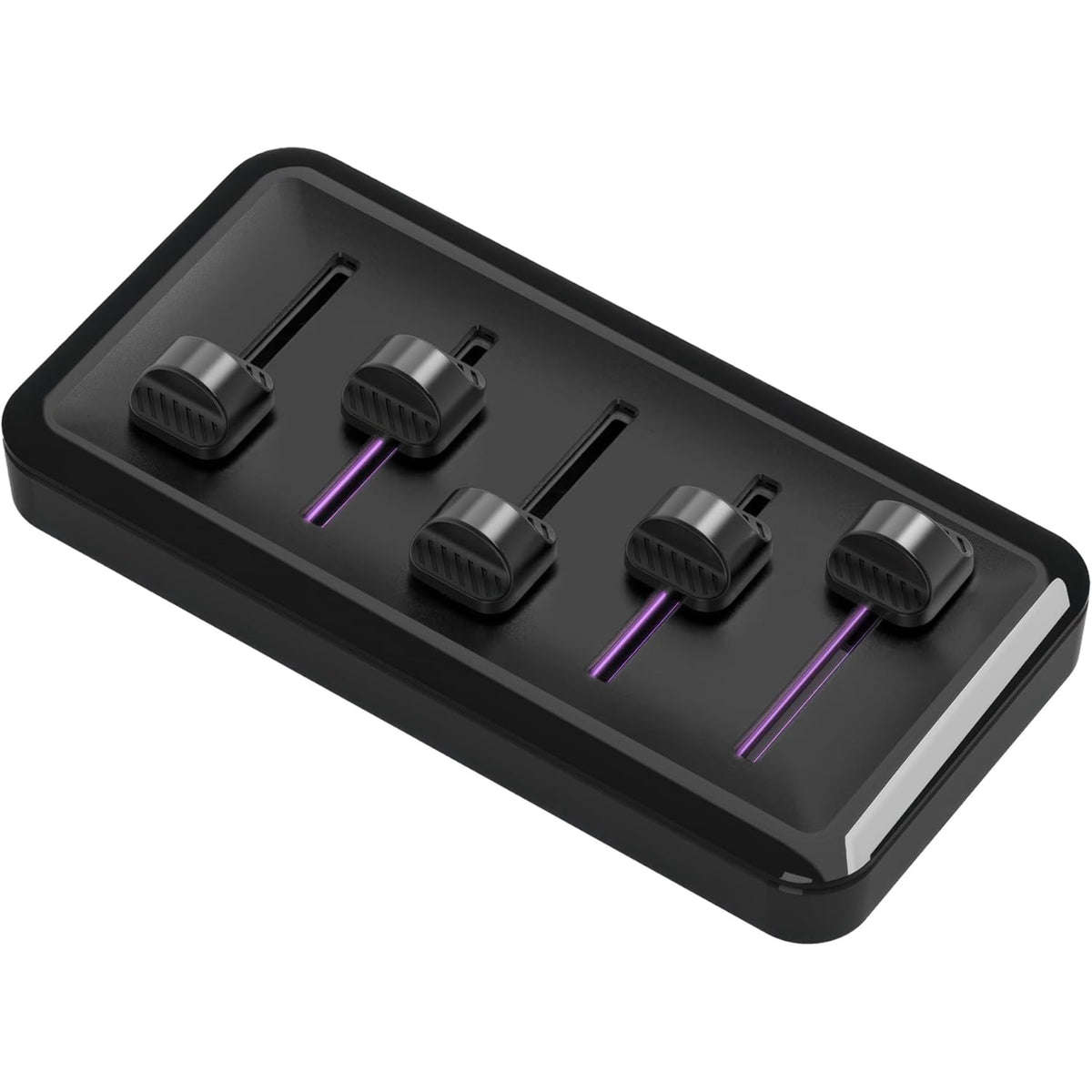
Whether you're fine-tuning audio levels with the 5x Fader module, adjusting lighting and colours with the 3x Knob module, or managing multiple application shortcuts on the 15x Key IPS Display, MasterHUB delivers precise and intuitive control.
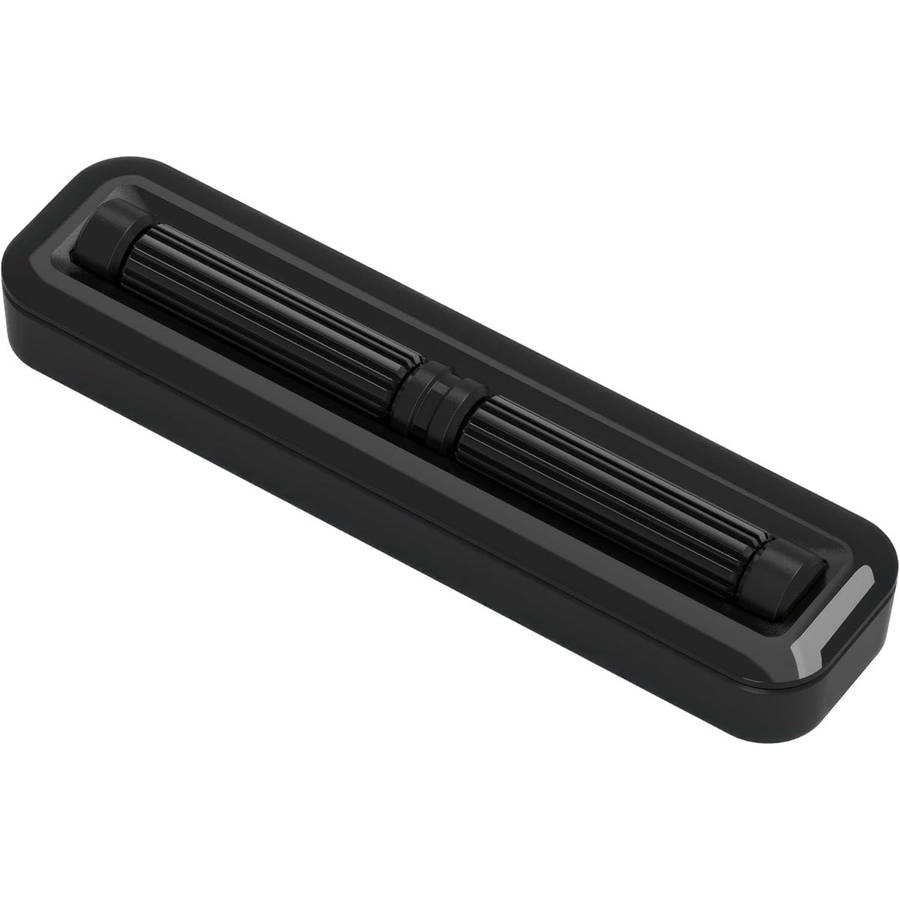
The Encoder with IPS Display enhances streaming and content creation by providing versatile functionalities like scene switching, volume control, and detailed brush adjustments, all with a clear, interactive display.
MasterHUB's breakthrough lies in its ability to adapt and expand, providing users with a truly personalized control system that evolves with their creative demands. This flexibility and innovation make MasterHUB an essential tool for anyone looking to elevate their creative workflow.
WHO
Content Creators:
Complex Workflow Management: Content creation often involves juggling multiple software applications and tools. MasterHUB streamlines these workflows by consolidating control into a single, customizable interface.
Efficiency and Productivity: Constantly switching between different tools and commands can be time-consuming. The MasterHUB's modular design and programmable keys allow creators to execute macros, launch applications, and manage tasks quickly and efficiently.
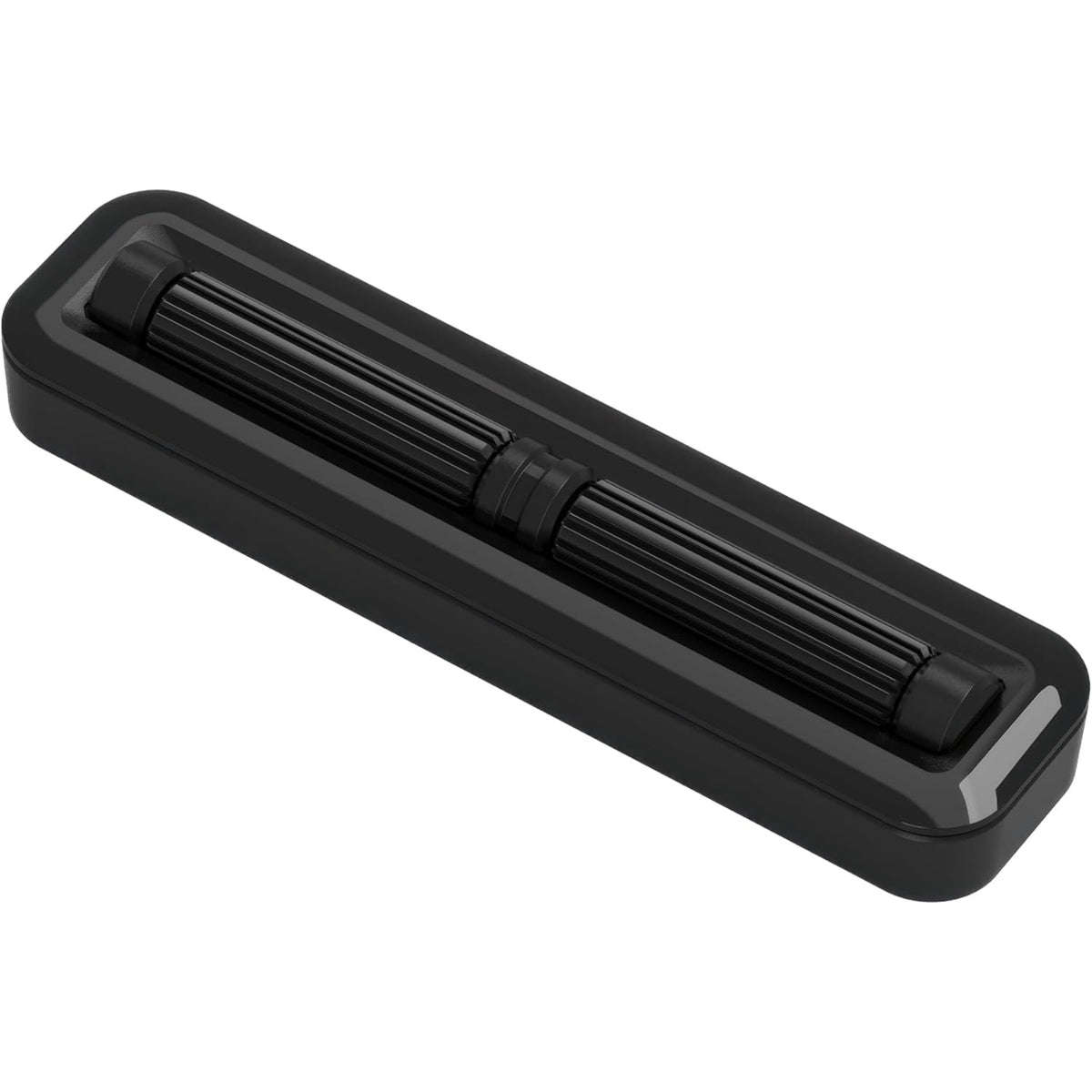
Precision and Control: Fine-tuning settings in creative software can be challenging. MasterHUB provides precise control over parameters such as brush sizes, color palettes, and timeline scrubbing, enhancing accuracy in creative work.
PC Enthusiasts and Gamers:
Customizable Control: Gamers and PC enthusiasts often require specific configurations for their setups. MasterHUB allows them to customize their controls, providing an enhanced and personalized user experience.
System Monitoring: Keeping track of system performance while gaming or working can be crucial. MasterHUB's displays can be configured to monitor system stats, ensuring optimal performance.
Enhanced Gaming Performance: Quick access to in-game commands and shortcuts can significantly improve gaming performance. MasterHUB's programmable keys and responsive controls provide gamers with the tools they need to gain an edge in their gameplay.
Streamers:
Live Broadcast Management: Managing a live stream involves multiple tasks such as scene switching, volume control, and viewer interaction. MasterHUB centralizes these controls, allowing streamers to focus more on content and engagement.
Seamless Integration: Streamers often use various plugins and software for their broadcasts. MasterHUB's customizable keys and displays enable seamless integration with streaming software, making it easier to manage the stream without interruption.
Real-Time Adjustments: Making real-time adjustments during a live stream can be stressful. With the MasterHUB's intuitive controls and displays, streamers can effortlessly make necessary adjustments, ensuring a smooth streaming experience.
MasterHUB stands out from its competitors through several unique features and design advantages:
Modular Design
Flexibility and Customization:
MasterHUB offers a fully modular design, allowing users to easily attach and detach different modules such as buttons, sliders, knobs, and displays. This level of customization means users can build their setup to precisely match their workflow needs.
Integrated Displays
Enhanced Visual Feedback:
MasterHUB includes high-resolution IPS displays within its modules, providing vibrant and clear visual feedback. These displays can show dynamic content such as icons, performance stats, and custom graphics, enhancing the user interface and interactivity.
Precision Controls
Advanced Tactile Controls:
MasterHUB incorporates a variety of control types, including customizable knobs with RGB LEDs, precision sliders, and touch-enabled IPS displays. This variety ensures users can have precise and intuitive control over different aspects of their workflow, from audio mixing to color grading.
Patented Pogo Pins Technology
Seamless Connectivity:
MasterHUB uses Pogo Pins technology with built-in magnets, allowing for easy attachment and removal or different modules without any cables or complex setup. This ensures a clean and efficient workspace.
Targeted Versatility
Broad Application Range:
MasterHUB is designed to cater to a wide range of applications, from live streaming and content creation to video editing and gaming. Its modular approach means it can be tailored to very specific needs, enhancing productivity across different user groups.
Use Cases
Streamlined Workflow:
MasterHUB is designed to simplify and streamline workflows by providing a high degree of customization and control. Its design ensures that all necessary tools and controls are within easy reach, making it an ideal solution for professionals who need to manage multiple tasks simultaneously.
HOW IT DOES IT
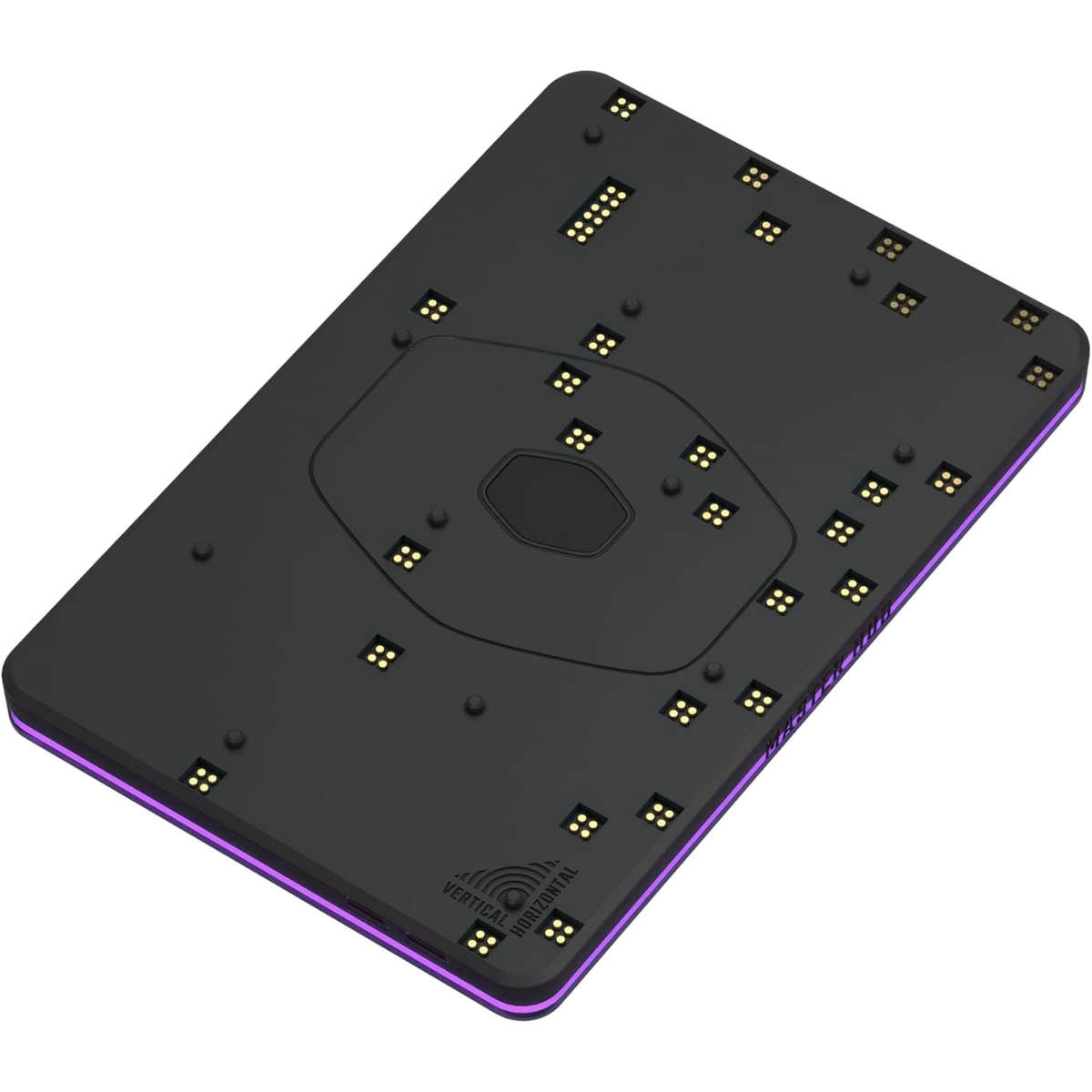
Base Module
Patented Pogo Pin Technology: Ensures secure and seamless connectivity between modules.
Built-in Magnets: Facilitate easy attachment and removal of modules, allowing for quick configuration changes.
Versatile Orientation: Can be used in both vertical and horizontal setups, adapting to your workspace needs.
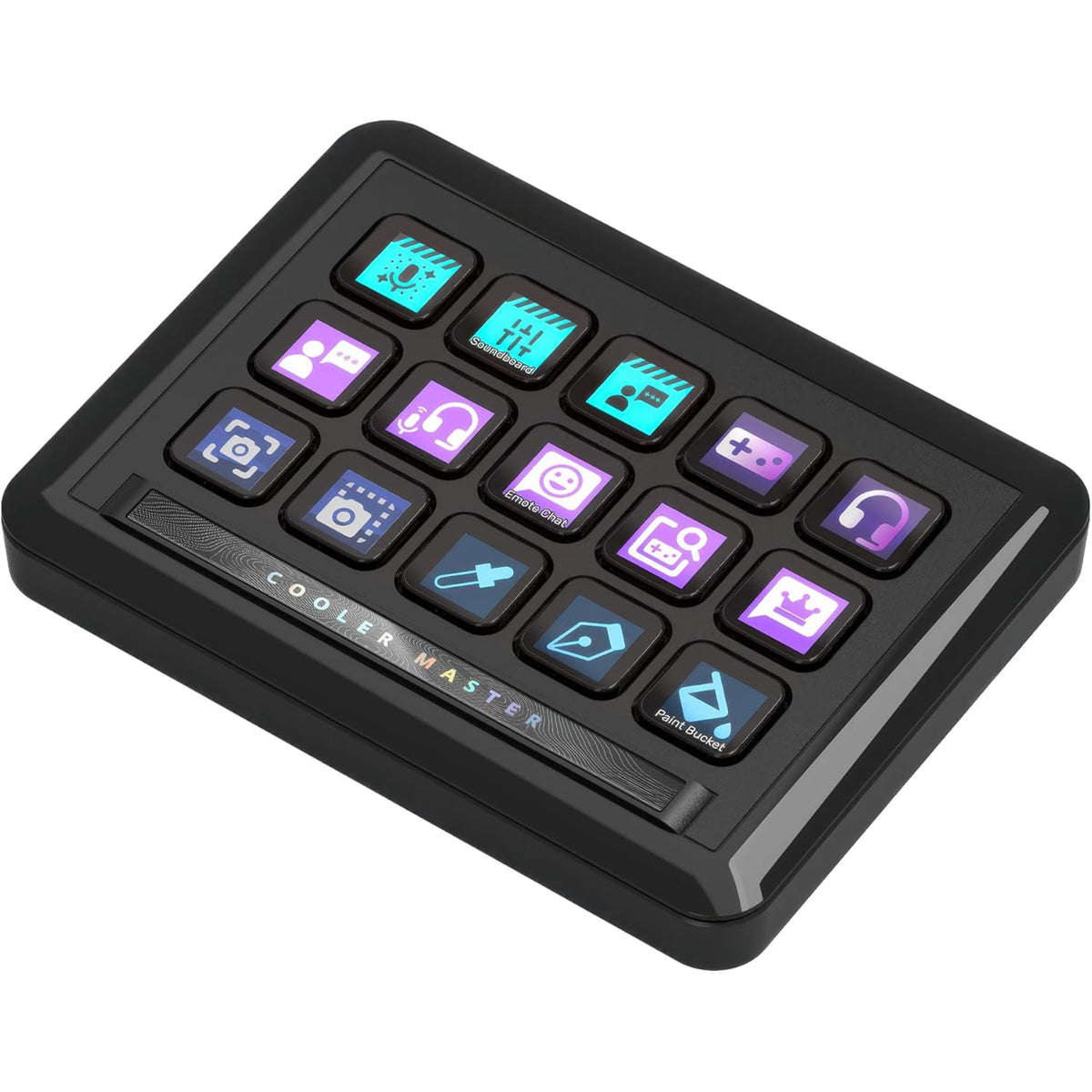
15xKey IPS Display Module
15 Customizable Keys: Program each key with specific functions, macros, and shortcuts.
Vibrant IPS Display: Clear, dynamic visuals for easy identification and use.
Macro Execution: Simplify complex commands with a single keypress.
Hotkey Binding: Quick access to your most-used functions and apps.
Plug-i...