Personalise without limits with Cricut Maker 4, the next generation of our ultimate smart cutting machine.
With lots more compatible tools and materials than our other cutting machines, you'll be amazed by what's possible. Make big banners, engrave metal, deboss leather, and so much more. Plus, it can make all the popular projects our other machines can make like custom cards, T-shirts, and full-colour stickers.
This machine delivers speed, precision, and accuracy, cutting up to 2X faster than the previous model.1 It comes with materials to hit the ground cutting, and easy-to-follow setup instructions online.
No design experience required. Works with free Design Space™ app.
Description:
- Works with 300+ materials, including popular materials like vinyl, iron-on & cardstock — plus leather, posterboard & more2
- Cuts intricate designs with precision
- Write, draw, foil, engrave, deboss & more3
- Compatible with your home inkjet printer to print then cut full-colour designs
- Free, easy-to-learn Design Space™ app
- Bluetooth® wireless technology4
- Make up to 10 projects with included supplies5
- Upload & cut your own designs or choose from the Cricut Design Space library
- Free video tutorials & beginner cheatsheets
- World-class customer support is available via phone or chat
- Cricut Manufacturer Warranty6
Included:
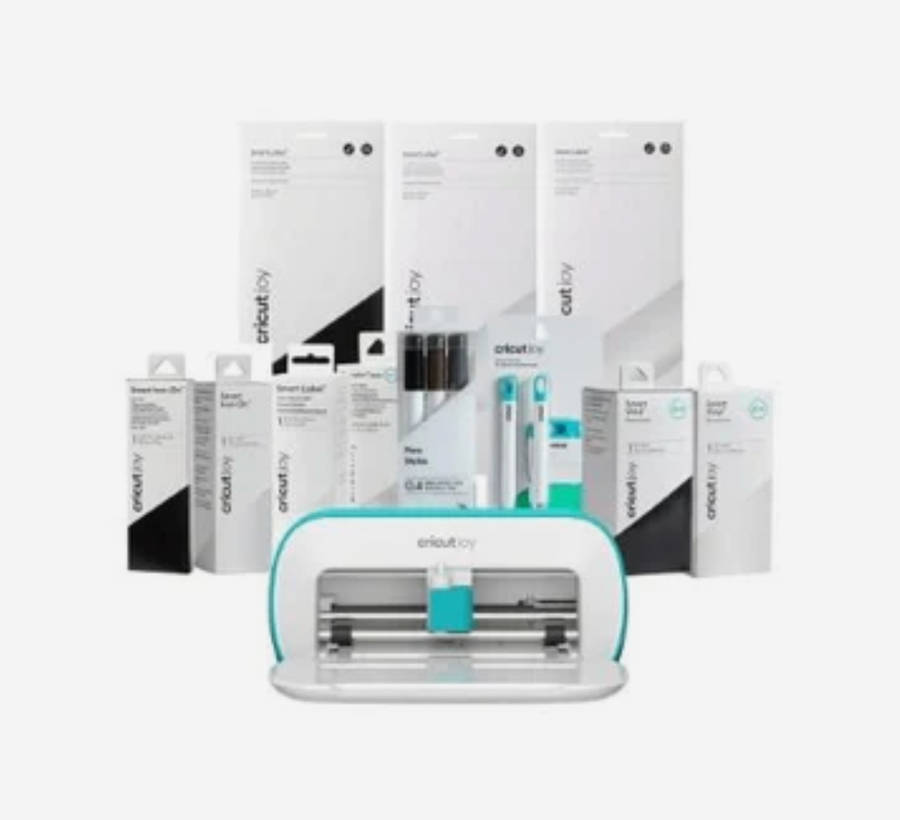
- Cricut Maker 4 smart cutting machine
- Premium Fine-Point Blade + Housing
Light Grip Machine Mat, 12 in x 12 in (30.4 cm x 30.4 cm) - Fine Point Pen (0.4 mm)
- Mini Weeder
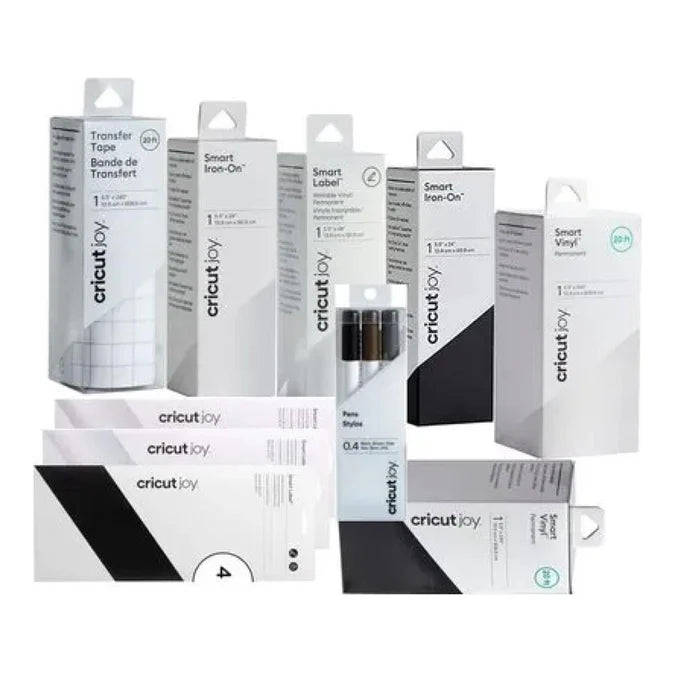
- Materials for practice cuts
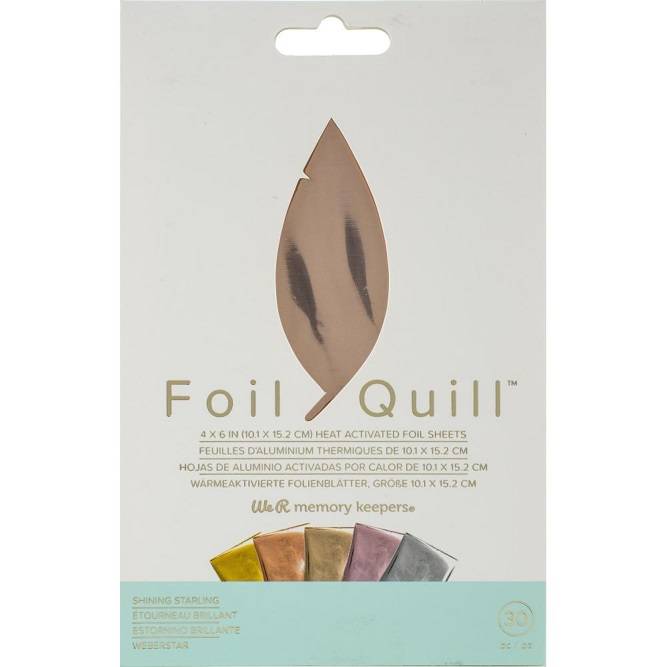
- WRMK - Etch Quill Starter Kit
The We R Memory Keepers Foil Quill (including the 661090/660230 Kits) can be used on the Cricut Maker 4 (and previous Maker/Explore models).
The Foil Quill kits come with specific adapters that allow them to fit into the accessory clamp (Clamp A) of the Cricut machine.
How to Use the Foil Quill with the Cricut Maker 4:
- Adapters: Use the appropriate Cricut adapter (usually labeled "C") provided in the We R Memory Keepers kit.
- Method: The Foil Quill is a heat-activated tool that plugs into a USB power source, while the Cricut moves it across the material to transfer foil.
- Design Space Settings: Set your design lines to "Draw" or "Foiling" in Cricut Design Space.
- Application: Secure your material and foil tightly to the mat using painter's tape, ensuring the foil is taut to avoid tearing.
Important Notes:
- Power: You will need a USB battery pack or outlet to heat the pen.
- Etching: While the Quill is designed for foiling (transferring metallic foil), it can technically etch on some materials if used without foil, although it is primarily a heat-transfer tool.
- Alternative: Cricut offers its own Foil Transfer Tool, which is a cold, pressure-based system, whereas the Foil Quill is a heat-based system