

| Main centres: | 1-3 business days |
| Regional areas: | 3-4 business days |
| Remote areas: | 3-5 business days |
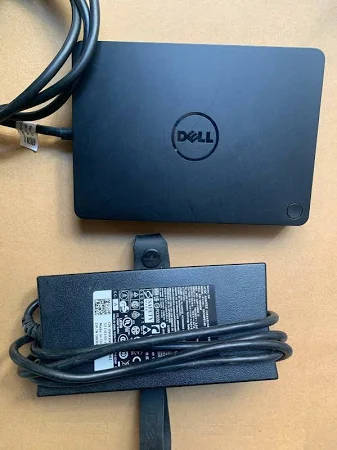
Dell 130W USB-C Docking Station WD19 (K20A) with power adapter included.
The Dell Docking Station WD19 is a device that links all your electronic devices to your computer using a USB Type-C cable interface, giving you instant access to all your peripherals including mouse, keyboard, stereo speakers, and external hard drives through a single connection. Dell
Designed for ultimate flexibility, this dock connects to your laptop via USB-C and delivers a full suite of ports for monitors, peripherals, and power. It supports stunning 4K resolution on up to two displays, or a single 5K display for ultra-crisp visuals ideal for multitasking, creative work, and data-heavy tasks.
Key Features
Power Delivery
With support for up to 130W power delivery, this dock charges compatible Dell laptops quickly and efficiently through a single cable.
Connectivity
The WD19 offers a comprehensive port selection including dual DisplayPort, HDMI, USB-C, three USB 3.1 Gen 1 Type-A ports, two USB-C 3.1 Gen 2 ports, a combo audio/headset jack, and Gigabit Ethernet (RJ-45) supporting data transfer and 4K display output at up to 3840 × 2160 resolution.
Data Transfer
USB-C technology delivers data transfer speeds of up to 10Gbps, making it one of the most powerful USB-C docks available.
Modular & Future-Ready Design
Its modular design allows for easy upgrades, so you can future-proof your tech investment.
Business-Class Reliability
Dell Commercial Docks come with a standard 3-Year Limited Hardware Warranty with Advanced Exchange if an issue cannot be resolved over the phone, Dell will send a replacement dock out the next business day.
Broad Compatibility
The WD19 is also compatible with notebooks from other manufacturers such as HP and Lenovo that support industry standards for USB-C docking.
Setup Notes
Dell Docking Station drivers (Realtek USB GBE Ethernet Controller Driver and Realtek USB Audio Driver) are required to be installed before using the docking station for full functionality. Dell recommends updating the computer BIOS, graphics driver, Thunderbolt driver, and Thunderbolt firmware to the latest version before use.
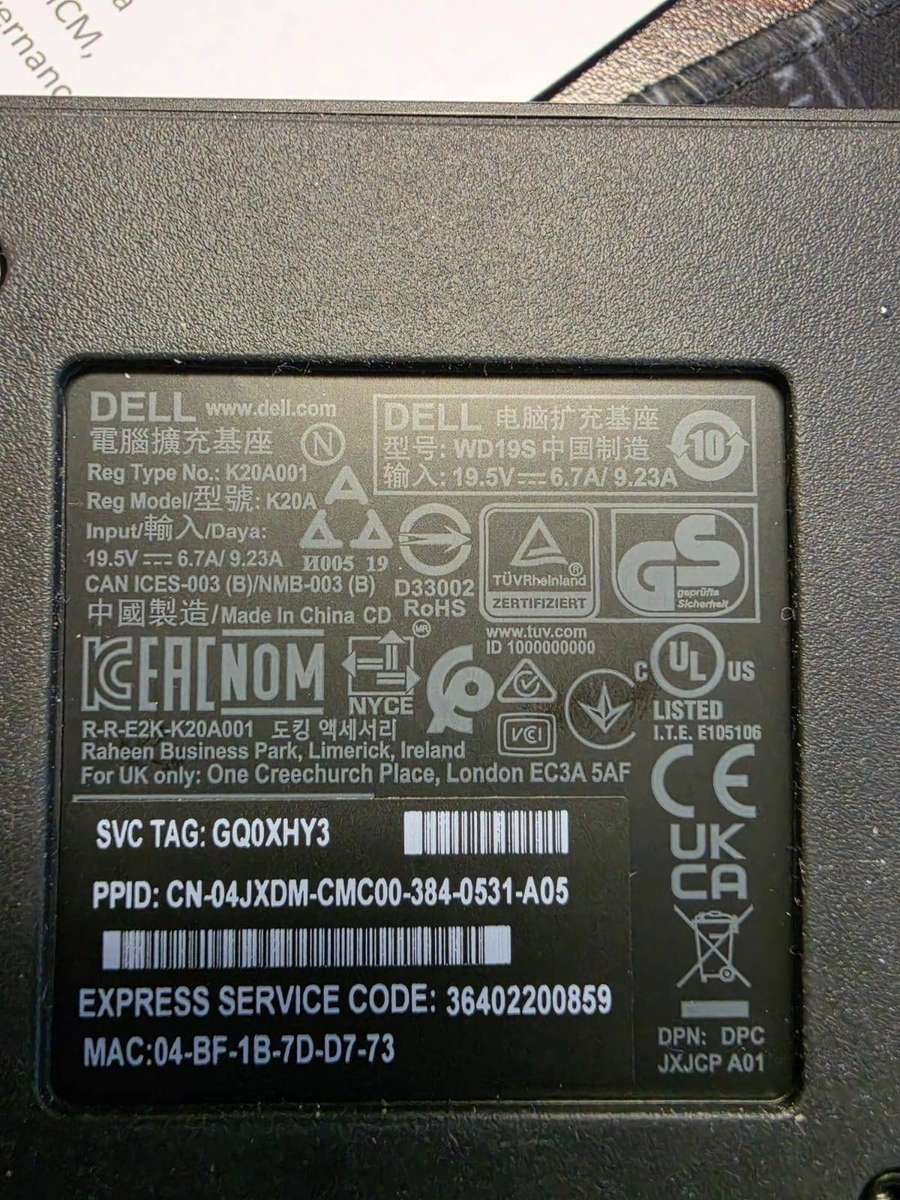
Model: WD19 | Regulatory Model: K20A | Color: Black | Power: 130W