




| Main centres: | 1-3 business days |
| Regional areas: | 3-4 business days |
| Remote areas: | 3-5 business days |
Key Features
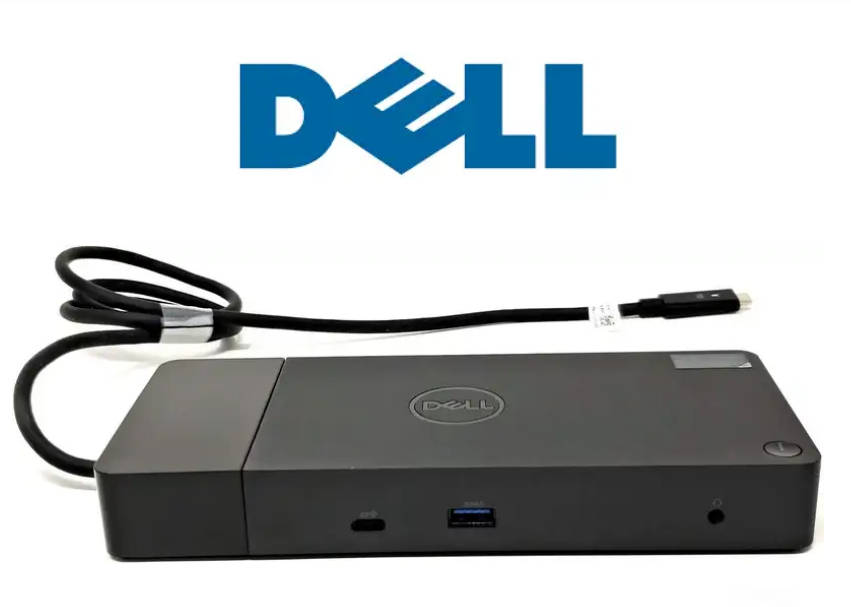
Connectivity: USB-C (DisplayPort over USB-C or Thunderbolt 3/4).
Power Delivery: Delivers up to 90W of power to your laptop (with a 130W adapter).
Video Support: Supports up to dual Full HD (1080p) monitors or a single Quad HD (1440p) monitor.
Typical Port Configuration (WD19S)
2 x DisplayPort - NOT WORKING
1.41 x HDMI - NOT WORKING
3 x USB 3.0 Gen 1
2 x USB Type C
2.01 x Gigabit Ethernet (RJ-45)
1 x Dual 3.5mm sound
Compatibility
Compatible with most modern laptops, including Dell Latitude, Precision, and XPS series.
Also supports other manufacturers' laptops that support DisplayPort over USB-C.
Setup & Troubleshooting
Drivers: Ensure you download and install the latest drivers/firmware from the Dell Support website.
Setup: Connect the power cable to the docking station first, then connect the USB-C cable to the laptop.
Reset: If the dock stops working, unplug the USB-C cable and the power cable, then hold the power button for 30 seconds.


