NB !!!!!!!! Please Confirm Ask Seller Question "TAB" Stock Availability Before Placing Our Order !!!!!!!!!!
We Are An Online Store, Our Website Is Our Showroom All Sales Products Are Shipped From Our Suppliers / Distributors
NB !!!!!!!! Please Confirm Ask Seller Question "TAB" Stock Availability Before Placing Our Order !!!!!!!!!!
Product images are for illustrative purposes only and may differ from the actual product. Please use the "Ask Seller" tab to confirm if the image reflects the actual item.
NB !!! No Refund Or Exchanges On Consumable Goods OPEN And USED Printer Cartridge & Toners And Ink
1) All Product returns or Exchanges will be send to the manufacturer / Supplier / Distributor for a full inspection and assessment Upon receipt of the returned item, it will undergo a full inspection and assessment by the product supplier / manufacturer / Distributor every supplier / manufacturer / Distributor have its own Policy to exchanges and returns
2) If supplier / manufacturer / Distributor agree to a Refund of price of unsuitable products.
We will refund the full price of any unsuitable products in their original unopened packaging. For opened products, the supplier / manufacturer / Distributor may deduct or charge a reasonable amount for any use of the products plus certain costs necessary for repackaging and restocking, subject to the CPA. These costs are usually up to 25% of the cost of the products.
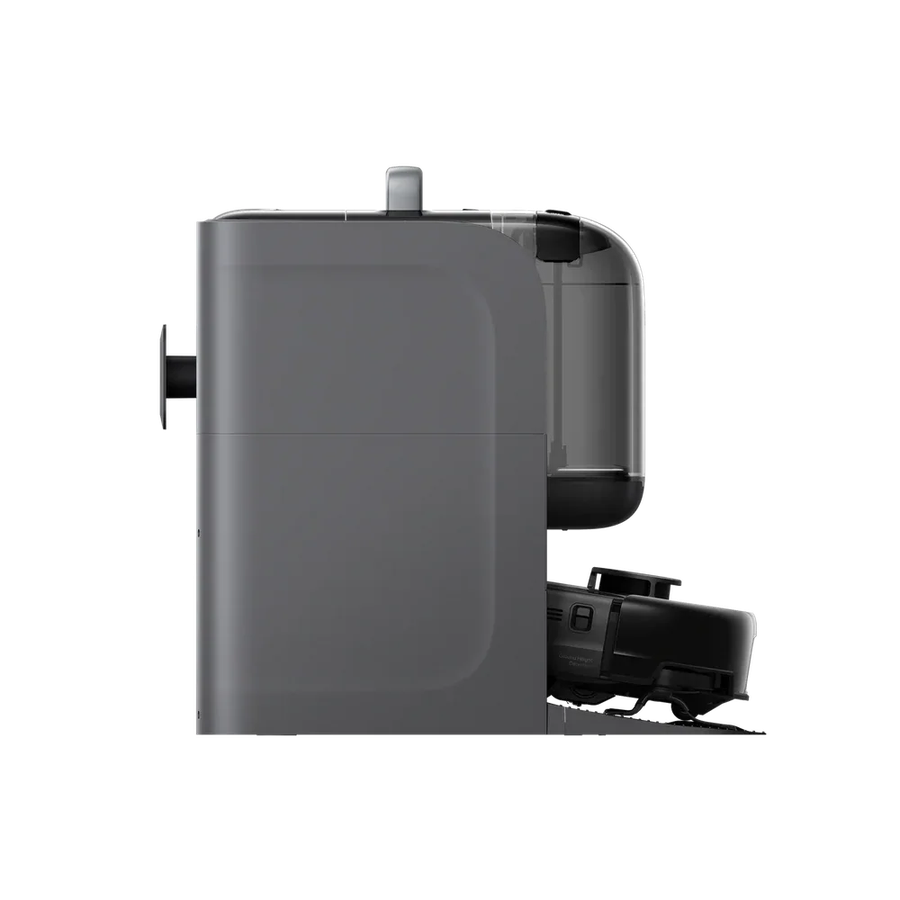
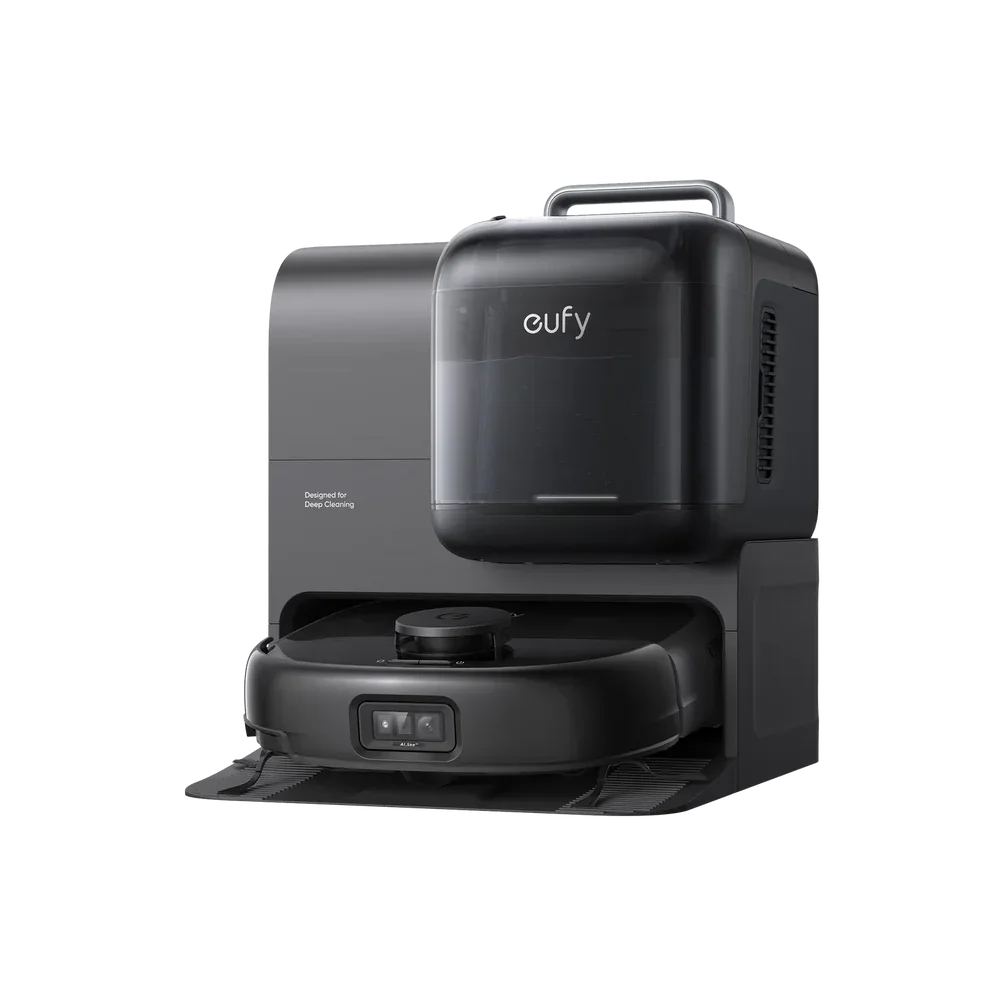
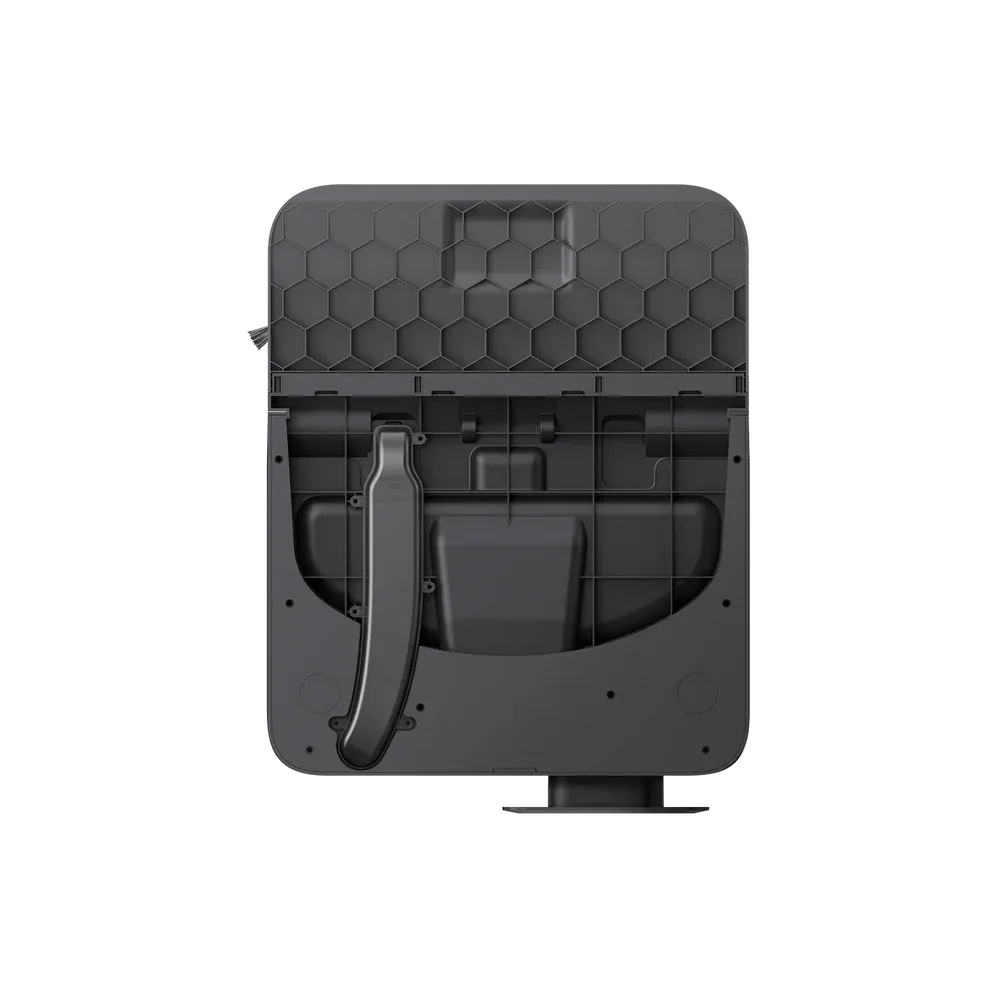
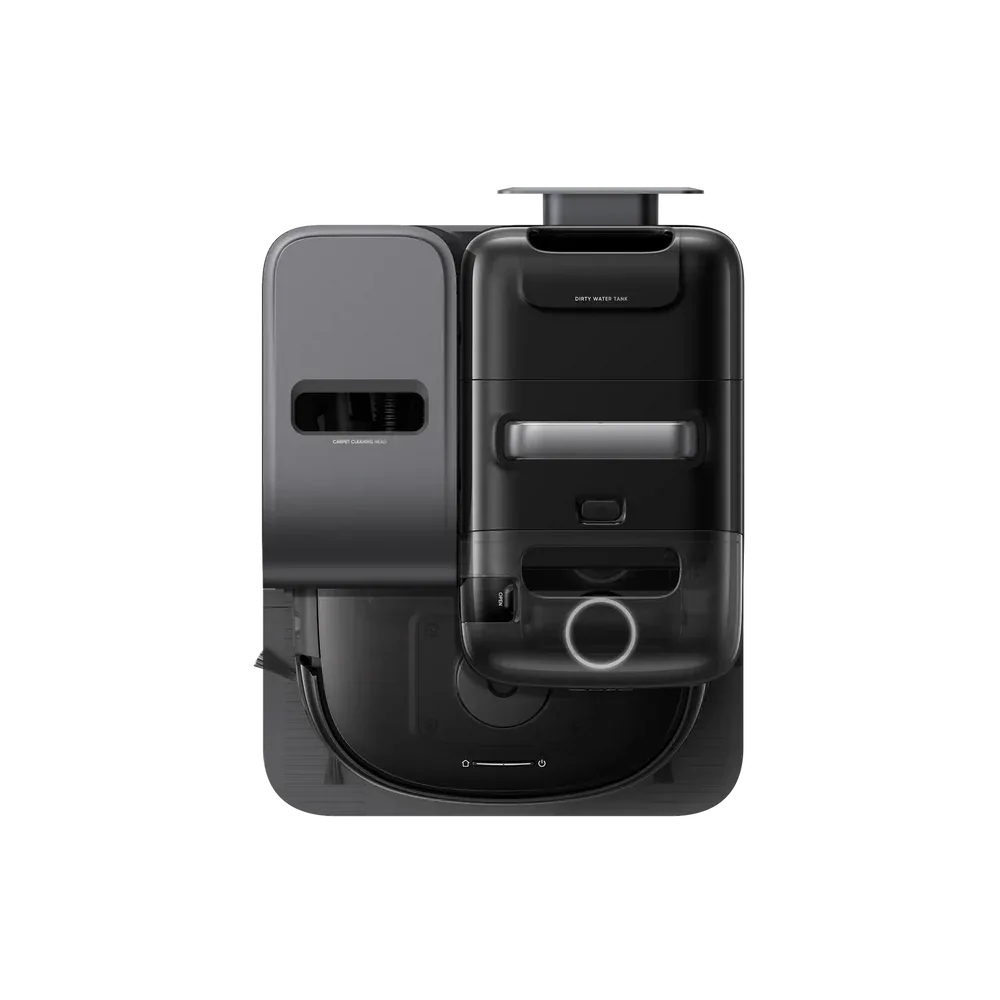
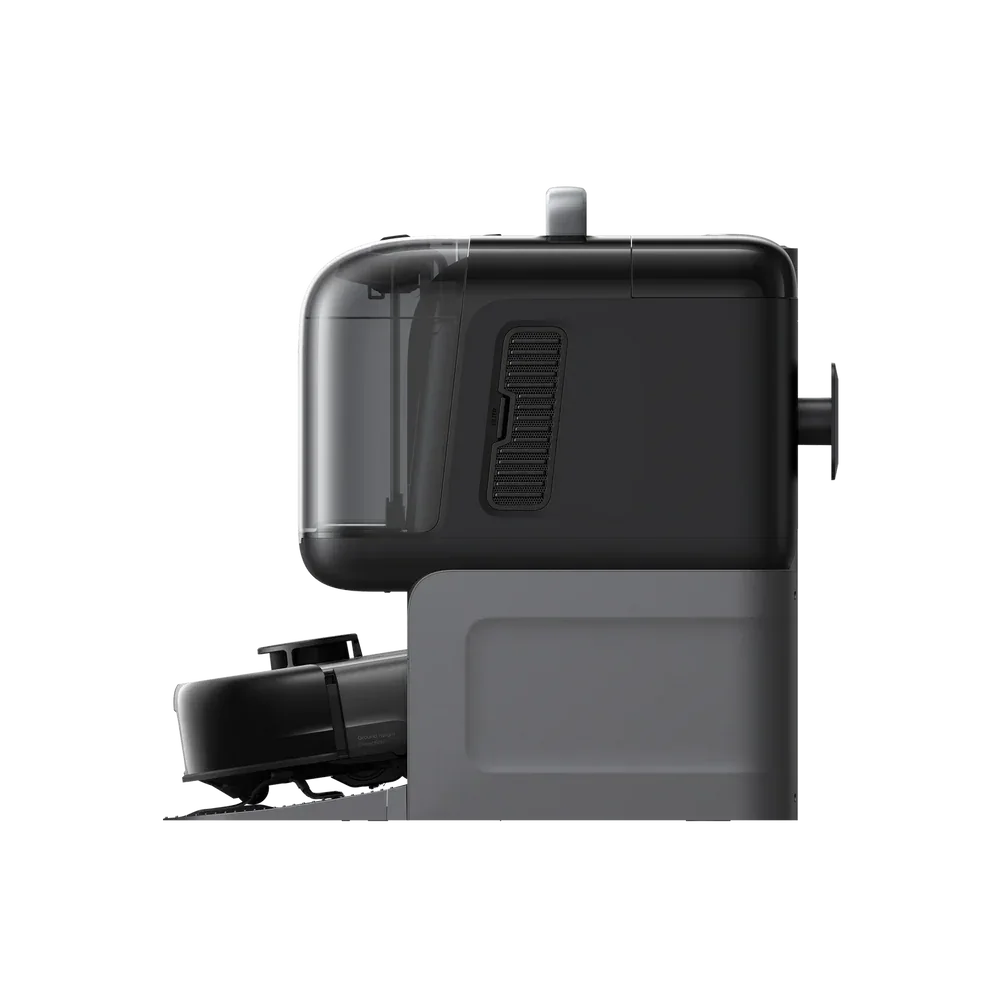
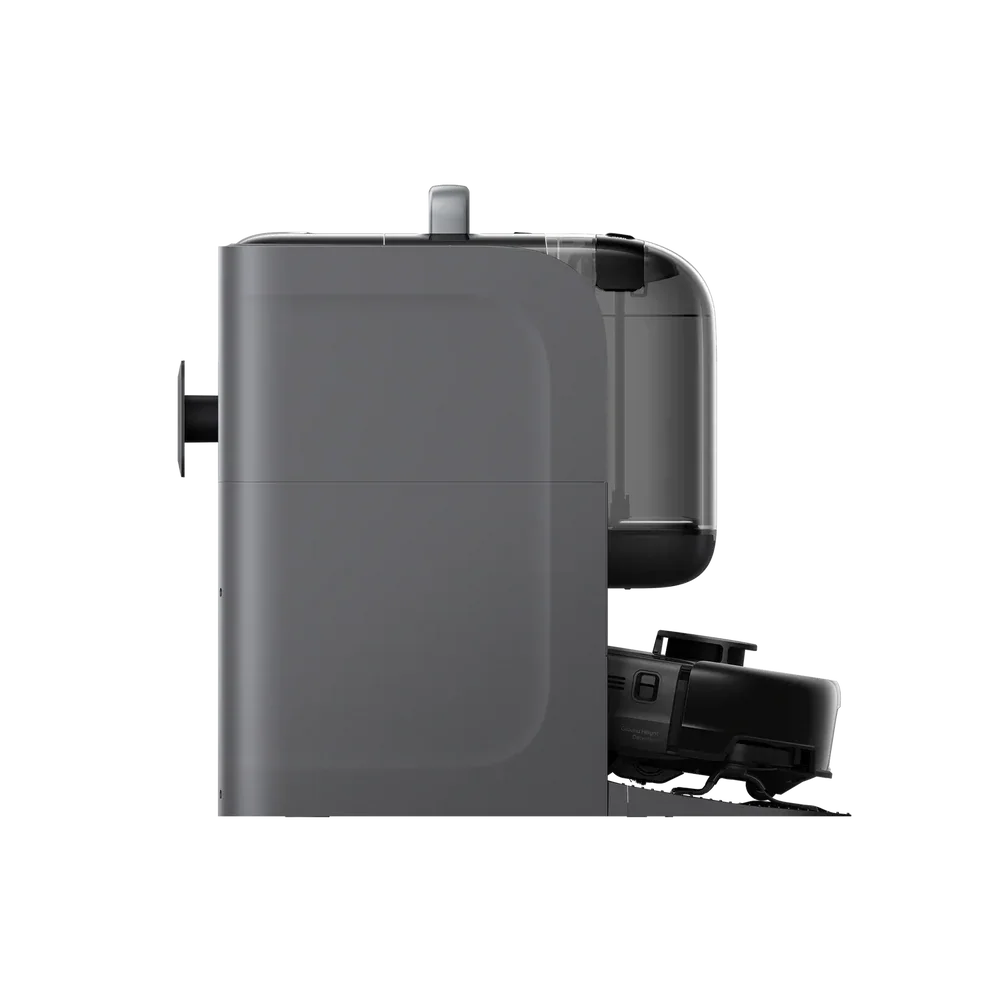
The Eufy CLEAN Robot Vacuum Omni C28 (All-in-One Station) Mapping Feature; No-Go Zones; No Mop Zones; Room Cleaning; Zone Cleaning; 10,000 Pa Suction Power.
The Eufy CLEAN Robot Vacuum Omni C28 (All-in-One Station) Mapping Feature; No-Go Zones; No Mop Zones; Room Cleaning; Zone Cleaning; 10,000 Pa Suction Power; HydroJet System.
Key Details
- 3-In-1 Cleaning: Vacuuming, Mopping (HydroJet Roller), and a Handheld Deep Cleaner for Carpets/Furniture.
- Multi-Floor Map Storage: The C28 Stores Multiple Floor Layouts, Allowing Seamless Cleaning Across Different Levels Without Re-Mapping Each Time.
- Smart Navigation System: Uses Precision Sensors and Real-Time Mapping To Avoid Obstacles, Optimize Cleaning Paths, and Cover Every Area Thoroughly.
- Automatic Surface Adaptation: Transitions Smoothly Between Hard Floors, Tiles, and Carpets While Adjusting Suction Power for Optimal Performance.
- High-Efficiency Cleaning: Strong Suction, Edge Brushes, and a Wide Cleaning Path Ensure Deep Cleaning In Less Time.
- App-Controlled Customization: Create No-Go Zones, Schedule Cleanings, and Select Rooms Directly From the App.
- Auto-Return and Recharge: Automatically Returns To Its Dock When the Battery Is Low and Resumes Cleaning Where It Left Off.
- Low-Profile Design: Slim Enough To Clean Under Furniture and Hard-To-Reach Spaces.
- Quiet Operation: Engineered To Deliver Powerful Cleaning With Minimal Noise.
- 5-In-1 Omni Base Station: The Omni Base Station Delivers a Fully Automated Cleaning Experience with Five Integrated Functions: Self-Washing Mop, Auto Hot Air Drying, Auto Tank Refilling, Auto Dust Emptying, Auto Wastewater Collection.
- 15,000 Pa High-Power Suction: C28 Omni Efficiently Tackles All Common Floor Debris with Superior Suction, Including Dust Particles And Pet Hair.
- DuoSpiral Detangle Brushes: The DuoSpiral Detangle Brushes Features an Automatic Hair-Detangling Mechanism That Efficiently Removes Pet Hair and Fibres, Reducing Manual Maintenance and Ensuring Consistent Performance.
- LDS+ Linear Laser Navigation and Obstacle Avoidance System: Equipped with Advanced LDS+ Linear Laser Navigation, the Omni C28 Intelligently Maps Your Home and Smoothly Navigates Around Obstacles such as Furniture and Toys, Ensuring Precise Cleaning Coverage.
Overview
The Omni C28 Robot Vacuum Delivers Intelligent, Efficient Cleaning Across Multiple Floors In Your Home.
With Advanced Mapping Technology, It Automatically Detects, Saves, and Switches Between Floor Maps, Ensuring Consistent Cleaning Performance No Matter Where You Place It.
Ideal for Pet Owners
Busy Households, or Anyone Wanting a Comprehensive, Automated Cleaning Solution with Minimal Manual Intervention, Especially Those Needing a Combined Robot Vacuum and a Portable Spot Cleaner.
Multi-floor Cleaning Support
The Omni C28 Supports Multi-floor Cleaning.
When You Carry the Robot To a Floor Without a Base Station To Start Cleaning, If the Set Task Includes Mopping, the System Will Automatically Perform Detection Before Starting Cleaning.
When a Long Mop Cleaning Interval Is Detected (I.E., If More than 10 Minutes Have Passed Since the Last Mop Cleaning was Completed, or If Mopping Has Been Ongoing for More than 3 Minutes Since the Last Successful Mop Cleaning Task), a Prompt Window Will Pop Up To Guide You To Select the Next Step.
You Can Choose To Take the Robot Back To the Base Station To Clean the Mop and Then Return To the Floor Without a Base Station To Continue the Task, or You Can Choose To Directly Perform a Pure Sweeping Mode On the Current Floor.
In Addition, If the Robot's Clean Water Tank Is Empty or Its Dirty Water Tank Is Full During the Task, the System Will Automatically Downgrade To a Pure Sweeping Mode To Ensure That the Cleaning Work Can Continue.
Once the Cleaning Task Is Complete, the Robot Will Automatically Return To the Starting Position and Notify You.
At This Point, You Should Promptly Return the Robot To the Base Station for Self-Cleaning.
Multi-Map Storage
The Omni C28 Supports Saving Up To Five Separate Maps, Making It Easy To Manage and Clean Multiple Floors Efficiently.
Simply Enable the Multi-Map Saving Feature Within the Map Management Section of the App To Store and Manage Up To Three Distinct Floor Maps.
Note: Product Details Are Correct at the Time of Publication. For Current Information and Updates, Visit the Manufacturer's Official Website.