| Main centres: | 1-3 business days |
| Regional areas: | 3-4 business days |
| Remote areas: | 3-5 business days |
OPEN TO ALL NETWORK
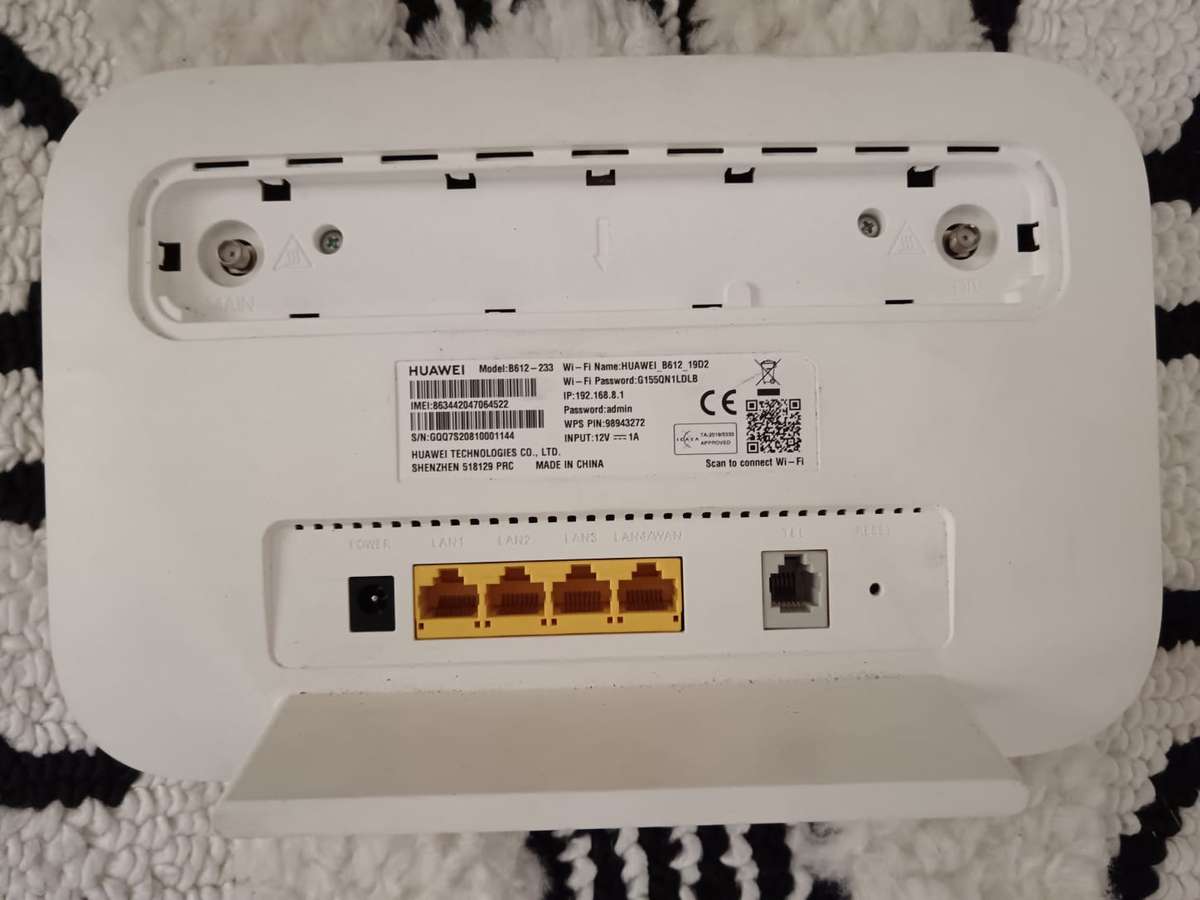
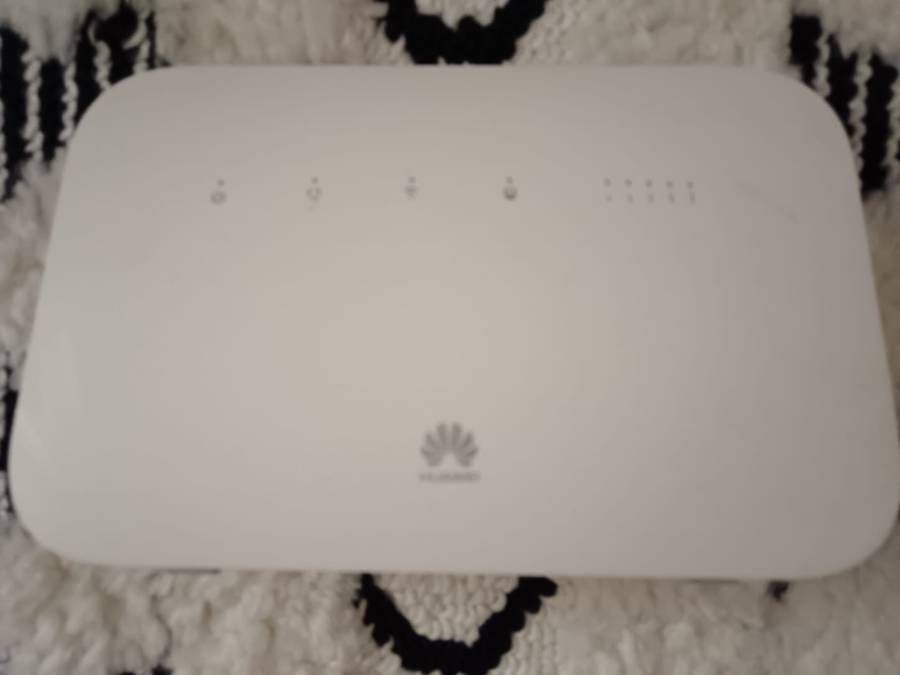
The HUAWEI LTE CPE B612-233 is a Long Term Evolution (LTE) wireless gateway for multiple users in household or small office environments. It enables users to access the Internet.
The B612-233 supports 3GPP Release 11 with LTE
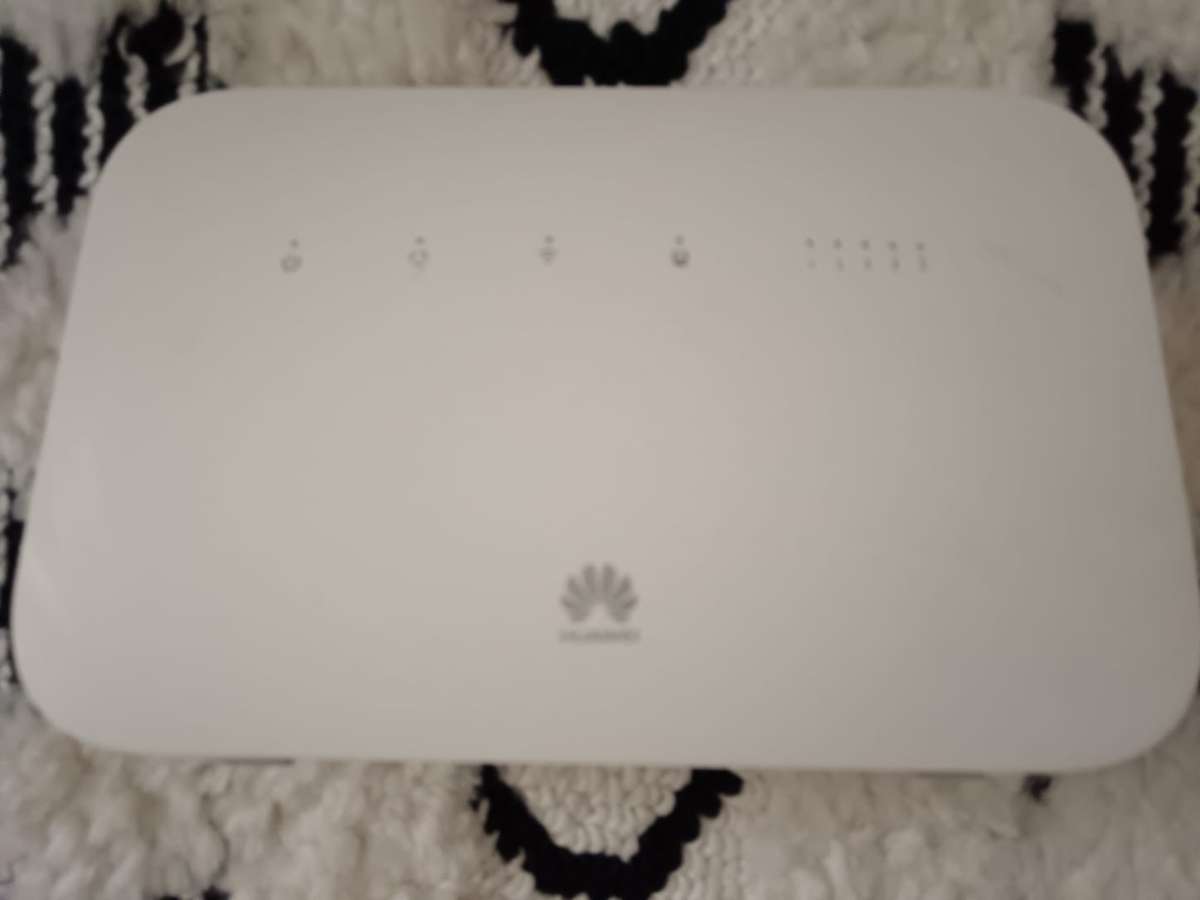
LED Indicators
One Power indicator
One LAN/WAN indicator
One group of signal strength indicators
One Wi-Fi indicator
Flash slowly: A pairable HiLink device is detected.
Flash quickly: HiLink pairing is in progress.
Off: Wi-Fi is disabled.
NOTE:
The indicator starts to flash slowly only when B612-233 detects a new HiLink device.
HiLink devices include Honor routers, Honor set-up boxes, Honor handsets/ HUAWEI handsets (EMUI 5.0 and later), and more.
One Internet status indicator
Cyan: LTE network accessed
Blue: UMTS network accessed
Yellow: GSM network accessed
Green: Ethernet network accessed
Red: No SIM card is inserted or detected, or the SIM card has insufficient balance
Buttons
One Power ON/OFF switch
One WPS button
The Wi-Fi indicator flashes slowly when the router detects a HiLink device. Press the WPS button to connect the HiLink device to the routers Wi-Fi.
When the Wi-Fi indicator is steady on, press the WPS button to enable WPS.
One Reset button