This item has closed with no items sold
View other items offered by Mr Smile11837

Similar products

Keyboard Color Pink Keyboard Color Pink Keyboard Color Pink Keyboard Color Pink Keyboard Color Pink Keyboard Color Pink Keyboard Color Pink
Keyboard Color Pink Keyboard Color Pink Keyboard Color Pink Keyboard Color Pink
Keyboard Color Pink
+3
Closed

Keyboard Color Pink

New 50 were available
Indicative market price: R4,536.00
R1,663.00
63% off
Shipping
R35.00 Standard shipping using one of our trusted couriers applies to most areas in South Africa. Some areas may attract a R30.00 surcharge. This will be calculated at checkout if applicable.
Check my rate
The seller has indicated that they will usually have this item ready to ship within 15 business days. Shipping time depends on your delivery address. The most accurate delivery time will be calculated at checkout, but in general, the following shipping times apply:
 
Standard Delivery
Main centres:  1-3 business days
Regional areas: 3-4 business days
Remote areas: 3-5 business days
Buyer protection
Get it now, pay later

Product details

Condition
New
Location
International
Product code
MRpdd-A86553
Bob Shop ID
659719128
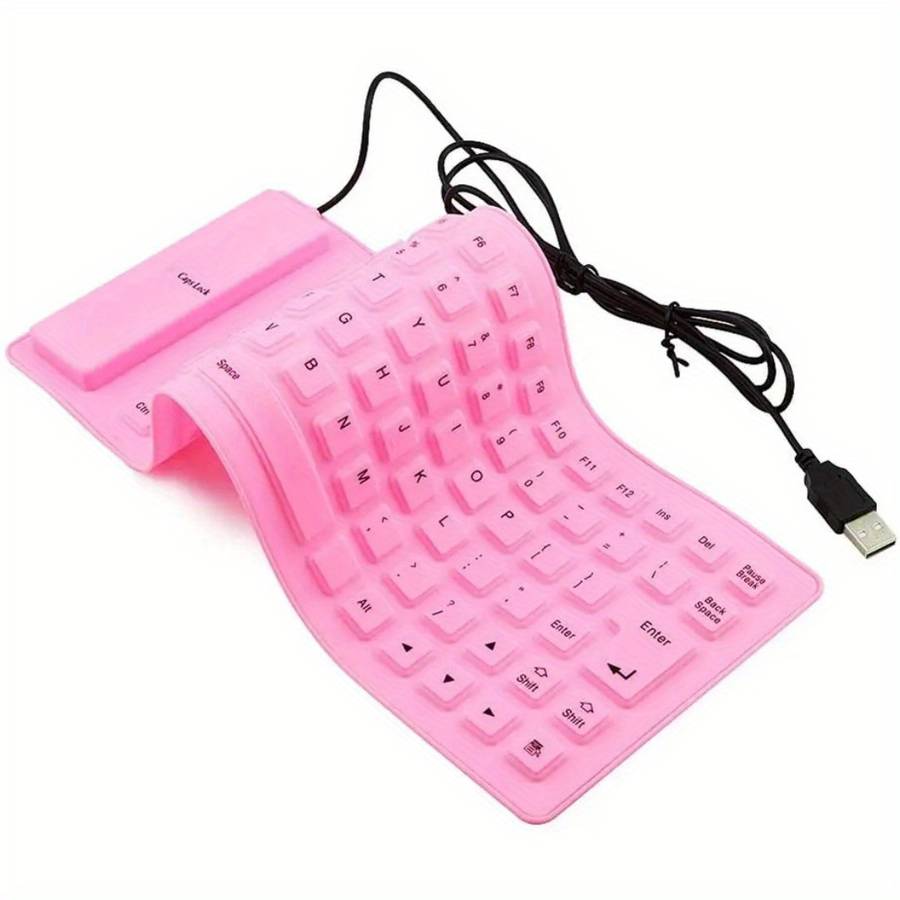
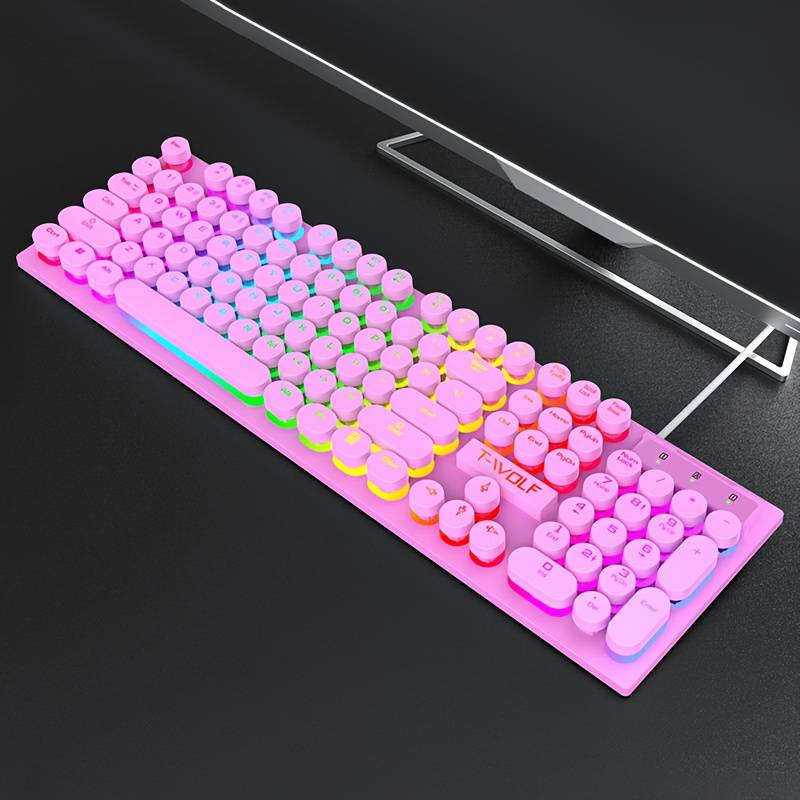
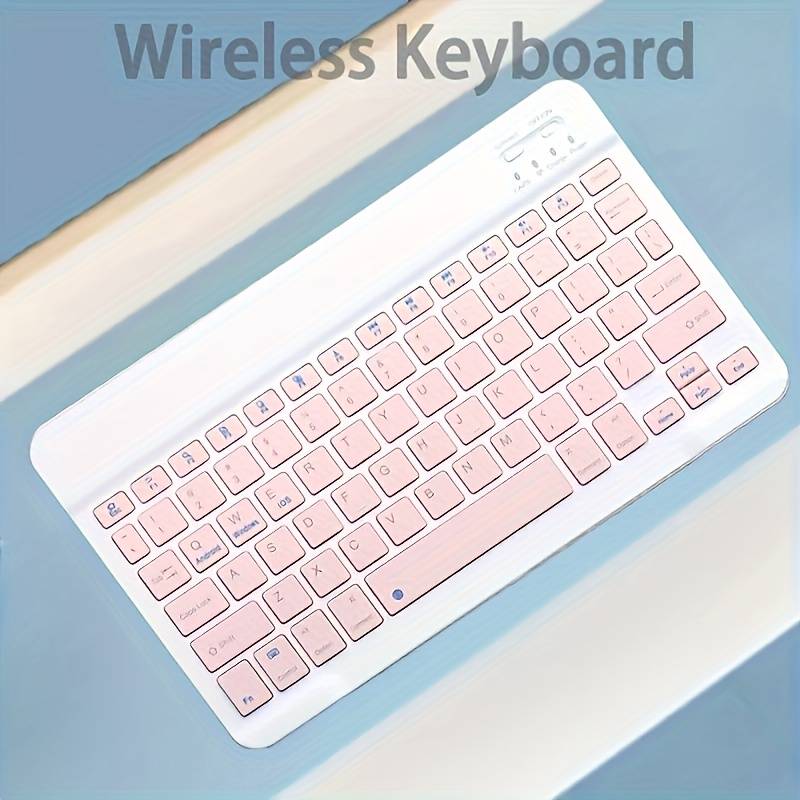
keyboard color Pink
keyboard color Pink
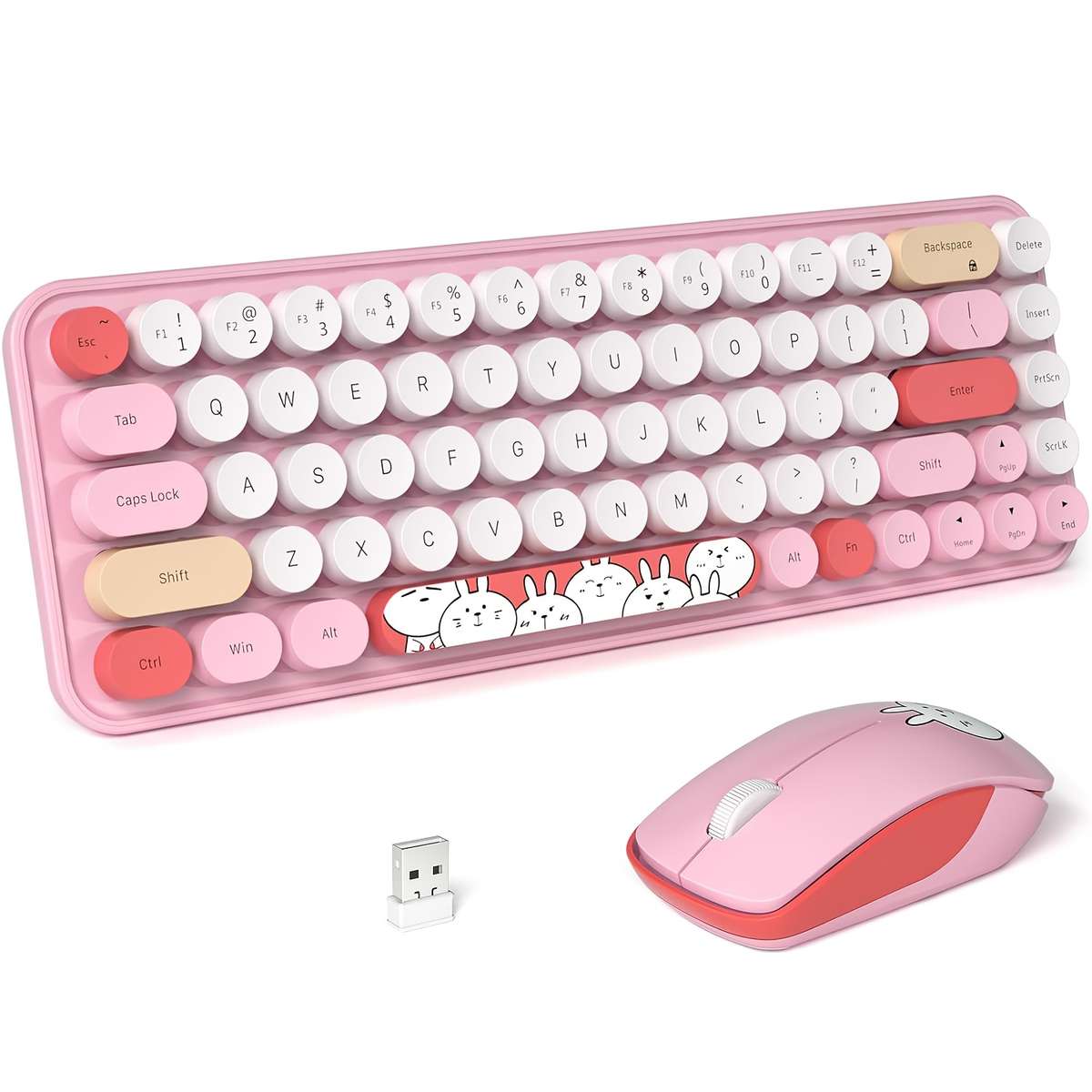
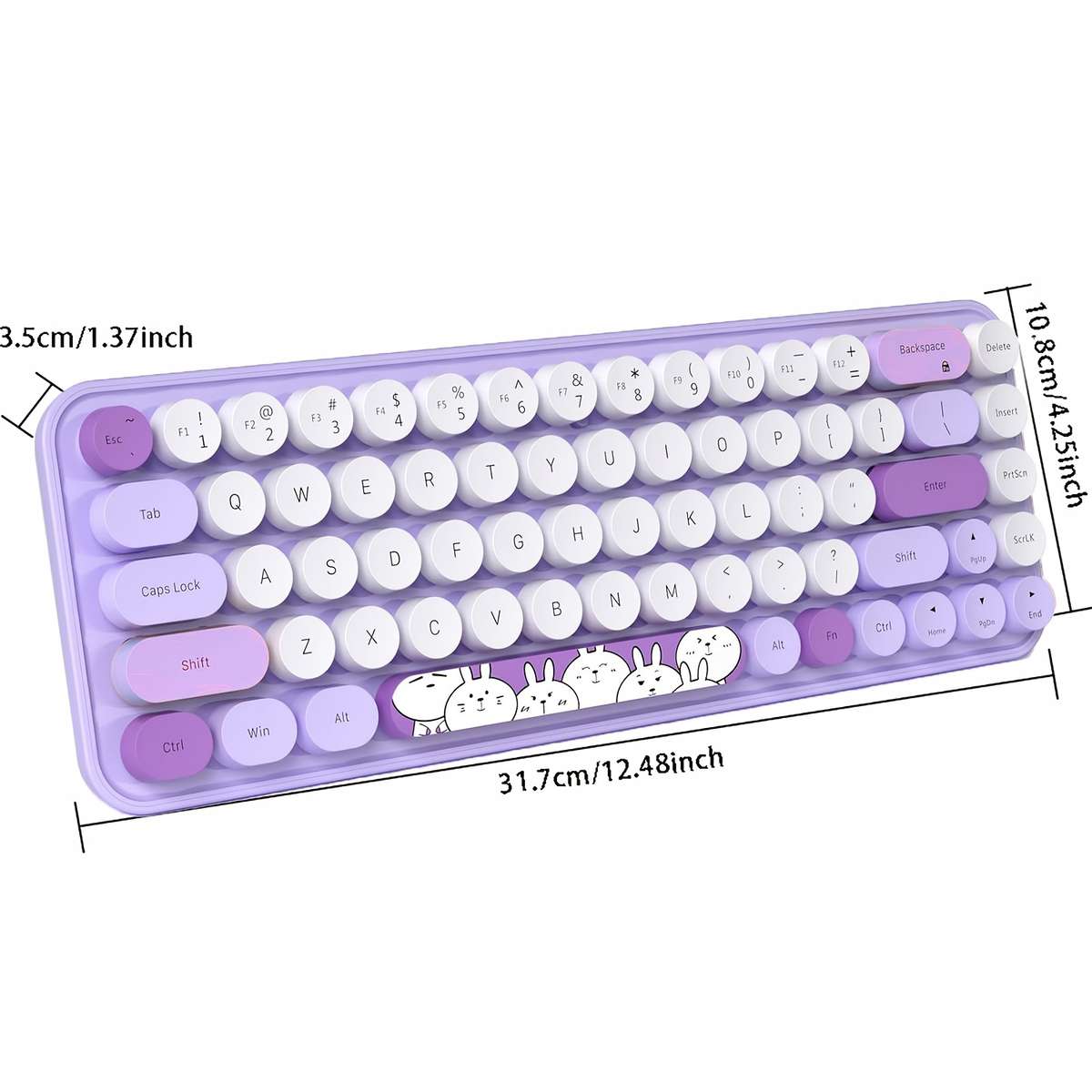
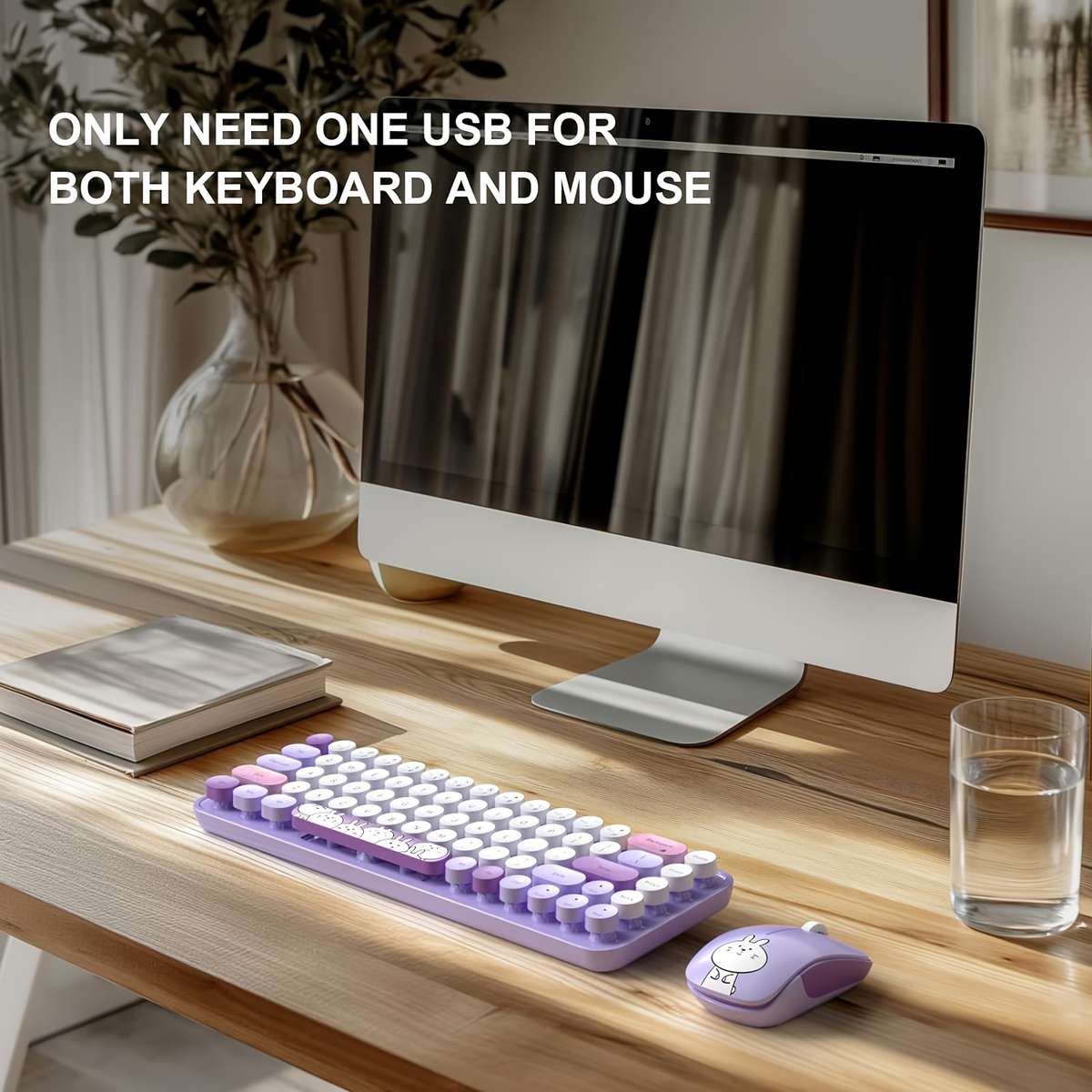
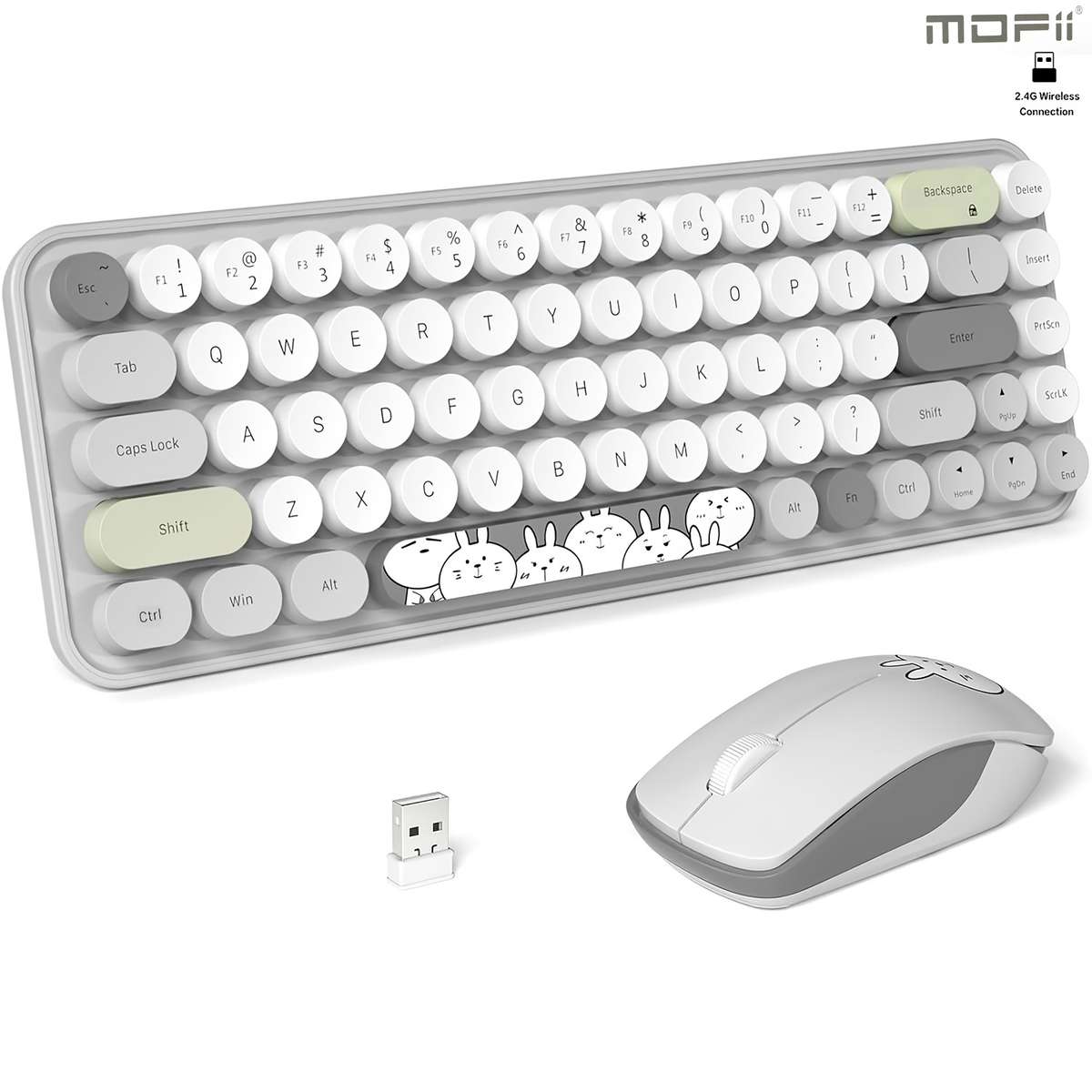
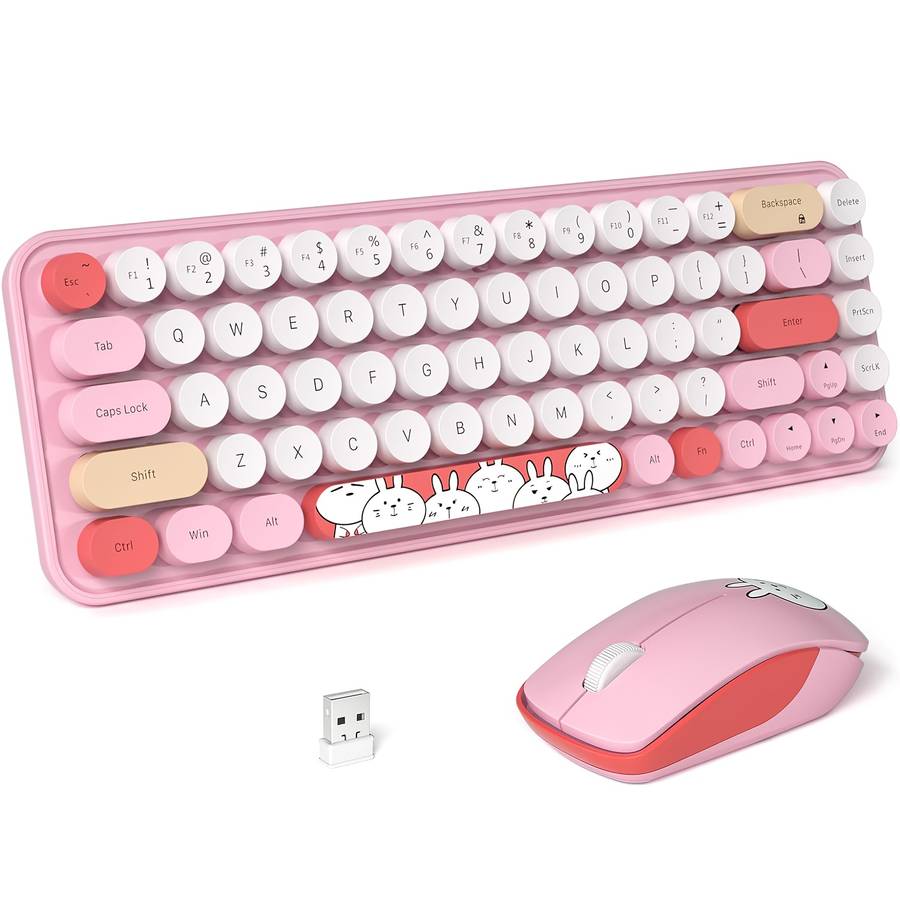
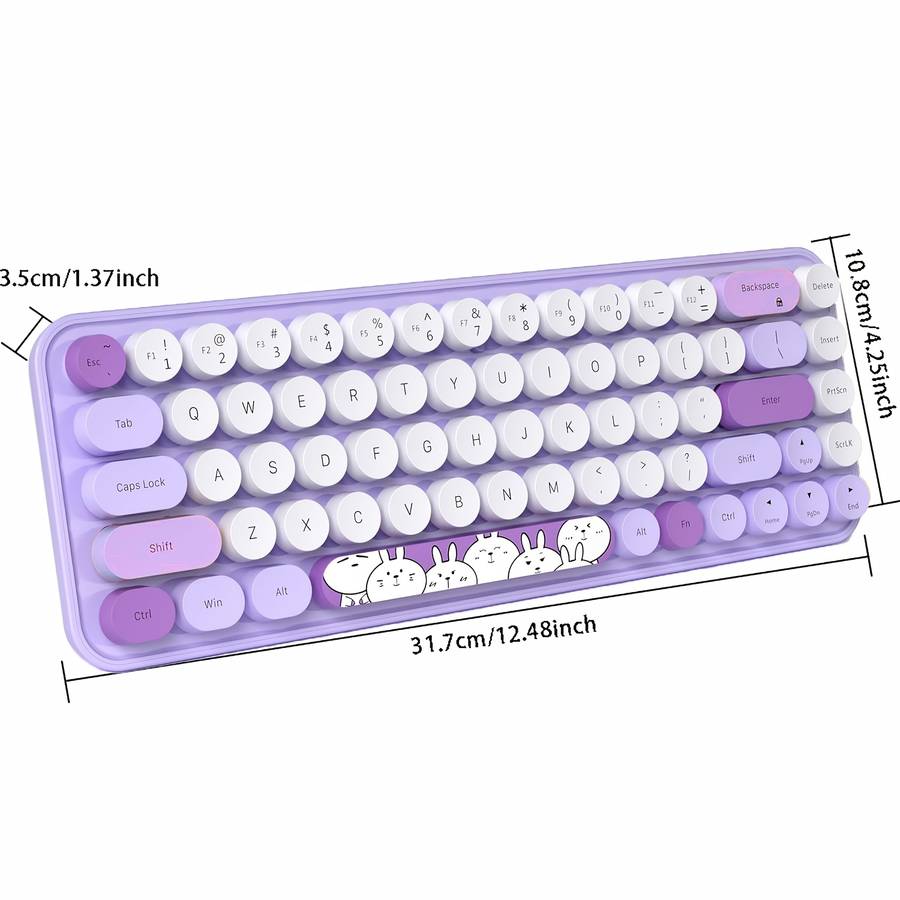
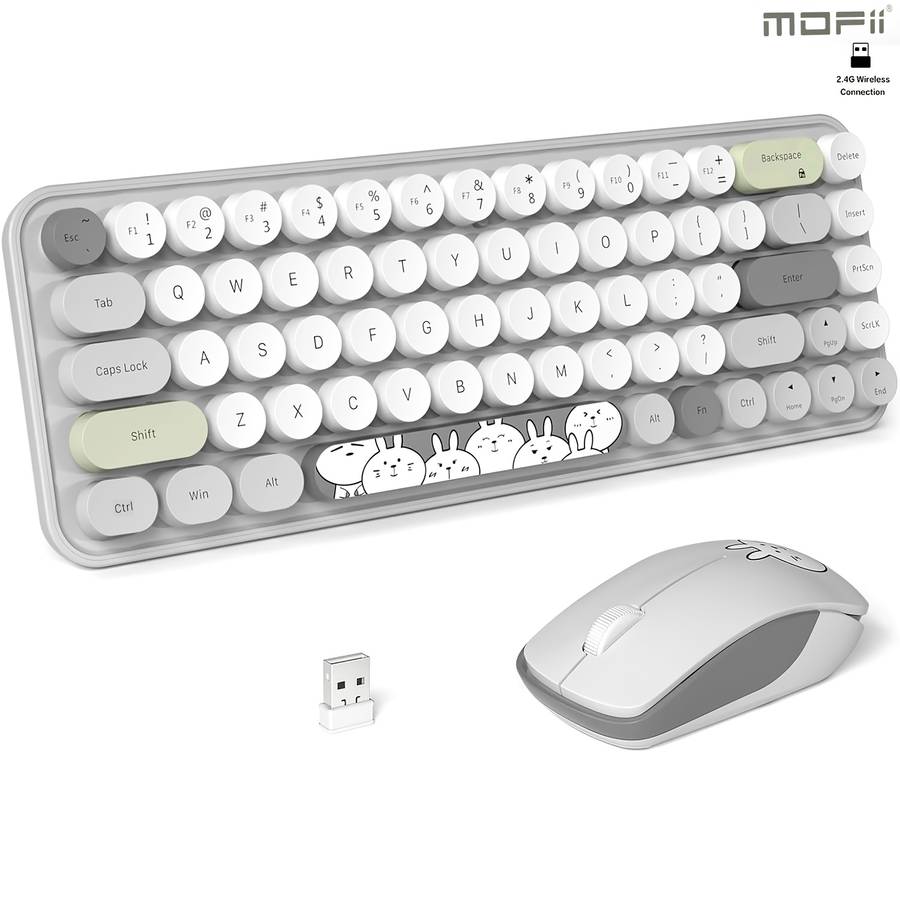
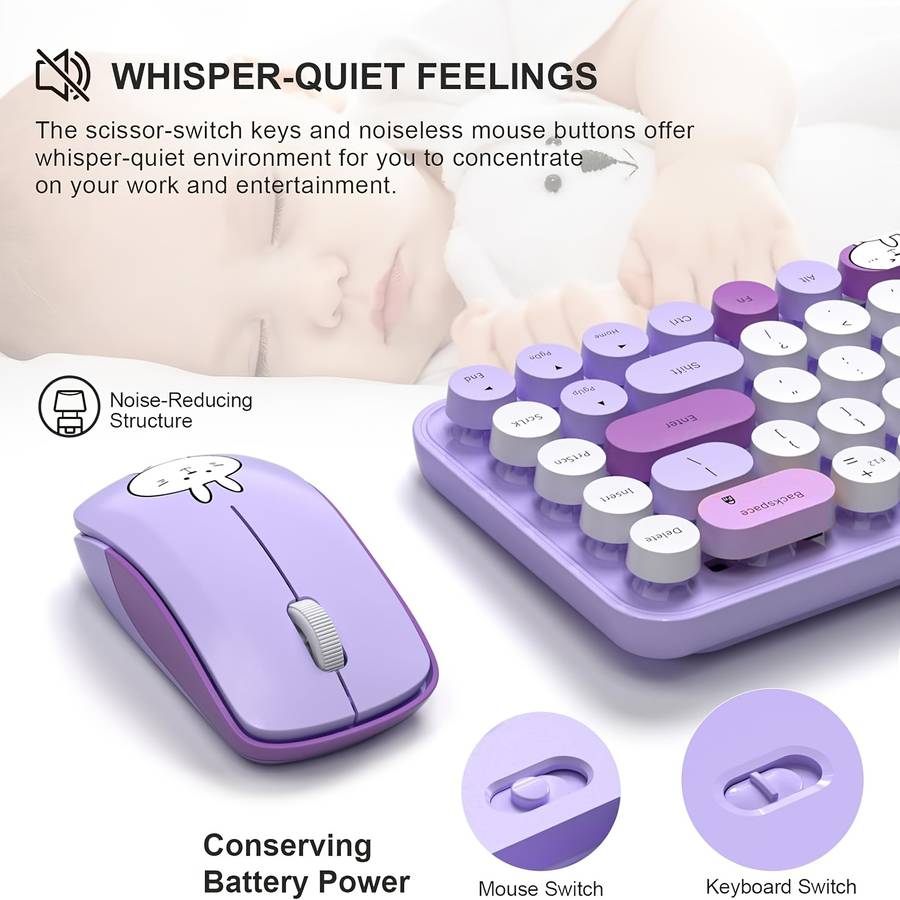
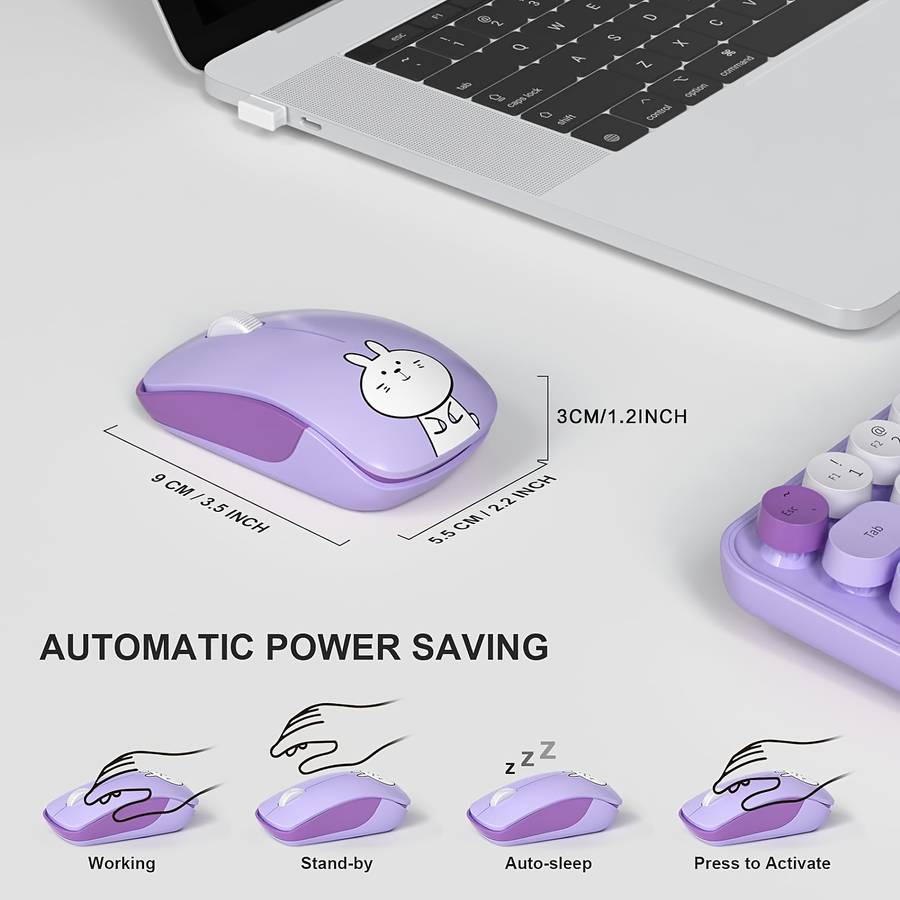
Wireless Keyboard and Mouse 2.4G Keyboards with Colorful 68 Keys Typewriter Retr
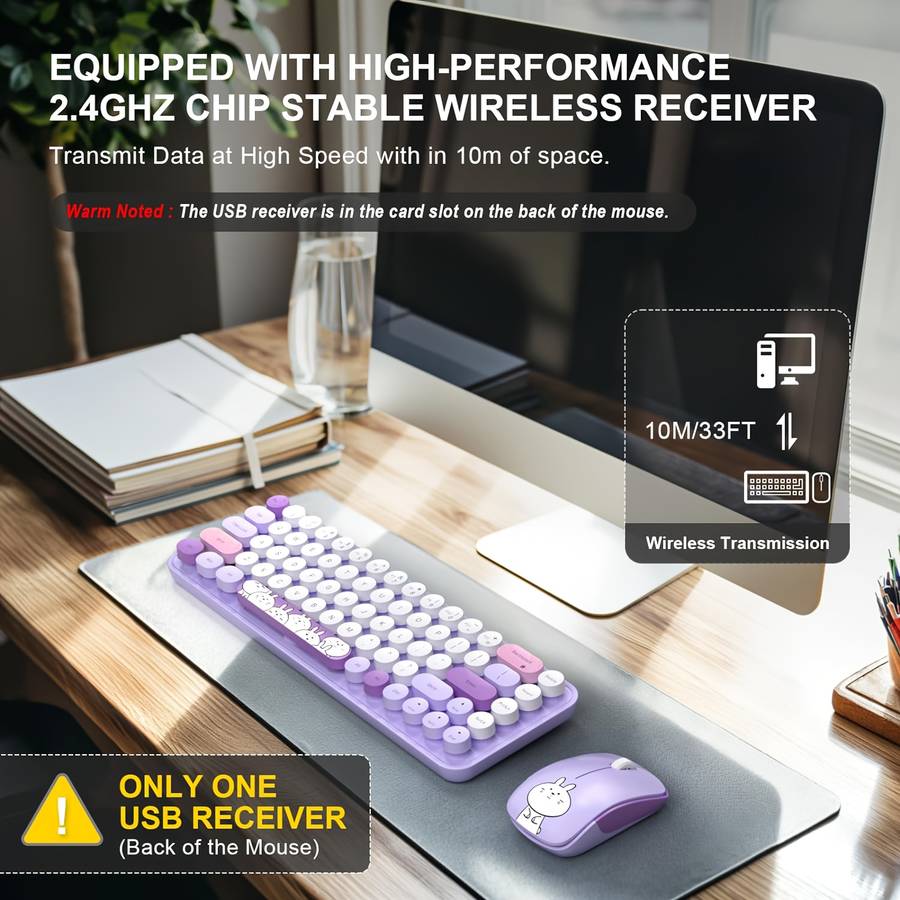
Wireless Property:2.4ghz wireless ᆪᄄnon-Bluetoothᆪᄅ
Battery Properties:Without Battery
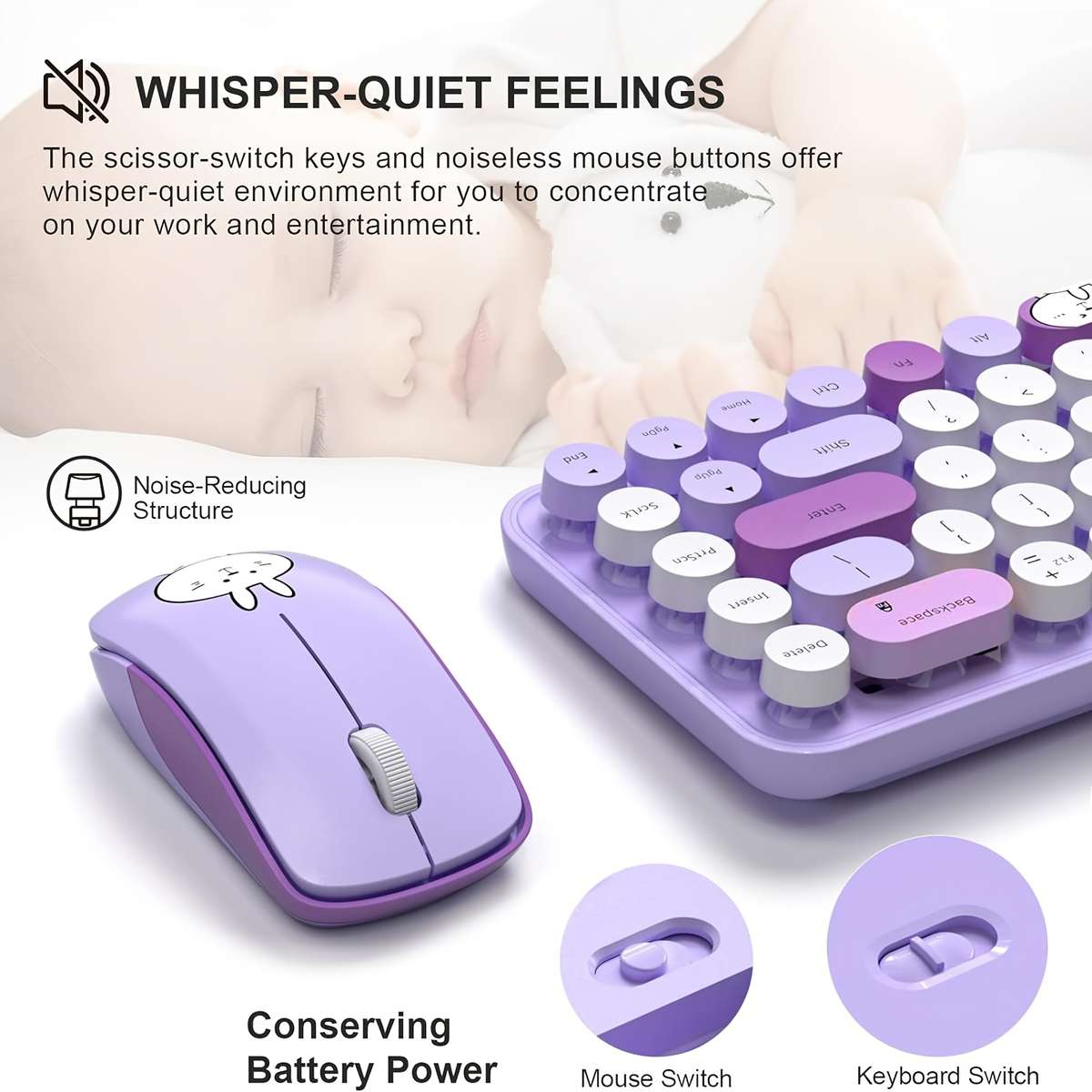
Special Features:Ergonomic,Round Key
Movement Detection:Optical
Compatible Device:Laptop
Major Material:ABS
Product Charging Port:No Charging Function
Item ID:FT6235968
Origin:Guangdong,China

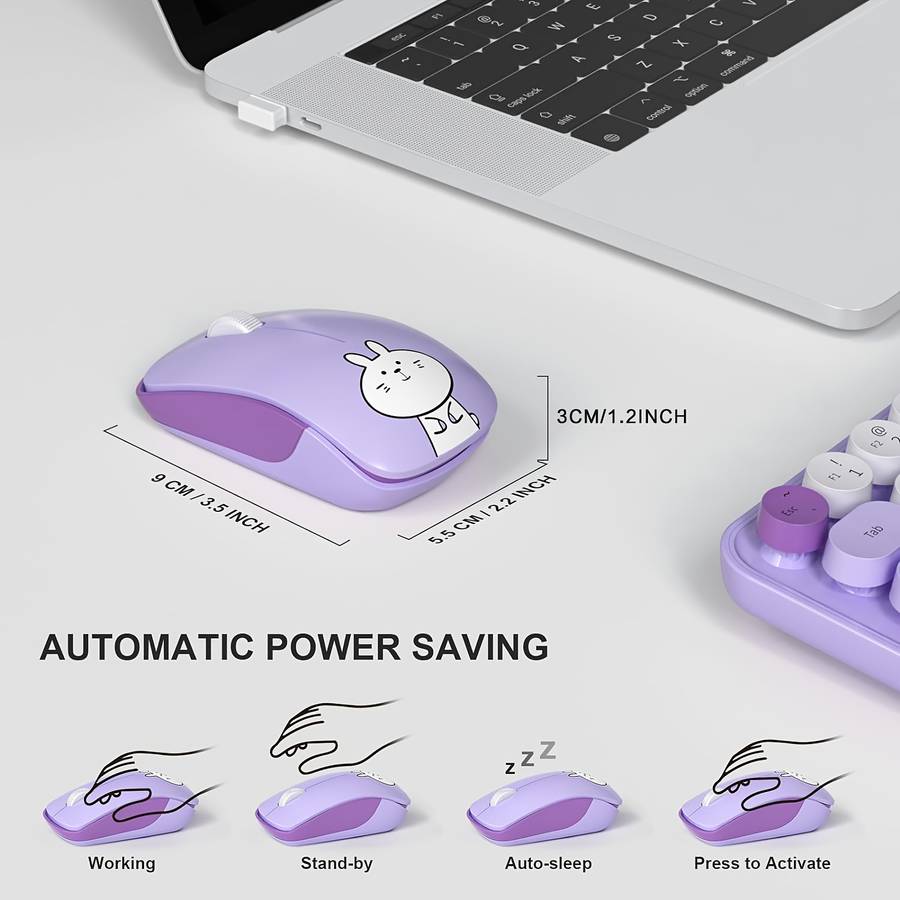
Instructions for installing the product: 1. Remove the battery cover located at the bottom of the mouse, and insert an AA (No.5) battery into the compartment (ensure that the battery's positive and negative ends are oriented correctly). The LED light on the bottom of the mouse will briefly illuminate and then turn off; afterward, replace the battery cover.


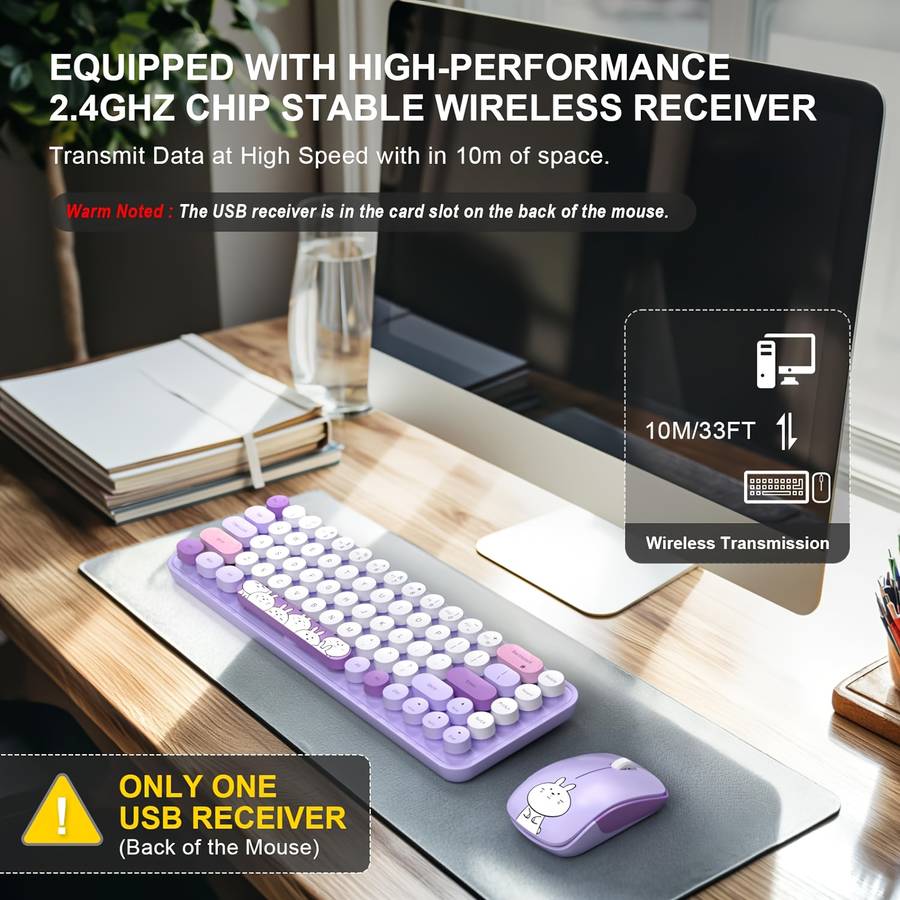
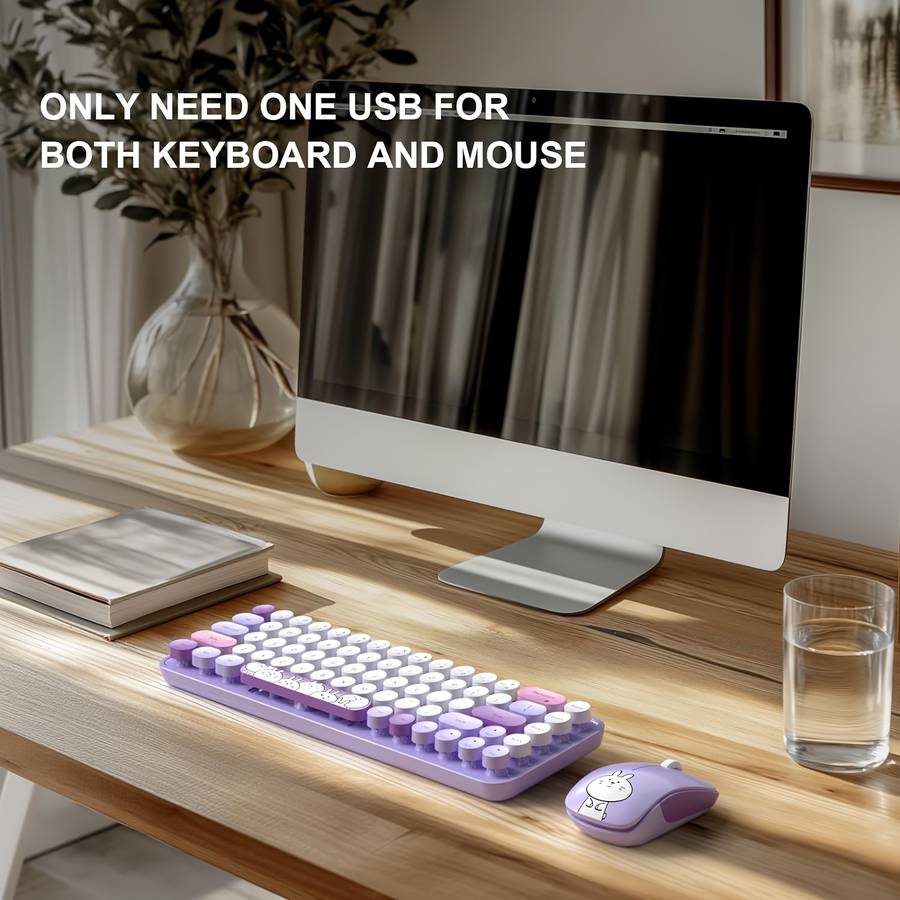
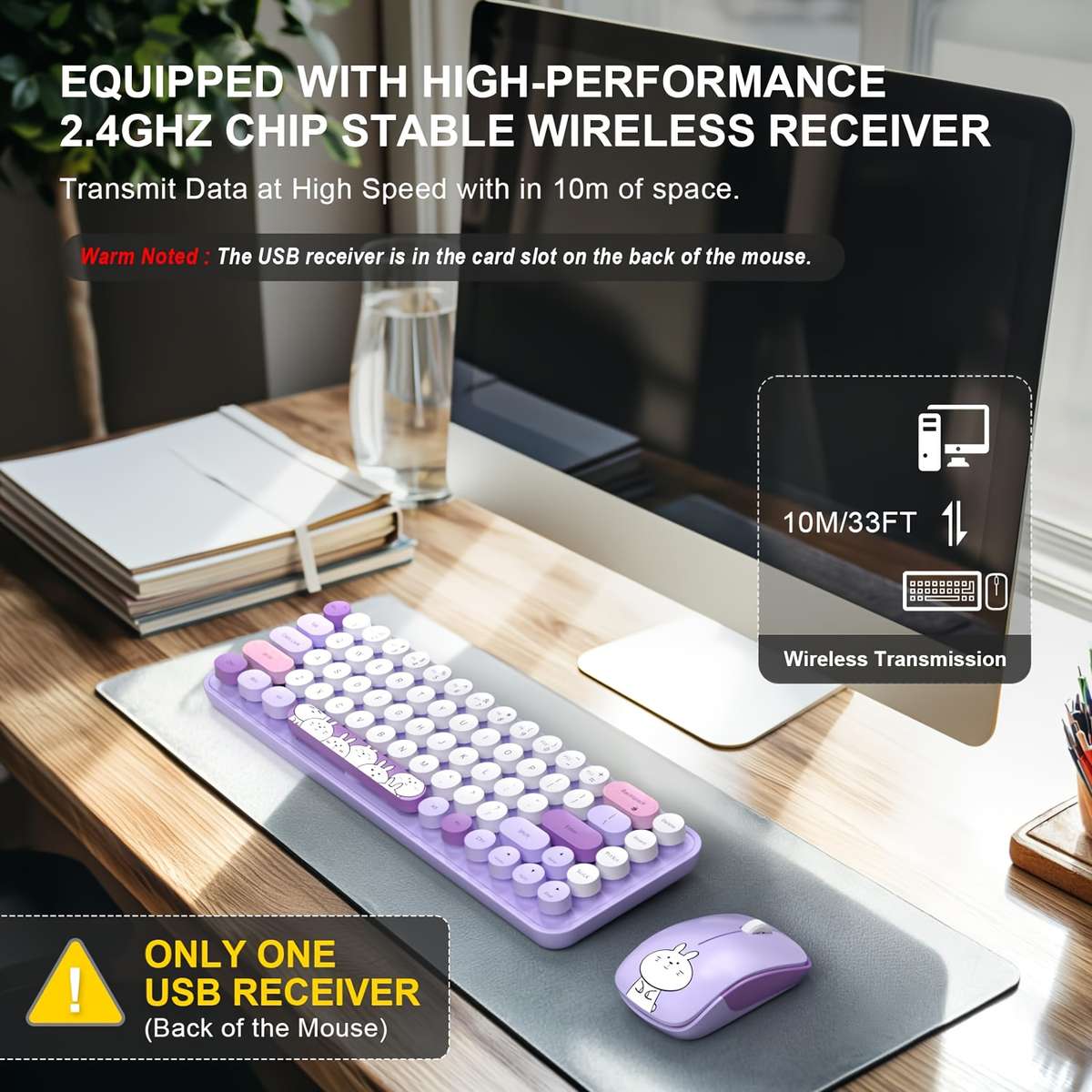
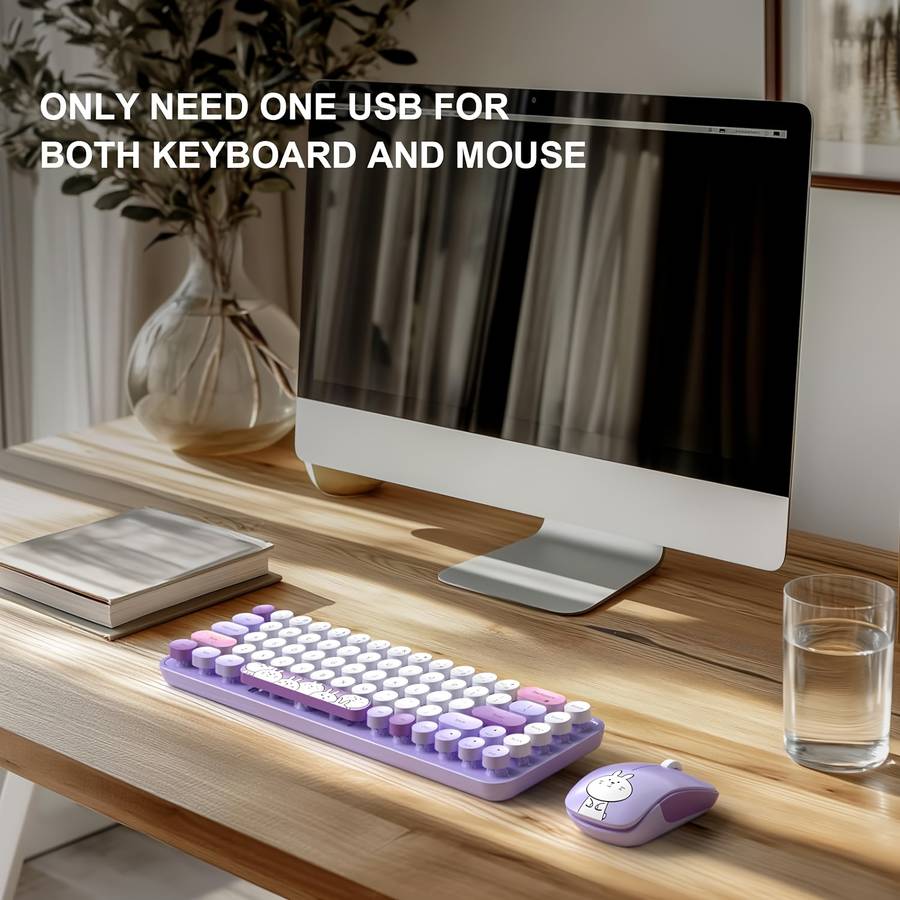
Take out the USB receiver located at the base of the mouse and insert it into your computer's USB port.


3. Remove the battery compartment cover located at the bottom of the keyboard, insert two AAA (No.7) batteries into the compartment (ensure that the batteries are oriented correctly with respect to their positive and negative ends), and then replace the cover.


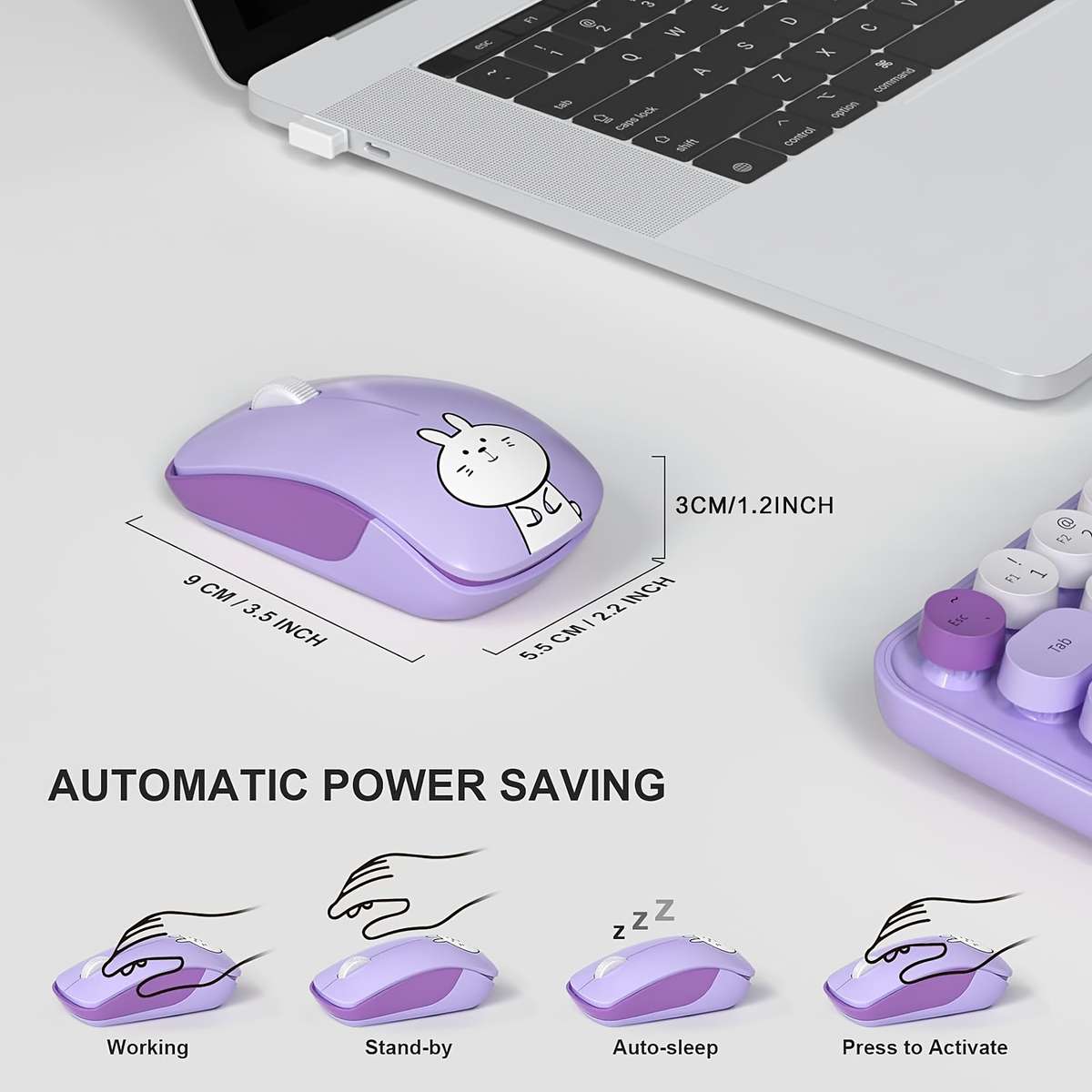
The USB receiver can be stored in the slot at the bottom of the mouse when it is not in use or being transported.