
| Main centres: | 1-3 business days |
| Regional areas: | 3-4 business days |
| Remote areas: | 3-5 business days |
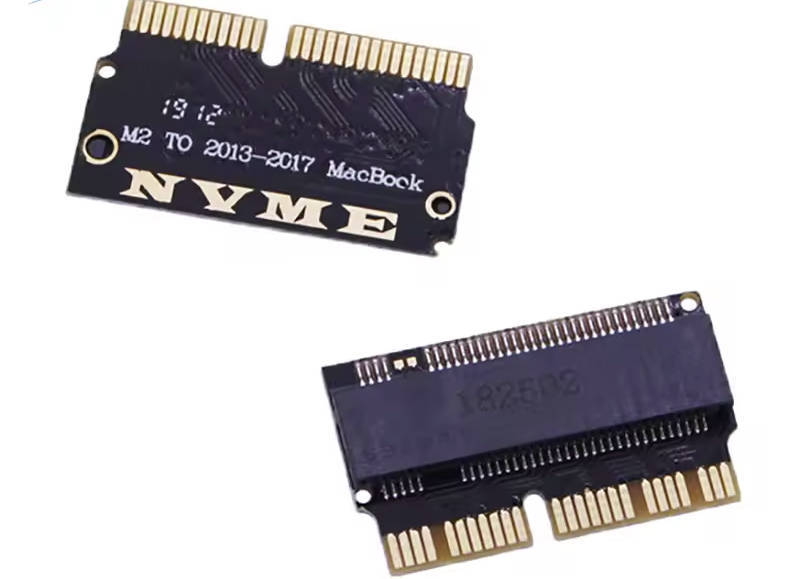
To use an NVMe SSD, the Mac must meet all of the following:
macOS must be upgraded to High Sierra (10.13) or later.
This updates SMC & Boot ROM to support NVMe drives.
Do NOT use Internet Recovery to install macOS on the new SSD.
Use a USB installer (10.13.6 recommended) instead, prepare USB before SSD upgrade.
During macOS installation, format the SSD as APFS, not HFS.
Using HFS may cause boot loops or disk space errors.
MacBook Pro Retina
20132015: A1502 / A1398 (ME864, ME866, MGX72, MGXA2, MF839, MJLQ2, etc.)
MacBook Air
20132017: A1465 / A1466 (MD711, MD760, MJVE2, MQD32, etc.)
Other Models
Mac Pro 2017: ME253 / MD878
iMac A1419 Late 2013 & newer