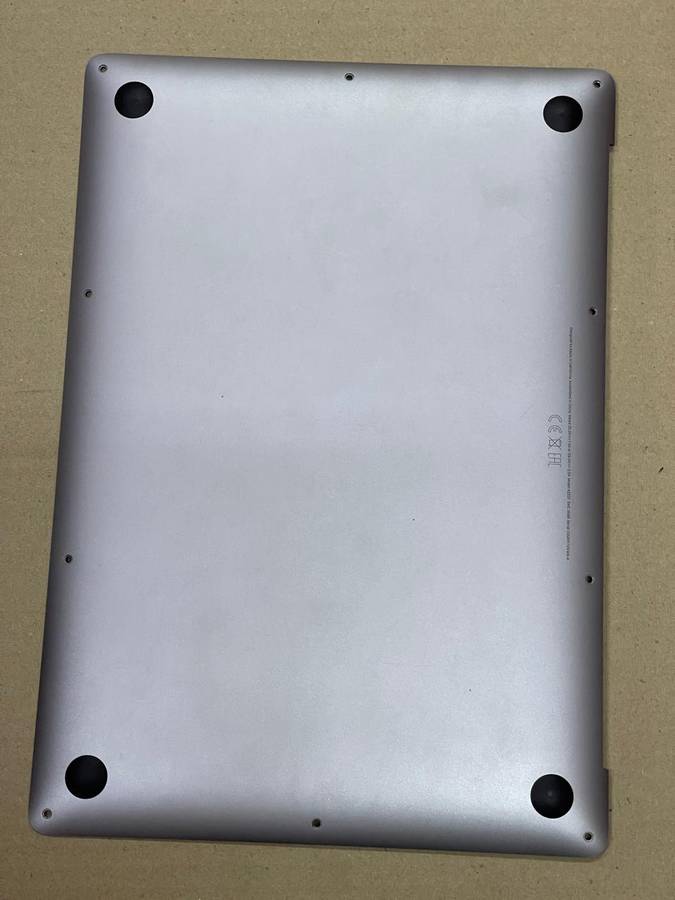
MacBook Air 13.3" M1 A2337 2020 LCD Screen Grey - Full Assembly MacBook Air 13.3" M1 A2337 2020 LCD Screen Grey - Full Assembly

MacBook Air 13.3" M1 A2337 2020 LCD Screen Grey - Full Assembly

New 1 available
Indicative market price: R7,500.00
Only 1 left – grab it before it’s gone!
R5,500.00
27% off
Shipping
This product qualifies for free shipping in South Africa, using one of our trusted couriers.
Check my rate
Free collection is available from various lockers and counter collection points across South Africa.
View locations
The seller allows collection for this item. Buyers will receive the collection address and time once the order is ready.
The seller has indicated that they will usually have this item ready to ship within 2 business days. Shipping time depends on your delivery address. The most accurate delivery time will be calculated at checkout, but in general, the following shipping times apply:
 
Standard Delivery
Main centres:  1-3 business days
Regional areas: 3-4 business days
Remote areas: 3-5 business days
Seller
Returns
Warranty Type: Dealer 2 Months
Get it now, pay later

Product details

Condition
New
Location
South Africa
Screen Size
13 - 13.9 inches
Brand
Apple
Bob Shop ID
662278130

Restore your MacBook Air 13.3" M1 (A2337 2020) to its former glory with this complete grey LCD screen assembly. This replacement screen is perfect for fixing a cracked, damaged, or malfunctioning display, revitalising your viewing experience. T

Key Features:

  • High-quality replacement LCD screen assembly
  • Compatible with MacBook Air 13.3" M1 A2337 2020 (EMC3598, MGN63, MGN73)
  • Restores cracked, damaged, or faulty screens
  • Provides a crisp and clear display

Installation Guidance:

Professional installation is strongly recommended. Before installation, please carefully test the screen assembly. Do not remove any protective film or tags during testing. Remember to ground yourself with an ESD (electrostatic discharge) strap to prevent damage from static electricity. Wear eye protection to guard against glass splinters.

Testing Instructions:

  1. Connect the LCD assembly to the motherboard using the audio cable.
  2. Power on the device to test the display functionality.
  3. If the screen works correctly, proceed with installation.
  4. If the screen does not work, contact us immediately.

Important Note: Avoid over-bending the LCD cable, as bending it beyond 90 degrees can cause black display issues. We are not responsible for any damage caused during installation.

Add to cart

Similar products