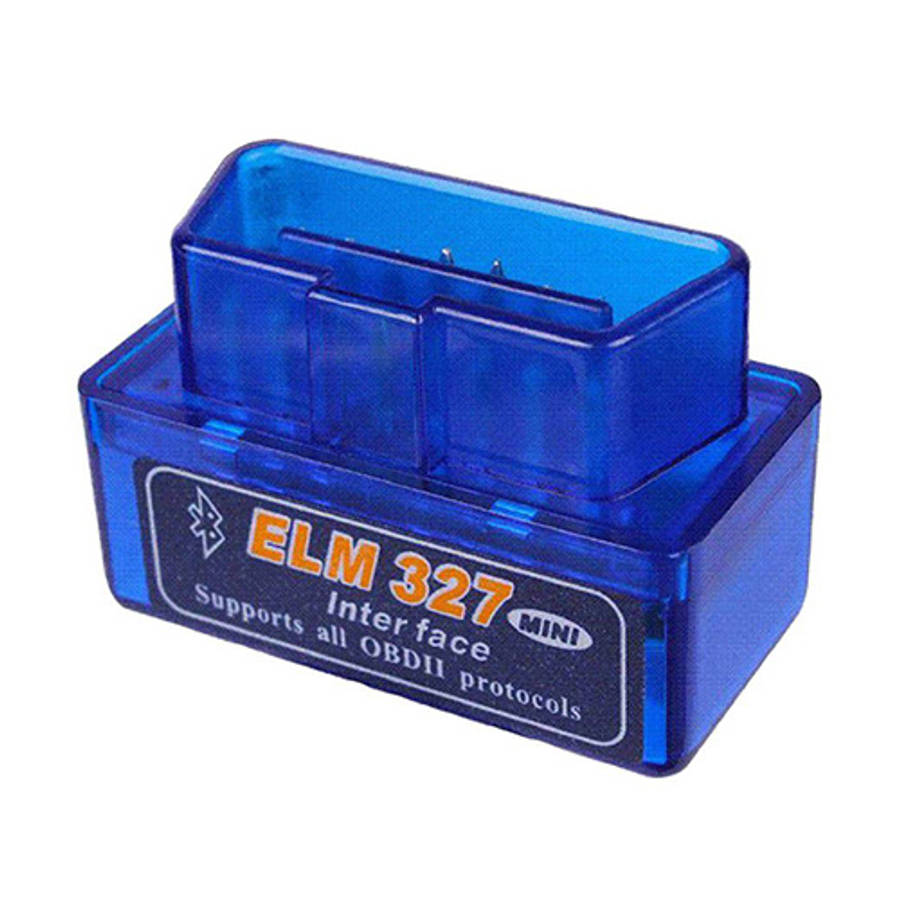
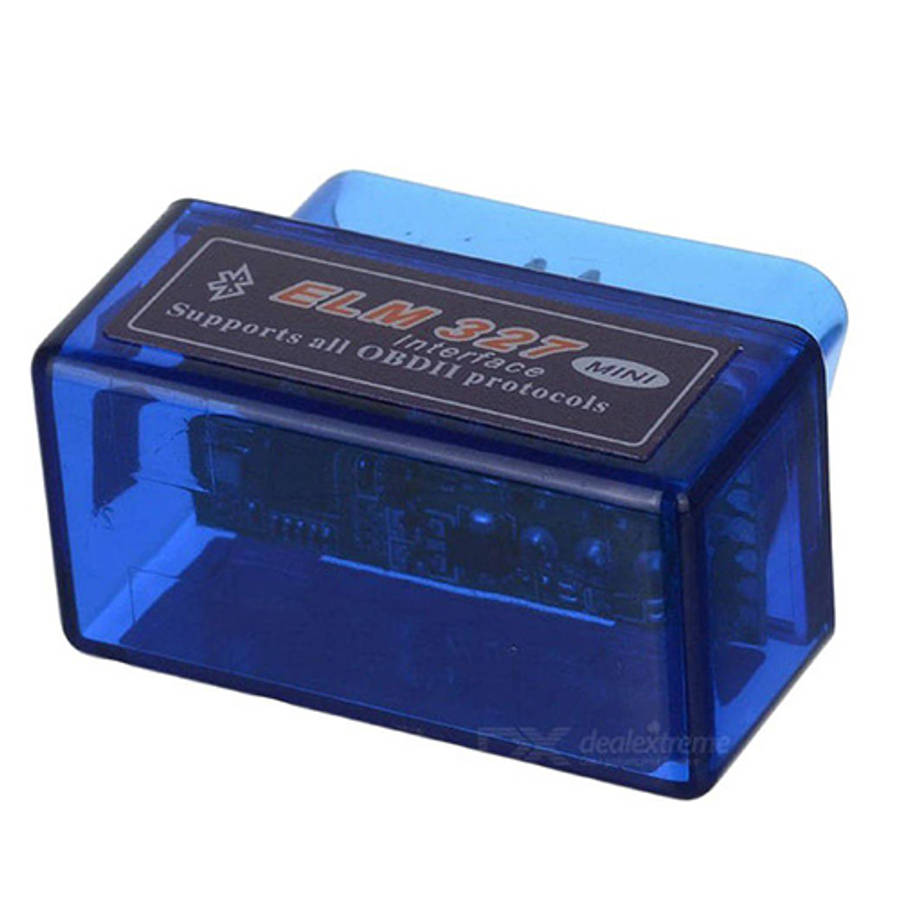
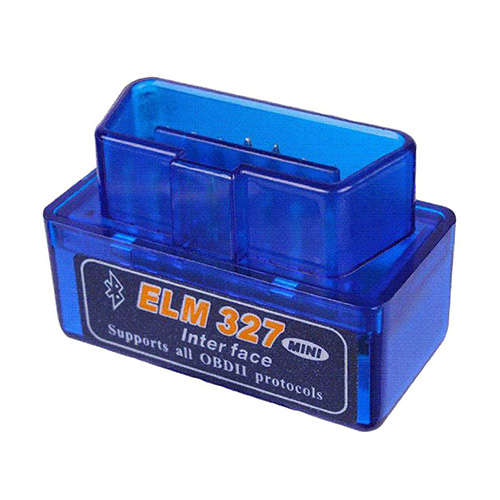
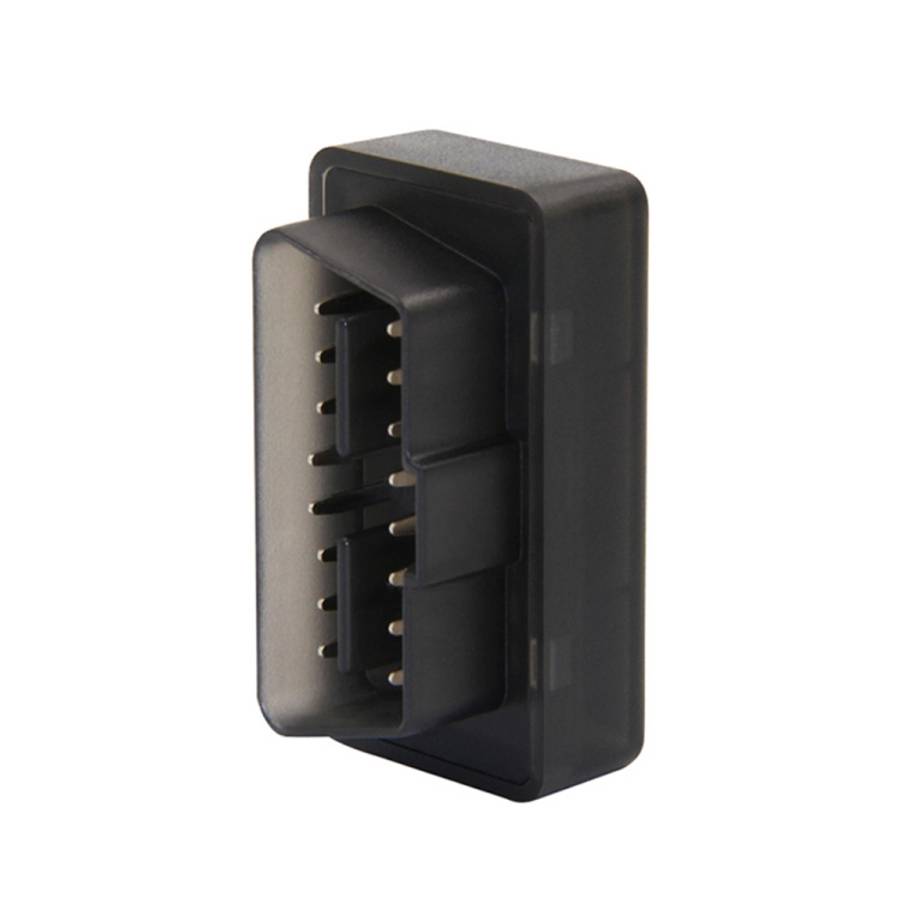
Works well with our Car Radios!
Features:
It's a tool used to read diagnostic trouble codes, both generic and manufacturer-specific, and display their meaning
They can test a lot of trouble of the car and display the current sensor data
It supports all OBD-II protocols, Works with all OBD-II compliant vehicles
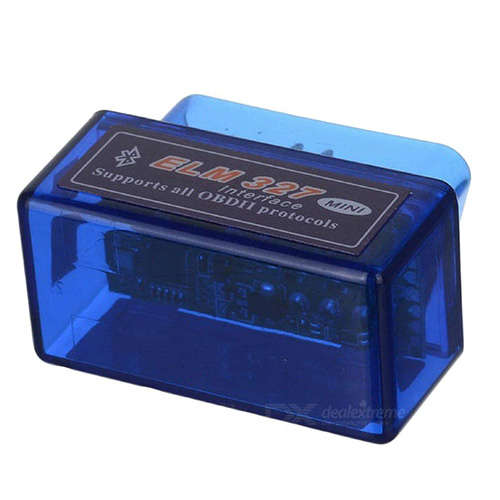
The Bluetooth diagnostic scan tool is a super mini design for convenient to use
Specifications:
Piece Colour: Blue
Material: Plastic
Function: Car diagnoses
Technical Parameters: It supports OBD-II protocols, Works with OBD-II compliant vehicles, please ensure your car's protocol is supported with this device before purchase.
Operating Voltage: 12 V
OBD2 Protocols:
Does not support J1850 VPW and J1850 PWM protocol (The agreement used by some vehicles before 2007)
ISO9141-2(5 baud init,10.4Kbaud)
ISO14230-4 KWP(5 baud init,10.4 Kbaud)
ISO14230-4 KWP(fast init,10.4 Kbaud)
ISO15765-4 CAN(11bit ID,500 Kbaud)
ISO15765-4 CAN(29bit ID,500 Kbaud)
ISO15765-4 CAN(11bit ID,250 Kbaud)
ISO15765-4 CAN(29bit ID,250 Kbaud)
SAE J1939 CAN(29bit ID,250*Kbaud)
CAN(11*bit ID,125*Kbaud)
CAN(11*bit ID,50*Kbaud)
Please Note:
This device is NOT compatible with Apple devices
It can work on most of the cars but not all
Support PC / Android phone / Android Car Radio
For Android user: Please download app Torque Lite which is free from Android market. And install the app. If you want Torque Pro then you will have to purchase it from Playstore.
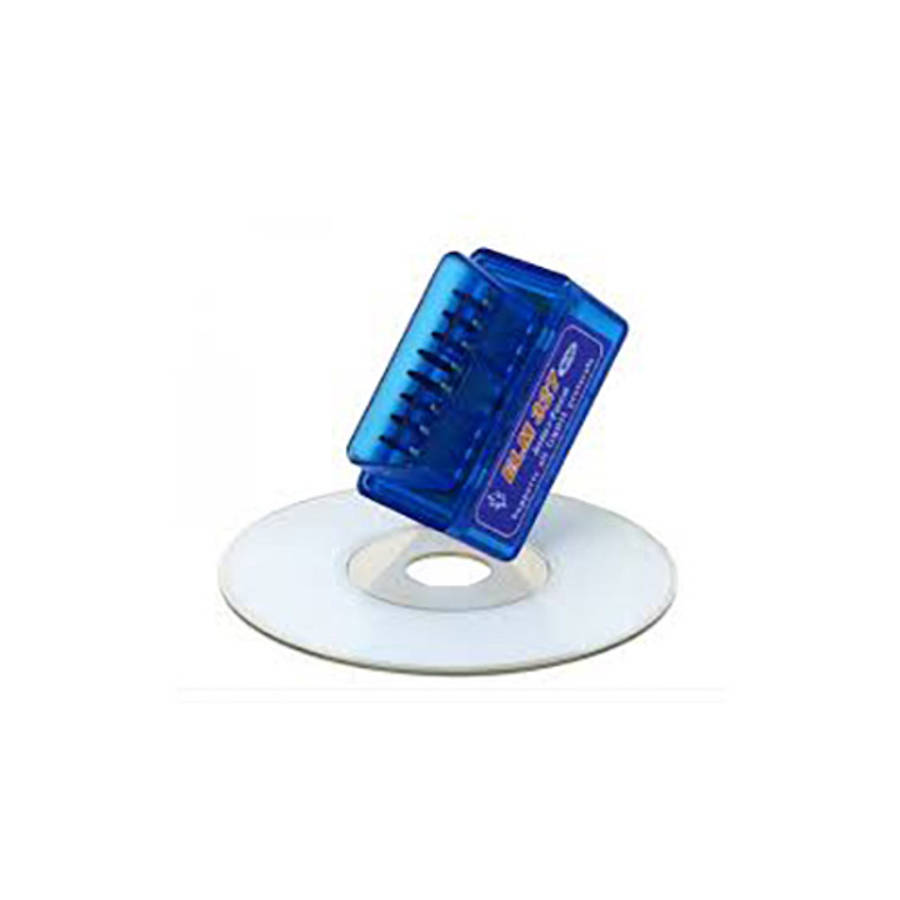
For Windows user: Please use the EasyOBD app from provided software cd.
Some known cars that do not work with this device:
Opel Corsa (older models)
Toyota Hilux/Fortuner
VW Polo Vivos and some older Polos
Ford Bantams
FAQ:
How do I pair C Tech ELM327 Bluetooth OBD2 Car Diagnostic Interface Tool?
1. Make sure your car is OBD2 compatible.
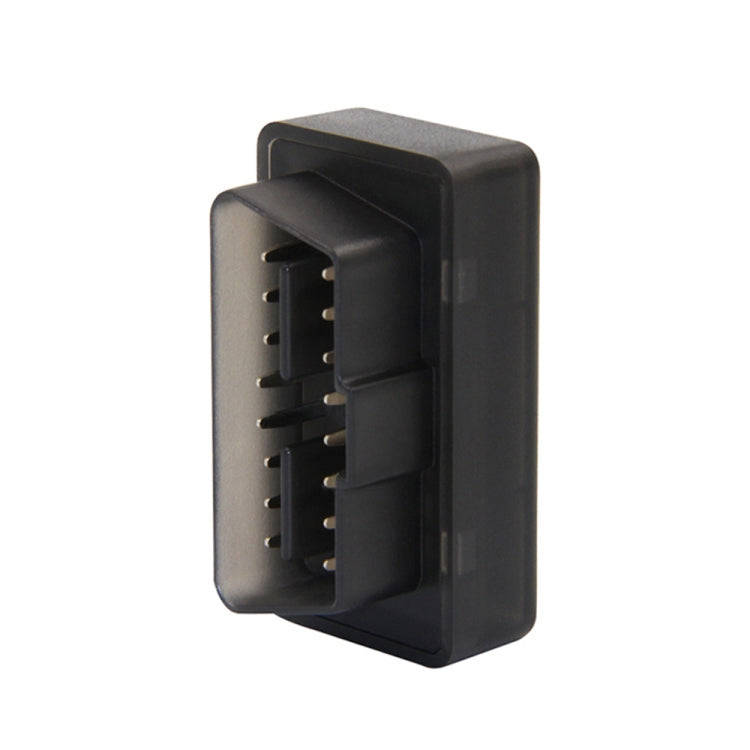
2. Locate your car's OBD II diagnostic port and plug in your scanner. It's usually found under the driver's side dashboard, under the steering wheel.
3. Turn on your ignition by turning your key to the 2nd turn. The engine will be off, but this provides power to your dash lights, radio and also the OBD II diagnostic port.
4. From your Android Smartphone or tablet, go to your SETTINGS, then WIRELESS & NETWORKS, then BLUETOOTH SETTINGS. Turn on Bluetooth, scan for the nearby devices and pair your phone with the scanner.
Torque Android Application Connection?
1. Open your Torque OBD-II app.
2. Tap on the setting icon which is on the left bottom of the screen.
3. Tap on the Settings again.
4. Tap on OBD2 Adapter Settings.
5. Tap on Choose Bluetooth Device.
6. Tap on OBDII, to pair with the Bluetooth scanner.
7. Go back to the App s main menu to enjoy its features.
Bluetooth Pairing Issues:
1. Restart your phone
2. Unpair any existing Bluetooth devices such as, smartwatch, headset, car Bluetooth or speakers.
3. Make sure the Torque App is not running in the background. Close the Torque app before pairing
4. If the password 1234 doesn't work, try 12345 or 0000
5. Turn off Bluetooth, turn it back on and rescan for the device
What's in the box
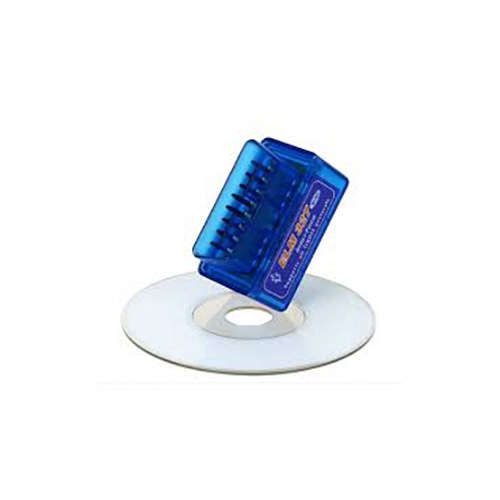
1 x C Tech ELM327 Bluetooth OBD2 Car Diagnostic Interface Tool
1 x Software CD