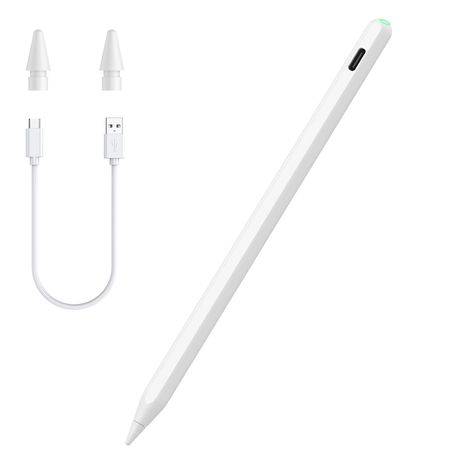
Pad Pencil 2nd Gen Magnetic Wireless/Type-C Charging Palm Rejection & Tilt
New
9 were available
R325.00
0% off
Shipping
R35.00 Standard shipping using one of our trusted couriers applies to most areas in South Africa. Some areas may attract a R30.00 surcharge. This will be calculated at checkout if applicable. Check my rate
There are various locker and counter collection points across South Africa. View locations
The seller has indicated that they will usually have this item
ready to ship within 15 business days.
Shipping time depends on your delivery address.
The most accurate delivery time will be calculated at checkout,
but in general, the following shipping times apply:
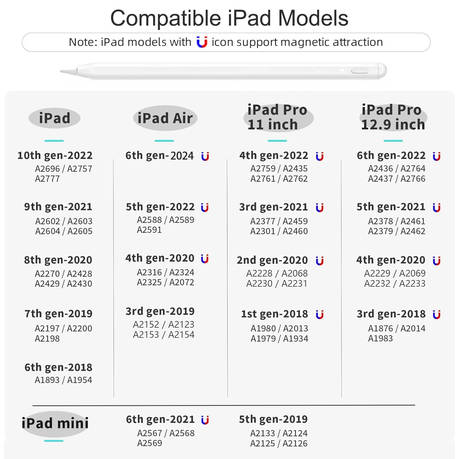
Go to "Settings" > "General" > "About" and look for "Model Number."
Alternatively, check the back of your iPad for a model number starting with "A" followed by four digits (e.g., "A1983").
Compatible Models:
The 2nd Gen iPad Pencil is compatible with:iPad Air (4th/5th Gen) iPad Mini (6th Gen) iPad Pro 11" (1st/2nd/3rd/4th Gen) iPad Pro 12.9" (3rd/4th/5th/6th Gen)
Note: It is only compatible with the models listed above and does not support any iPhone, Android, or other devices. Refer to the product introduction page for specific models.
Bluetooth & Magnetic Charging:
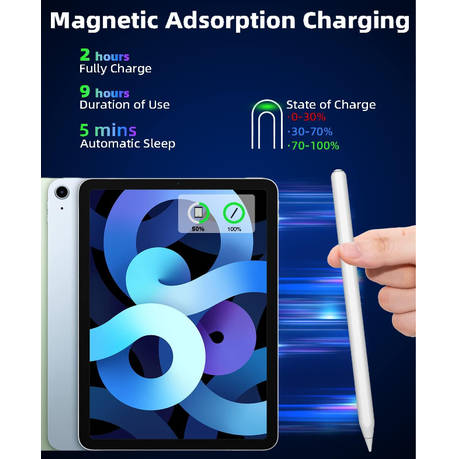
The stylus features Bluetooth connectivity and Magnetic Wireless Charging. Simply connect via Bluetooth and attach it magnetically to your iPad's side to charge.
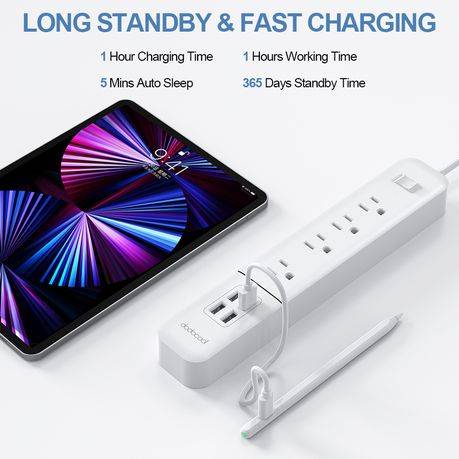
Add a widget to monitor the battery level in real time. A full charge takes 1.5 hours and lasts up to 9 hours. The stylus enters sleep mode after 5 minutes of inactivity.
Tilt Sensitivity & Pixel Precision:
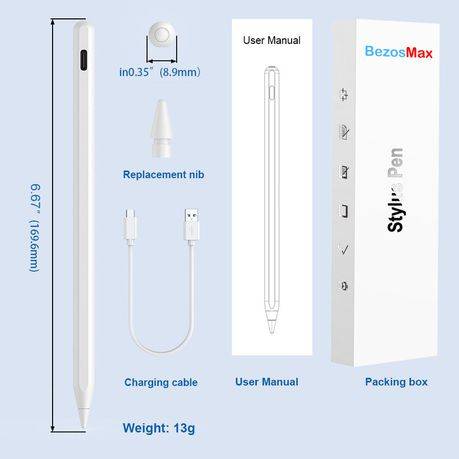
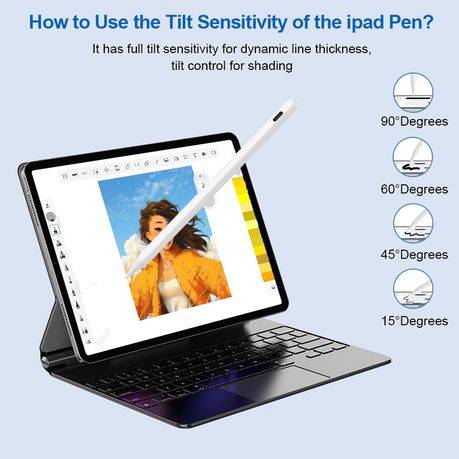
With a 1.2mm tip, the iPad pen offers high sensitivity, accurate signal transmission without lag or breakpoints. It supports palm rejection, allowing you to rest your palm on the screen without interfering with pen use.
Shortcut Key Functions:
Unlike ordinary stylus pens, the 2nd Generation pencil features shortcut keys. Once connected to Bluetooth, tap the top button for shortcut functions: a single tap returns to the main screen, double-tap opens the app selection page, and a swipe from the bottom left to the top right corner takes a screenshot.