

| Main centres: | 1-3 business days |
| Regional areas: | 3-4 business days |
| Remote areas: | 3-5 business days |
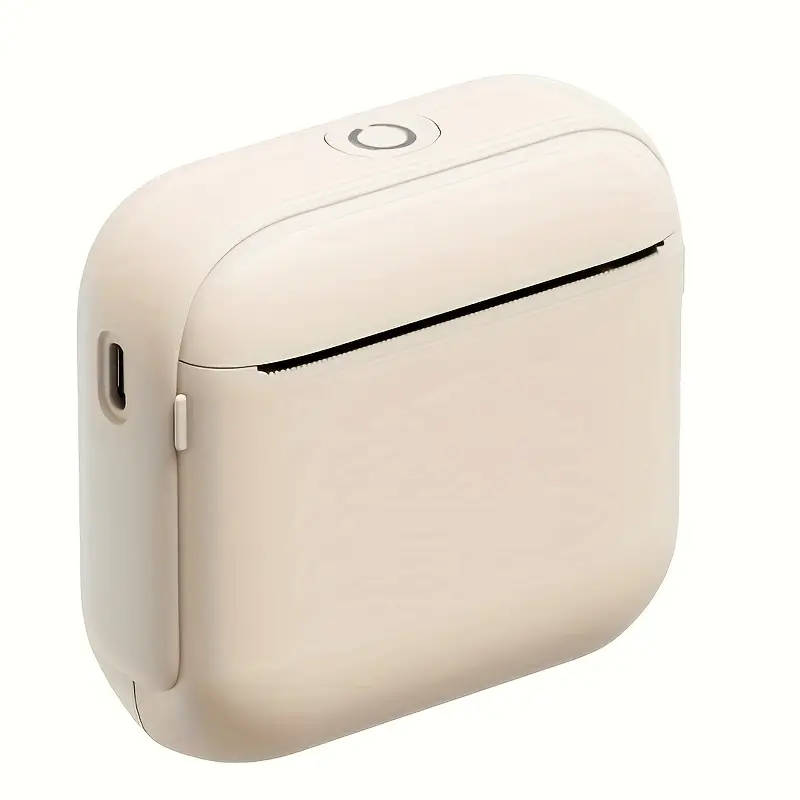
Black (A4 printer + 1 roll of thermal paper)
Compatible with Ios And Android.
Please follow these steps to print from your computer: 1. Download and install the printer driver: Fanqie Print Manager on your Windows PC from https://gj.fanqie365.cn/. 2. Connect your computer using our Type-C USB cable or any data cable that supports data transmission. 3. When you are ready to print the document, choose the printer named BYP800 to begin the printing process.