| Main centres: | 1-3 business days |
| Regional areas: | 3-4 business days |
| Remote areas: | 3-5 business days |
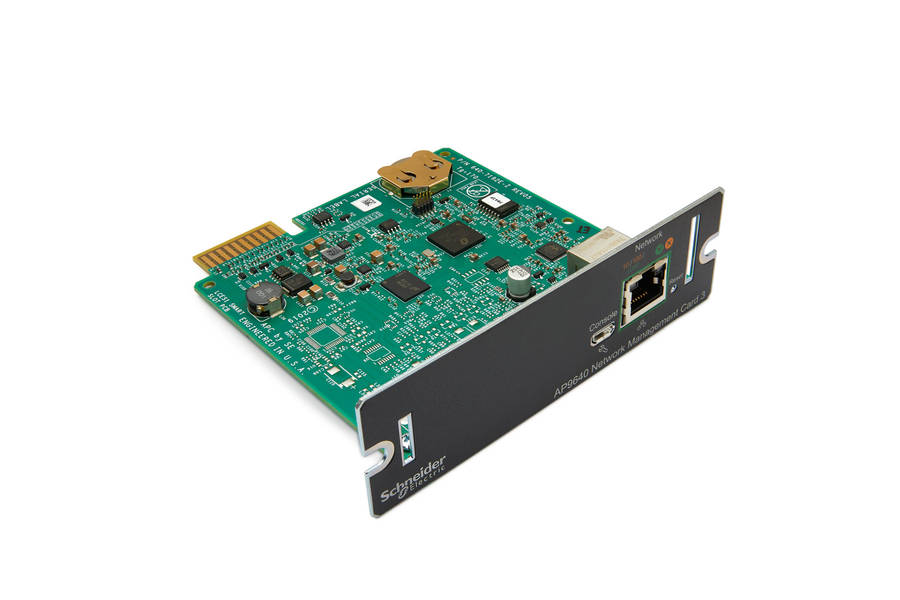
The Powercom SNMP-MCY-EN is a network management card designed for remote monitoring and management of Powercom UPS systems. It allows administrators to manage UPS devices over an IP network, enabling features such as real-time monitoring, event notifications, and scheduled shutdowns.
Key Features & Functionality
Remote Management: Allows monitoring and control of UPS systems via web browser, NMS (Network Management System), or Telnet/SSH.
Protocol Support: Supports SNMPv1/v3, HTTP/HTTPS, SSH, and IPv6 for secure network communication.
Environmental Monitoring: Compatible with optional NET-Feeler sensors to monitor ambient temperature and humidity.
Event Notifications: Sends notifications via email or SNMP traps when power events occur.
Graceful Shutdown: Provides shutdown commands to connected servers to prevent data loss during power outages.
Specifications & Installation
Form Factor: Mini-size card for internal installation in the UPS slot.
Interface: RJ-45 ethernet connection.
Firmware: Upgradable via FTP or dedicated upgrade utility.
Default Access Settings
Default Username: Typically "admin" or "root" (check specifically for "root" in some Powercom manuals).
Default Password: Commonly "Changeme" or "12345678".
Default IP Address: Often 192.168.0.10 or via DHCP (dynamic host configuration protocol). [1, 2, 3]
Common Uses
Real-time status tracking: Monitoring battery level, input/output voltage, and load capacity.
Data logging: Maintaining an event log to track history of UPS warnings, faults, and environmental data.
Remote power control: Executing scheduled shutdowns or reboots.