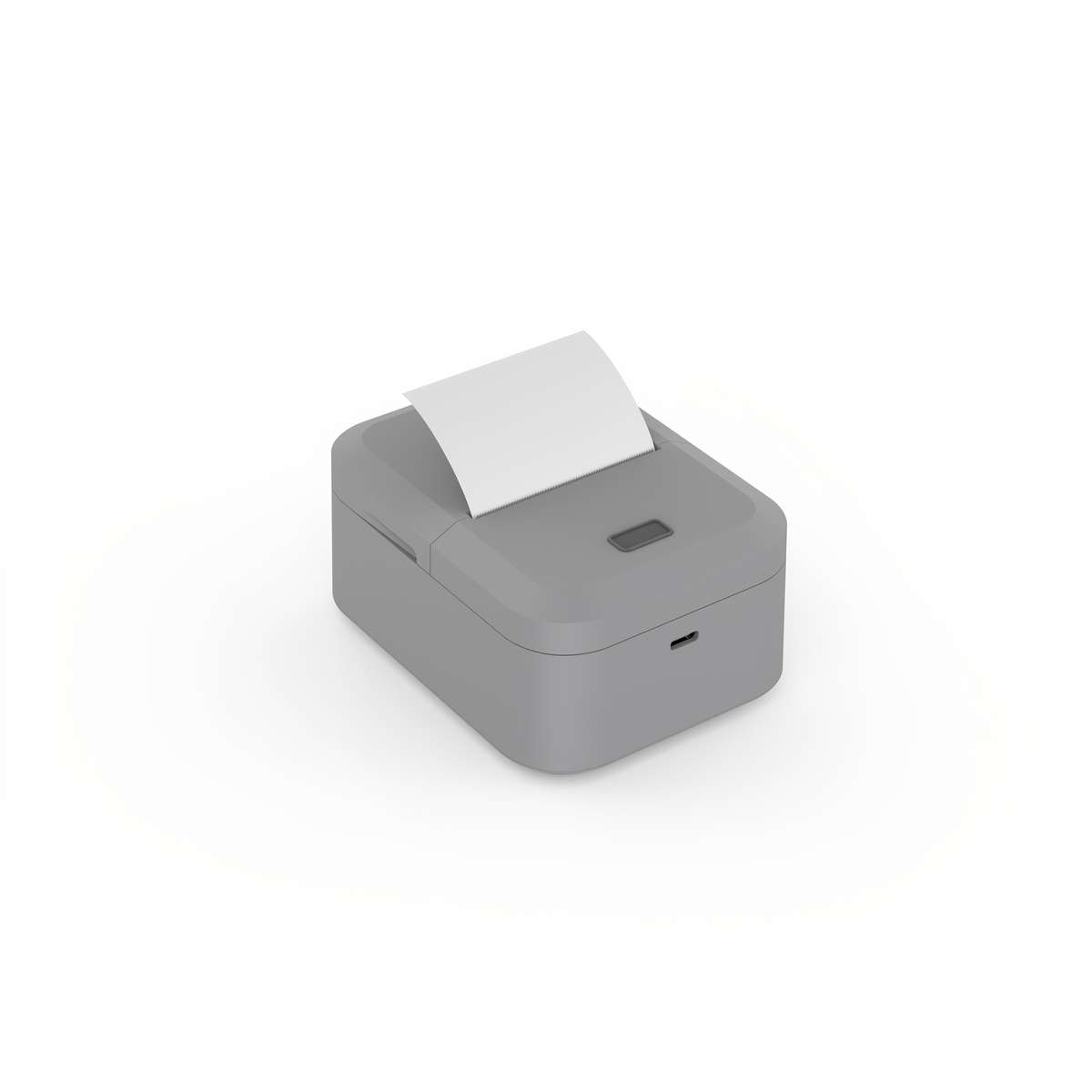
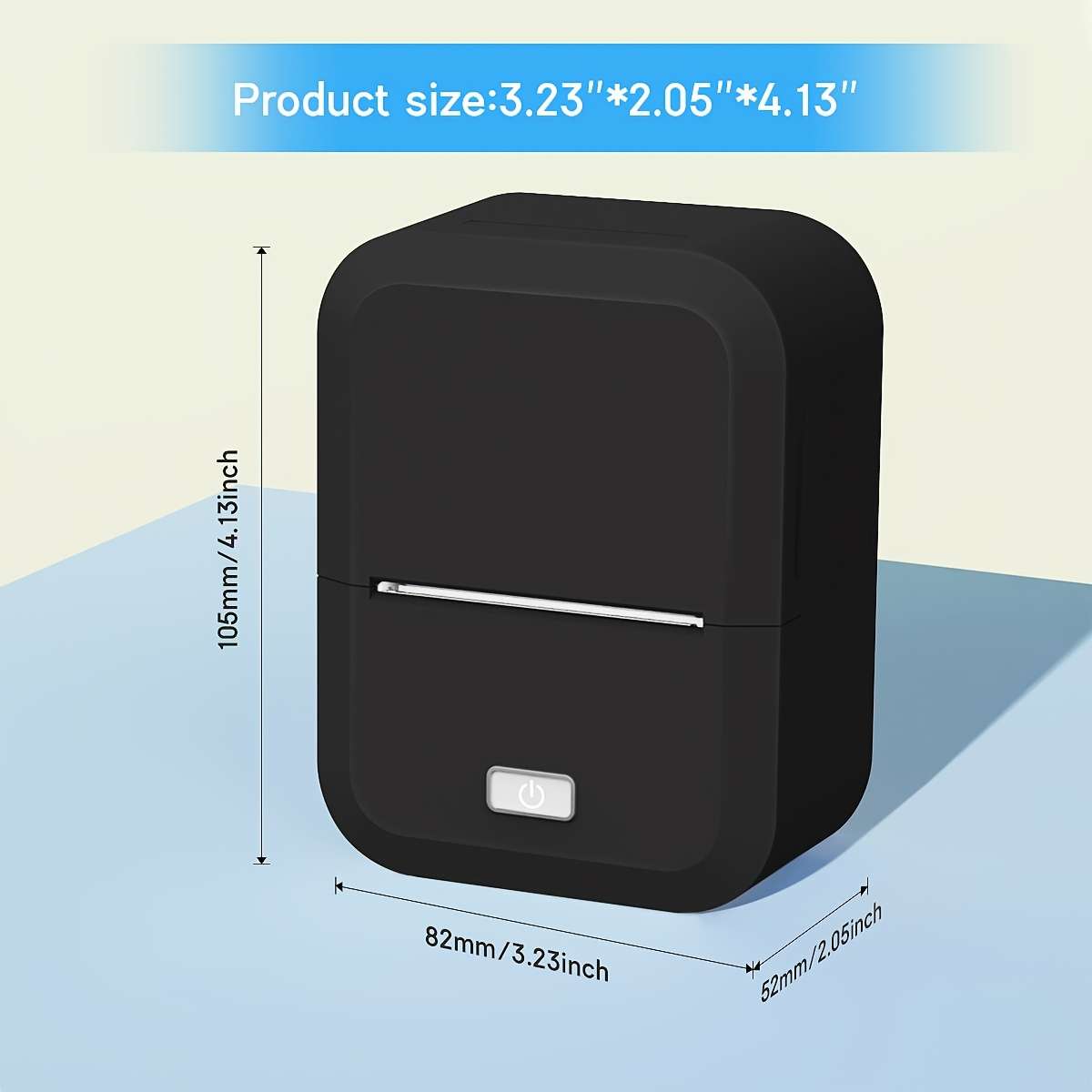
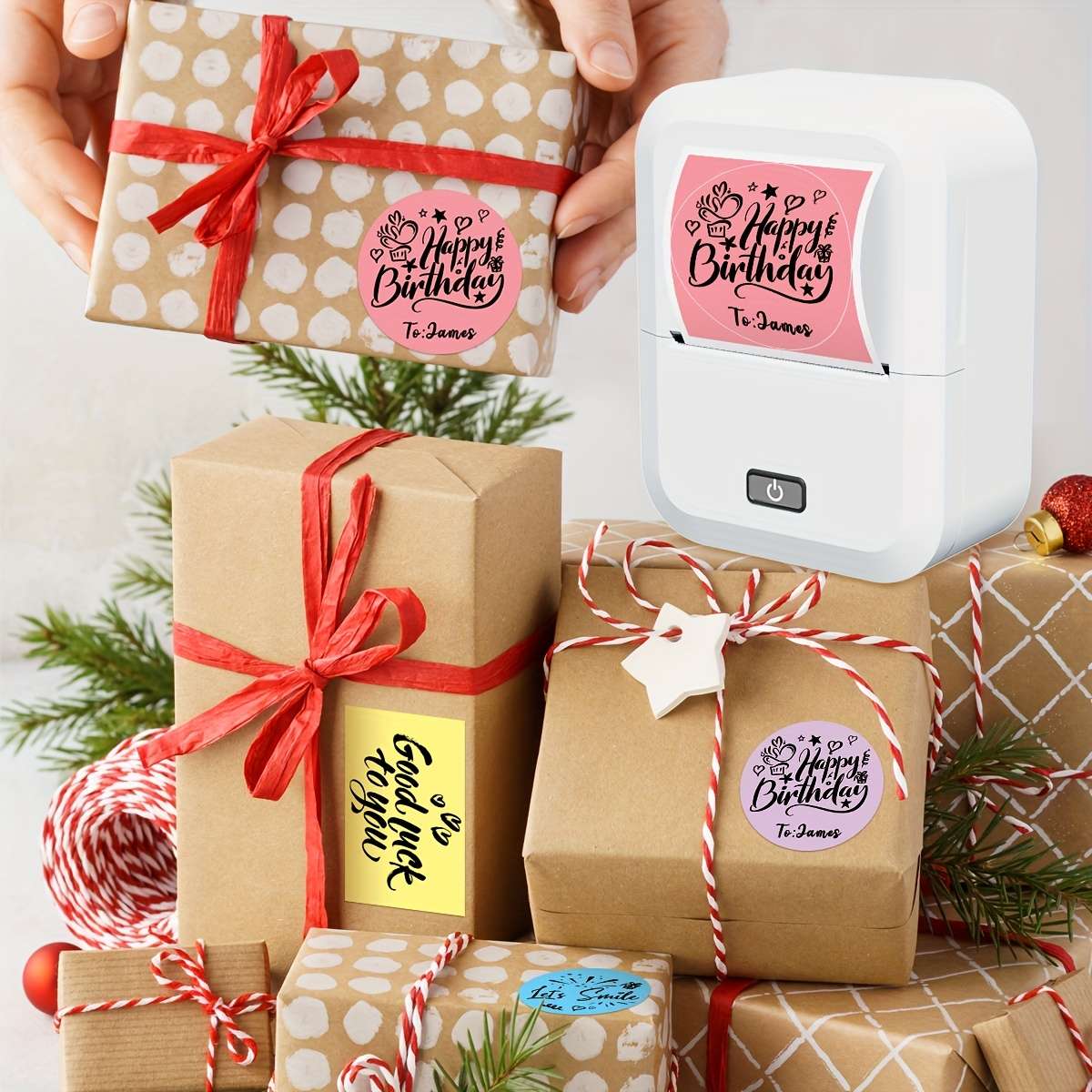
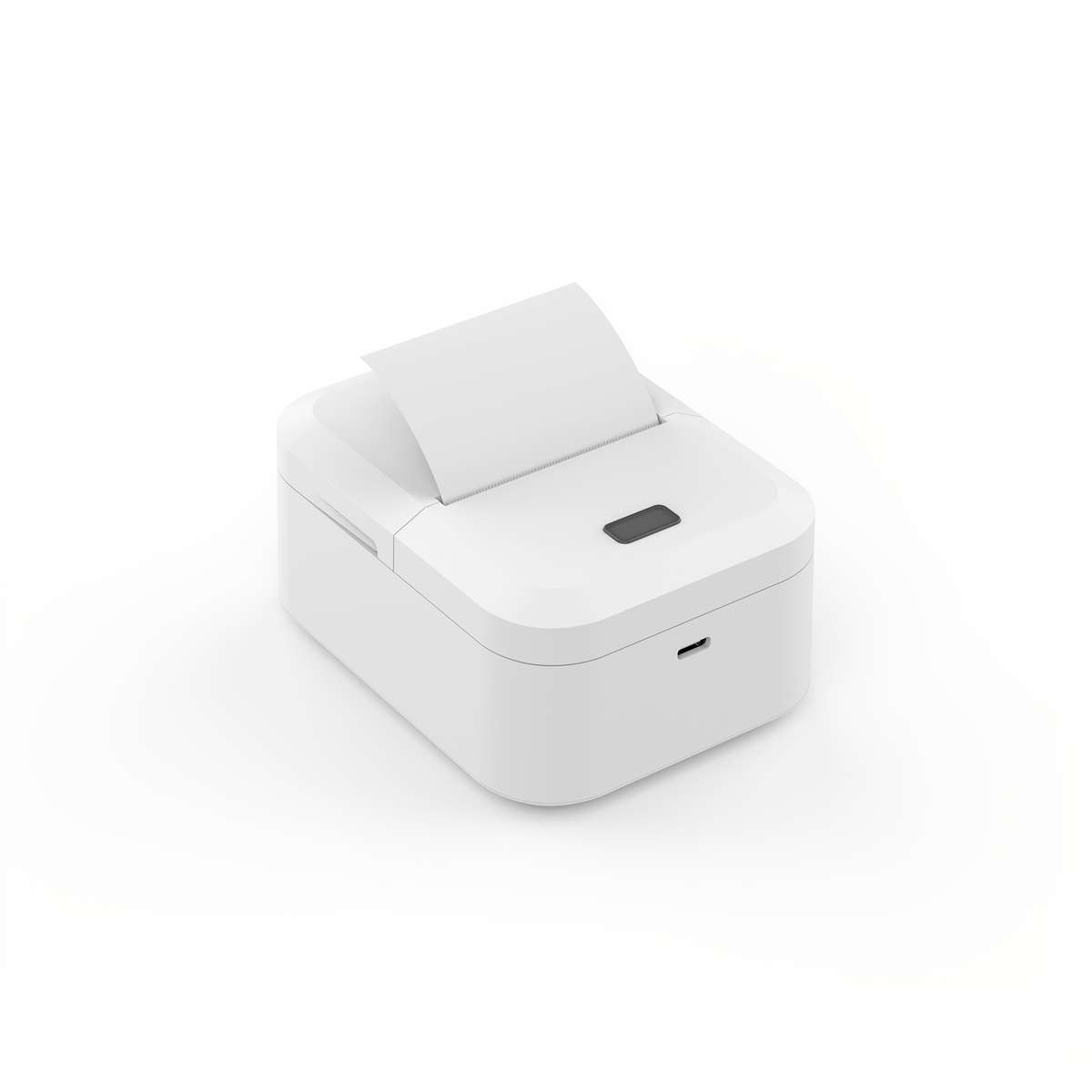
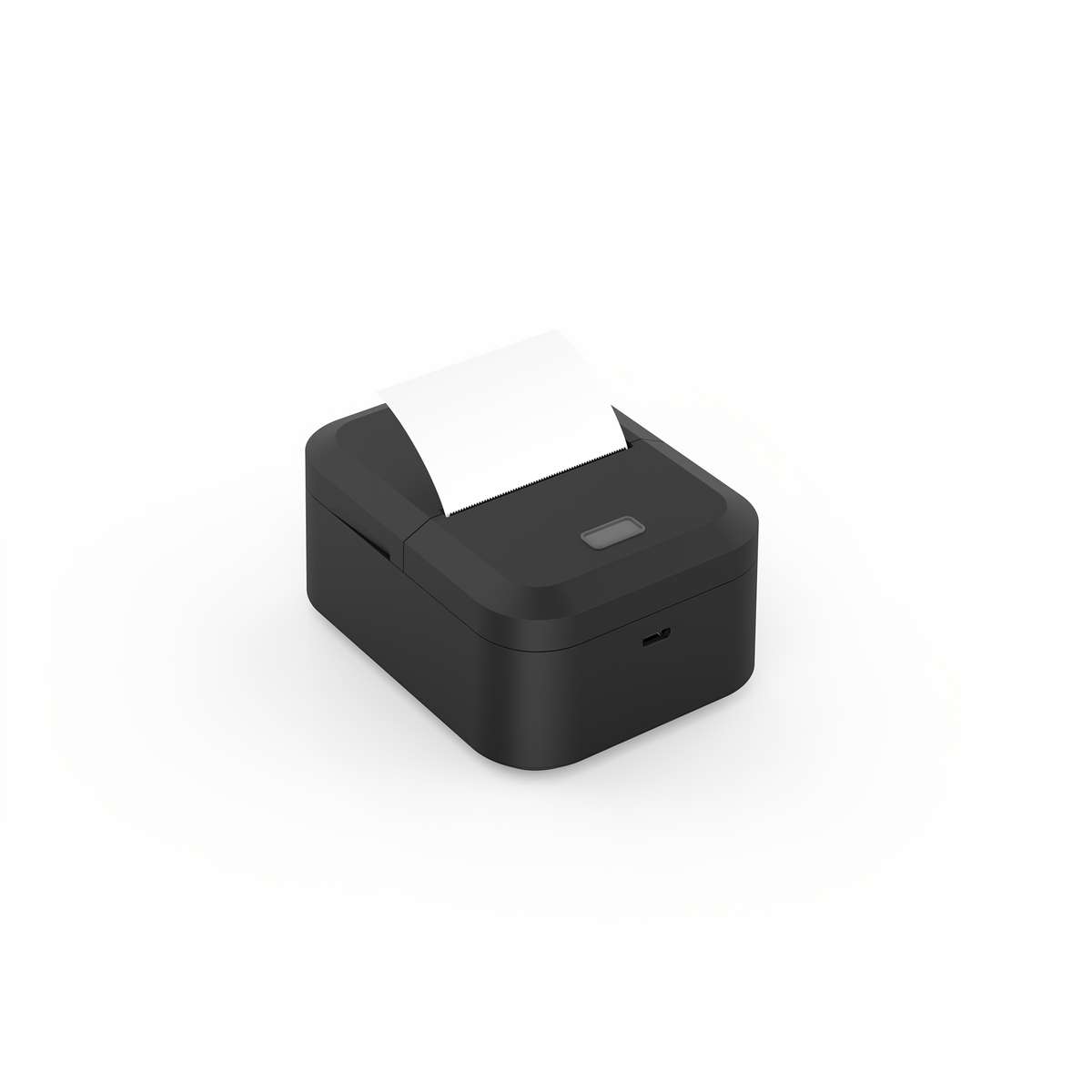
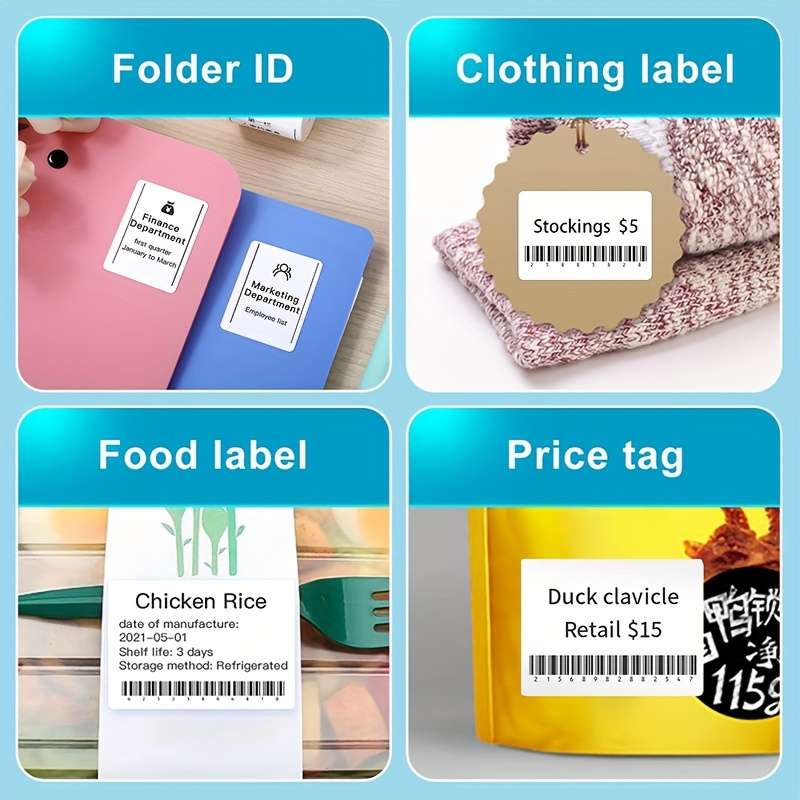
Marklife X2 Thermal Label Printer, Wireless Portable MINI Label Maker, Compatible with Android IOS, 1 Roll 40X30Mm Label, for Small Business Home Office School Thanks Labels Gift Sticker Name Tag
color X2 Gray Print Media:Thermal Paper
Printer Output:Monochrome
Special Features:Portable
Power Mode:USB Charging
Operating Voltage:기36V
Brand:Marklife
Wireless Property:wireless
Battery Properties:Rechargeable Battery
Rechargeable Battery:Lithium Battery-18650 Series
Battery Capacity (mAh):1200
Printer Technology:Thermal
Energy Efficiency Rating:No Energy Efficiency Rating
Item ID:AH2262180
Uses thermal printing technology with thermal paper, eliminating the need for ink or toner for monochrome output.
Wirelessly compatible with both Android and iOS devices, enabling printing from your smartphone or tablet.
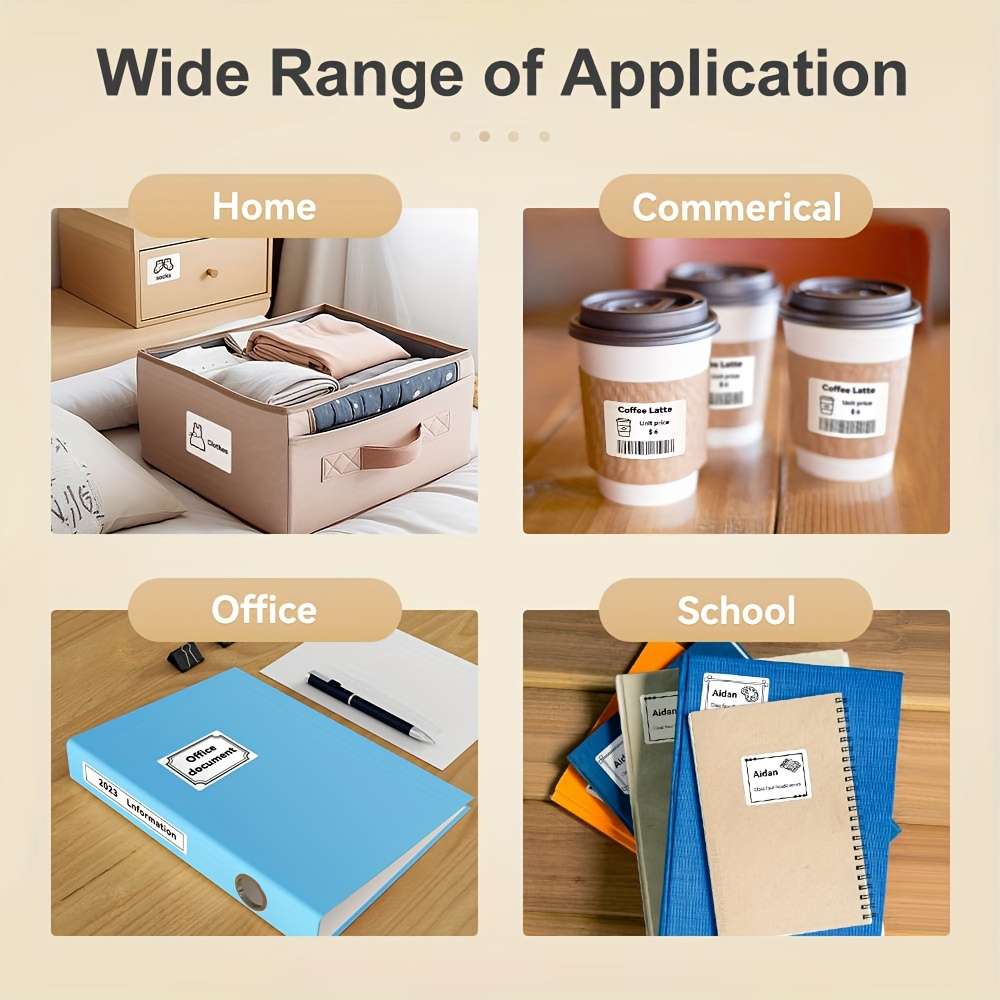
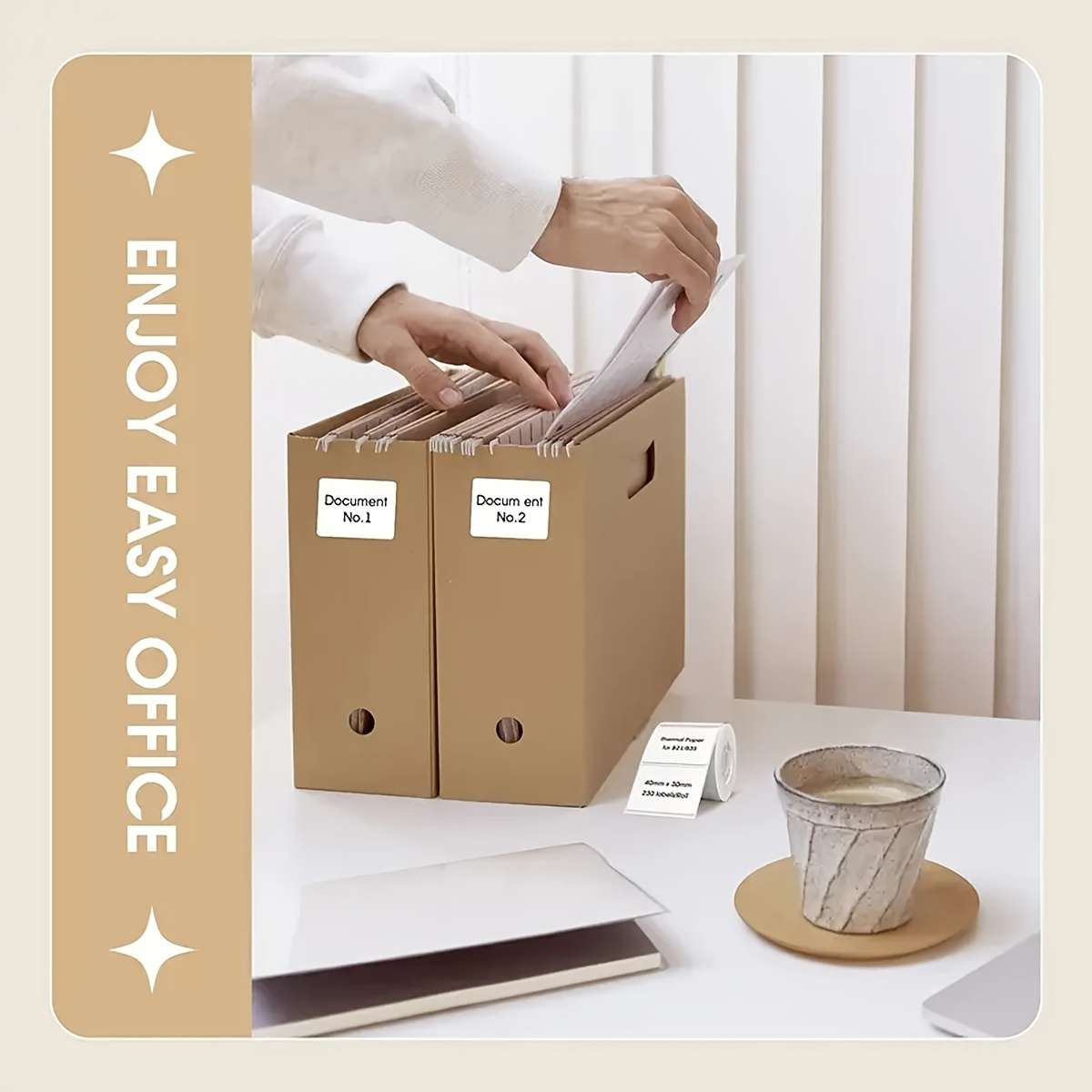
Compact and portable mini label printer designed for small business, home office, and school use.
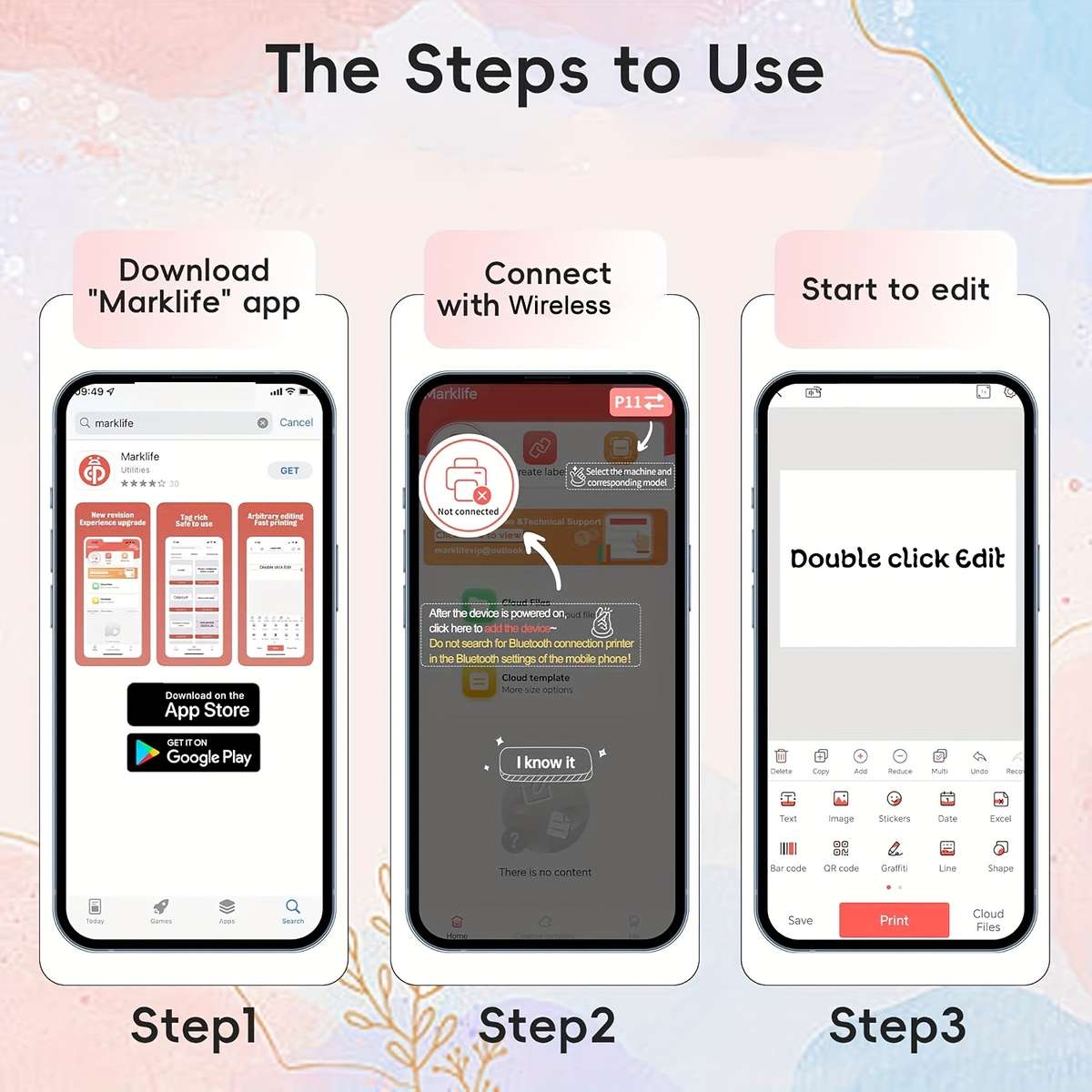
Operating Guide 1.Press and hold the power button for 2 seconds to turn on the printer, then quickly press the power button twice to test if the printer works properly. 2.Search for the App Marklife in the App Store , then download and install it. 3.Open the App, register and log in. Select your preferred language. Tap UNLINK in the top-left corner of the App, turn on Wireless, and pair it with the printer.
4.Create label: Select the correct label paper size, choose your desired template, enter the content you want to print, and then start printing. Indicator Light Status Explanation 1.Green light on steady: Battery is fully charged, or the device is in normal working state 2.Red light on steady: Corresponds to the following 4 situations: A:Device is charging B:Incorrect label paper placement
C:Printer body temperature is too high D:Cover is not closed properly 3.Red light flashing: Battery power is low, need to charge in time 4.Orange light on steady: Device has entered debug mode, press and hold the power button to exit this mode