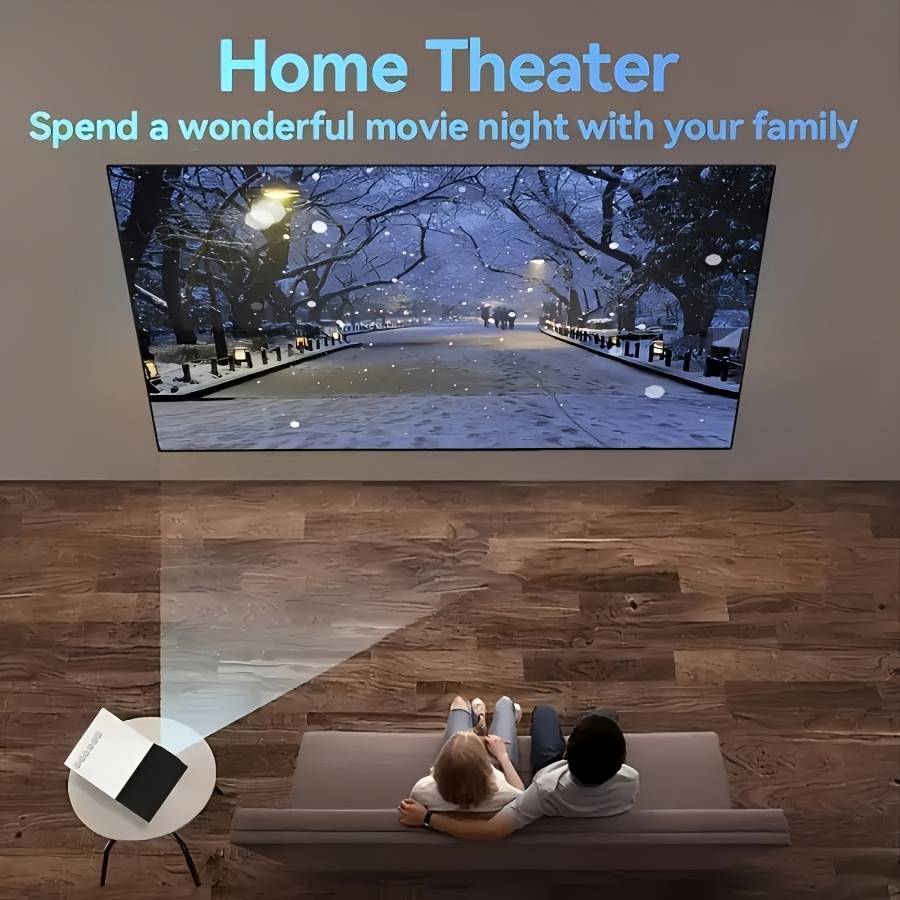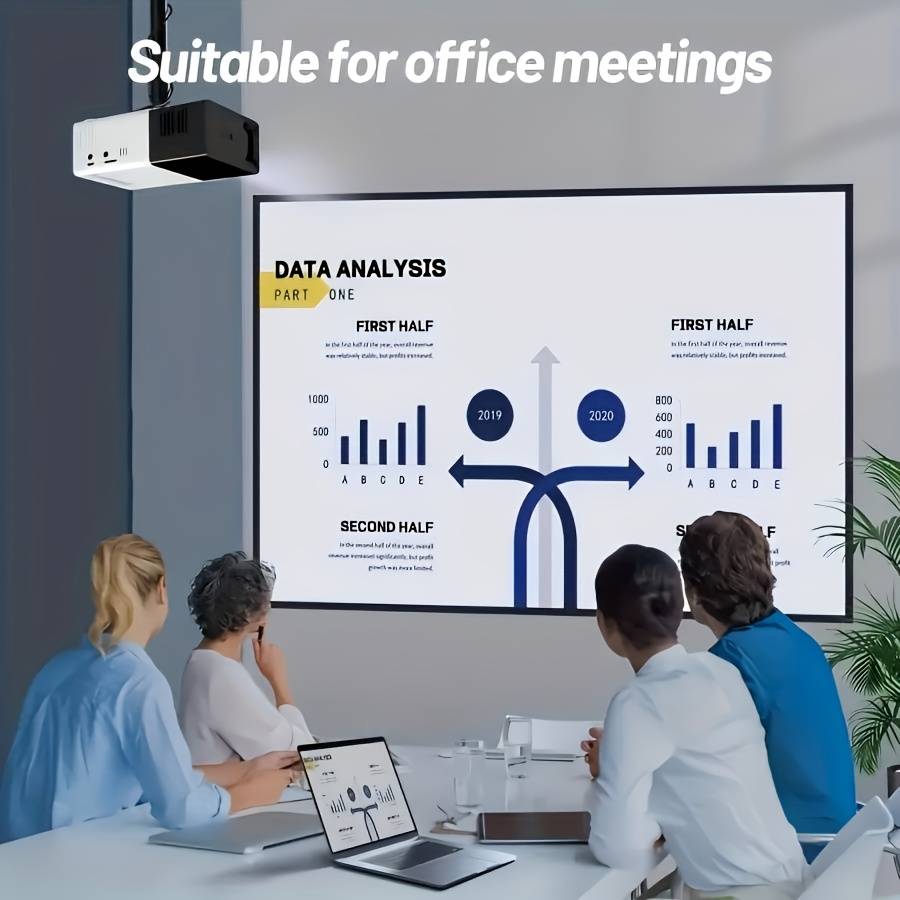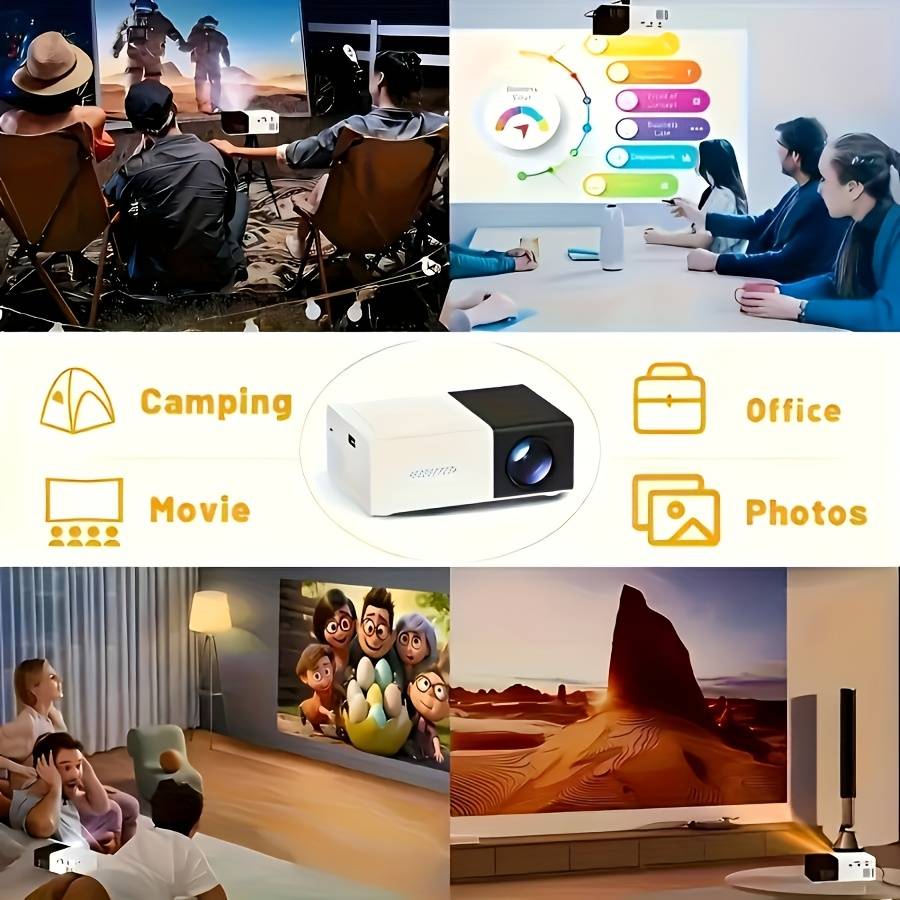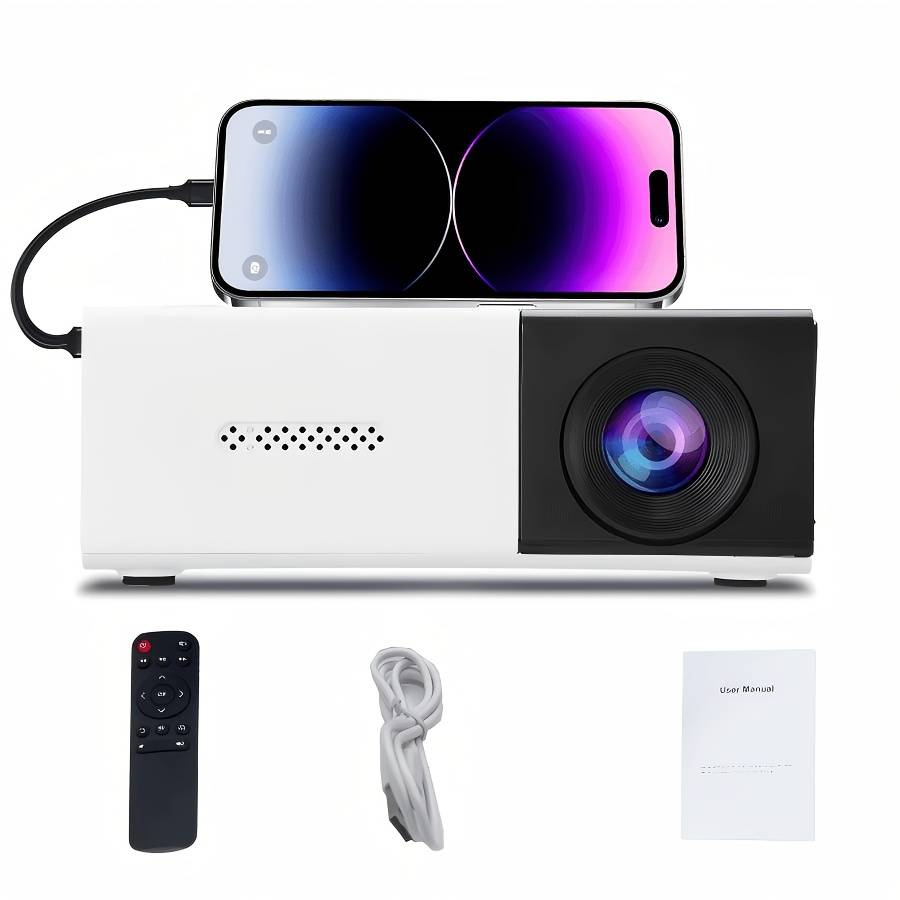
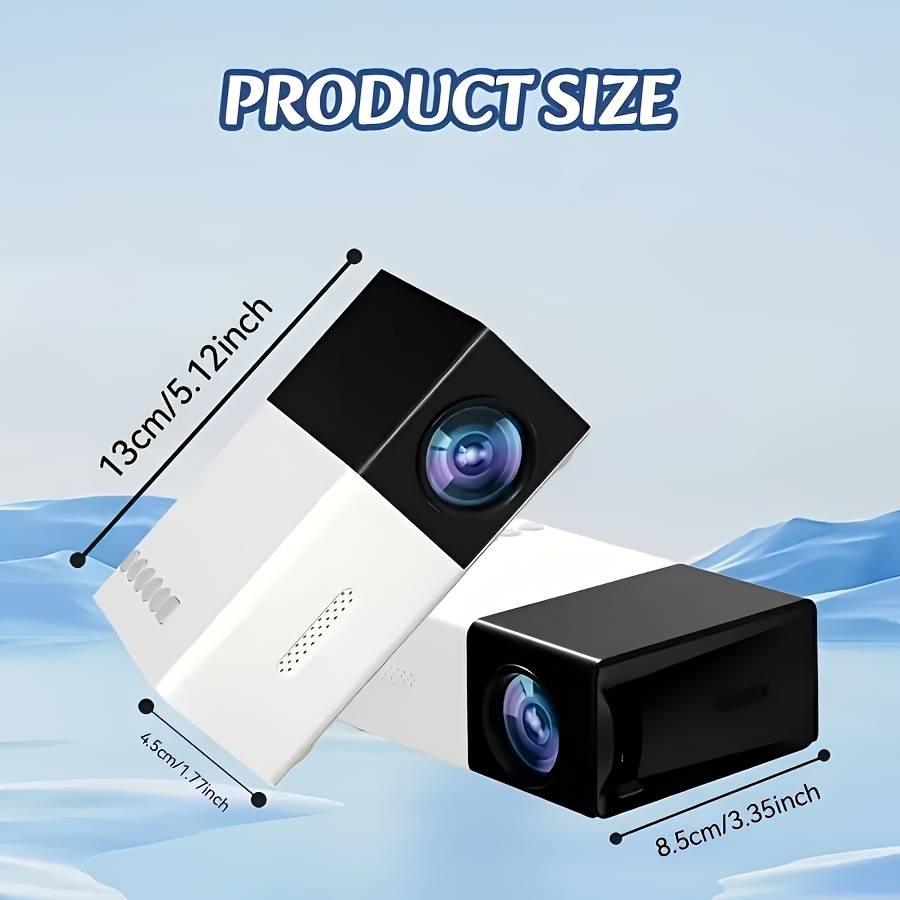
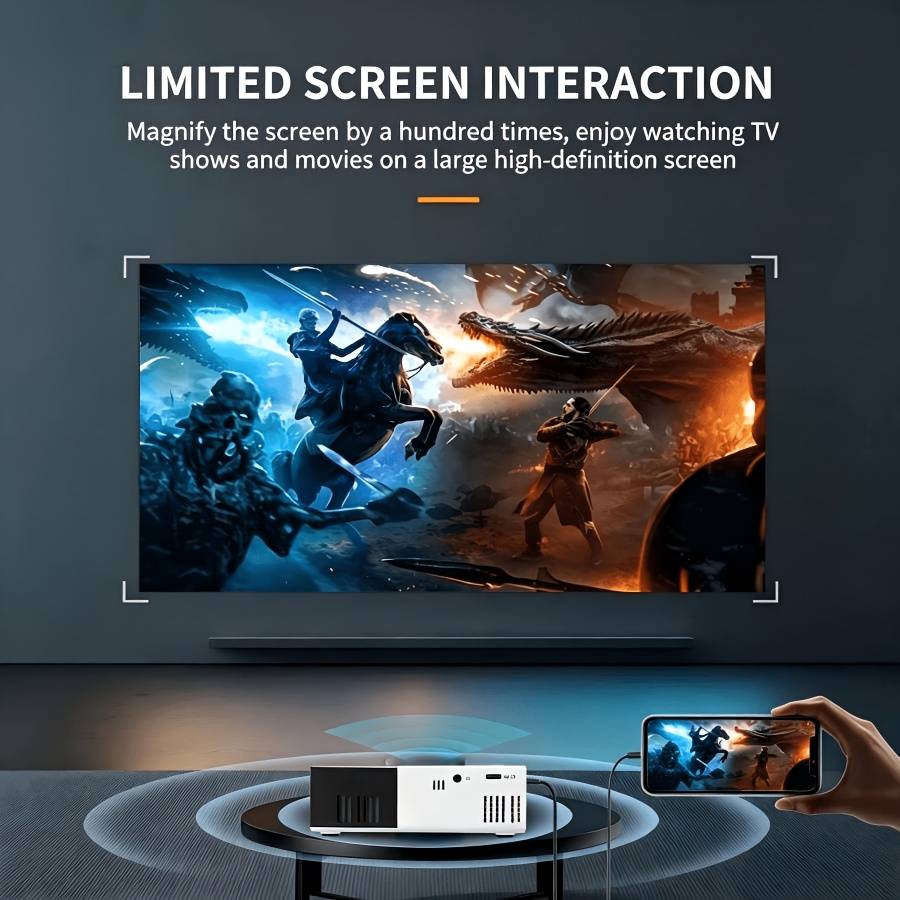
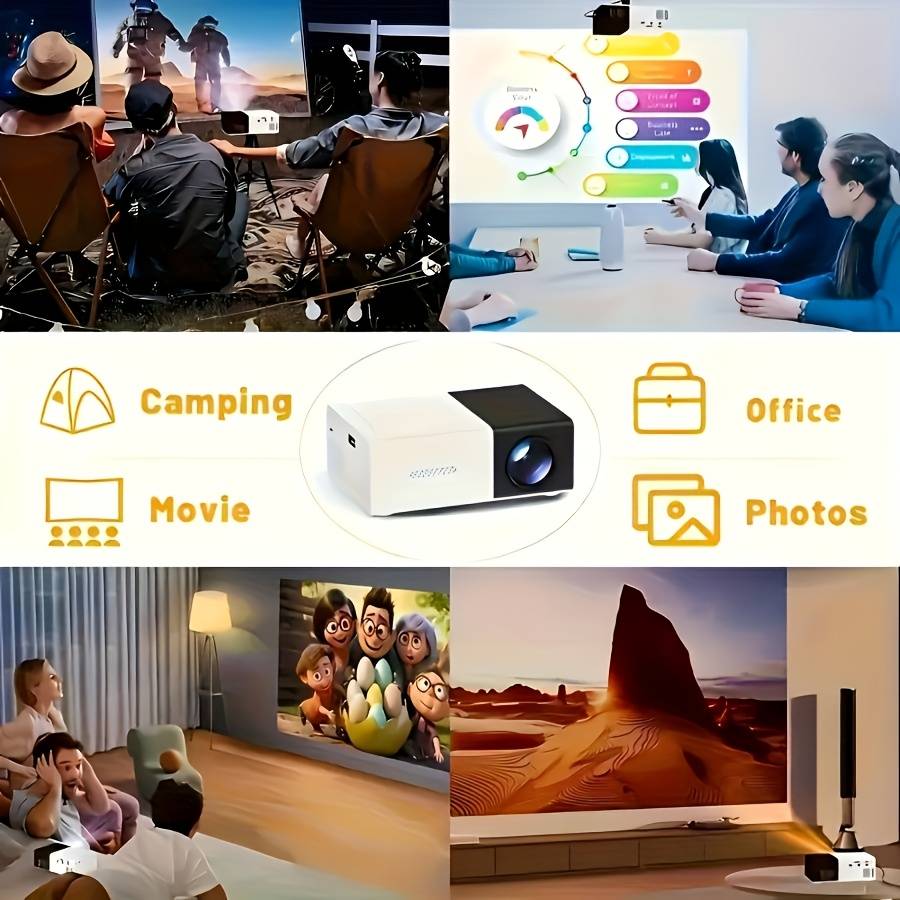
Projector Style Phone Projector With Remote Control Black And White
Check my rate
| Main centres: | 1-3 business days |
| Regional areas: | 3-4 business days |
| Remote areas: | 3-5 business days |
| Main centres: | 1-3 business days |
| Regional areas: | 3-4 business days |
| Remote areas: | 3-5 business days |
PowerSupply This product does not come with a power adapter. Please use a[5V-2Aᄀpower adapter.(If you use an adapter with a power supply lower than [5V-2A] , the device may not start orshut down automatically.) Use a 5V-2A adapter outlet to connect with a Type-C 5V-2A power bank, switch on the power bank, and enter the projector into standby status. Note: Ifnotusingtheunitforalongerperiodoftime,unplugtheadaptorfrom thewalloutletandfromtheunit.
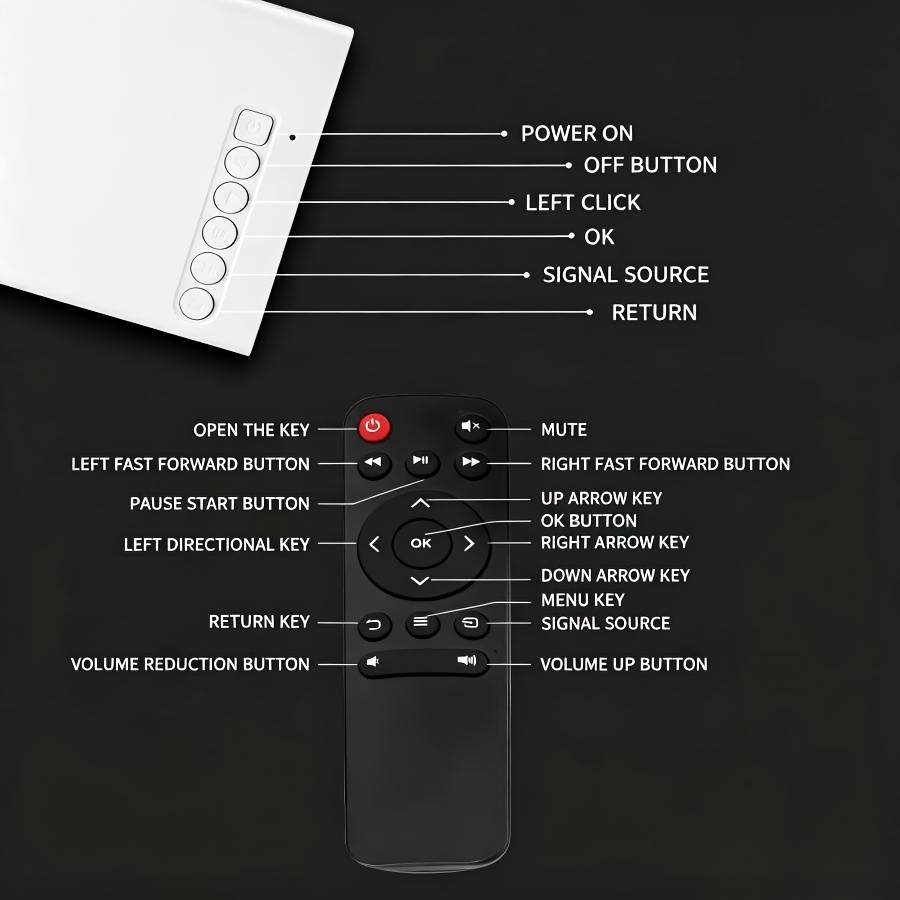
BasicFunctions 1.Powertheunitasdescribedabove. 2.Theunitisnowinstandbymode. 3.Toswitchtheuniton,pressthebutton once.TheLEDlightwillturnto Green.Theunitwillswitchontothemodelastselected. 4.Toswitchtheunitoffintostandbymode,pressbutton Userlnterface 1.Aftertheprojectoristurnedon,themaininterfacewillappearafterthestartupscreenflashesfor2-5seconds.
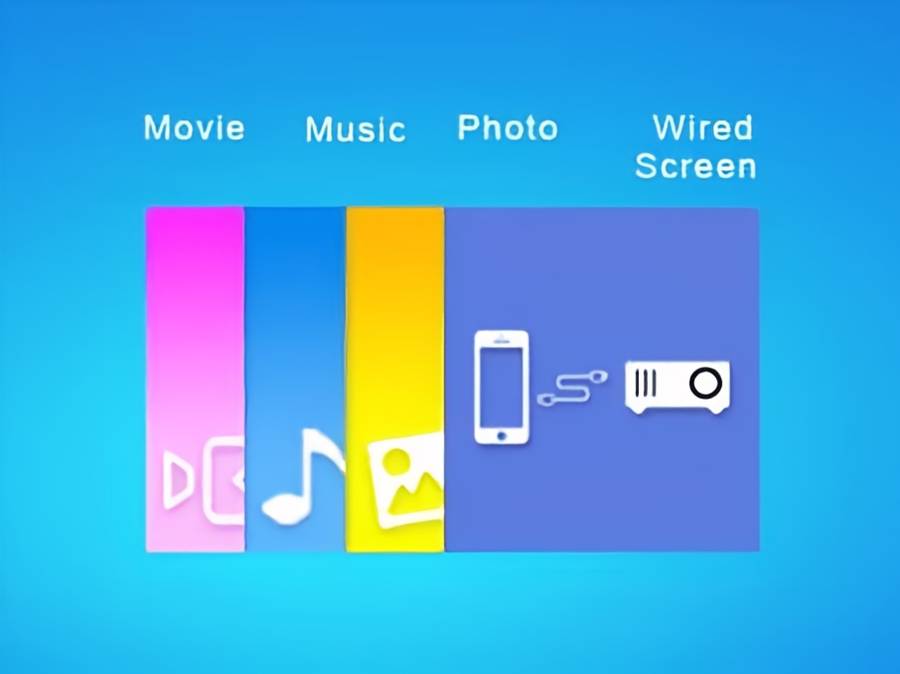
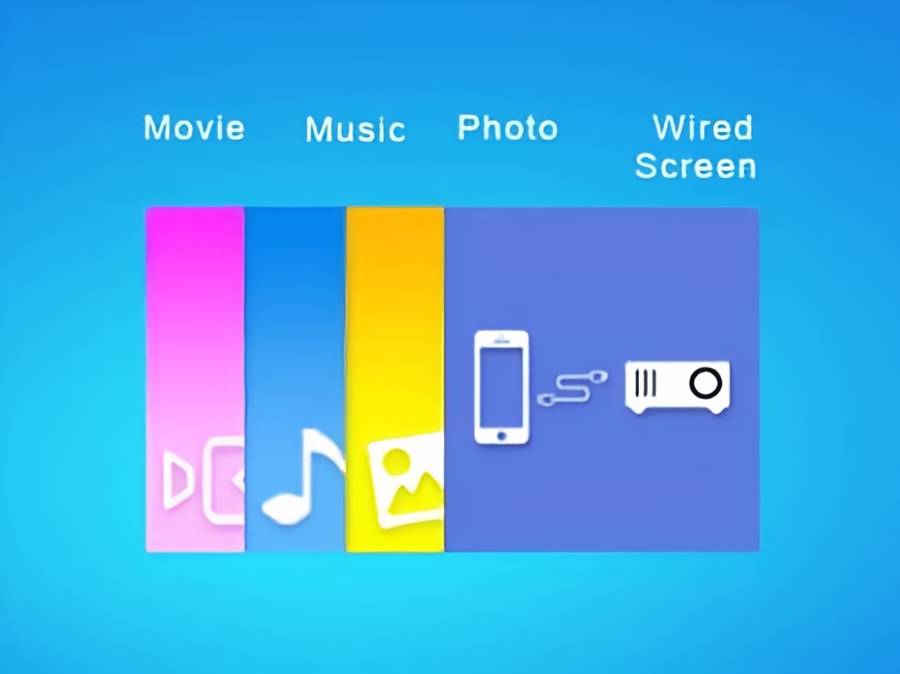
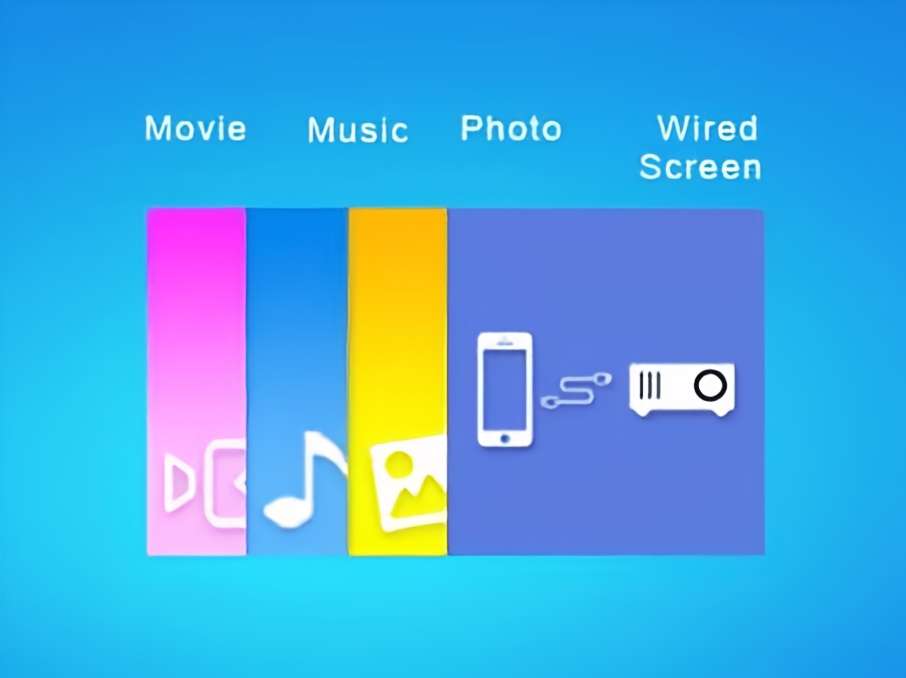
Then select Movie, Music, Photo or Wired Screen that you want to play from the selected file.
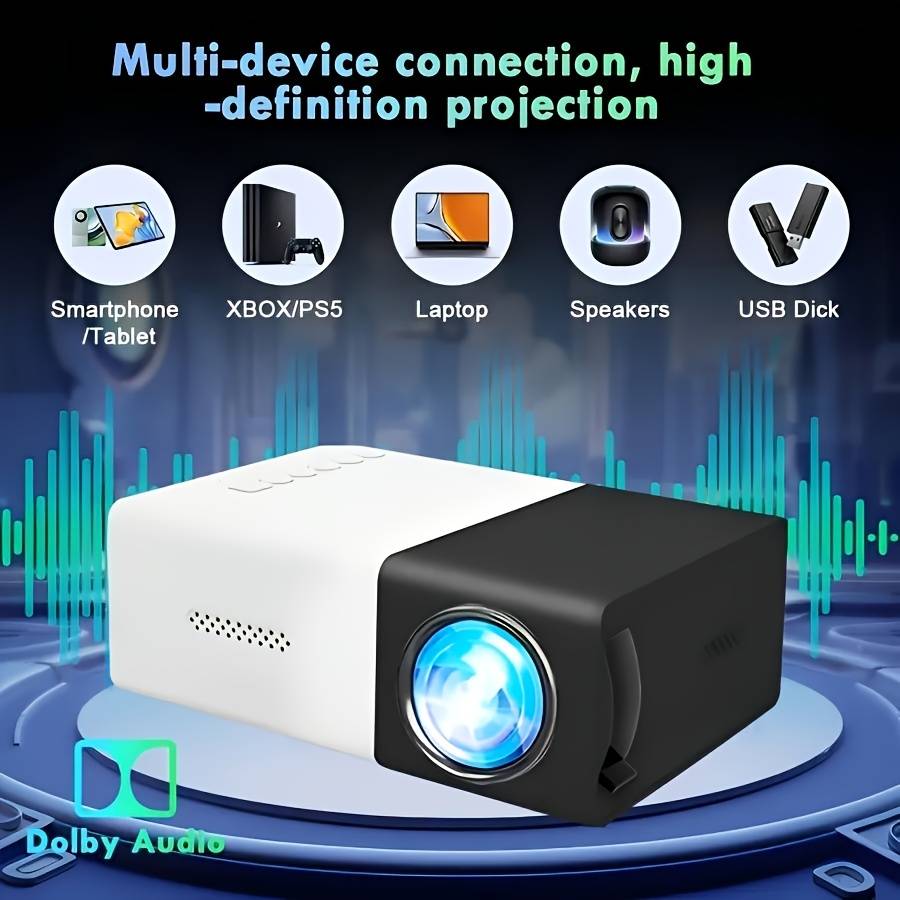
Step: Choose 'Wired Screen' on the projector's main page.
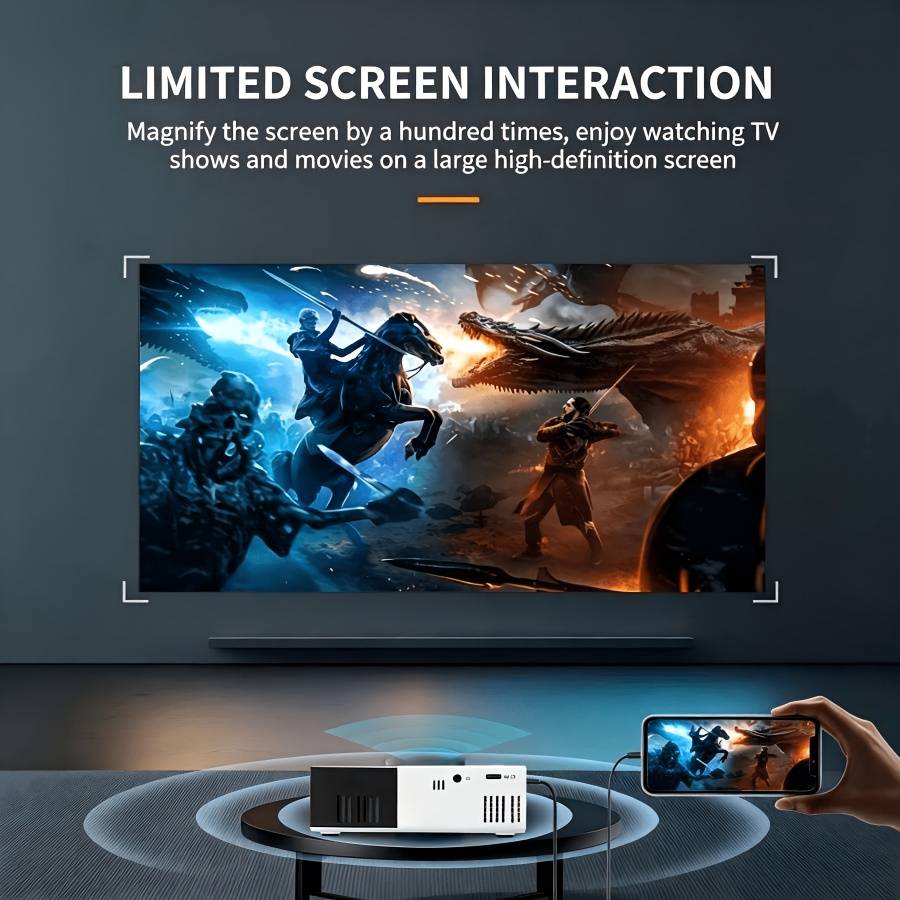
Step 2: Attach the phone's data cable to the phone and connect the other end (USB head) to the USB port of the projector. Step 3: When using it for the first time, you must click on Trust in the pop-up window on your phone. Note: For detailed instructions, please open the projector and scan the QR code located on the left side of the code. Please use the original data cable of your phone; otherwise, it may not function correctly.