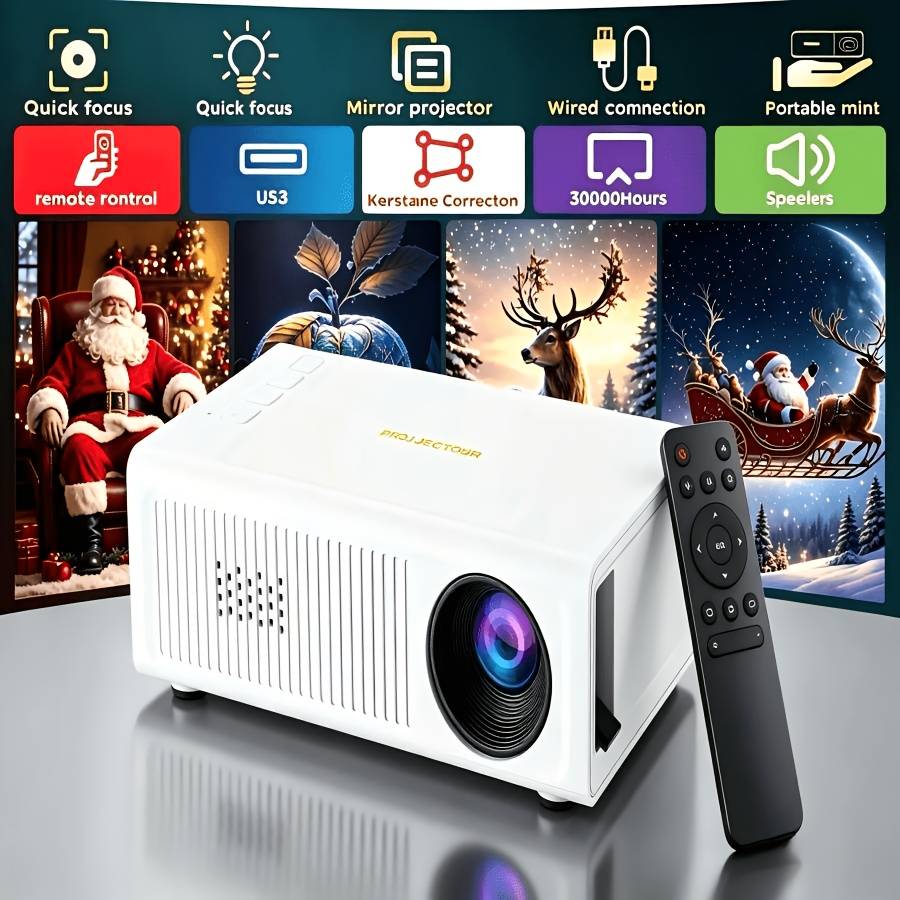
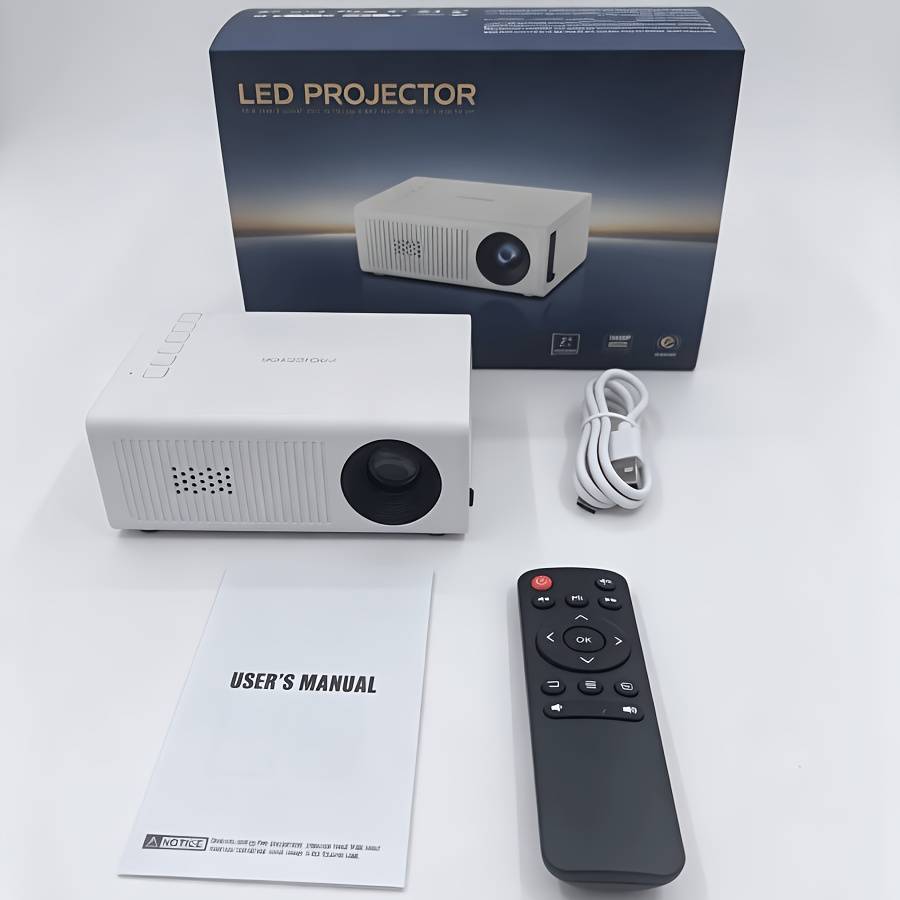
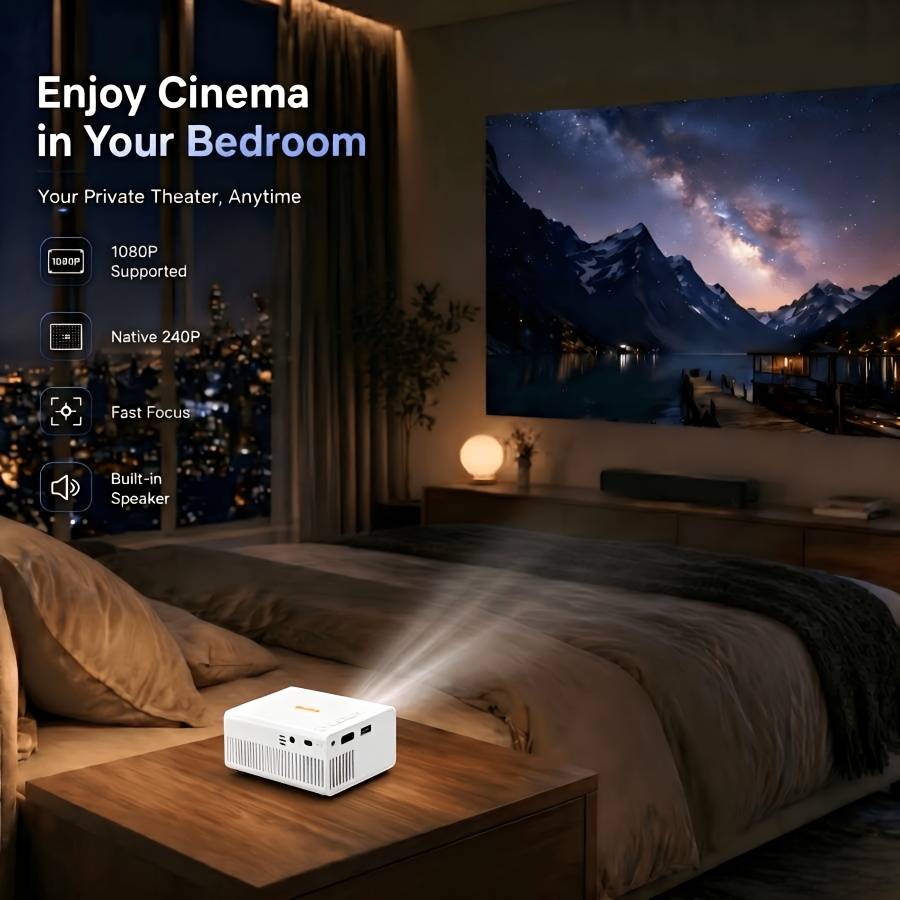
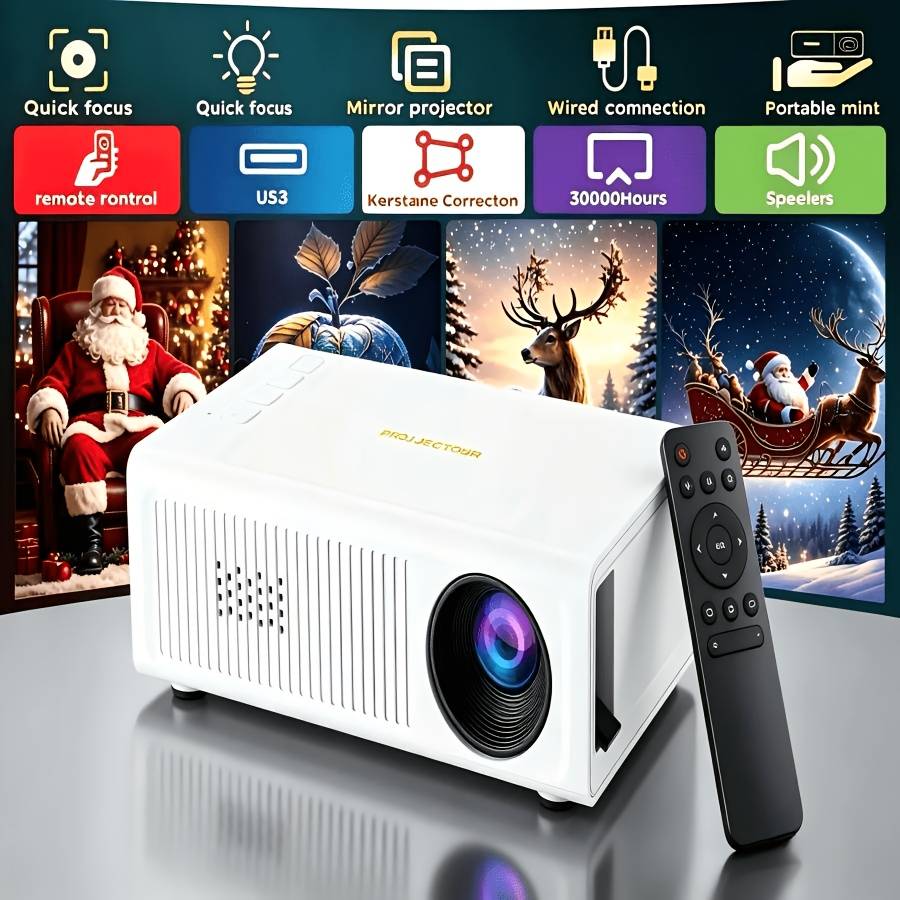
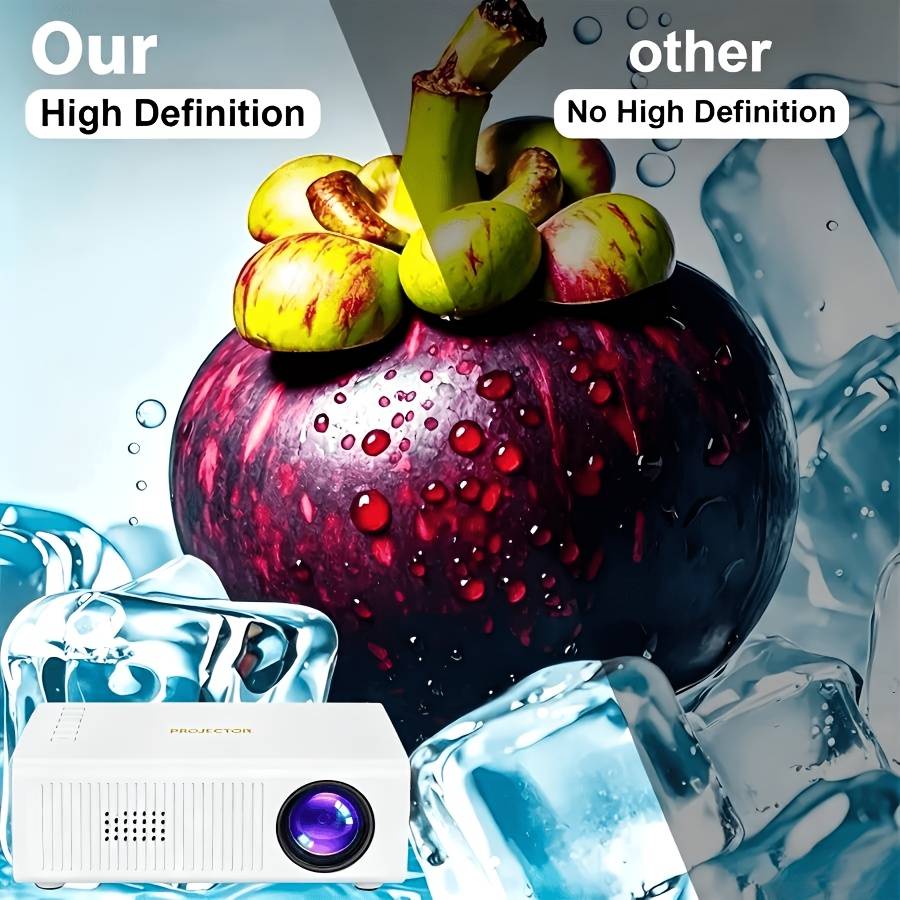
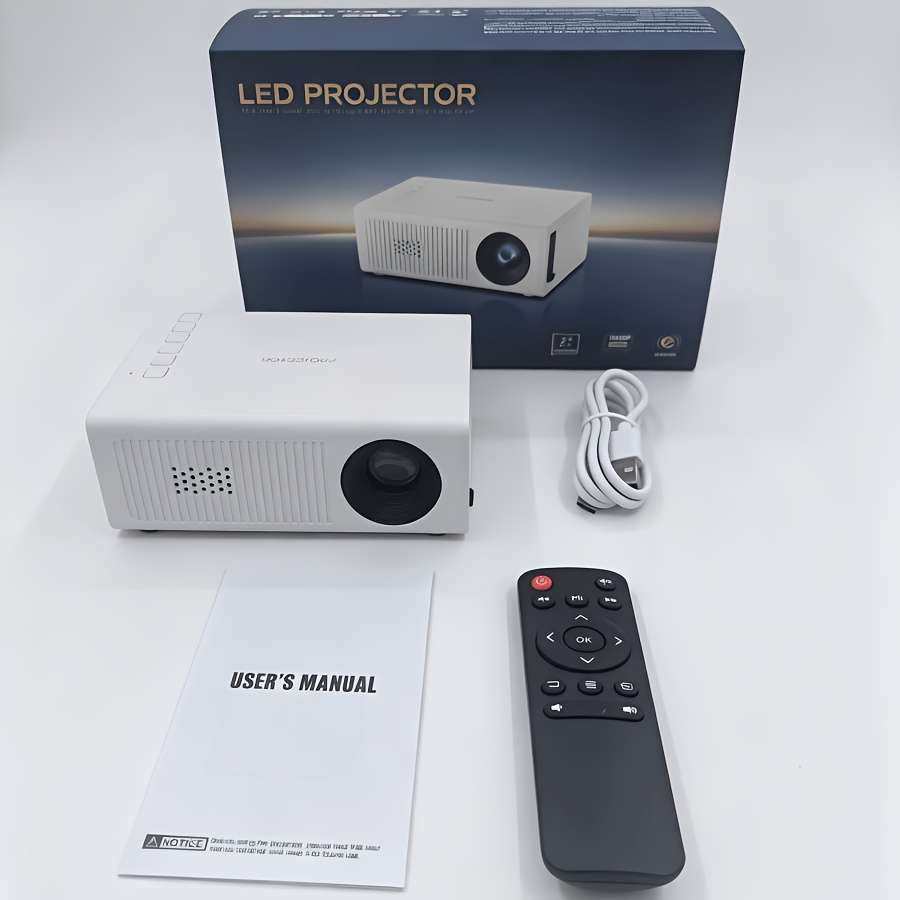
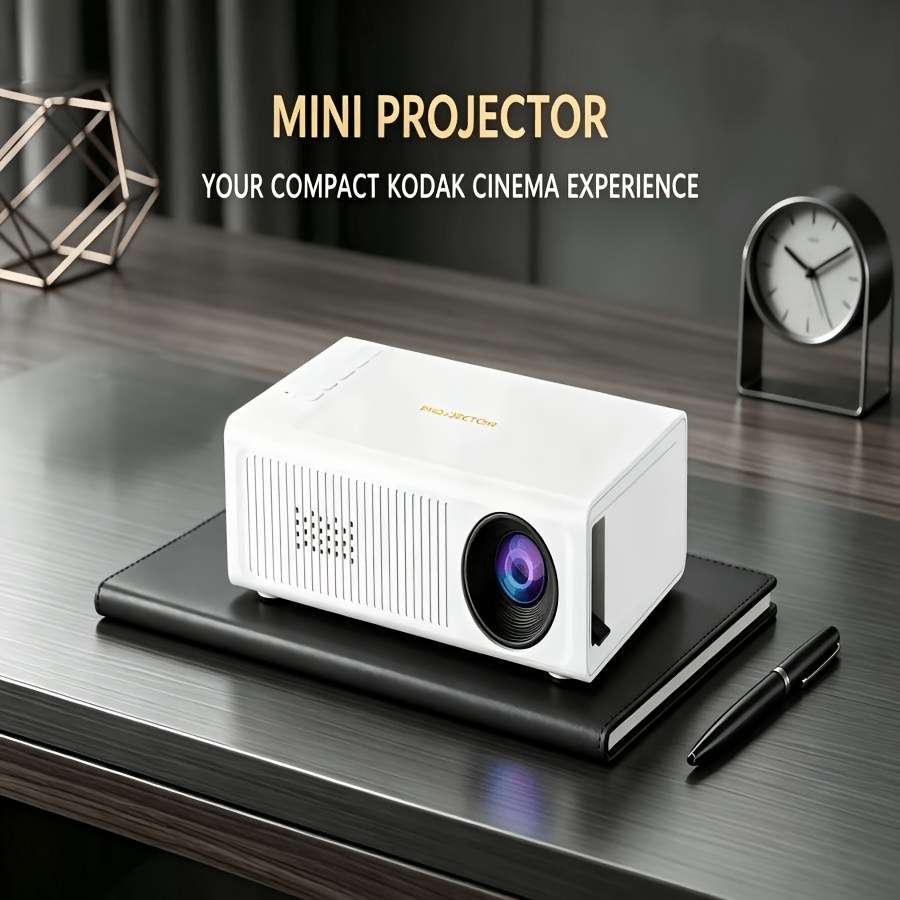
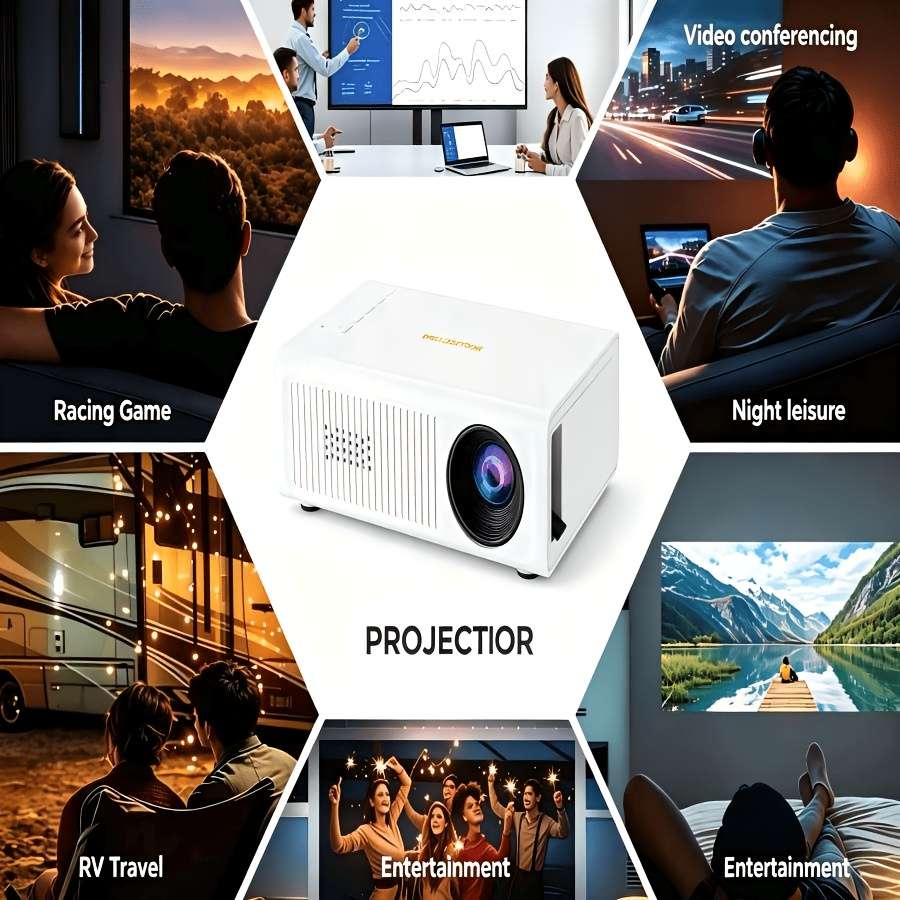
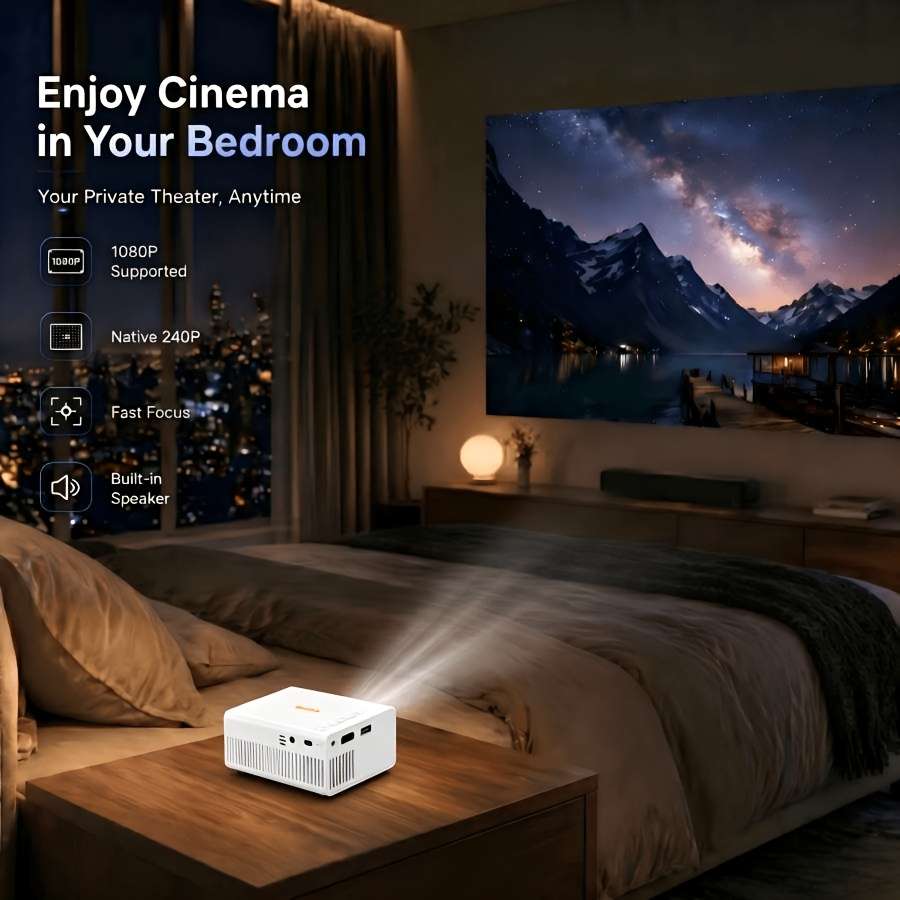
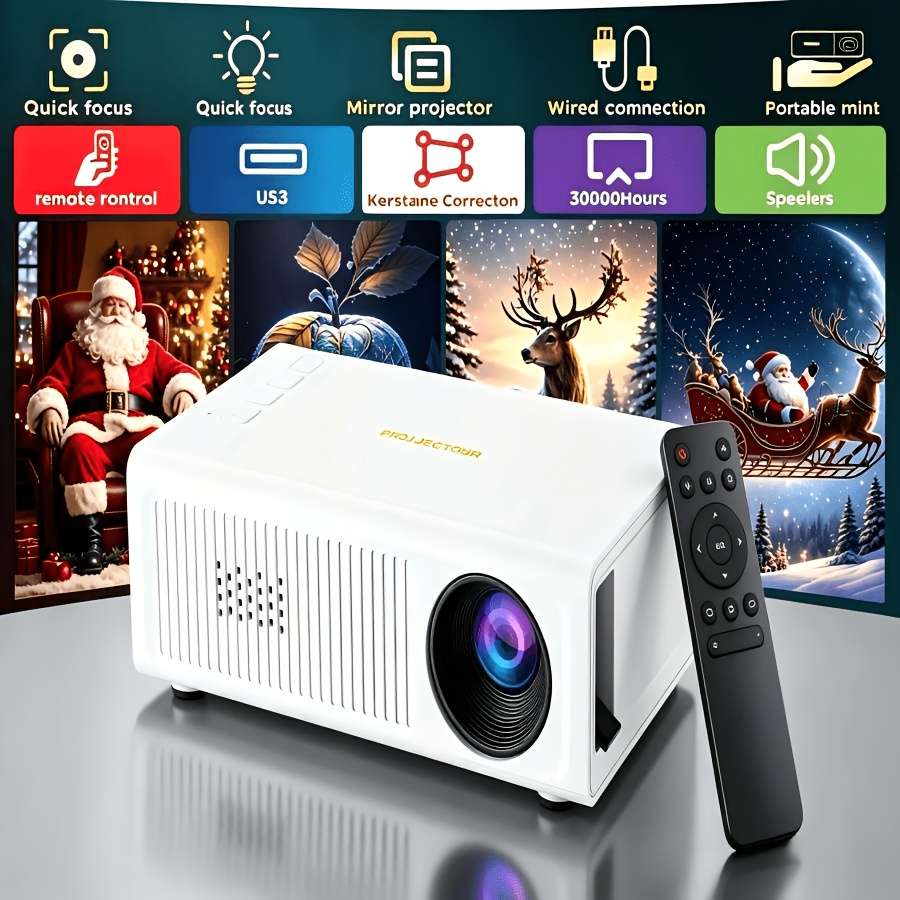
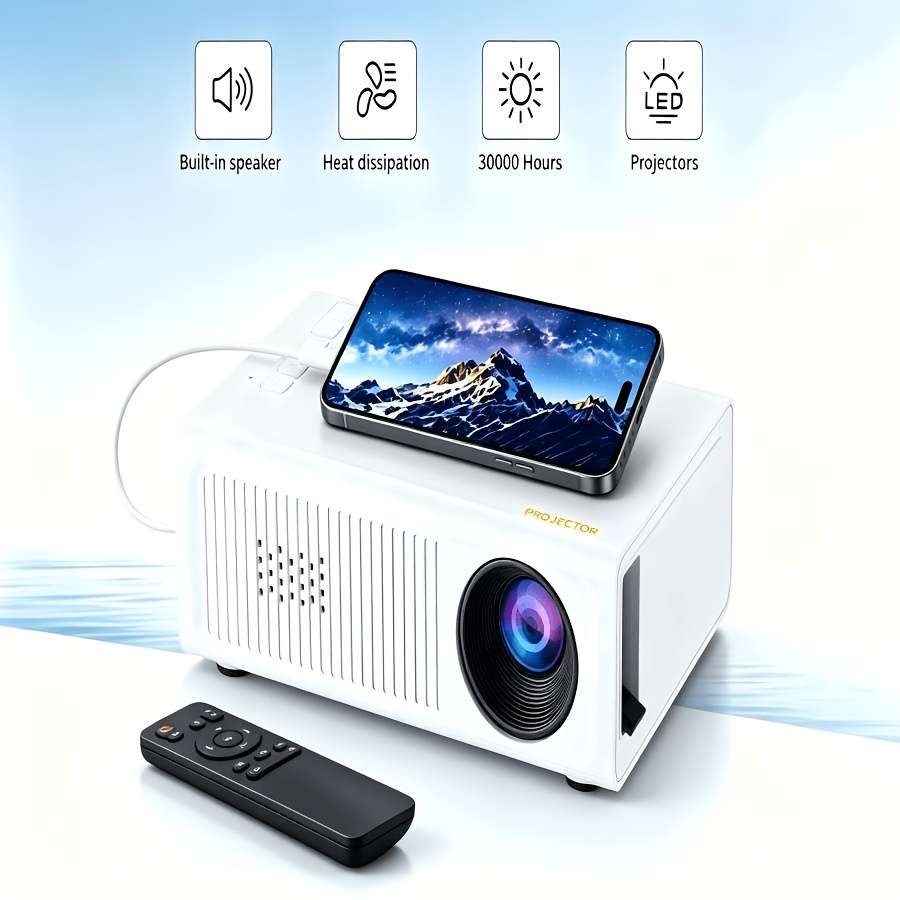
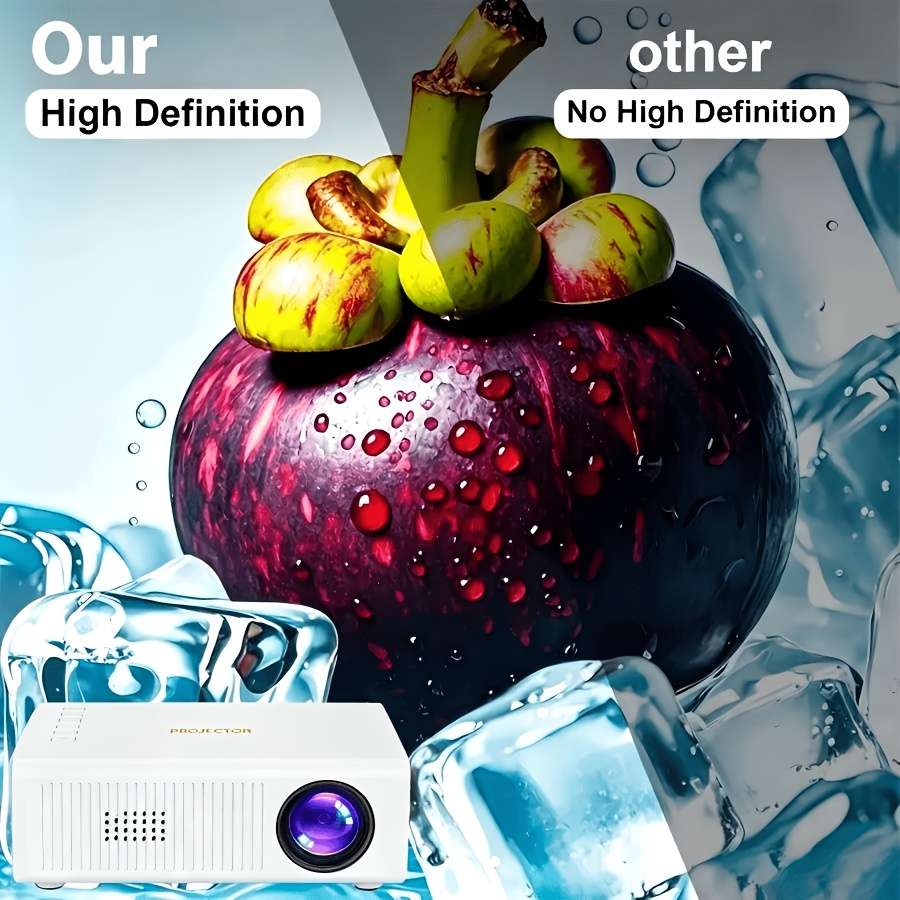
Mini Portable Projector, USB with Remote Control, Full HD Support, Compact Home Theater and Outdoor Movie Projector, Compatible with Smartphones, Tablets, Laptops. Suitable for Home, Travel, Gaming, Presentations, Travel Entertainment
Style White Multi-functional Mobile Phone Projector with Remote Control Mounting Type:Table mount
Display Technology:Lcd
Video Projector Feature:3D ready
Power Mode:USB
Operating Voltage:기36V
Brand:SAN.COMO
Battery Properties:Without Battery
Laser Type:Without Laser
ANSI Brightness:26lm
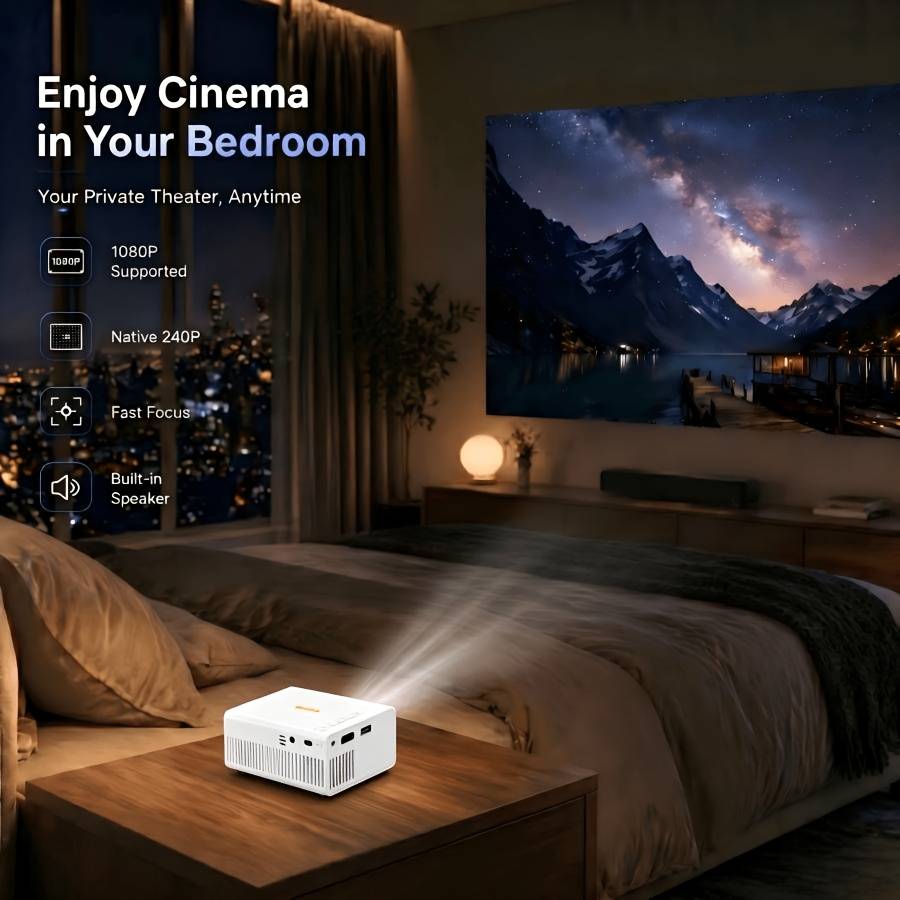
Maximum decoding resolution:1920x1080fullhd1080p
Native Resolution:320ᄀ240
Control Method:Button Control
Connectivity Option:Smartphone and tablet,Other
Aspect Ratio:16:9
Item ID:G5M8753572
PowerSupplyThis product does not come with a power adapter. Please use a [5V-2A]power adapter.(If you use an adapter with a power supply lower than [5V-2A], the device may not start orshut down automatically.)Use a 5V-2A adapter outlet to connect with a Type-C 5V-2A power bank, For Switch on the powerbank, and enter the projector into standby status.Note: Ifnotusingtheunitforalongerperiodoftime,unplugtheadaptorfromthewalloutletandfromtheunit.
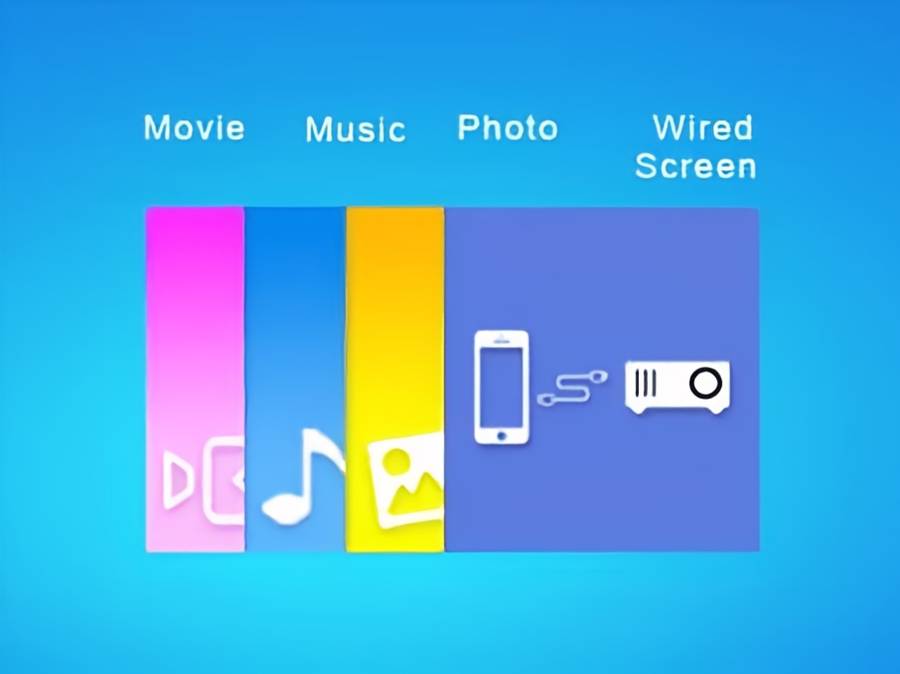
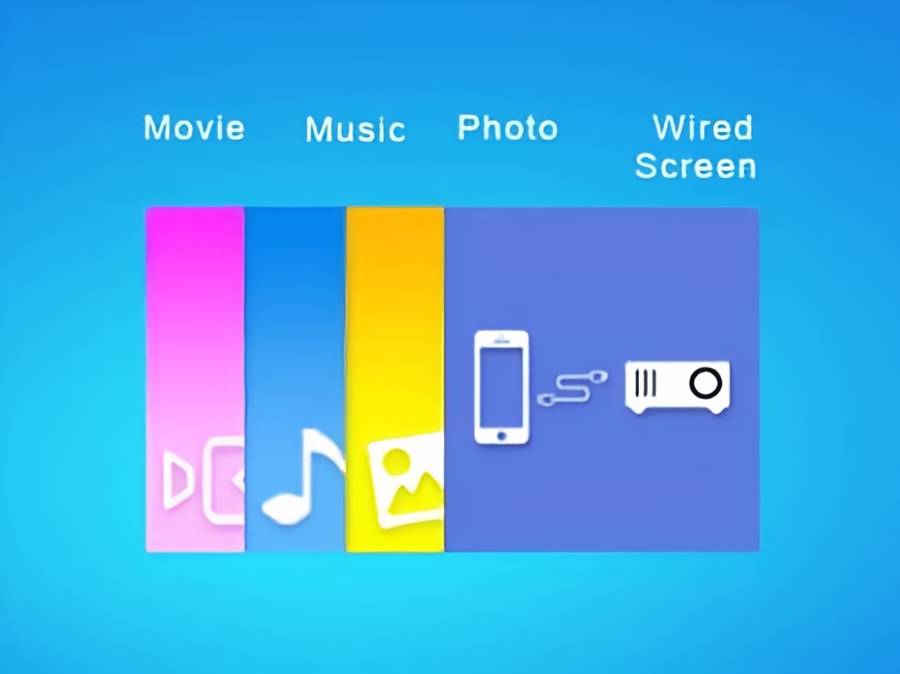
BasicFunctions1.Powertheunitasdescribedabove.2.Theunitisnowinstandbymode.3.Toswitchtheuniton,pressthebutton once.TheLEDlightwillturntoGreen.Theunitwillswitchontothemodelastselected.4.Toswitchtheunitoffintostandbymode,pressbuttonUserInterface1.Aftertheprojectoristurnedon,themaininterfacewillappearafterthestartupscreenflashesfor2-5seconds.
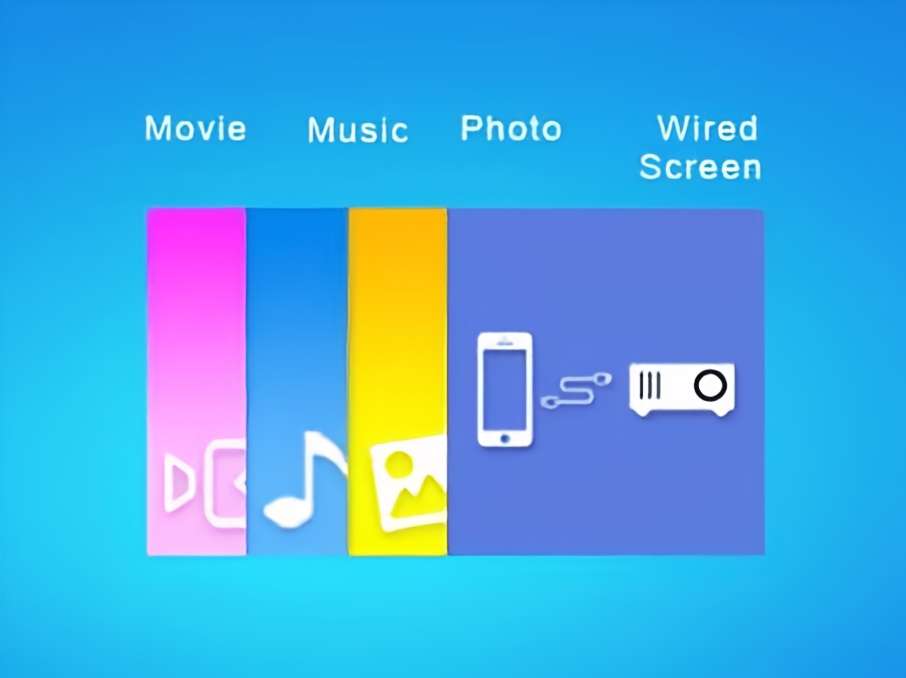
ThenselectMovie,Music,PhotoWiredScreen,whichyouwantto play.theselectedfile.[Wired screen]
Stepl:SelectWiredScreenontheprojectorhomepage.
Step2:Connectthephonedatacabletothephoneandplugtheotherend(USBhead)intotheUSBportoftheprojector.Step3:Whenusingitforthefirsttime,youneedtoclickonTrustinthepop-upwindowonyourphone.Note:Forspecificinstructions,pleaseopentheprojector,scantheQRcode ontheleftsideofthecode.Pleaseusetheoriginaldatacableofyourphone,otherwiseitmaynotwork properly.
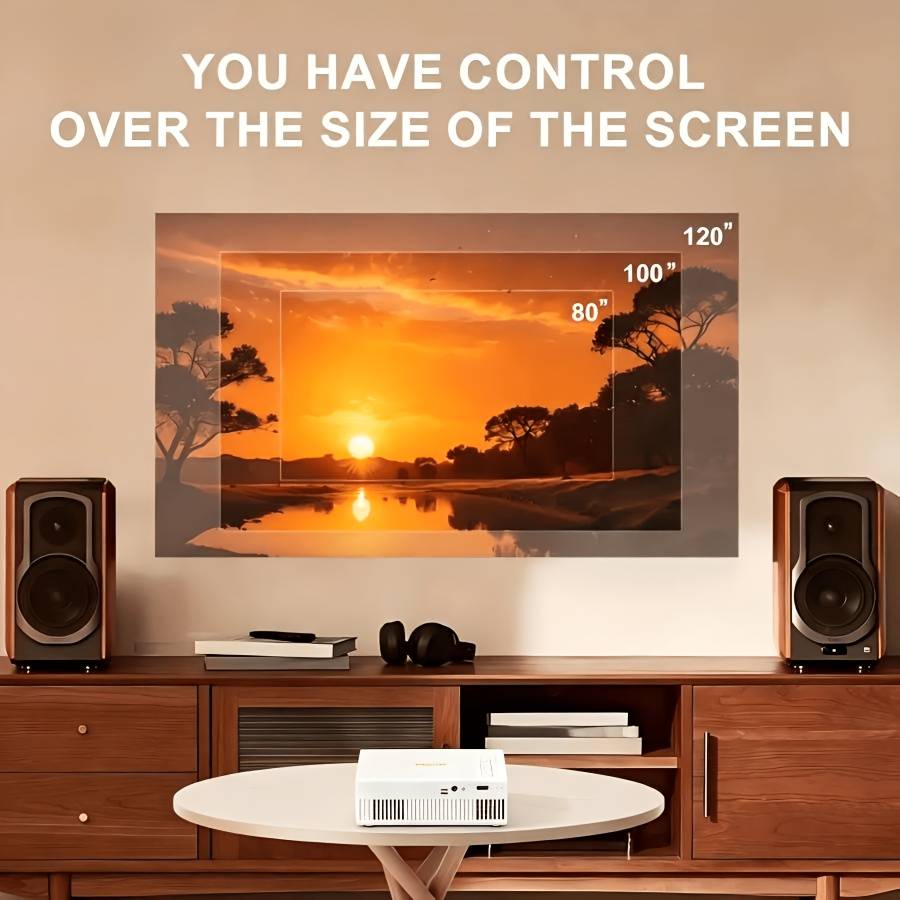
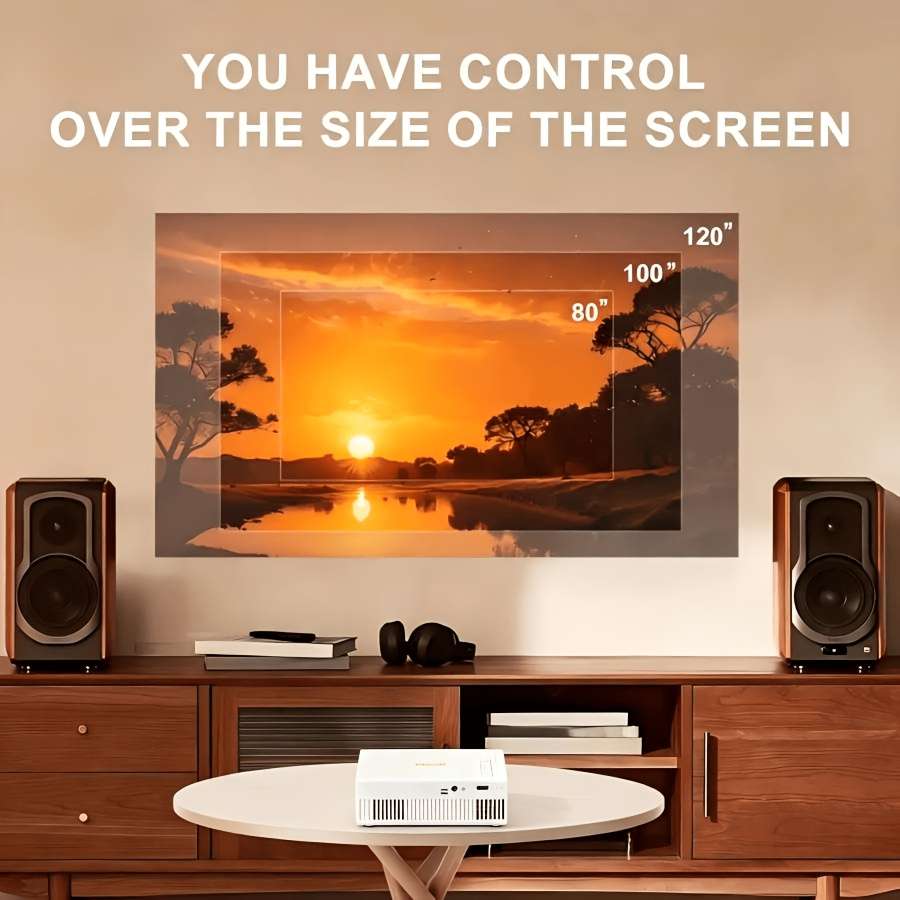
Focusadjustment:Thefocuscircleadjuststhesizeandsharpnessoftheprojectedimagewhileadjustingthedistance,asshowninthefollowingfigure.
Language settings:Inoptionsettings,youcanuseinthesettingsinterface,youcanselectorceilingtypedeliveryandotherways,optionsinthelanguage,setthelanguage,canrotatethescreen,sidecastandsoftwaresystemupgrades.