
| Main centres: | 1-3 business days |
| Regional areas: | 3-4 business days |
| Remote areas: | 3-5 business days |
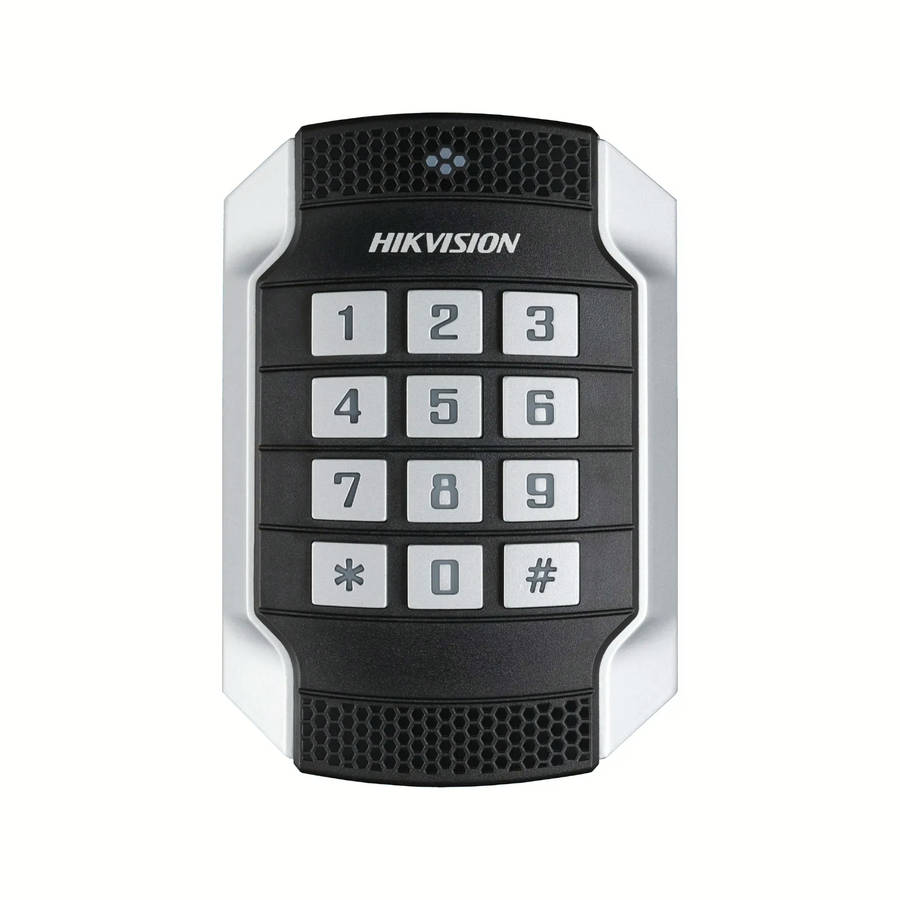
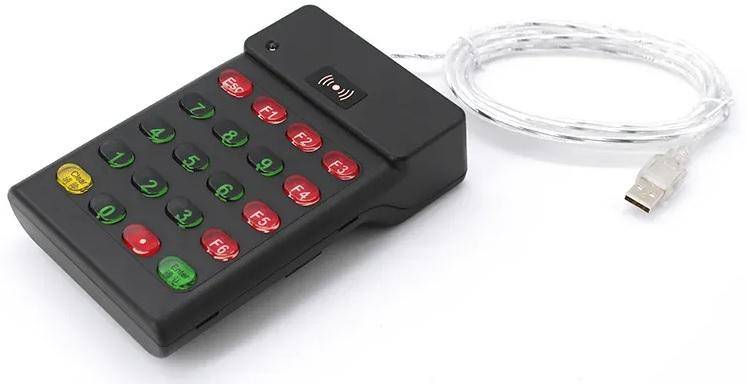
RFID NUMERIC KEYPAD - KEYPAD-3
The R95C Card Reader is a 13.56Mhz Driverless IC Card Reader button Reader with line and machine
In the process of use, you can dial in and out (plug and play) at will, without Power Supply
The Users do not need to load any Driver
Can read out the Serial Number in the RFID Card and Output it to the Computer through the Data Interface
Which is Equivalent to the Automatic Keyboard Input
Part Number: R95C
Item: Option
Operation Frequency Band: 13.56Mhz
Support Cards: MF S50 / S70 and other 14443A Protocol Tag
Weight: 220G
Size: 133mm x 80mm x 16mm
The Data Cable Is Long: 1.5M
Color: Black & White
Reading Distance: 0-8mm
The Time Of The Card Reading: 100mS
Card Reading Speed: 0.25
Reading Spacing: 0.55
Communication Interface: USB
Operating Temperature: - 20 -70
Operating Voltage: 5V
Operating Current: 100mA
Operating System: Win XP Win CE Win 7 Win 10 LIUNX Vista Android
Status Indicator: 2 Color LED (Red Power LED, Green) Status Indicator
Built - In Horn: Buzzer, can control LED and buzzer
How To Use And Precautions
Connect The USB Port of the Card Reader Cable to the USB Port of the Device (or Computer)
And the Card Reader Indicator is Red, indicating that the Card Reader has entered the state of waiting for Card swiping