Features:
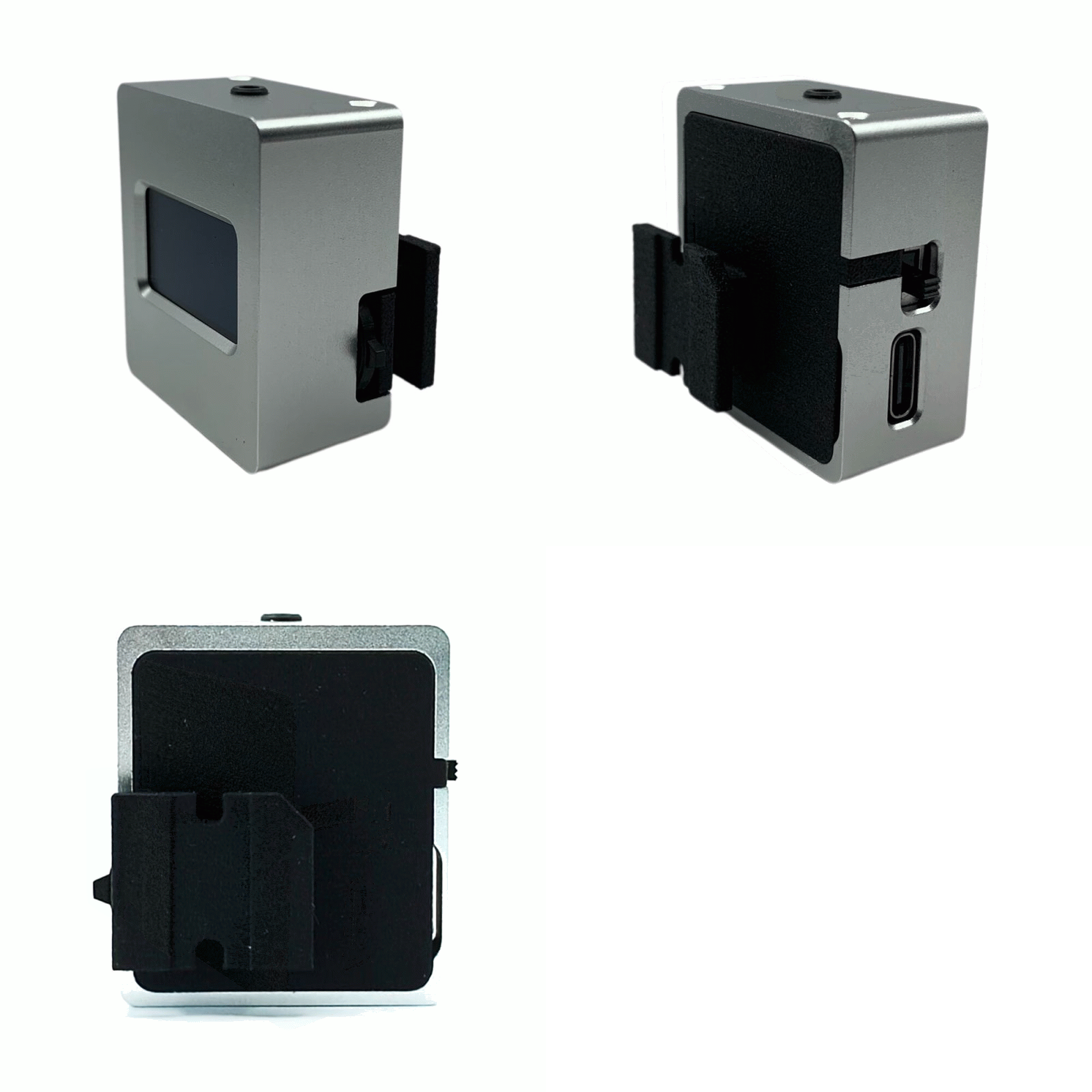
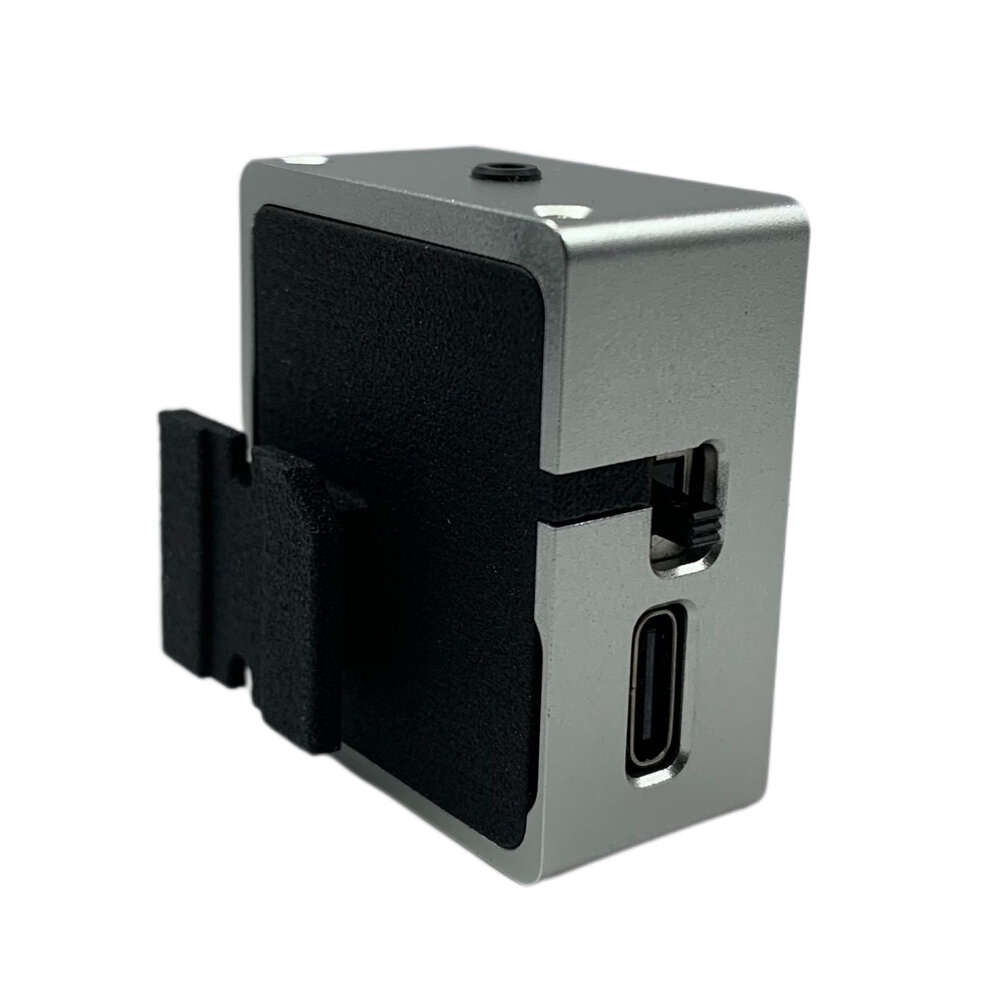
- Designed with nylon/aluminium alloy shell.
- Shutter priority metering mode is added.
- Supports aperture priority and shutter priority modes.
- Its size is reduced by about 23%, which makes it more compatible.
-Suitable for equipment with insufficient space on the left side of cold shoe or hot shoe. Compatible with over 90% of devices on the market.
Specifications:
Volume: 30.5 * 34.5 * 16.5 (excluding hot shoe and protruding part of light hole)
Metering angle: approx. 30° reflective average metering
Display mode: 0.9 inch 0LED
Power supply mode: lithium battery (can be used for about 24 hours of continuous metering)
Charging time: about 30 minutes
Parameter Range:
lSO: 6, 12, 25, 50, 64, 80, 100, 125, 160, 200, 250, 320, 400, 500, 600, 800, 16 00, 3200, 6400
Aperture priority mode:
F: 1, 1.2, 1.4, 1.8, 2, 2.4, 2.8, 3, 3.2, 3.5, 4, 4.5, 5, 5.6, 6.3, 7.1, 8, 9, 10, 11, 13, 14, 16, 18, 20, 22, 26, 28, 32, 36, 40, 45, 52, 56, 64
T: 1, 2, 3, 4, 5, 6, 8, 10, 13, 15, 20, 25, 30, 40, 50, 60, 80, 100, 125, 160, 200, 250, 320, 400, 500, 640, 800, 1000, 1250, 1600, 2000
Shutter priority mode:
T: 1, 2, 4, 8, 15, 30, 60, 125, 250, 500, 1000, 2000
F: 1.0, 1.2, 1.4, 1.8, 2.0, 2.4, 2.8, 3, 3.2, 3.5, 4.0, 4.5, 5, 5.6, 6, 6.3, 7.1, 8.0, 9, 10, 11, 13, 16, 18, 20, 22, 25
Instructions:
1. The left power button turns on continuous metering, and turns off the metering.
2. There is an operation dial on the right side of the machine, press it once to modify the mode, and long press to enter the sensitivity mode. (exit the sensitivity mode, press the dial once.)
3. * The icon on the aperture indicates the aperture mode. In this mode, the dial increases the aperture value, and the dial decreases the aperture value. * The icon indicates the shutter priority mode on the shutter. In this mode, the dial modifies the shutter value. * The icon on the sensitivity changes the sensitivity value. The camera does not meter when setting the sensitivity.
4. Battery reminder: When the battery life is less than 2 hours, the lightnings symbol is displayed in the lower right corner of the phone. I have to go charge at this time.
5. Be sure to turn off the battery for charging. The charging port will light red when charging, and light green when fully charged. Because of the charging protection mechanism, stop charging after it is fully charged, unless you plug it in again.
Packing includes: