Smart Facial Recognition Lock | Fingerprint, code, key, and facial | Tuya Smart Life
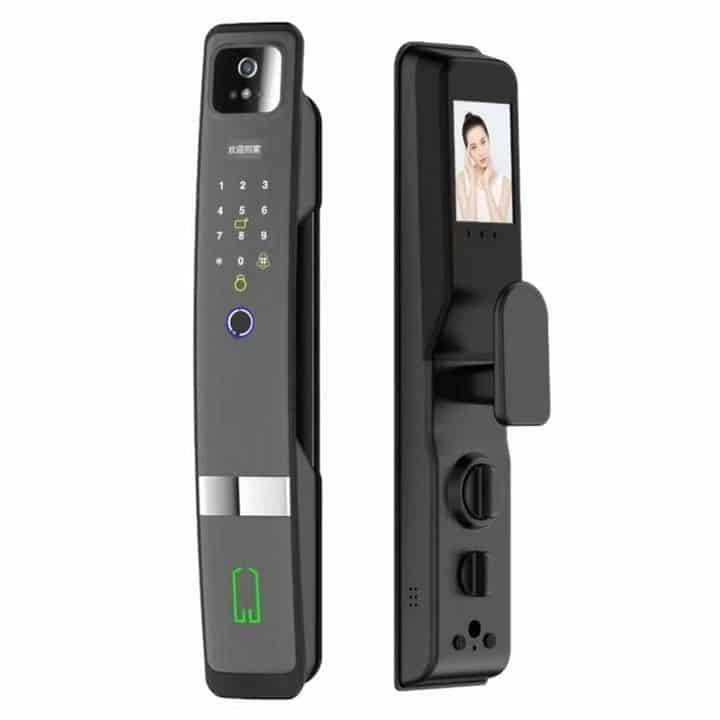
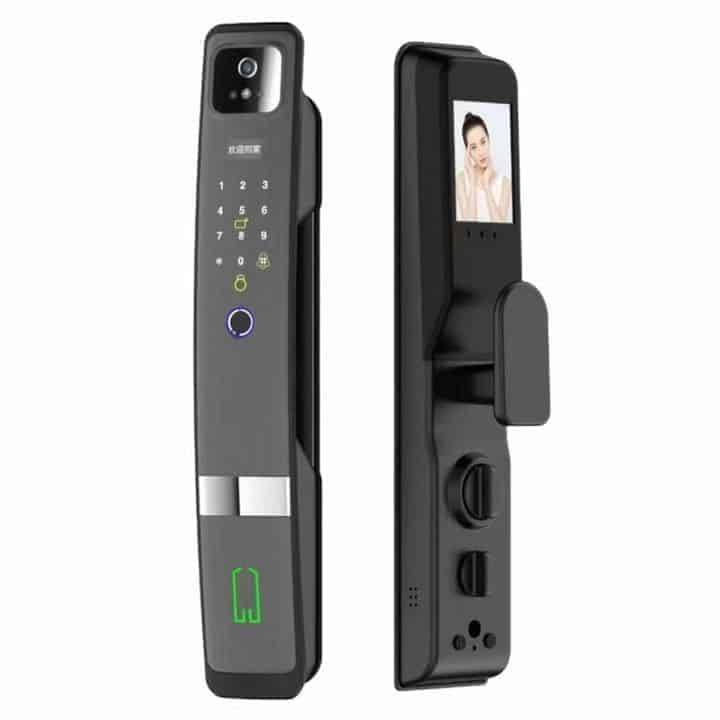
The Smart Facial Recognition Door Lock is a high-end smart door lock centered around 3D facial recognition technology, designed to provide a secure, hands-free entry experience. It operates within the Tuya ecosystem, making it a versatile choice for modern smart homes.
Downloads: User Manual [click here]
Product features
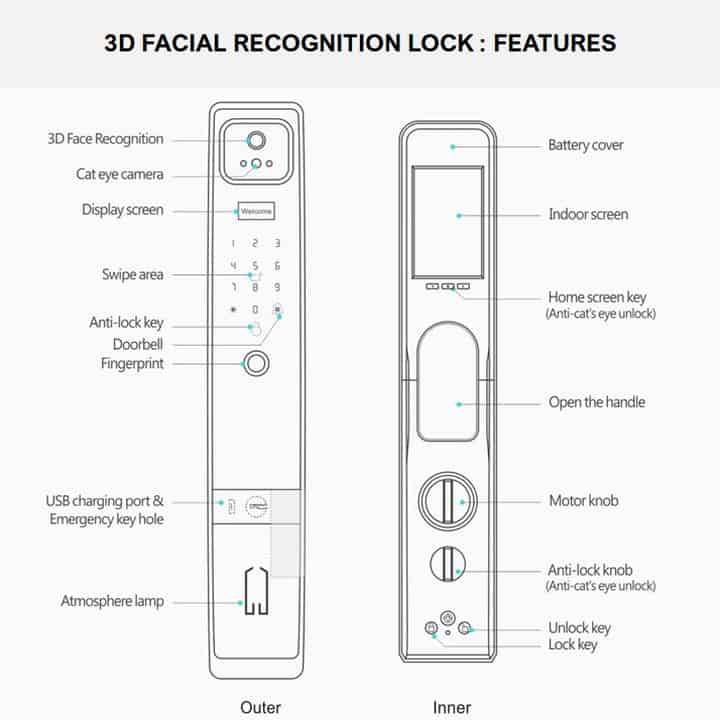
- The lock is a 6-in-1 solution, offering several ways to gain access:
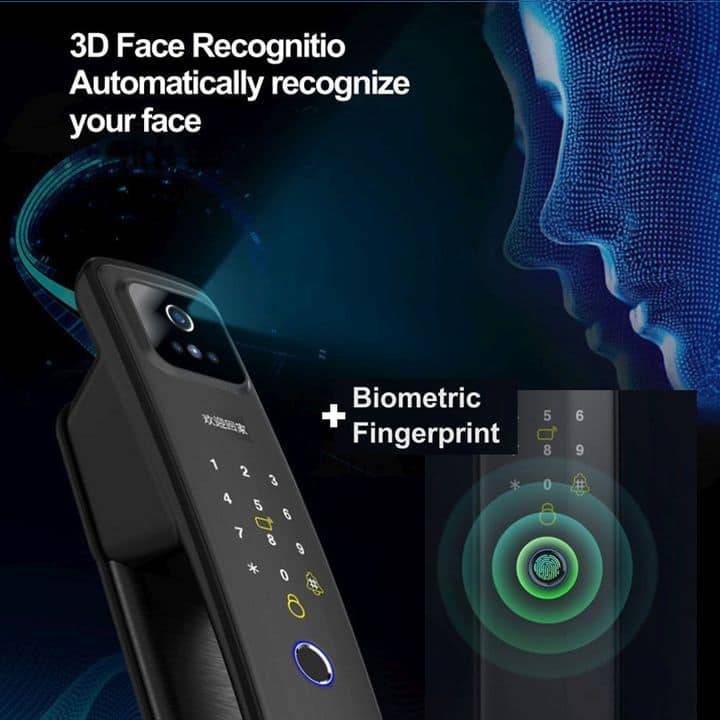
- 3D face recognition
- Fingerprint
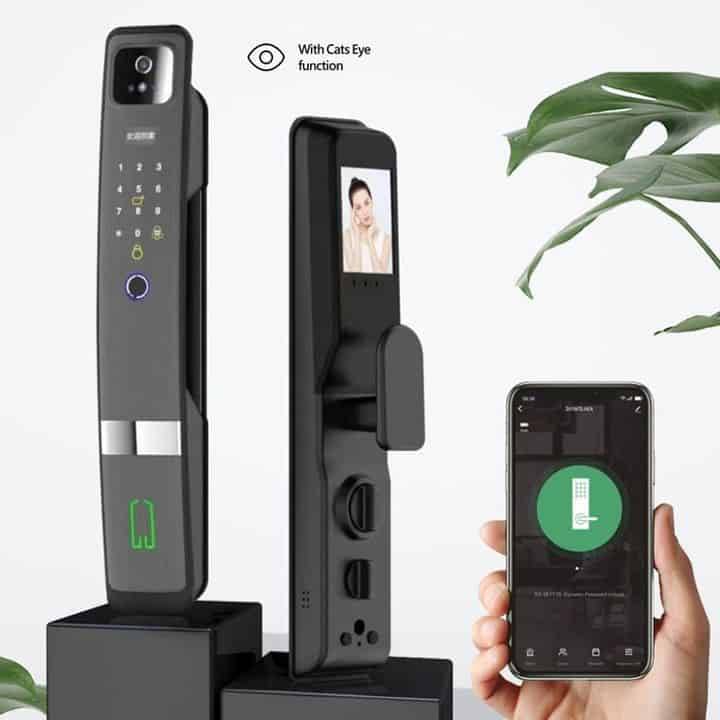
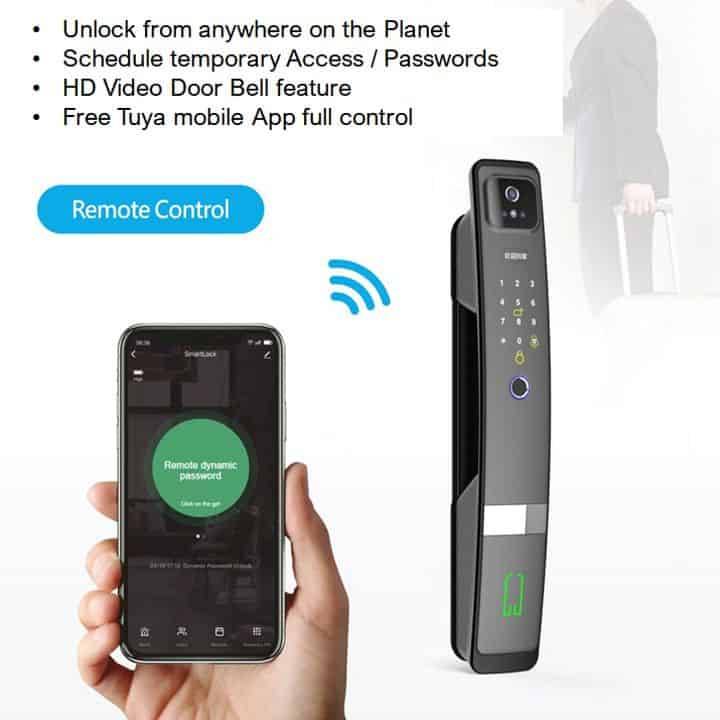
- Mobile app
- Digital keypad
- Cards
- Mechanical keys
- 3D structured light technology: unlike 2D facial recognition that can be fooled by photos or videos, this device uses 3D structured light to map the depth and contours of a face. This ensures high accuracy and prevents spoofing.
- Fully automatic locking: the lock features a built-in motor that automatically retracts the deadbolt when the door is unlocked and extends it when the door is closed.
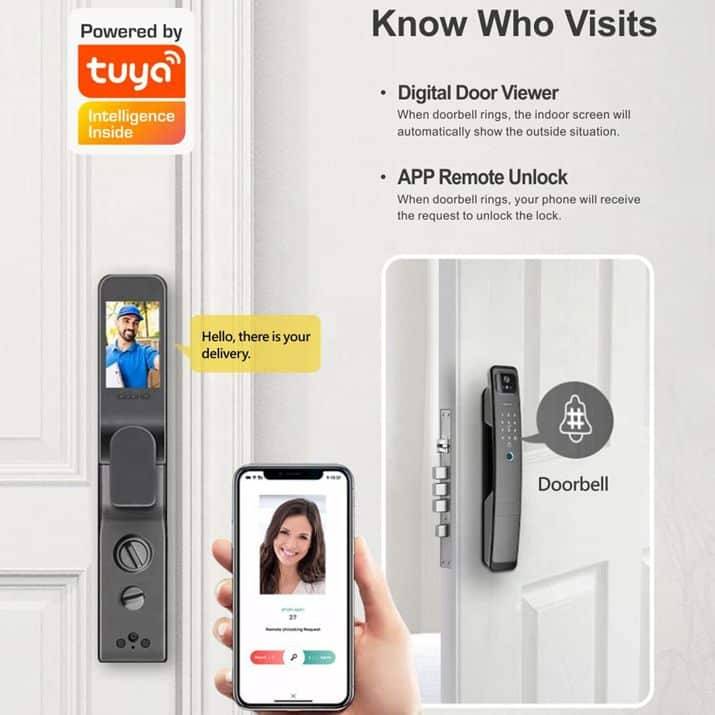
- Integrated video doorbell: includes a built-in camera and a high-definition screen on the interior panel, allowing you to see who is at the door before opening it.
- Infrared night vision: the 3D sensors use infrared light, meaning the facial recognition works effectively in total darkness without requiring an external porch light.
- Low battery warning: the lock provides verbal alerts and app notifications when the battery drops below a certain percentage (usually 10-20%).
- Automatic snapshots: when someone rings the doorbell, the camera captures a photo and sends it to your phone, allowing for remote intercom and unlocking.
How to add the smart lock to the Tuya smart app?
Some Tuya smart locks are not in 'pairing mode' by default for you to add them to the Tuya smart apps, like some of the Tuya smart products. You need to press some buttons on the lock to get it into 'pairing mode'. Here are the steps to get the smart lock into pairing mode:
- Step 1: touch the keypad until it is active (you should hear the voice ask to enter 'input unlock information').
- Step 2: enter * and #. It will then ask you to enter the administrative passcode (the default administrative passcode is in the instruction manual). After entering the administrative passcode, press #.
- Step 3: The lock will then read out 4 numbers.
- 1: is to go into admin settings (to add or delete an admin).
- 2: is to go into user settings (to add or delete users).
- 3: is to go into system settings.
- 4: is to factory reset the smart lock.
- Step 4: Press number 1 (to go into admin settings).
- Step 5: The lock will then read out 3 numbers:
- 1: to add a new admin
- 2: to delete an admin
- 3: to go into network settings
- Step 6: Press number 3 (network settings).
- Step 7: The smart lock will read out 2 numbers:
- 1: hotspot connection
- 2: intelligent connection
- Step 8: Press number 1 (hotspot connection). When you have selected 1, the device will now be in 'pairing mode'. You can now go into the Tuya smart app on your smartphone. The device should be automatically detected, and tap on the smart lock that is being detected. If the device is not being detected. Scroll down to Camera & lock. Then look for Lock(WiFi). The app should now detect your smart lock.
Please note that to add the tags or cards that were provided, you need to add them as an admin or a user. Please follow steps 1 to 5.
Specifications
- Model: H20-P-3D
- Material: Aluminum Alloy or Zinc Alloy body
- Operating voltage: 7V-8.4V
- Battery type: 7.4V 4200mAh Lithium-ion rechargeable battery (to purchase a backup battery, [click here])
- Alarm voltage: 7.2V
- Sleeping quiescent current: 80mA
- Camera resolution: typically 1080p HD with wide-angle lens
- Emergency interface: USB interface (requires the battery to be charged)
- Administrator capacity: 5
- Total capacity (fingerprint + code + card): 295
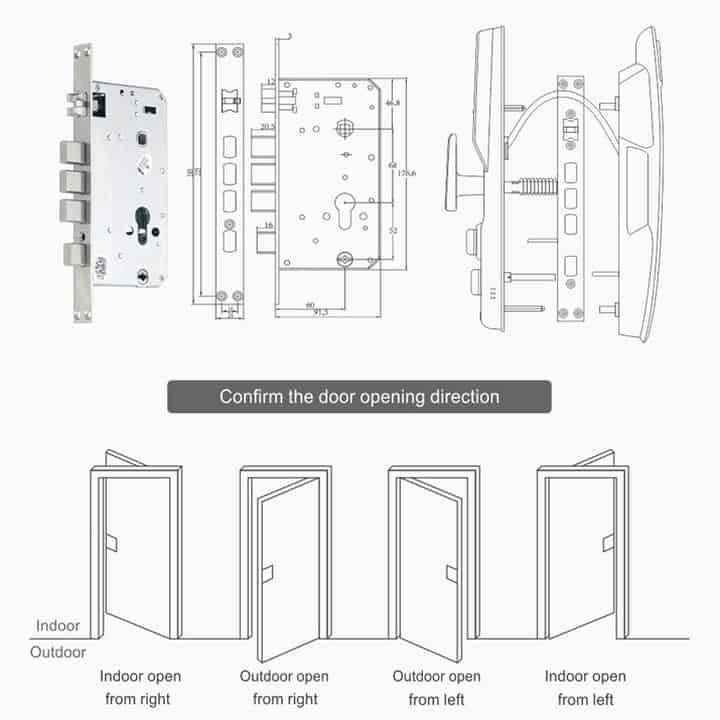
- Mortise type: standard 6068
- Door thickness: 40 - 110mm
- Colour: grey
Note: to use the lock remotely, the visitor needs to press the doorbell button.
Typical application (not limited to)
- Apartment
- Office
- Rental properties
What is in the box?
- 1 x Rear panel
- 1 x Front panel
- 1 x Standard 6068 mortise
- 1 x cylinder key hole
- 1 x mounting kit
- 1 x instruction manual
- 1 x Cutting template
- 1 x battery
- 2 x Cards
- 2 x Keys
FAQ's
- Why should I choose Tuya above all the other Smart Home Automation Platforms? [click here]
- How do I get started? [click here]
- What devices can presently be Smart Automated? [click here]
Home Automation made Smart, Simple, and Affordable via the Tuya and Smart Life Apps (Android or iOS), offering the fastest, most stable platform and the widest range of Smart Products. Supports Alexa Echo Dot, Google Home, and IFTTT, and more...