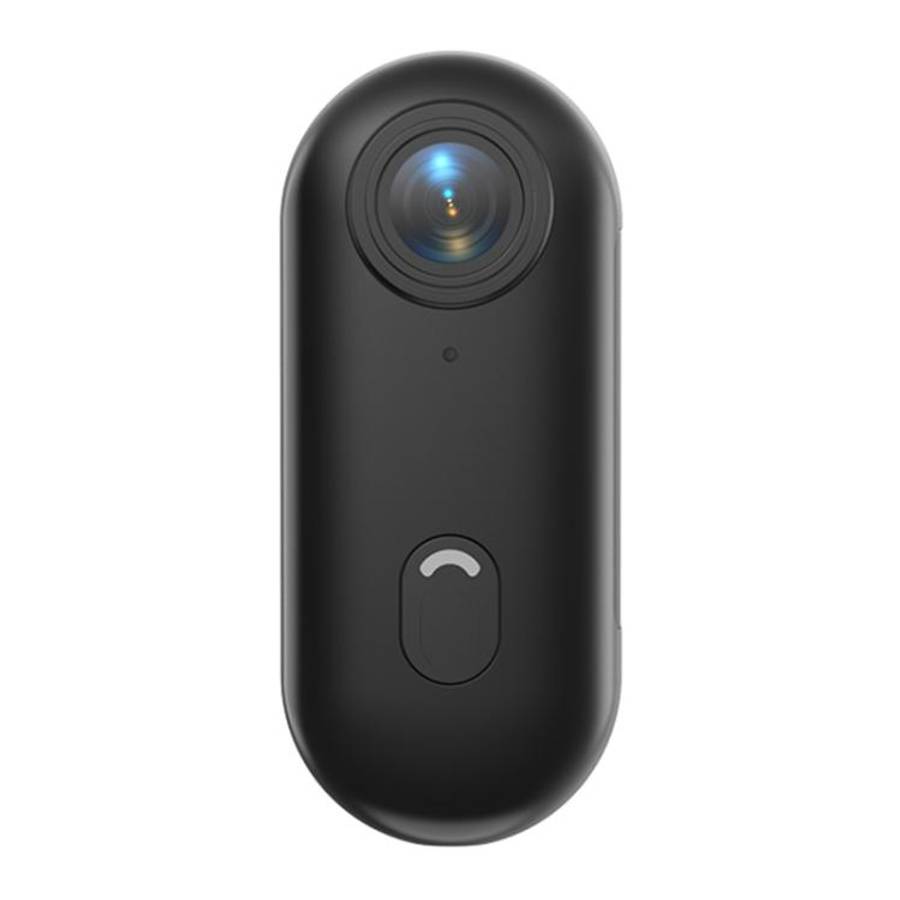
Overview Wireless WiFi Mini Spy Camera HD Video Camera Support AP Hotspot & WiFi Connection. Wireless Connect by SmartPhone : Support WiFi wireless control device. view the video in real-time, and view the video file in the memory card at any time. Full HD 1920*1080P Video Camera Watch The Real-time Video In Anytime One Slide Switch Button Loop Video Recording Clear HD Video Time Stamp & Time and date Synchronized Automatically Playback of Videos on Mobile Support TF(Micro SD) card, Max.128GB Battery: Continuous Record - 100min, Motion Detection Approx: 3h30min Functions Overview 1.One Slide Switch Button One key boot operation, one key switch USB flash disk mode. 2. Watch The Video Back At Anytime Review past video content via smartphone anytime, anywhere. 3. Motion Detection Alarm When the screen moves, it will give an alarm through the application immediately. 4. Recording While Charging Connect the power supply to keep the recording state and record for a long time. Video Shooting Audio Recording The recorder enters shooting state after booting on, the indicator light is always bright. Video Shooting It's able to record video via the device alone, with no need mobiles. First, insert the TF card into the device. Second, slide the switch button to the middle position, and it will start recording a video. Automatically. The red indicator light will be always on. It's better to format the TF card on PC at the first time. Loop Video Recording When the device is out of space during shooting a video, the earliest recorded video will be deleted automatically, and then continue to record videos. View Live Video by AP Hotspot Connection Step 1: Slide the switch button to the middle position, press and hold the reset button for about 5seconds, the reset will complete after the indicator light flashes fast. After that, the AP Hotspot will be activated automatically. Step 2: Open the HDlivecam APP on mobile, search and add the AP Hotspot through the APP. After that, it's able to view live video and record it. PC Connection It has to insert the TF card into the device, and then slide the switch button to the Right Position (Reference to the image on first page). After PC recognize the removable disk of device, it's able to transfer and view data on PC. Operations Time setting The date and time will be synchronized automatically after connect to Mobile. It's also able to modify the date and time on App manually. Charging Please connect it to the PC or charger directly. Green indicator light always on means the device is charging. The device is able to record video and charging simultaneously Indicator light Instructions Turn on: the red and blue indicator light keeps on Turn off: the indicator light goes out AP Hotspot search: the red indicator light keeps on, and the blue light flash. AP Hotspot connected: the red indicator light goes out, and only blue light on. WiFi connected: the red indicator light keep on, and the blue light goes out. Reset process: press the reset button five second. The red and blue indicator light flashes fast No disk memory: the red light keeps on and the blue light go out in five seconds Charging: the green indicator light keeps on Precautions Please read this user's manual carefully before first use. 1. The recorder does not have internal flash memory, please insert TF card before use. ( Please use authentic memory card)Please make sure the recorder is turned off before insert the TF card. 2. If the recorder has no response to any operations while working, please press RESET hole to reboot the product. 3. Please back up the files regularly on the PC to avoid data loss which may be caused by wrong operations or breakdown of the machine. 4. We are not responsible for the audio or video file failures which caused by misuse or damage of the recorder. 5. Please do not disassemble the recorder by yourself. Please backup files before sending for repair. We are not responsible for the information loss which caused by repair. 6. We are not responsible for the user's audio or video recording without other's approval. 7. We endeavor to ensure the manual's integrity. For technical and other reasons if the contents do not match, please take the product as standard. We reserve the right to modify the design and specifications without prior notice. Technical Specifications Camera parameters 65 degree angle Video recording format 1920*1080 resolution Power supply Li-ion polymer battery 3.7V 700mAh Supported system Windows XP/7/8/10/Android/IOS Video file size 1MB-40MB per minute TF card capacity 8GB-128GB Size 88.6mm*29mm*10.5mm