| Main centres: | 1-3 business days |
| Regional areas: | 3-4 business days |
| Remote areas: | 3-5 business days |
How to use
STEP 1: Remove the electrode protective cap before use
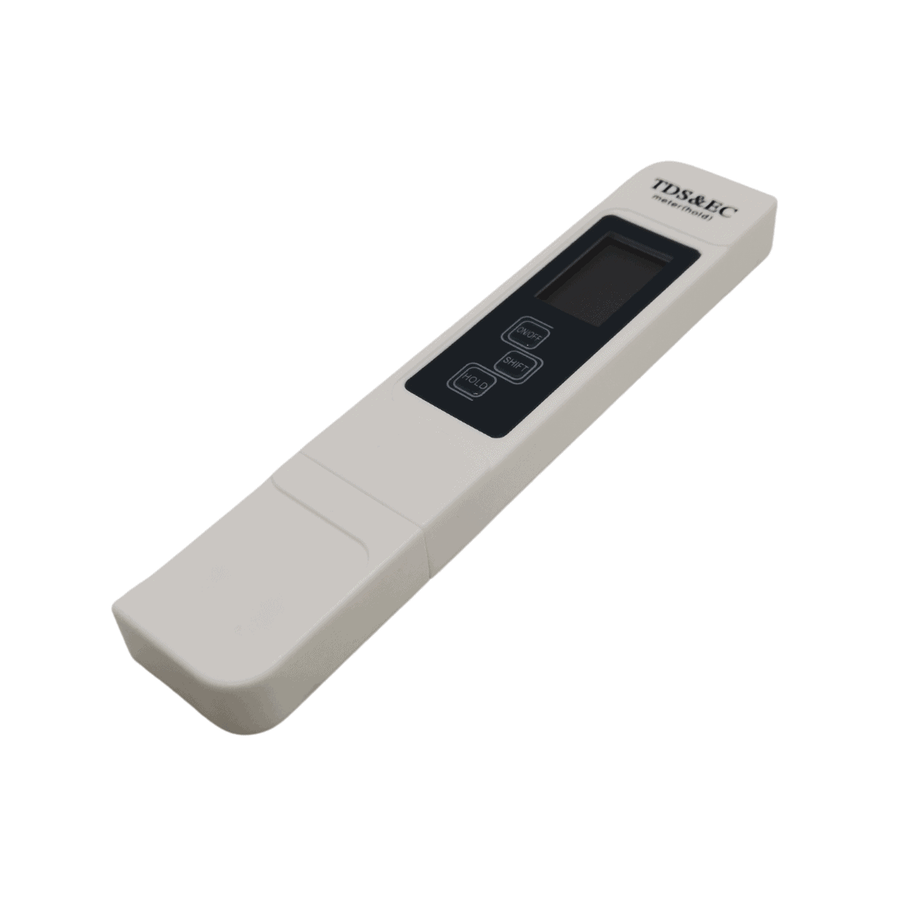
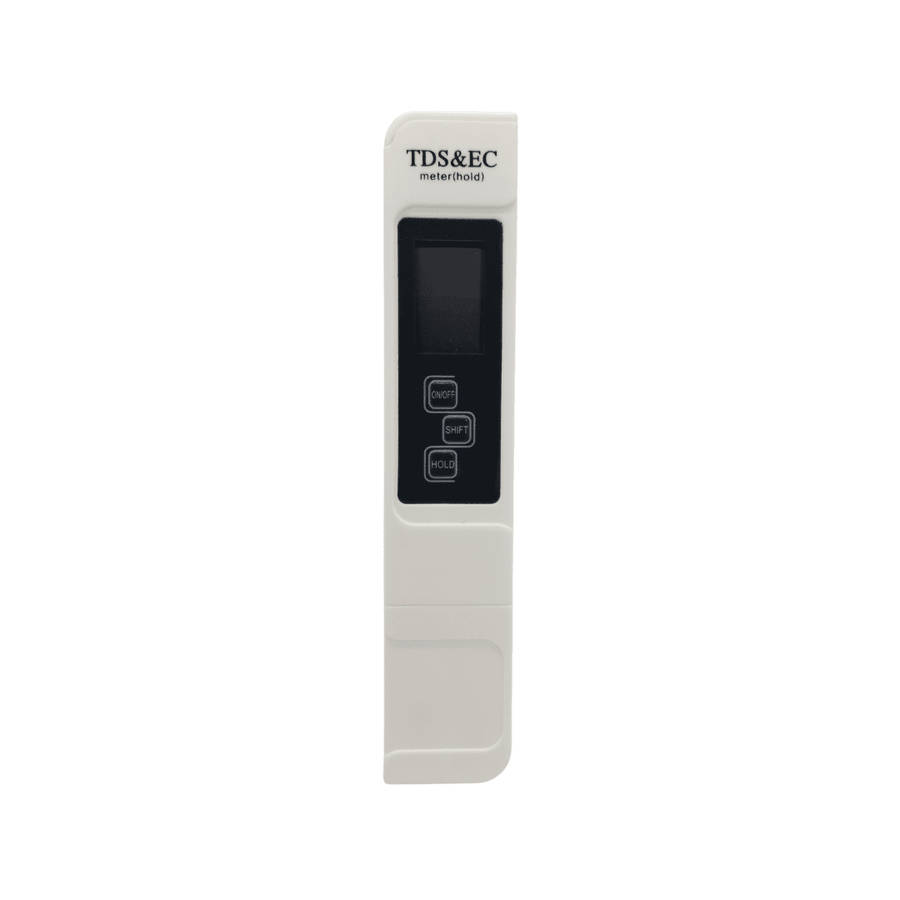
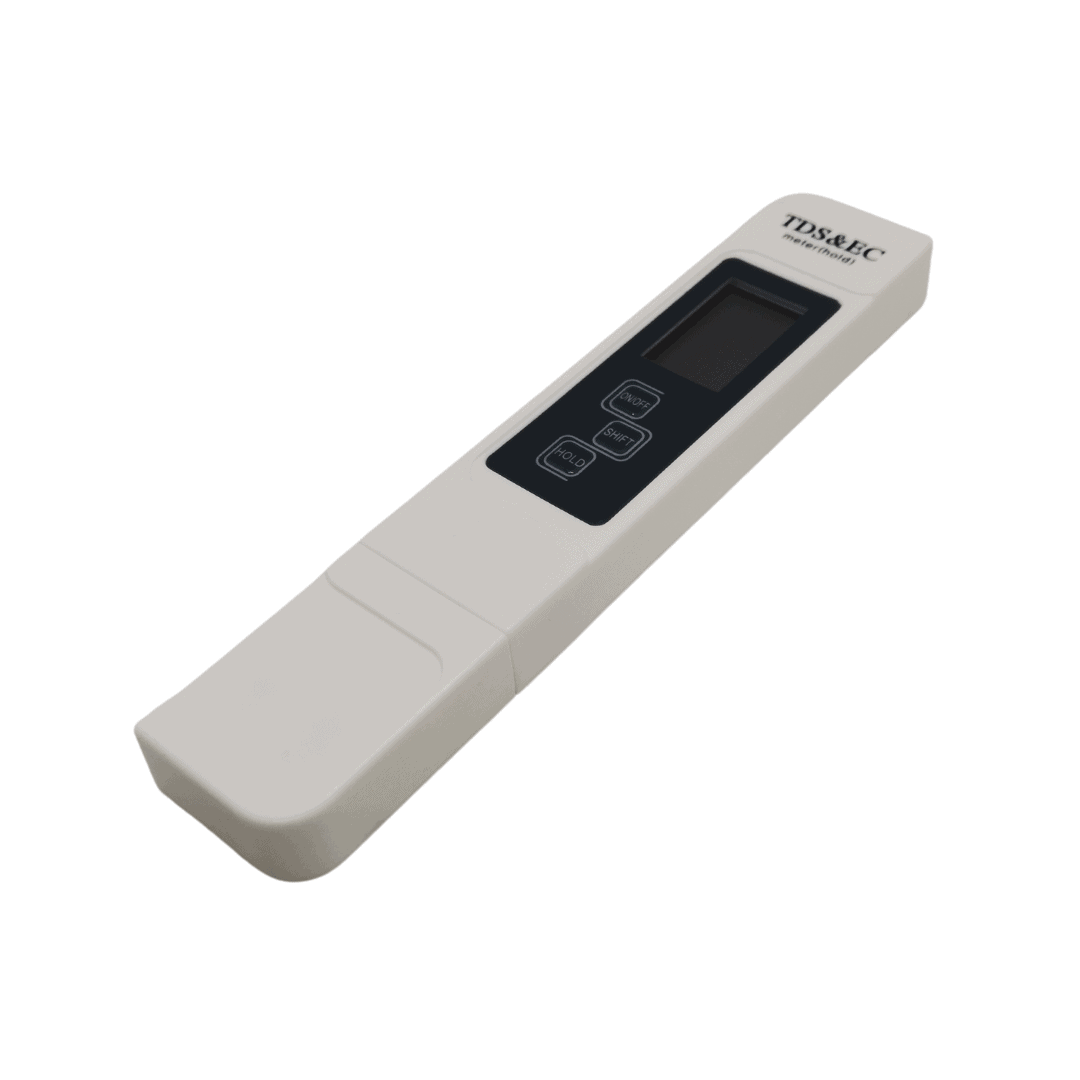
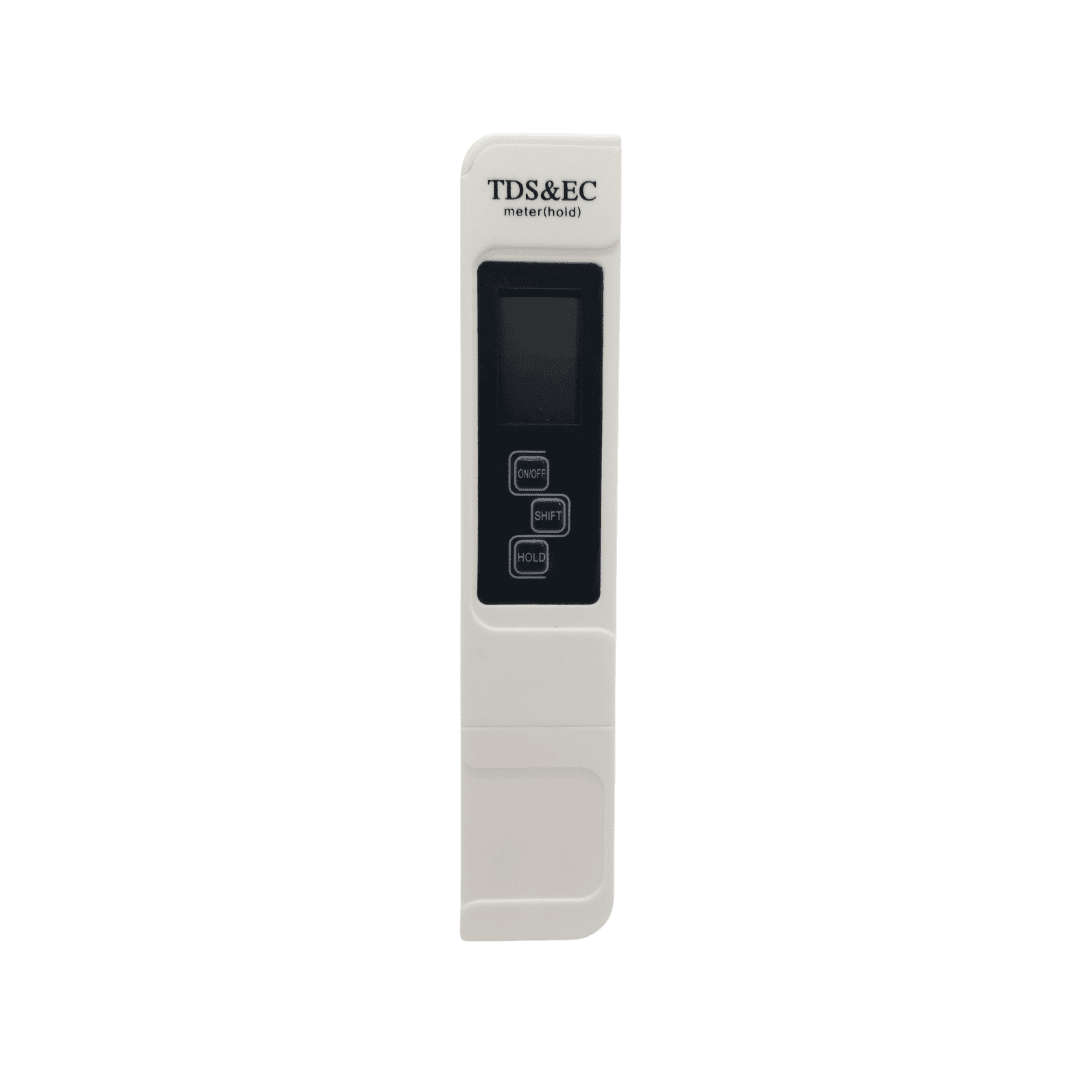
STEP 2: Press the ON/OFF button, and immerse the meter into the solution. (The solution should not over the immersion line)
STEP 3: After the numerical display is steady, press the HOLD button and take it out of the solution for checking the result
STEP 4: Wipe clean the electrode after using, turn off the meter and replace the protective cap
How to calibrate:
STEP 1: Remove the electrode protective cap
STEP 2: Press the 'ON/OFF' button, and immerse the meter into the calibration solution. (The solution should not over the immersion line)
STEP 3: Change the display using the 'SHIFT' button to the conductivity (S/cm) display
STEP 4: Hold the 'SHIFT' button till display flashes
STEP 5: Press the 'ON/OFF' button to increase the value on the screen and press the 'HOLD' button to decrease the value
STEP 6: Match the conductivity (S/cm) reading with as close to the conductivity of the calibration solution (1413 S/cm) as possible
STEP 7: Hold the 'SHIFT' button till the display stops flashing, device is now calibrated
STEP 8: Wipe clean and dry the electrode after using, turn off the meter and replace the protective cap.
Calibration notes:
Package Includes:
1 x TDS EC Meter
1 x User's manual
1x Mini bottle of standard 1.413 S/cm calibration solution (subject to availability)
Please note that batteries are included (1x 3v CR2032 or CR2025 Lithium Battery Included and subject to availability).