| Main centres: | 1-3 business days |
| Regional areas: | 3-4 business days |
| Remote areas: | 3-5 business days |
USB TYPE C 8 IN 1 DOCK - 8IN1DOCK
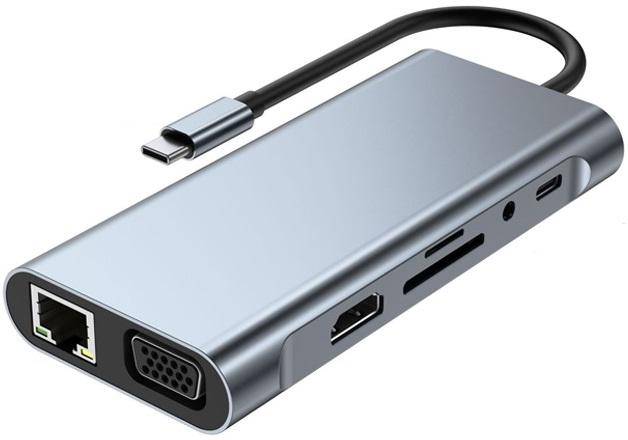
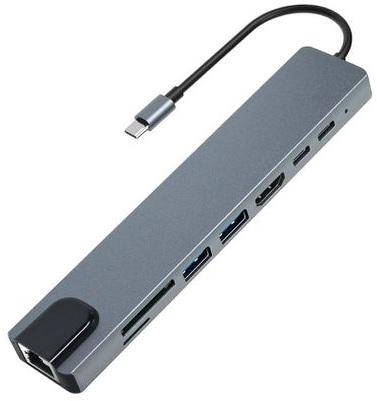
Product Name: Type C to HDTV + RJ45 + USB3.0 + USB2.0 + Card Reader + PD + Type C Data
Max Data Transfer:5Gbps + 480Mbps
Ports: 1 x HDM1,1 x PD,1 x RJ45, USB 3.0 Hub,1 x USB 2.0 Hub, 1 x SD,1 x Micro SD, Type C Data
Operation Systems: Support USB-C enabled Devices with Windows 10/8/7/XP/2000, MacOS X 10.0 or above
Material: Aluminum
Color: Grey
USB Type: USB3.1 Type-C Multiport
HDM1 Output Port: Up to 4K UHD1 (3840 x 2160 x 30Hz) or 2K/1080p/720p/480p/360p
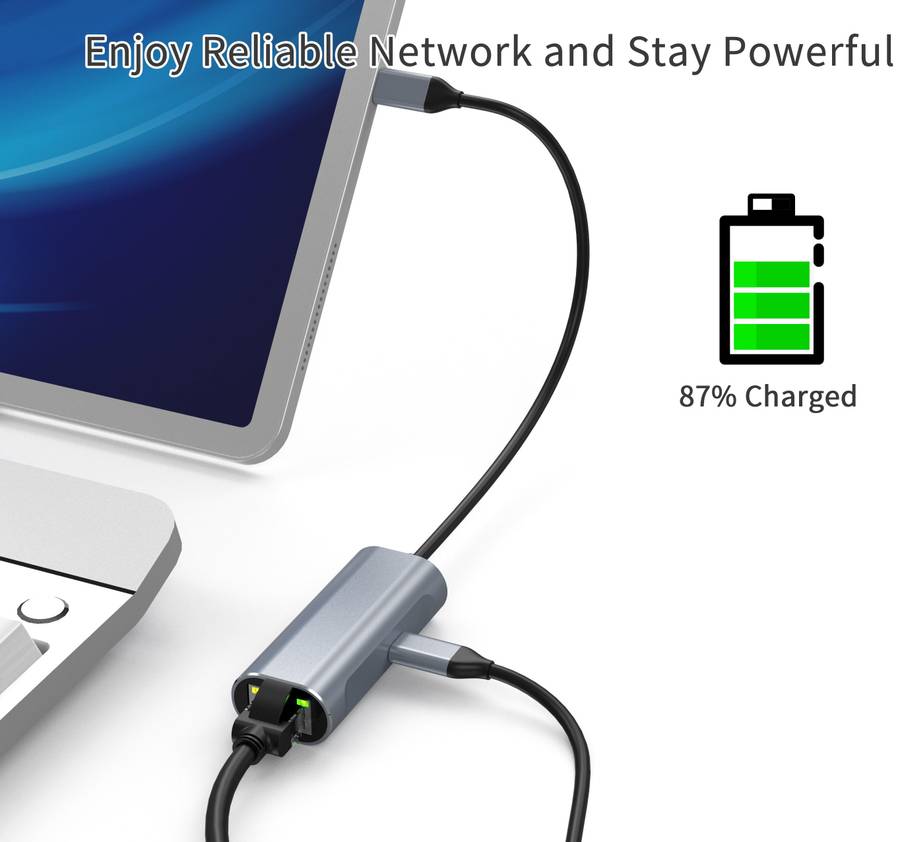
Ethernet Port (RJ-45 Port): Support 10/100/1000Mbps
USB 3.0 Type A Port: Data transfer: Up to 5Gbps (backward Compatible USB 2.0,1.1)
USB2.0 Type A port: Data transfer: Up to 5Gbps (backward compatible USB 1.1)
SD: Can Read And Write SD / SDHC / SDXC Memory Card
MicroSD/TF: Can Read And Write MicroSD Memory Card
Type C Female PD Charging Port: Up to 87W of Power Delivery
Disclaimer
This Docking Stationᅡメs HDMI Video Output Requires The Host Laptopᅡメs Type C Port To Support DisplayPort Alt Mode Or Thunderbolt 3/4 Video Output.
ᅡユHardware & Graphics Limitations:Most Gaming Laptops (including but not limited to Dell, Lenovo, HP, Acer, ASUS) use Hybrid Graphics (Integrated + Discrete GPU).
By Default, Type C Video runs on the Integrated GPU
When Switching to Discrete GPU-only (direct) Mode or High-Performance Mode, the Integrated GPUᅡメs Video Output may be disabled by the System, resulting in no HDMI Signal via the Dock, while USB Data Functions remain normal.
ᅡユNo Universal Compatibility:Not all Type C Ports Support Video Output. Some Low-End or Business Laptops are equipped with Data-Only Type C Ports (Marked ᅡモSSᅡヤOnly, no ᅡモDᅡヤ or Thunderbolt Logo) that do not carry Video Signals at all.
ᅡユUser Responsibility: Before Purchase, Please Verify Your Laptopᅡメs Type C Specifications And graphics Mode Settings With The Manufacturer.
We Do Not Guarantee 100% Compatibility With All laptops, And We Shall Not Be Liable For Any Incompatibility Issues Arising From The Laptopᅡメs Hardware Design, BIOS/UEFI Settings, Or Graphics Driver Configurations.