| Main centres: | 1-3 business days |
| Regional areas: | 3-4 business days |
| Remote areas: | 3-5 business days |
Please Note: Receiver Only
Please note: Does not support IR.
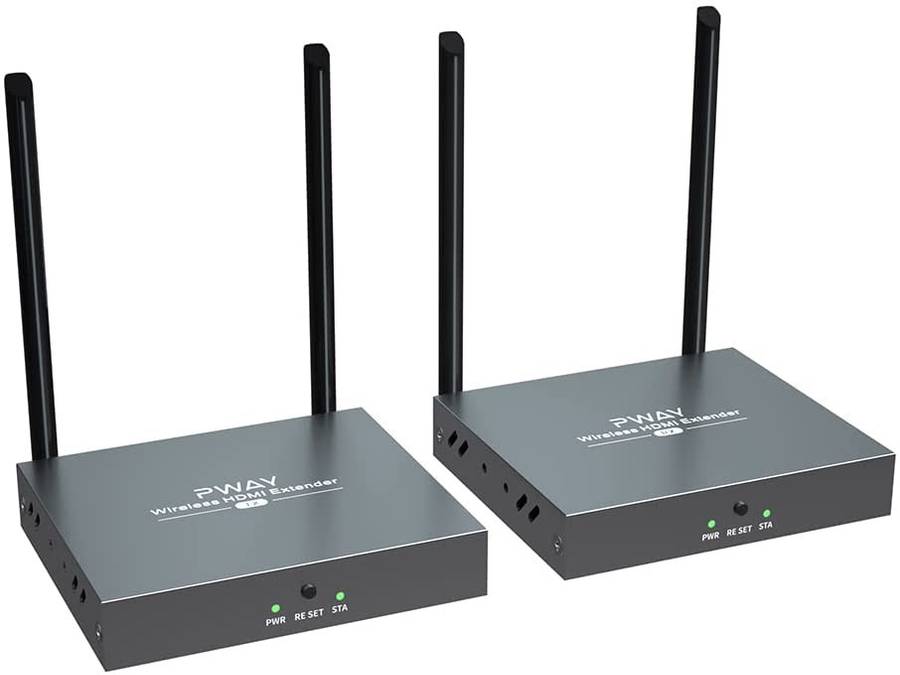
Follow these steps if your image isn't transferring from the transmitter (TX) extender to the receiver (RX) extender.
What You'll Need
Two power adapters
TX extender unit
RX extender unit
Two HDMI cables
Display with an HDMI input port
TX Extender Ports (Not Included)
HD Out: Sends the HDMI signal out
HD In: Receives the HDMI signal
DC 5-12V: Power input
RX Extender Ports
HD Out: Sends the HDMI signal to your display
DC 5-12V: Power input
Pairing Steps
Unplug Everything: Disconnect all HDMI cables and power adapters from both the TX and RX extenders.
Reset the Extenders: Plug the power back into the TX and RX extenders. Hold down the reset buttons on both the TX and RX extenders for 30 seconds. If successful, both unit lights should turn red.
Connect the Extenders with HDMI
Take one HDMI cable and connect one end to the TX extender's "HD In" port. Connect the other end to the RX extender's "HD Out" port.
Take another HDMI cable and connect one end to the TX extender's "HD Out" port. Connect the other end to your display's HDMI input port. This will allow you to see if the extenders pair successfully.
Verify Pairing
If paired successfully, your display should show a connection and a large QR code on the left side of the screen.
Both TX and RX extenders should have a solid blue light.
Ready for Use: If you followed these steps, your extenders should now be paired. You can disconnect the HDMI cable going directly from the TX extender to the RX extenders.