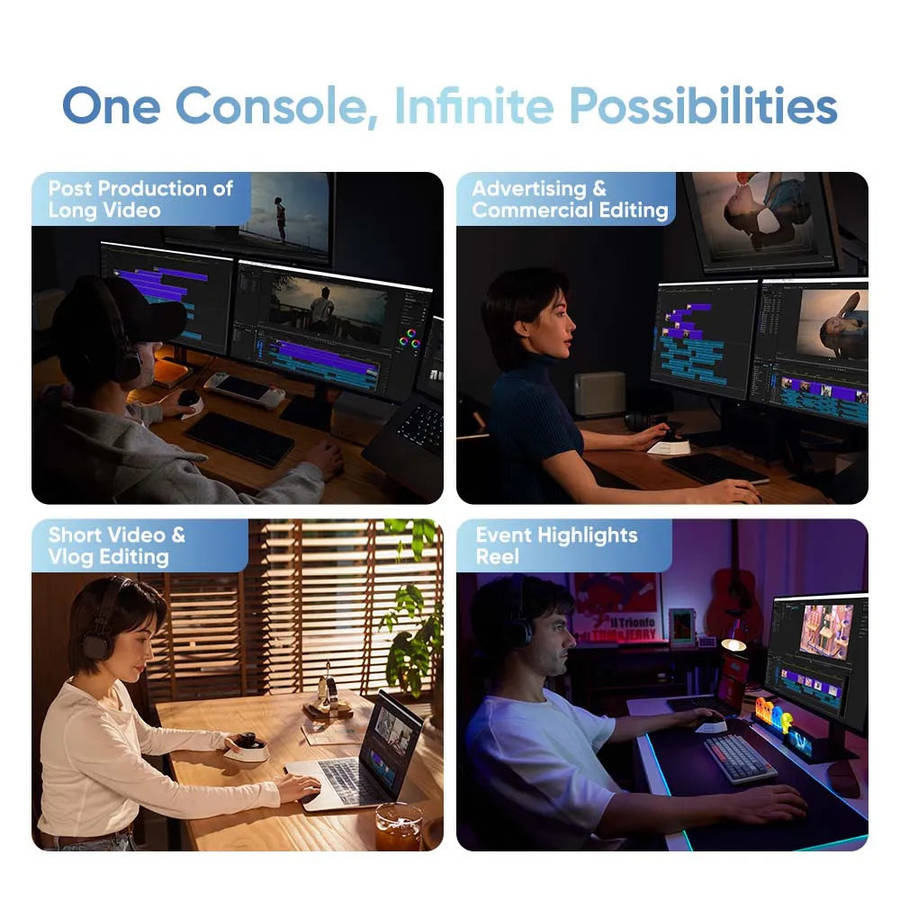
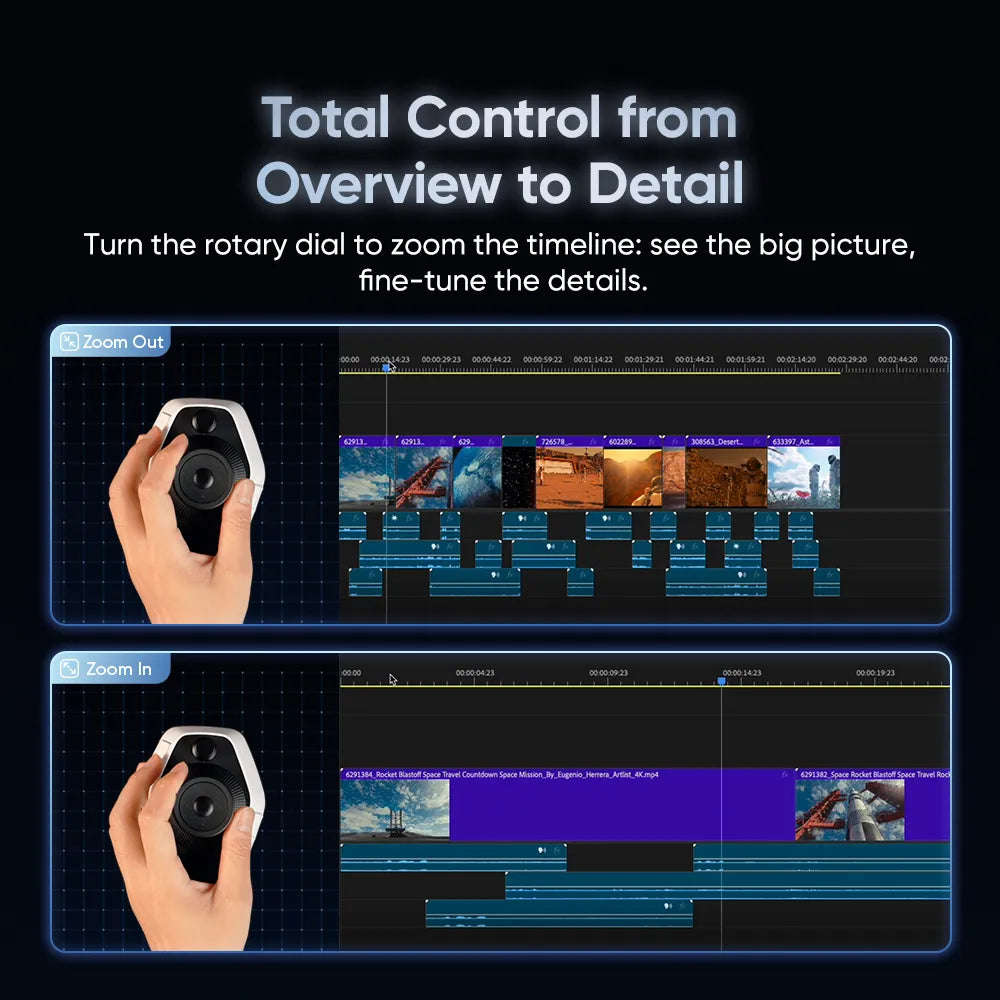
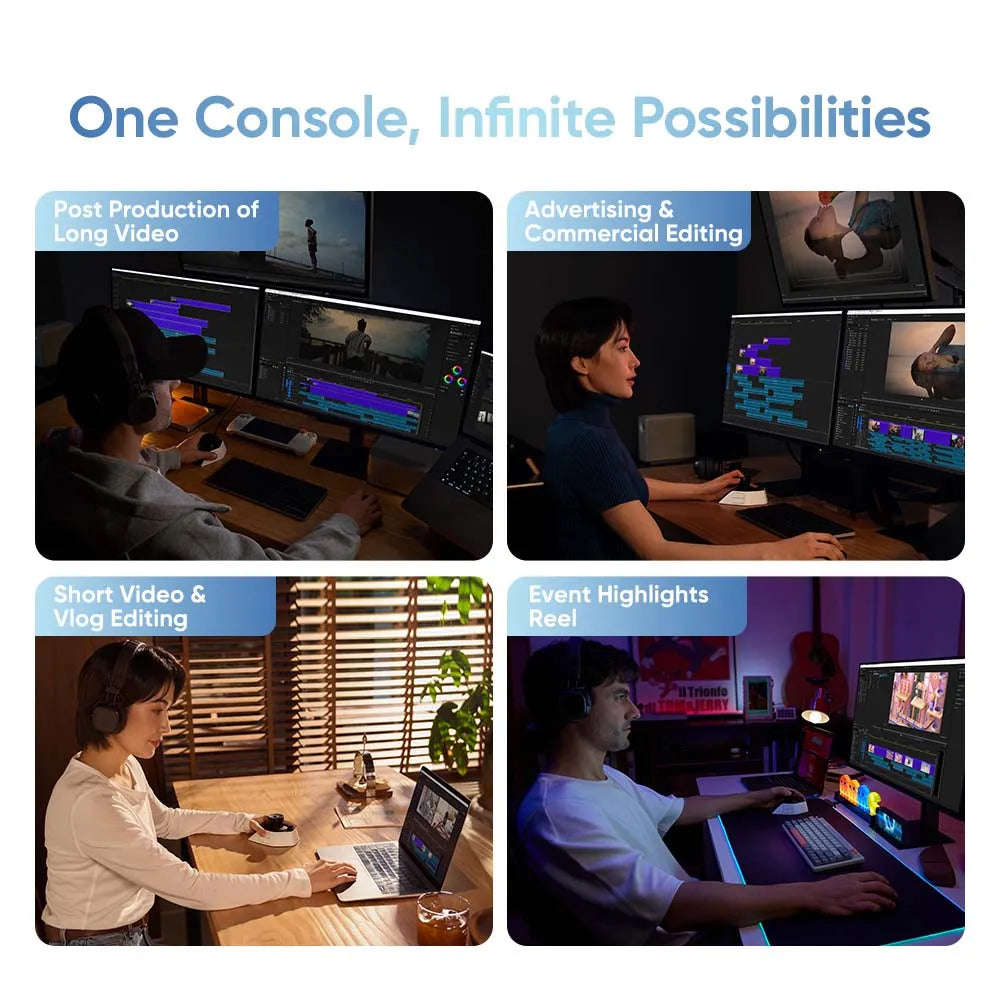
Meet the XPPen Pilot Pro Editing Console because clicking through endless menus with a mouse is so last season.
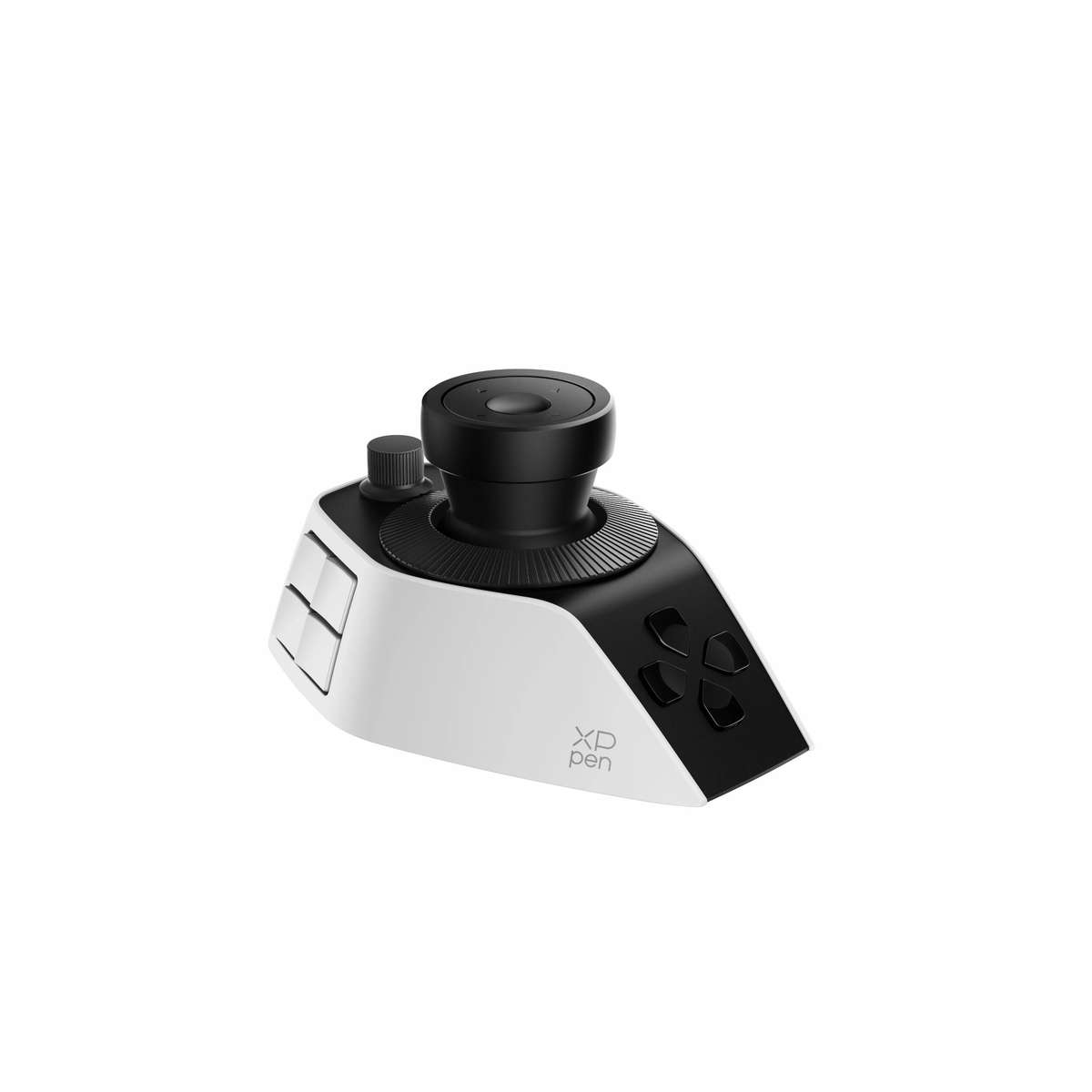
Designed for editors, photographers, colourists and creators who want to work faster, the Pilot Pro puts your most-used controls right under one hand. You get an intuitive joystick, three precision rotary controls and 19 programmable buttons, so you can scrub timelines, tweak colour, zoom, jump between tools and fire off macros without breaking your flow.
Less Clicking. More Creating.
The Pilot Pro plays nicely with some of the biggest creative apps around, including Adobe Premiere Pro, DaVinci Resolve, Photoshop, Lightroom Classic, Final Cut Pro and CapCut.
Even better, it can automatically switch shortcut profiles when you jump between supported apps. So your controls stay relevant whether you're cutting video, touching up photos or diving into a colour grade.
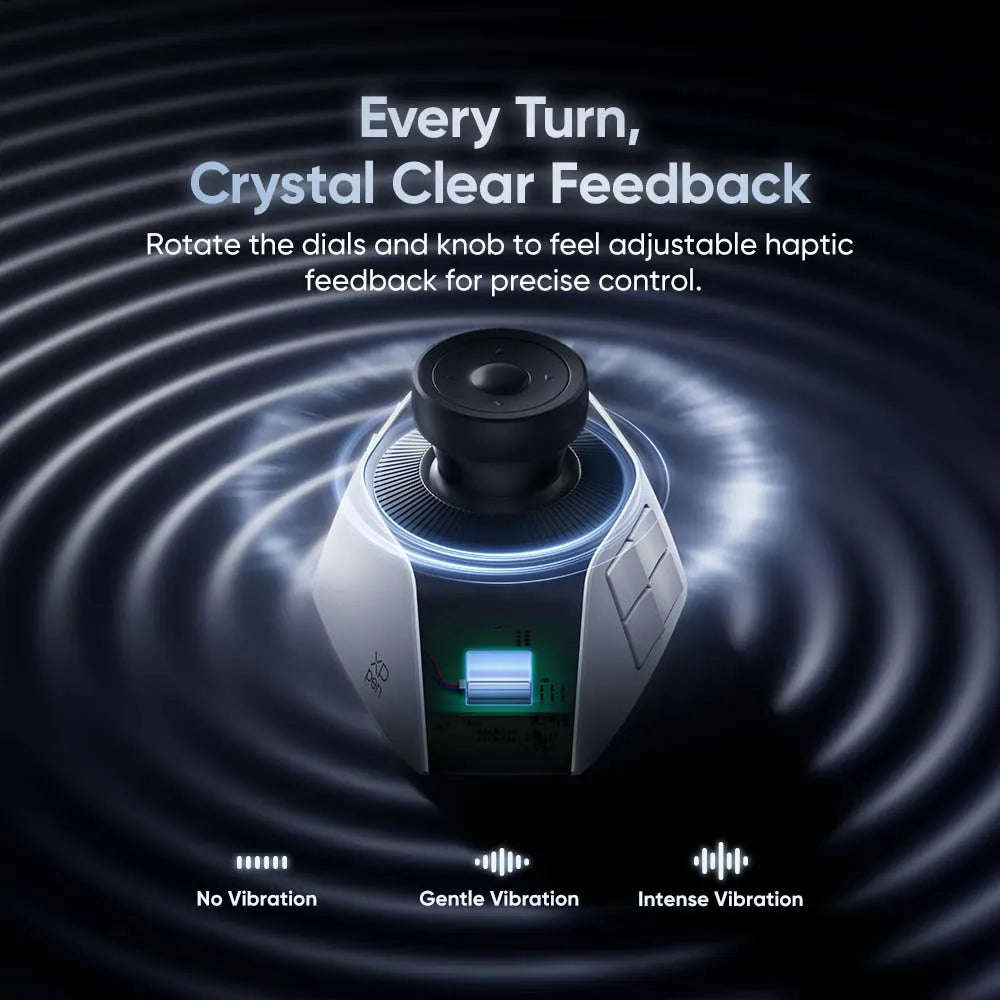
The tactile haptic feedback gives every adjustment a more hands-on feel, while the ergonomic one-handed design means you can keep one hand on the Pilot Pro and the other on your mouse, stylus or keyboard.
Connection-wise, you're properly covered with Bluetooth 5.4, 2.4GHz wireless and USB-C wired mode.
And with over 15 days of battery life based on around four hours of use per day, charging it definitely won't become your new full-time job.
Features:
- Professional one-handed editing console for creative workflows
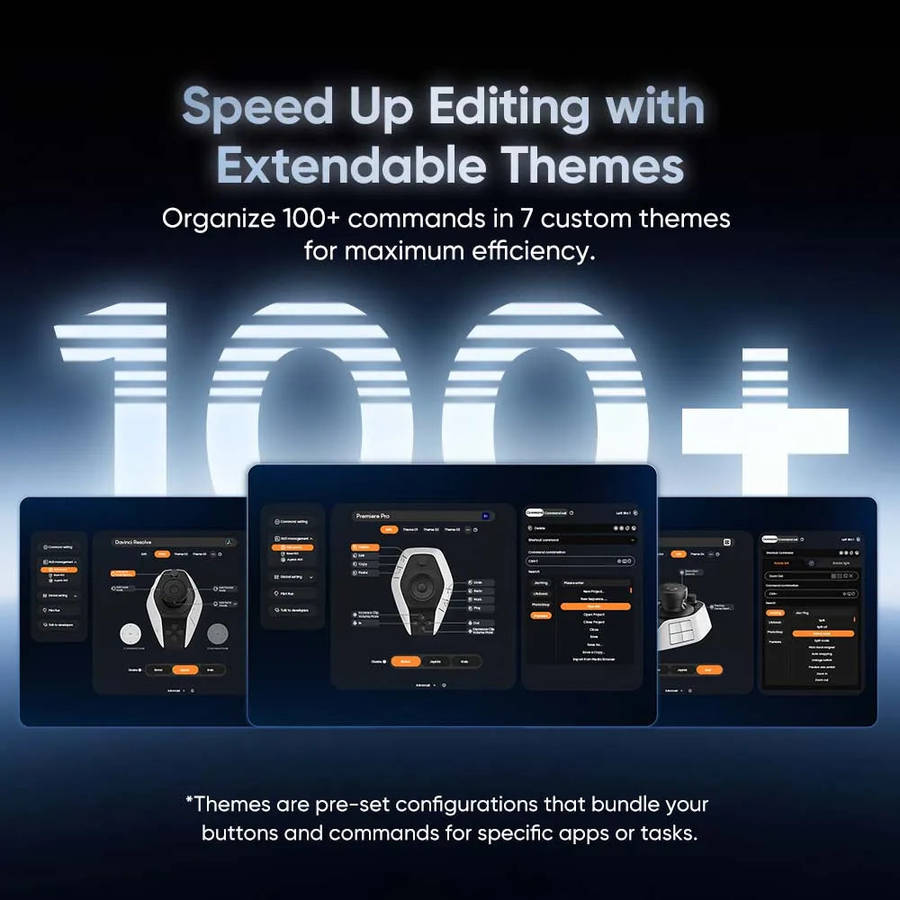
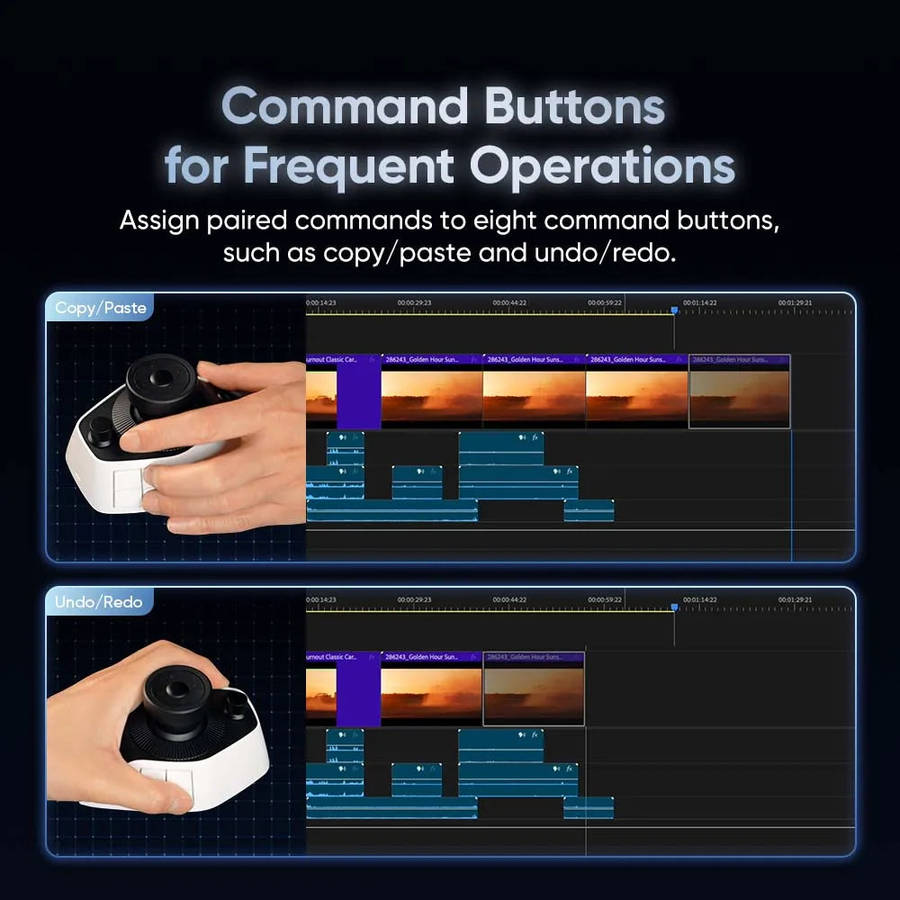
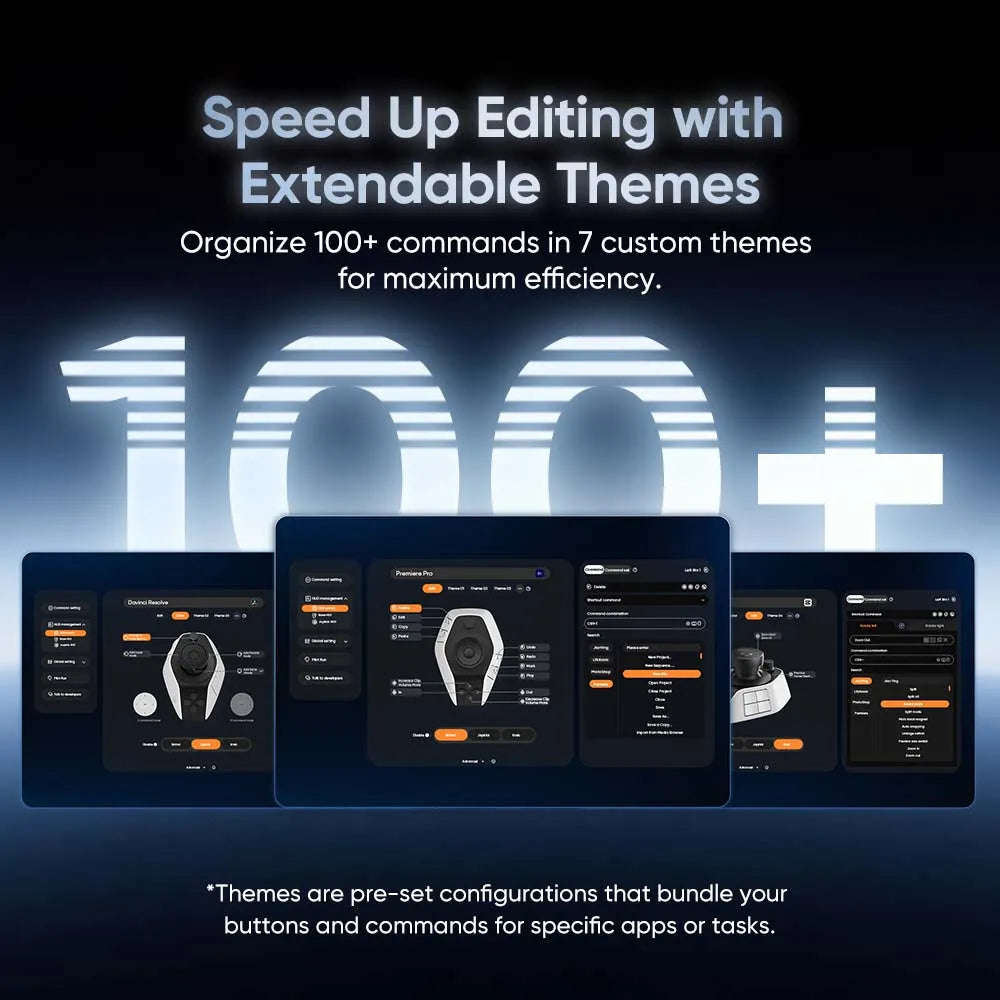
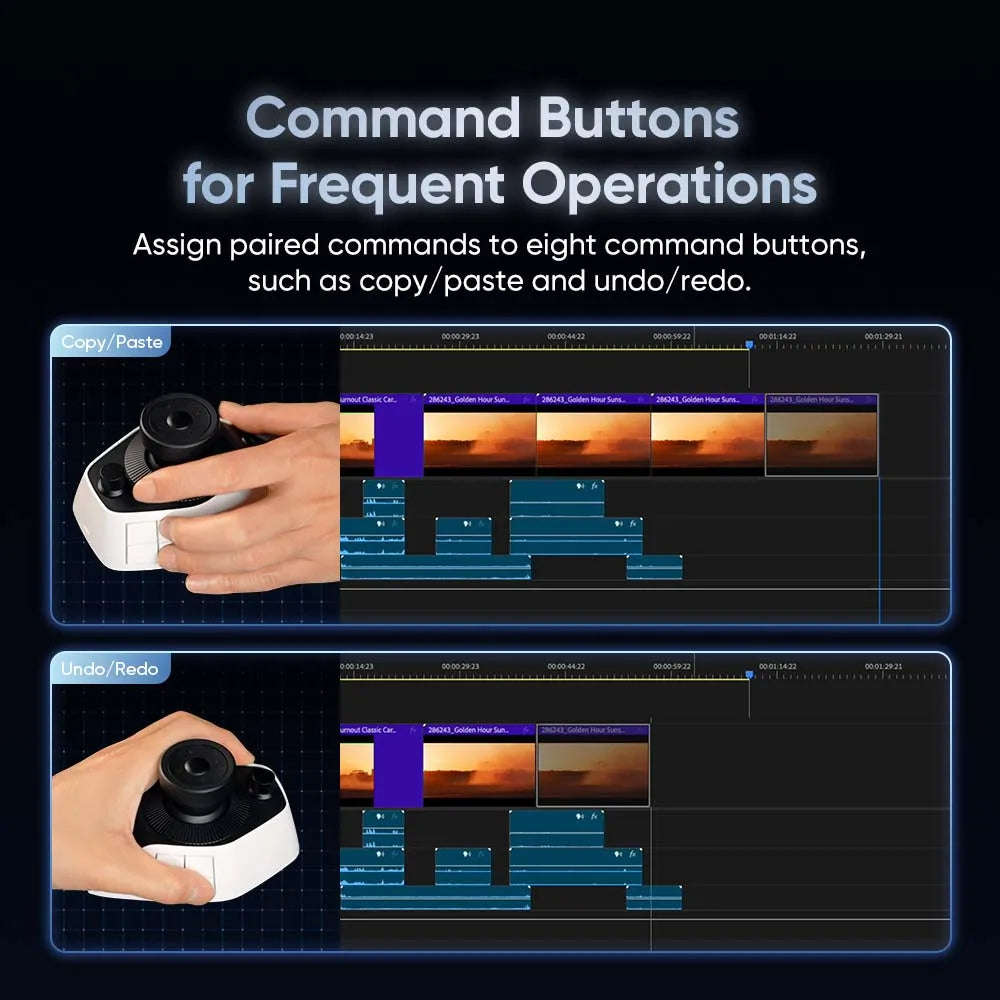
- 19 fully programmable buttons with support for over 100 shortcut commands
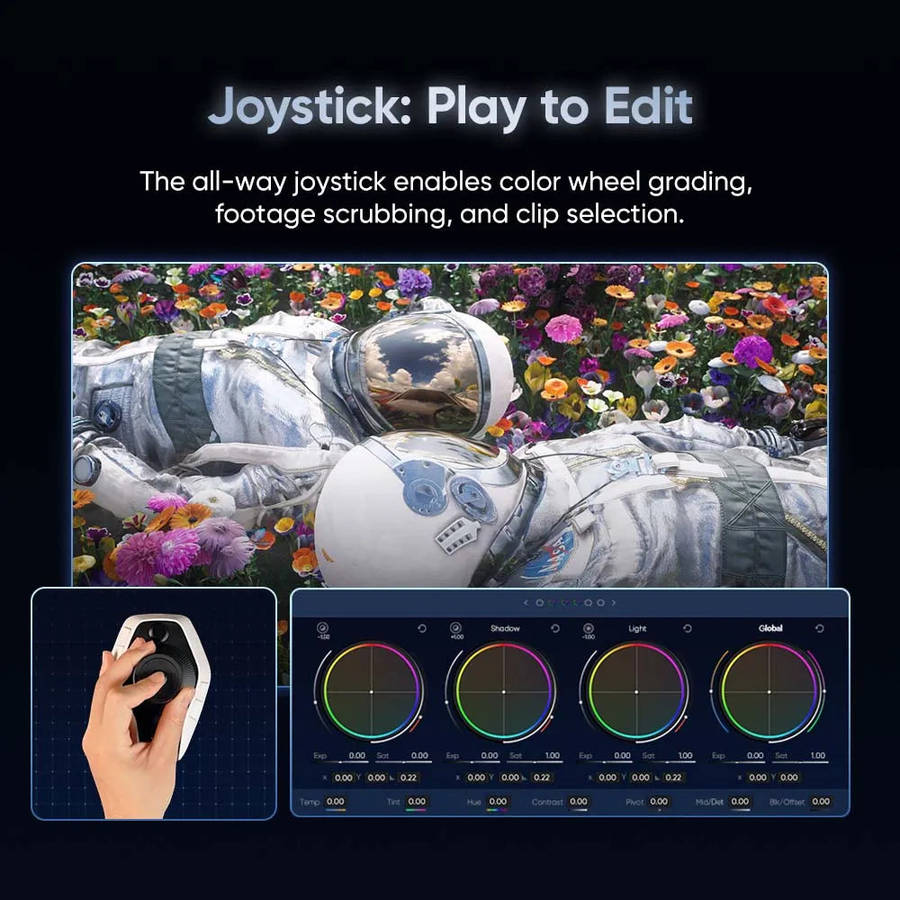
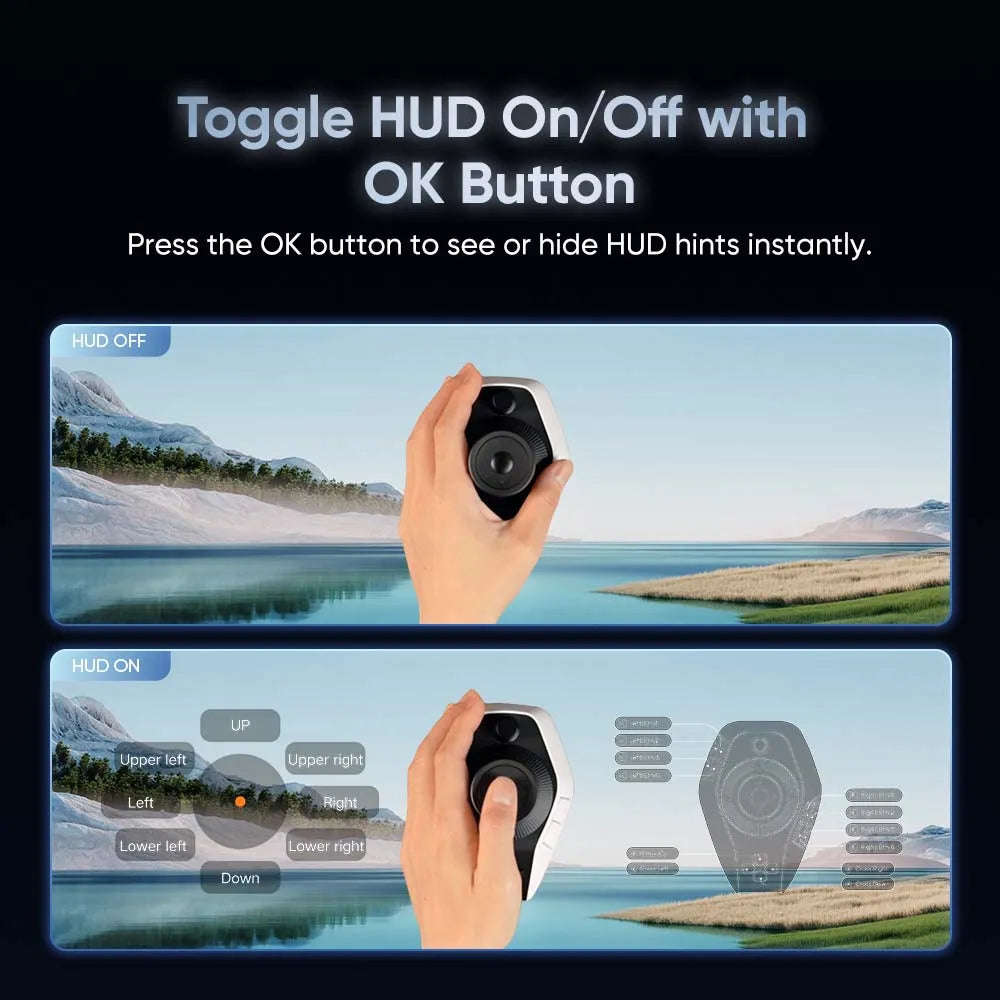
- Precision all-direction joystick for timeline navigation and colour grading
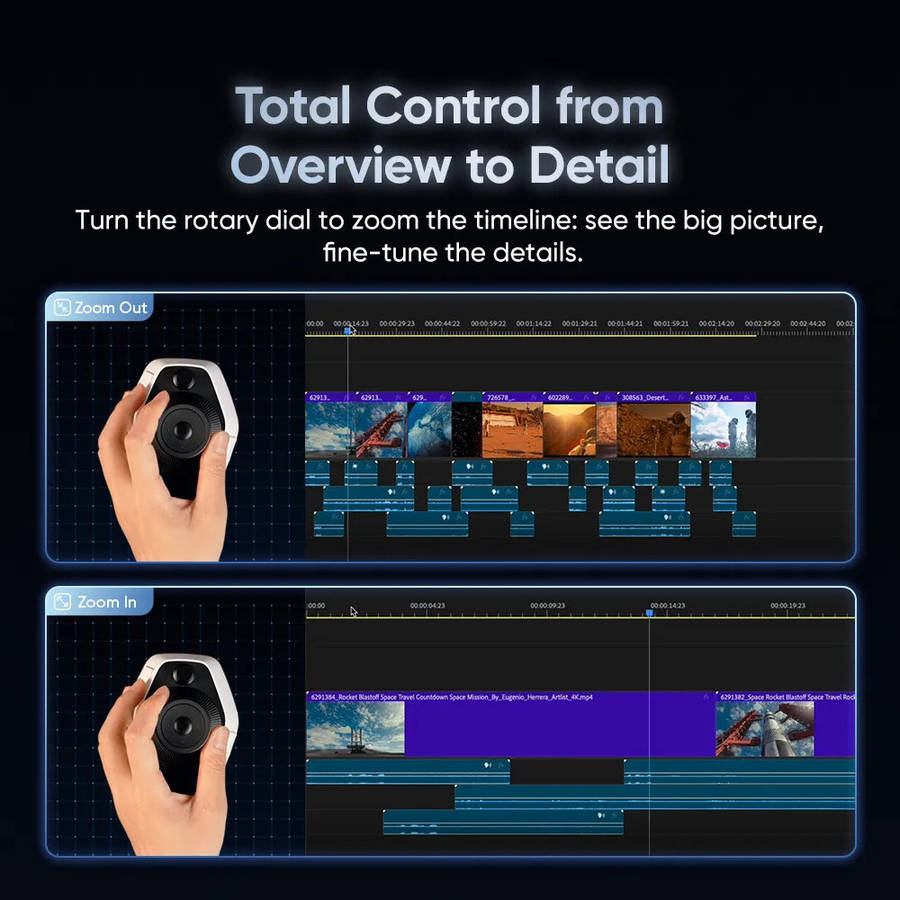
- Three programmable rotary controls (2 knobs and 1 dial)
- Adjustable haptic feedback with three vibration modes
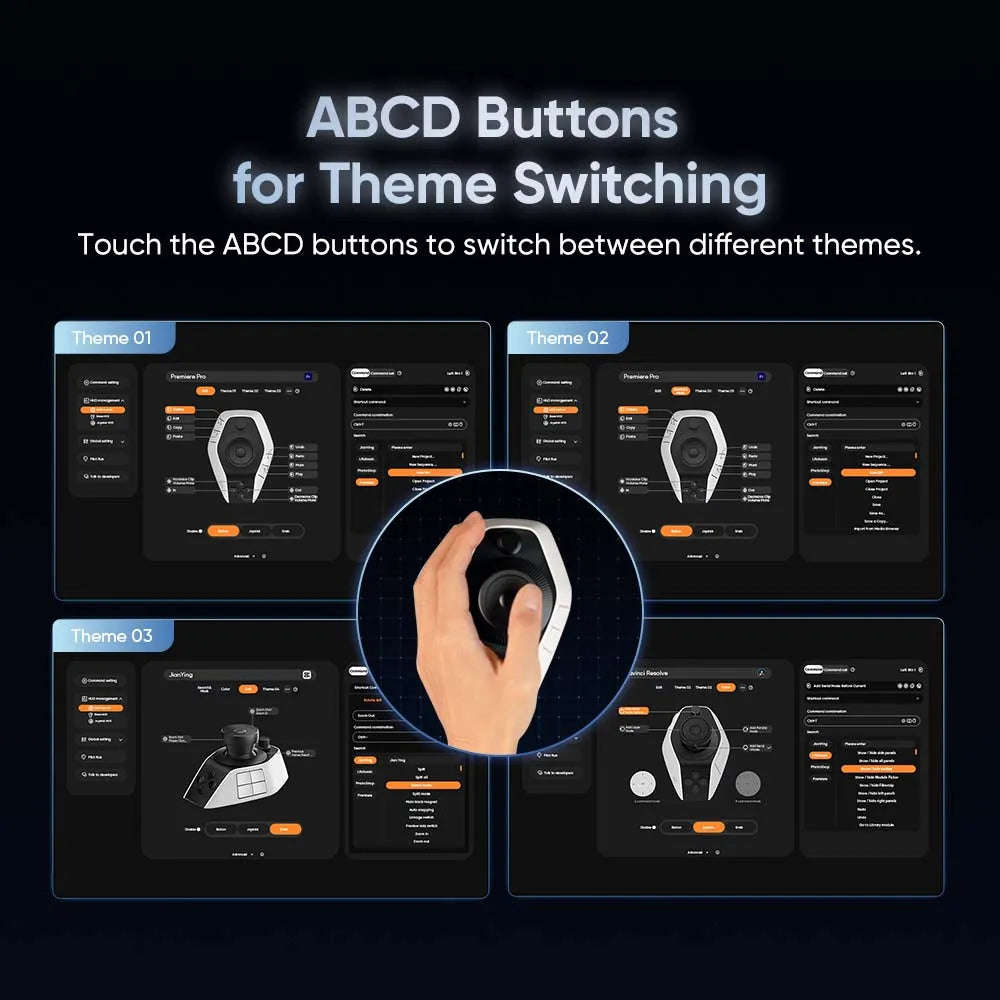
- Create and switch between up to 7 custom editing themes
- Automatic profile switching between supported applications
- Ergonomic design with integrated palm support for all-day comfort
- Bluetooth 5.4, 2.4GHz wireless receiver and USB-C wired connectivity
- Compatible with Windows 10+ and macOS 11+
- Firmware upgradable via XPPen software
- Includes carrying pouch for portability
Compatible Software:
- Adobe Photoshop
- Adobe Lightroom Classic
- Adobe Premiere Pro
- DaVinci Resolve
- Final Cut Pro
- CapCut
Specifications:
- Model: ACC02-A
- Colour: White
- Connectivity: USB-C, Bluetooth 5.4, 2.4GHz Wireless Receiver
- Buttons: 19 Programmable Buttons
- Controls: 1 Joystick, 2 Knobs, 1 Precision Dial
- Battery Capacity: 1900mAh
- Charging: USB-C (5V/2A)
- Battery Life: Up to 15+ days (typical usage)
- Dimensions: 130.25 × 92.5 × 66.9 mm
- Weight: 251 g
- Operating Systems: Windows 10 or later, macOS 11 or later
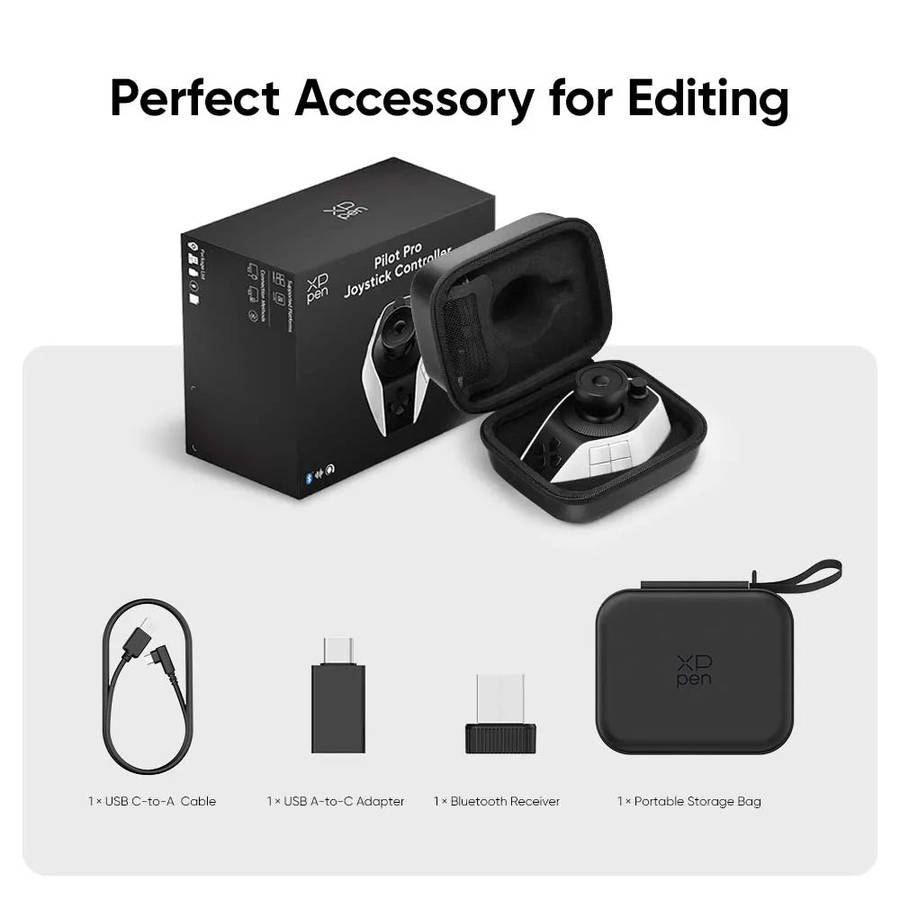
What's in the Box:
- 1 × XPPen Pilot Pro Editing Console
- 1 × USB-C to USB-A Cable
- 1 × USB-A to USB-C Adapter
- 1 × 2.4GHz Wireless Receiver
- 1 × Protective Carrying Bag
- 1 × Quick Start Guide
- 1 × Warranty Card